Search For......


Published on November 1, 2014
Published on Wealthy Affiliate — a platform for building real online businesses with modern training and AI.
IMAGE SEARCHES
I get asked all the time where I find my images. Here you go:
http://www.google.com/advanced_image_search
Why search 10 places when you can find it in one!
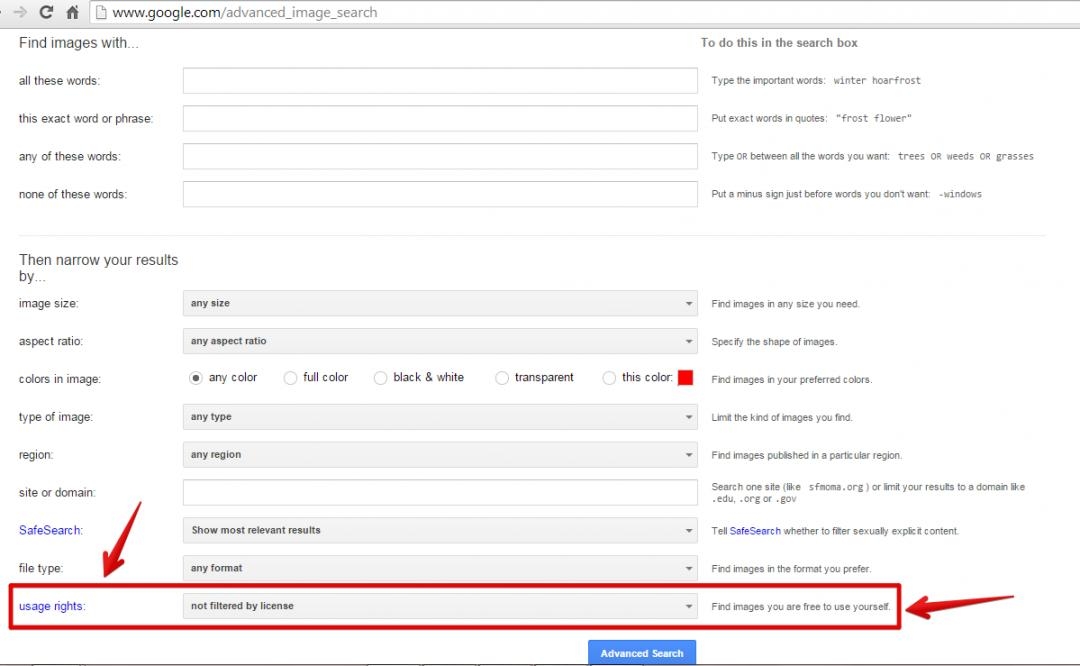
There are many options you can use to filter but I usually focus on the bottom one:

There are 4 different free options. Select the one that works best for you.
ALL OTHER SEARCHES
After quitting the prison life, I went on a search for something new. I didn't need to make a killing. I just needed to pay the bills. I got into fast food again for a little while. I managed parking services at the University of Maryland's Medical Center. Then I began work in a Sprint customer service call center. I took calls answering questions about bills and troubleshooting cell phone issues.
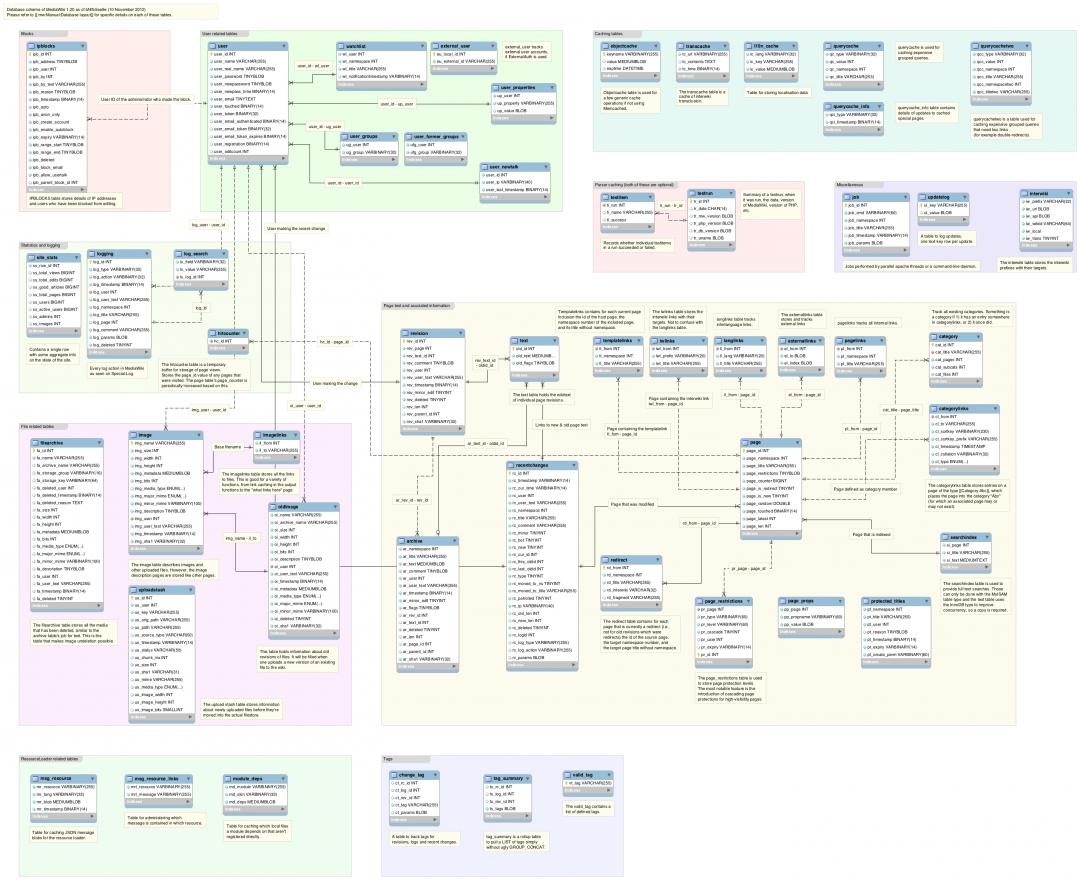
There is A LOT of knowledge involved in call centers. There is NO way you will remember ALL that information. So some smart person, a long time ago, developed something called a database. Which I imagine involves a lot of "If... Then..." scenarios.
Ready to put this into action?
Start your free journey today — no credit card required.
To be good at this job all you really need to do is learn how to be an expert searcher.
So I did.
It's all a matter of asking the right question. When using Google, it is a bit easier. I usually start with my exact question and work from there and I rarely look past the first page. For example: How to change fuel pressure regulator on 1997 Buick LeSabre
( Search I actually did!) I immediately found a youtube video which walked me through the really simple steps.
With the call center and a place like WA, you have to be a bit more creative. Actually it's more a matter of knowing the lingo.
It's hard to search if you don't know what it's called. A WA search is only going to look through titles. That's why it's great for new members that we have the question bar.

Before we know what terms to use for search, we can just ask for what we need.
Be as specific as possible so people can help you better.
IMPORTANT!!!!!!
If you happen to find the answer yourself - don't delete your question! :)
Add your answer so that someone in the future can find it as well.
SEARCH TIPS
FOR WA:
Expand your thinking. Try a different word or phrase. WA search will only search the titles of previously asked questions, training and posted blogs. You will need to not be so specific.
Say I want to know how to change my header. Since I don't know exactly how it would be done (customize or HTML or however) then I will just type in header in the search bar.
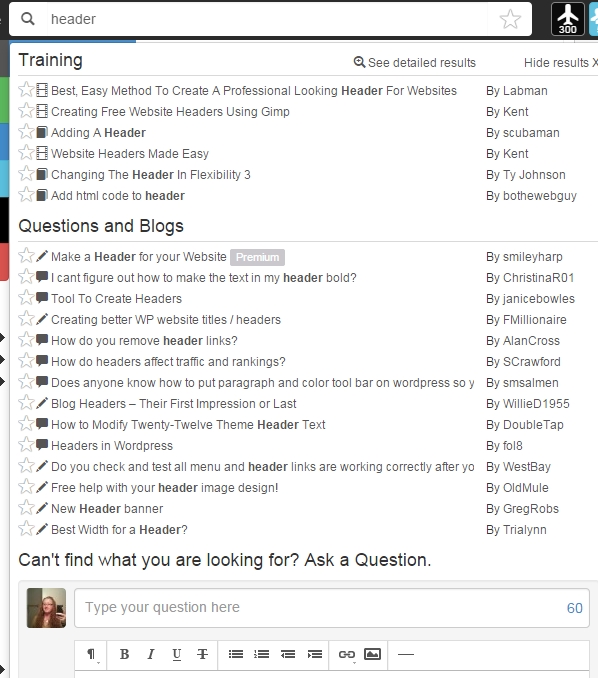
If I still don't see what I'm looking for - ta da - you still have a question box!
What I usually do is right click on a title and open in new tab. I will open all the ones I think may have the information I am looking for. I may find something useful in one that I didn't know I needed to know. ;) I can then bookmark it for later use.
Any questions? Ask away! :)
Share this insight
This conversation is happening inside the community.
Join free to continue it.The Internet Changed. Now It Is Time to Build Differently.
If this article resonated, the next step is learning how to apply it. Inside Wealthy Affiliate, we break this down into practical steps you can use to build a real online business.
No credit card. Instant access.