Lovely Christmas Star and concerns about Gravatar


Published on December 1, 2019
Published on Wealthy Affiliate — a platform for building real online businesses with modern training and AI.
Hello everybody, here comes my monthly post
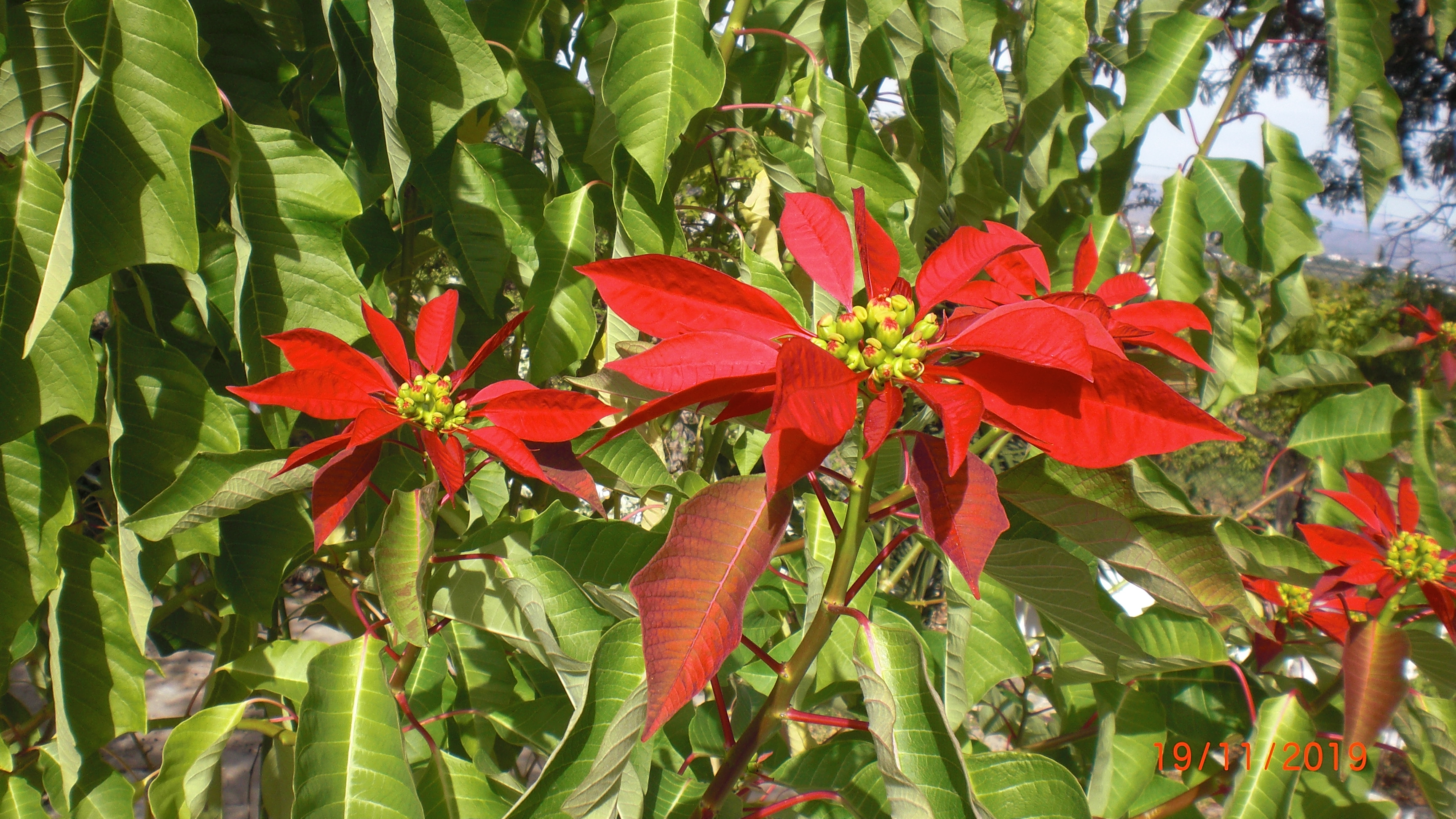
Close up of an old Poinsettia
Checking your website
I have renewed my yearly and in January of 2020, I will start my 4e year at Wealthy Affiliate
At the moment I am on a Christmas break. That means I will not write for my websites but will be doing a thorough checkup of everything. When you go back to old posts it can happen that YouTube videos have gone missing. I do not know why that should be but what is sure it does not look good on your post to see that grey space.
I will ask again for some more comments and keep rotating everything. I have a file with extra information which might be added to old posts. Sometimes you might not like the chosen photo anymore so you will swap it for a better one. As I have the Post Modification Date Plugin the post will look nice and fresh with a new date. It seems that the search machines like it when they see improvement and that your website is alive.
Pretty Poinsettia in the garden
Ready to put this into action?
Start your free journey today — no credit card required.
Before I tell you about my latest discovery I wanted to share with you the Christmas Star I have in the garden. Actually I have some more and they have turned into gorgeous trees over the years. It must be the climate they like. I would get a little Poinsettia in a flowerpot and after New Year I would plant it in the garden.
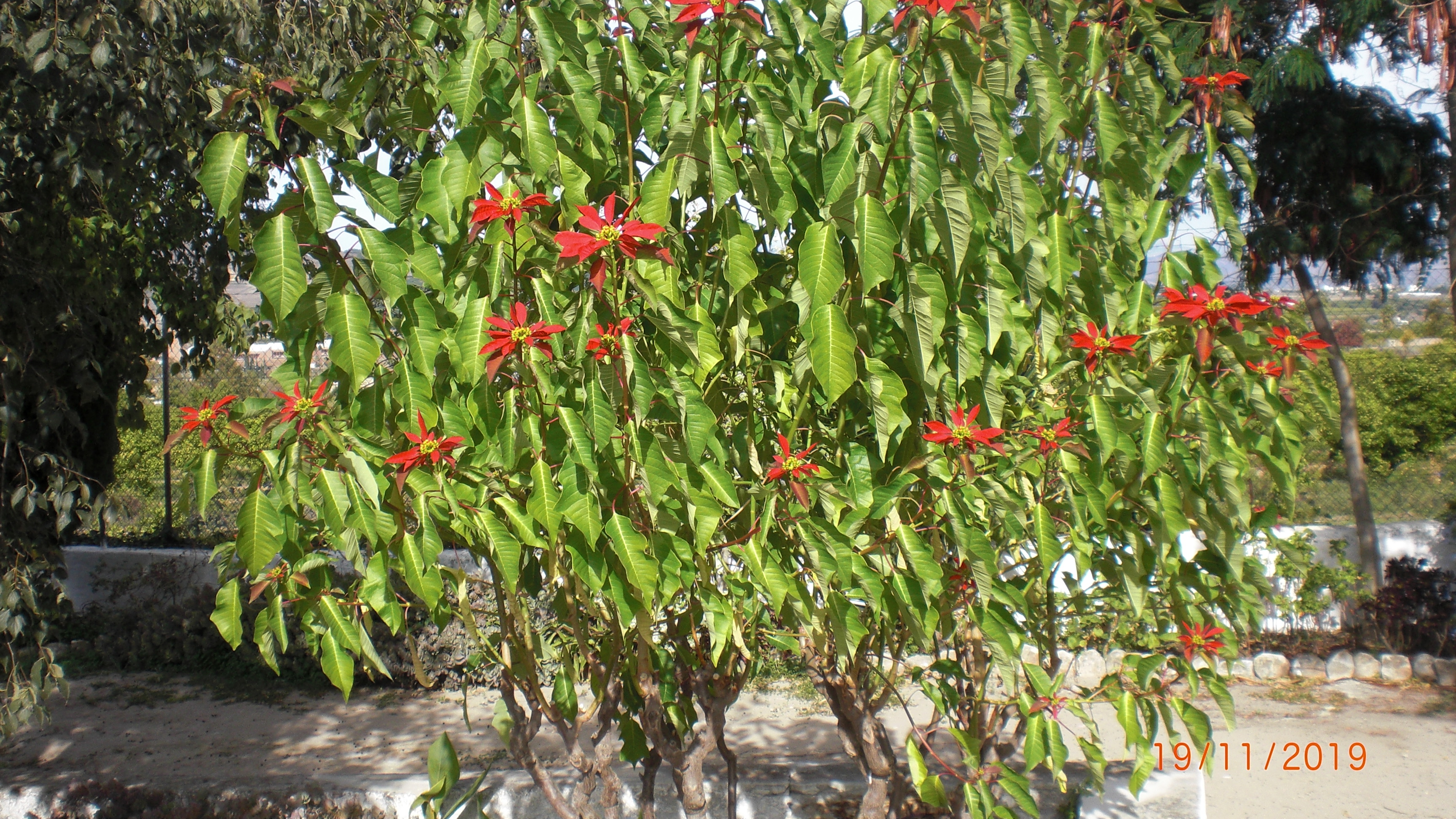
On of the old Poinsettias in the garden
A discovery on SiteComments
Time ago I wrote a WA post. https://my.wealthyaffiliate.com/laparra1/blog/2-for-1-a-uniq... why I think it is a good idea to use the name of your website visitor when you reply to their comment. The same applies to SiteComments as those comments will be put on your website too.
When you get a comment you see this small picture to the top left. Most times you will see a name and probably will know this person. Now if I do not see a name I will click on this small picture to have a look at the Gravatar and normally I will see a name there which I then will use addressing this person.
A couple of weeks ago I received 4 comments on a post through SiteComments. I did not recognize these 4 people and there were no names. I clicked on the first one and got a name on Gravatar. I authorized the comment and replied. I went to the second comment and got the same Gravatar. This also happened with the third and fourth comments. I did not authorize these 3 comments and informed Site Support including a screenshot.
It happened twice again. I received 2 comments from the same person. Site Support investigated and it is 1 person who has at least 4 WA profiles. I was told there will come some changes on SiteComments as the same person is only allowed 1 comment on 1 post.
Yesterday it happened again. When I checked the Gravatar for a name I discovered the same person with 2 comments but this time it was a different Gravatar. SiteSupport was informed including a screenshot. Because of this cheating, I have lost 7 comments which is a shame. I am happy though that I insist on knowing people's names as otherwise, this issue would have gone unnoticed.
Greetings from the south of Spain.
Taetske
Photos: Private
Share this insight
This conversation is happening inside the community.
Join free to continue it.The Internet Changed. Now It Is Time to Build Differently.
If this article resonated, the next step is learning how to apply it. Inside Wealthy Affiliate, we break this down into practical steps you can use to build a real online business.
No credit card. Instant access.