How To Create Graphics For Your Website


One of the things I most often get asked about my site is:
How do you create the graphics?
Before I landed here at Wealthy Affiliate, I was a blogger- so that's all I knew. One of the first things you'll learn about blogging is that imagery is very important, and while I am by no means an expert (definitely not!), I do like to have a lot of pictures on my sites.
This image, for example, sits on my front page. It's very, very simple- but it works. People respond to it.
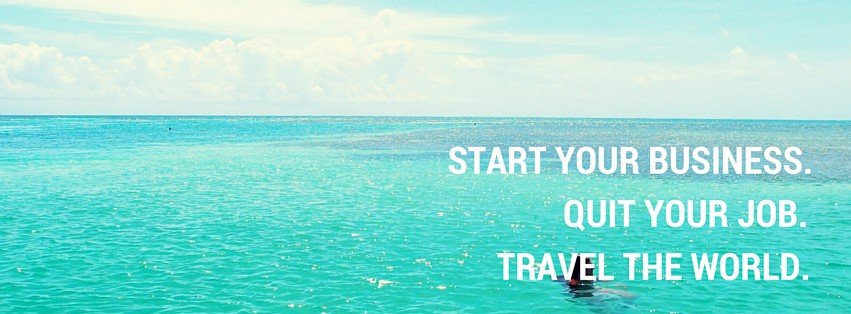
And here's a typical graphic for one of my posts:
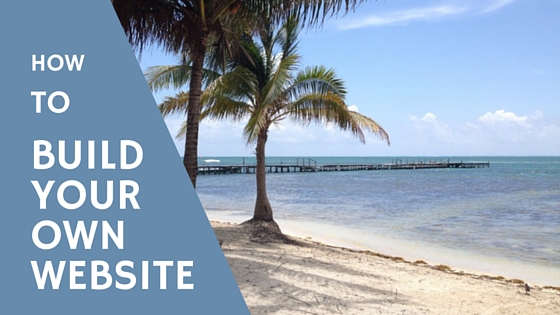
Now, they're nothing special, but they allow me to have a theme running through my site. Continuity, I have learned, is good. I stick to a tropical, 'dream life' type of theme, and people seem to like it.
The tool I use to create these images is called Canva.
And the best part is, it's completely free. If you go to www.canva.com, you can get started today in creating your own images for your site.
I have a few standard templates set up now, so it takes me less than 5 minutes to create a picture. I have simply uploaded a few of my own photos (however, if you don't have your own, you can always find free stock photographs on Google), and I reuse the same pictures quite often, usually as background images.
Canva is incredibly easy to use, and you can create any kind of graphics on there. I'd advise that you stick to 'Blog Title' designs to start with, because they're a good size, and the right kind of layout for you.
A quick note: Some of the designs are free, some you must pay $1 for. I've never paid for any of mine, so just find a free template and use that one.
Oh, and one last thing: all of the designs that you see are simply templates. You can change the background image, the text formatting and colour- pretty much everything. The best way to learn is to simply go and have a look around, and try a few things out.
If you have any questions about Canva, please drop me a message and I'll get back to you.
Good luck!
Chloe
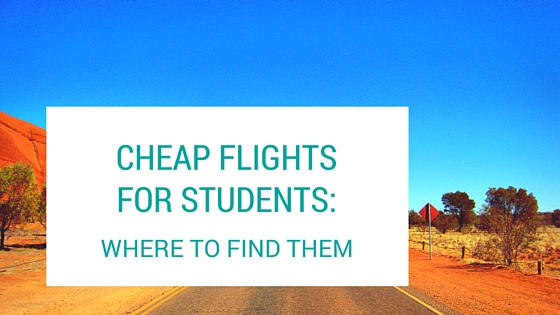
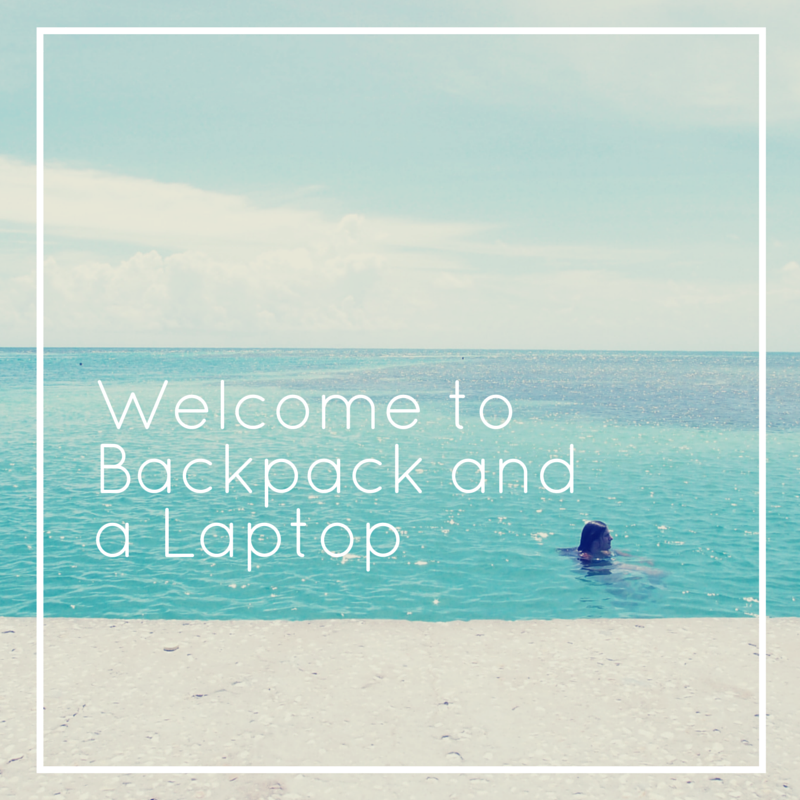
Oh, here are a few more ideas for you:
Join FREE & Launch Your Business!
Exclusive Bonus - Offer Ends at Midnight Today
00
Hours
:
00
Minutes
:
00
Seconds
2,000 AI Credits Worth $10 USD
Build a Logo + Website That Attracts Customers
400 Credits
Discover Hot Niches with AI Market Research
100 Credits
Create SEO Content That Ranks & Converts
800 Credits
Find Affiliate Offers Up to $500/Sale
10 Credits
Access a Community of 2.9M+ Members
Recent Comments
30


Thank you for this post, Chloe.....love your explanation of your continuous imagery throughout you site. This is so important and can be of so much help.
Wayne


If you use Google to find free images and graphics you need to do an advanced search, as all images aren't free and many cannot be used commercially even if they are free.
To do an advanced search, enter "google images" (without the quotes) in the search bar, when the list comes up, click on "Google Advanced Image Search". When the page comes up, fill in what you require in the appropriate boxes then scroll down to the most important one: Usage Rights. Click on the dropdown menu then click on "free to use, share or modify, even commercially" then click the button, Advanced Search, and you should see a list of free images, but be careful, there could still be conditions attached to some of them.
Personally, I never use Google Images, if you want really free for any use images, one of the best around is Pixabay.com. Although they do have sponsored images, which will normally be watermarked, the rest are totally free.
The one I find is the best of all: PublicDomainFiles.com.Here you will find not only images, but fonts, clipart, videos and film clips, all in the public domain and all free to use for any purpose.
Canva is excellent for creating images, but I use gimp, I find it gives me more options. Hope this helps.

Thanks for this- I should have clarified, that when I said to use Google, I didn't mean Google Images (although the approach you outlined does work).
No, what I meant was to literally type 'free stock photos' into Google, which would bring up Pixabay....so we all just ended up at the same place, but in a roundabout way :)
Thanks for sharing this, though, and to clarify- you need to have usage rights in order to use other peoples' photos. I am not advocating theft in any way!
Chloe

Hi Chloe, not if they have been placed in the public domain by the originator giving free use for any purpose, including modifying, or under a CC (Creative Common License), although they may be free to use under a CC license, some may still have condition such as accreditation or non-commercial use.
Like you, Chloe, I don't condone theft in any way whether it be images, plagiarism or anything else. There is so much available in the public domain there's no need to steal.


This is something I've always wanted to know, thanks so much Chloe!
So I already have a quick question about Canva - I signed up, and it's asking me what I'd like to use it for: Work, Personal or Education. My curiosity gets the better of me all the time... for what we do, should I just go with Work or is Personal or Education better?
I'm probably overthinking it as usual; I just wondered what you'd go with. Thanks again :)
Robert
Hey Robert,
Great question. I'm not going to lie to you- I don't know the exact reasons for this. I just signed up for personal use, as I was just running a personal blog.
A quick search has brought up potential font licensing issues. Basically, certain fonts are licensed for personal, work or education purposes. If in doubt, choose a 'work' account, and you shouldn't have any problems :)
Good luck with it!
Chloe
I created my first facebook header, sooo beautiful and easy. I am impressed. Chloe that was one of the best hints I have ever gotten on the net. Thanks again.
Kay
That's awesome! And you are welcome, I'm just glad someone else is finding it useful.
Good luck with all your new graphics :)
AAAWESOOOME! Thanks for sharing. I definitely will use this site.
Very cool, thank You Chloe.
Kay
You're very welcome, Kay!
Someone shared this awesome tool with me a while back, so I thought I'd spread the joy :)
Good luck with it.
Chloe
See more comments
Join FREE & Launch Your Business!
Exclusive Bonus - Offer Ends at Midnight Today
00
Hours
:
00
Minutes
:
00
Seconds
2,000 AI Credits Worth $10 USD
Build a Logo + Website That Attracts Customers
400 Credits
Discover Hot Niches with AI Market Research
100 Credits
Create SEO Content That Ranks & Converts
800 Credits
Find Affiliate Offers Up to $500/Sale
10 Credits
Access a Community of 2.9M+ Members
Thanks for sharing
much appreciated