Setting Up a Premium Hub Build: Step-by-Step Guide


Published on October 30, 2024
Published on Wealthy Affiliate — a platform for building real online businesses with modern training and AI.
Hey Everyone,
In this tutorial, you will learn how to set up a brand-new hub using the premium-level hub build in Wealthy Affiliate. This feature gives you advanced options beyond the starter membership, such as creating a new business, using existing websites, and selecting a niche direction.
Let’s get right into the process.
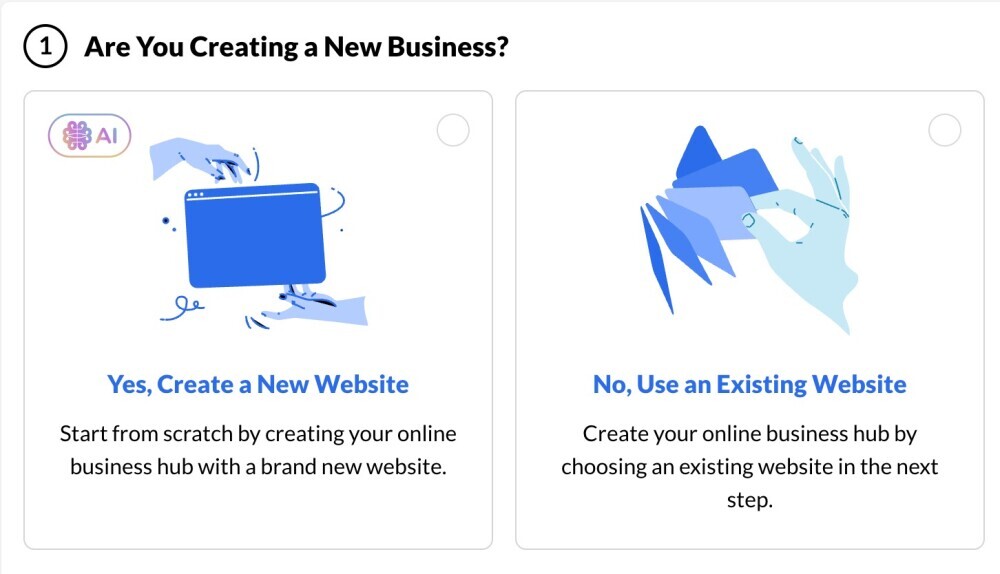
Step 1: Choosing to Create a New Website or Use an Existing Website
1.1. Decide on Your Website Type
- If you’re creating a brand-new website and niche, select "Yes, create a new website."
- If you want to link an existing website to the hub, select "No, use an existing website."
Step 2: Selecting a Niche Direction
2.1. Selecting a Niche for Your Business
- After choosing the website type, you’ll select a niche direction.
- Any niche has potential since there are billions of potential customers and millions of products to promote online. Select something that interests you.
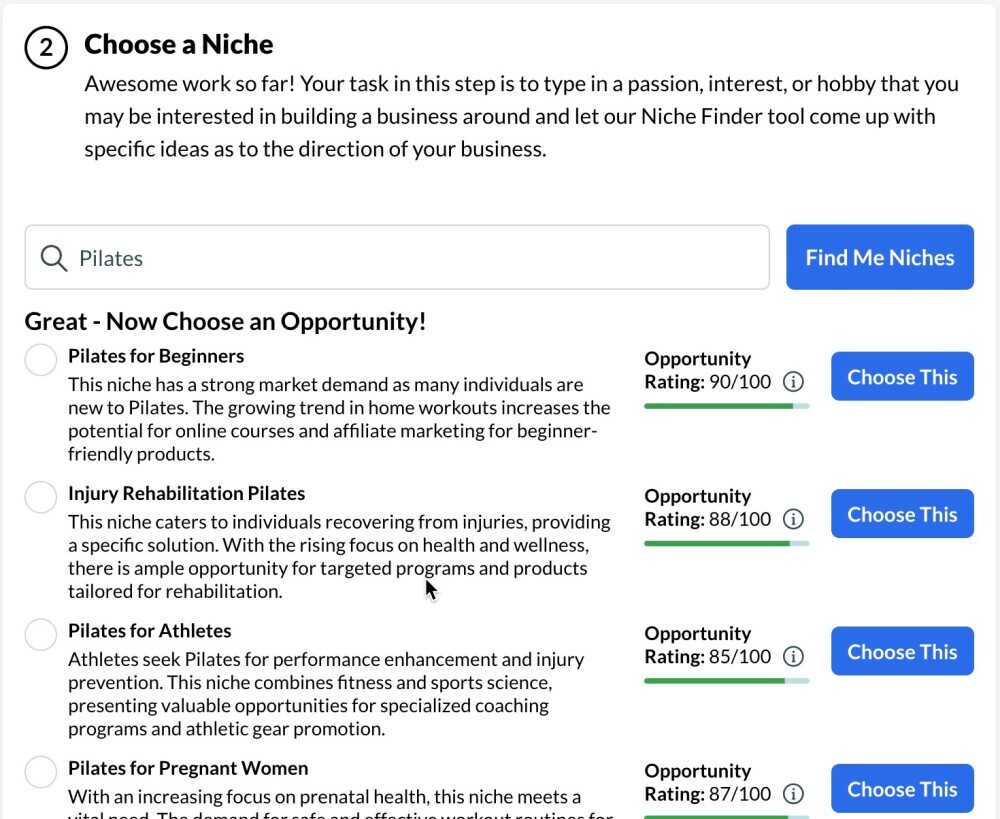
2.2. Using the Search Function to Explore Niches
- To find niche ideas, type a keyword in the search bar (e.g., "Pilates").
- The system will display various niche options within that category, such as "Pilates for Beginners" "Injury Rehabilitation Pilates" or "Pilates for Athletes"
Ready to put this into action?
Start your free journey today — no credit card required.
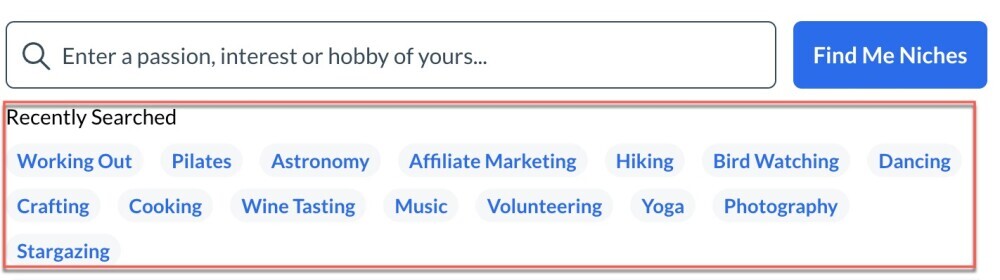
2.3. Choosing Recently Searched Niches
- You can also click on recently searched options to explore previously viewed niche ideas.
- For instance, if you select "Pilates," you’ll see a list of related business ideas for this niche.
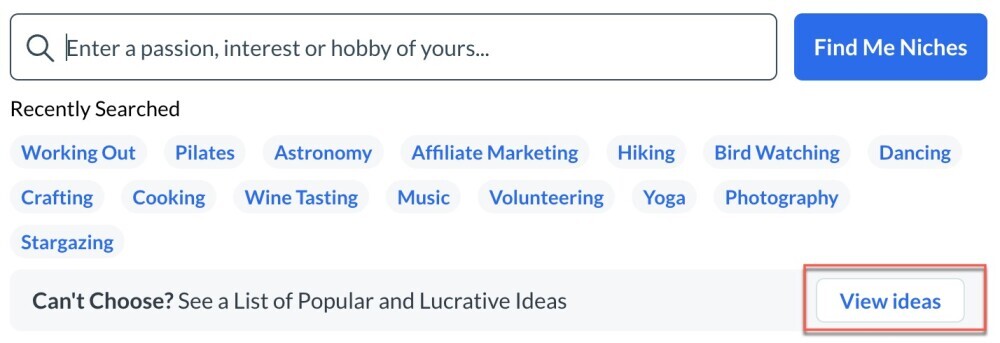
2.4. Viewing Popular Niche Suggestions
- If you can’t decide on a niche, there’s an option to browse a list of popular and lucrative niches. These are curated to provide high-opportunity ideas across various categories.
Step 3: Building Your Website
3.1. Selecting a Domain Name
- After choosing your niche, it’s time to decide on a domain.
- You can use a free domain (under siterubix.com) or a custom domain.
- Note: Custom domains need to be registered here or point to Wealthy Affiliate.
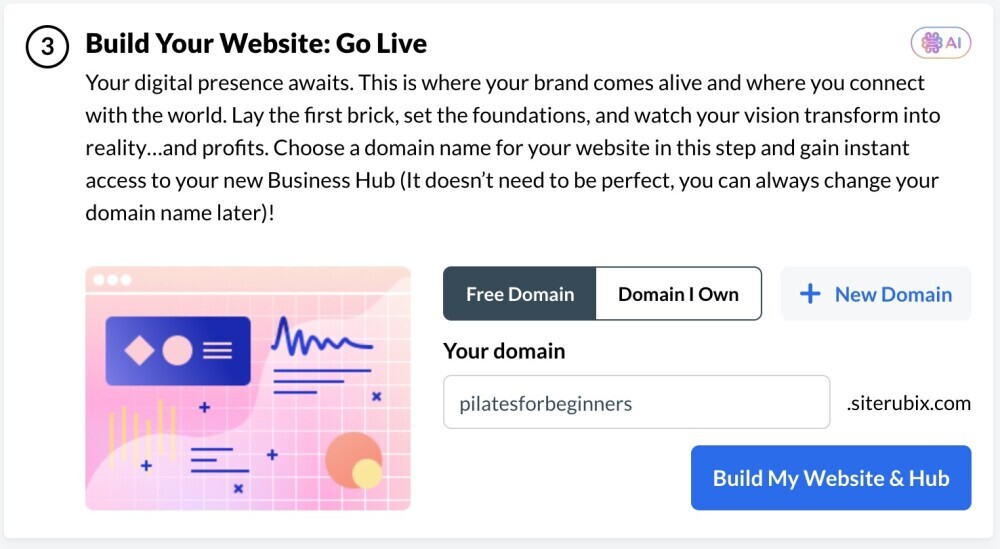
3.2. Recommended: Register Your Domain with Wealthy Affiliate
- Purchasing domains through the Site Domains platform at Wealthy Affiliate ensures they are instantly integrated and ready to use in the hub build.
Step 4: Using an Existing Website for Your Hub Build
4.1. Linking an Existing Website
- If you want to connect an existing website, select the “use an existing website” option and click Continue.
- Choose from your hosted websites and allocate a hub for your selected niche.
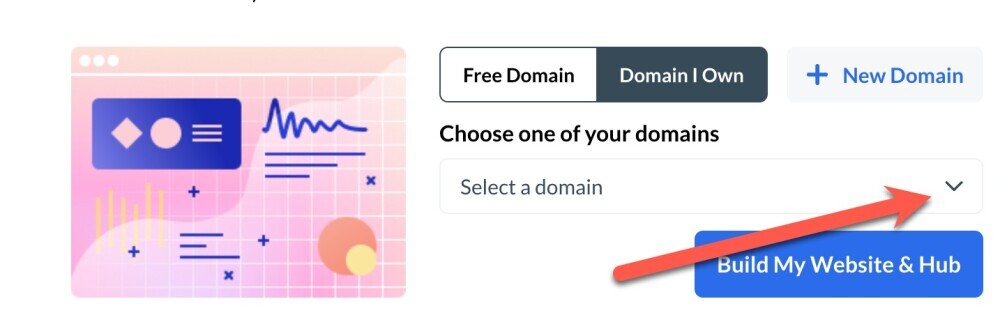
4.2. Selecting a Niche for the Existing Website
- Assign a niche to your existing site. For example, if you have a site named 3333.siterubix.com, you might choose Numerology Ebooks and Guides as the niche. That is an example, but your domain would reflect your niche and yoru brand.
Step 5: Finalizing Your Hub Build
After selecting the niche and domain, proceed to finalize your hub setup. Click "Build My Website & Hub.
This completes the foundational steps for building a business around a new or existing website, and you will be off and running with your Business Hub workspace for your existing or new domain.
If you have any questions about this process, leave it within the comments.
Share this insight
This conversation is happening inside the community.
Join free to continue it.The Internet Changed. Now It Is Time to Build Differently.
If this article resonated, the next step is learning how to apply it. Inside Wealthy Affiliate, we break this down into practical steps you can use to build a real online business.
No credit card. Instant access.