My Near-Disaster with Canva (and the Feature That Saved Me!)



Canva has an autosave feature! (Pro version only). It saved my butt, big time.
I have a template saved with the size of image to use in the body of posts. 1200 px x 675 px. Instead of setting one up for every image, I open the template, add a photo, some text overlays, cropping and the like, then download it, do ctrl + A then delete, and start the next image.
Thing is, I’d accidentally done something to that template creating a second page. The images I was doing was being done on the second image and I wasn’t downloading that. I was downloading page 1, which was the blank template.
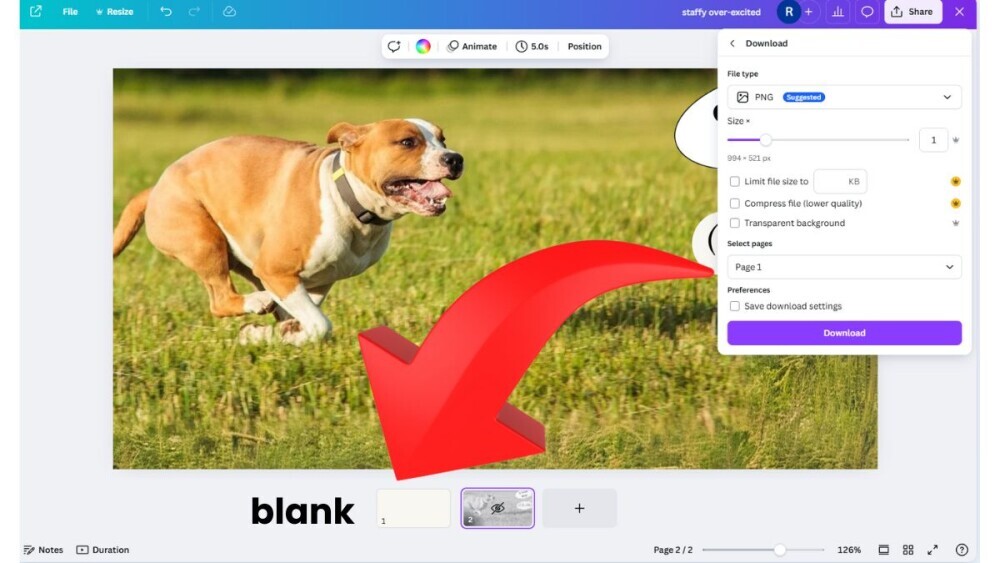
When I reached the stage of converting from png to WebP (https://www.freeconvert.com/) so it doesn’t slow the site speed too much, I was horrified to see blank images.
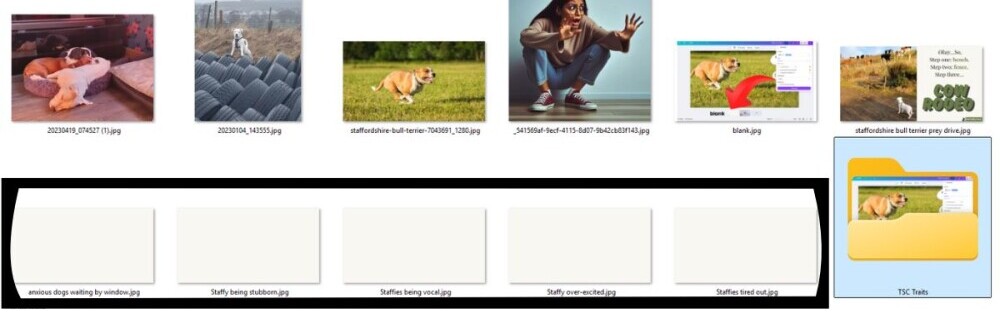 That’s when I went looking for a recovery feature in a Canva account. They don’t have it. Aaargh!
I did find a “version history”
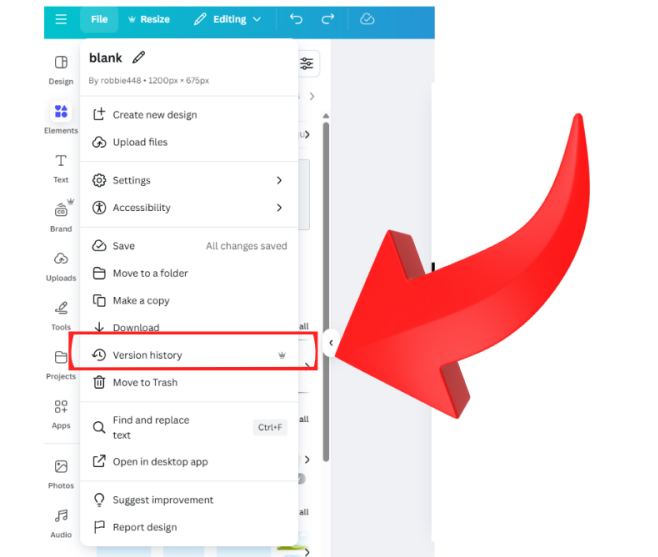
… And oh my, the relief when I saw it had been saving in the background!
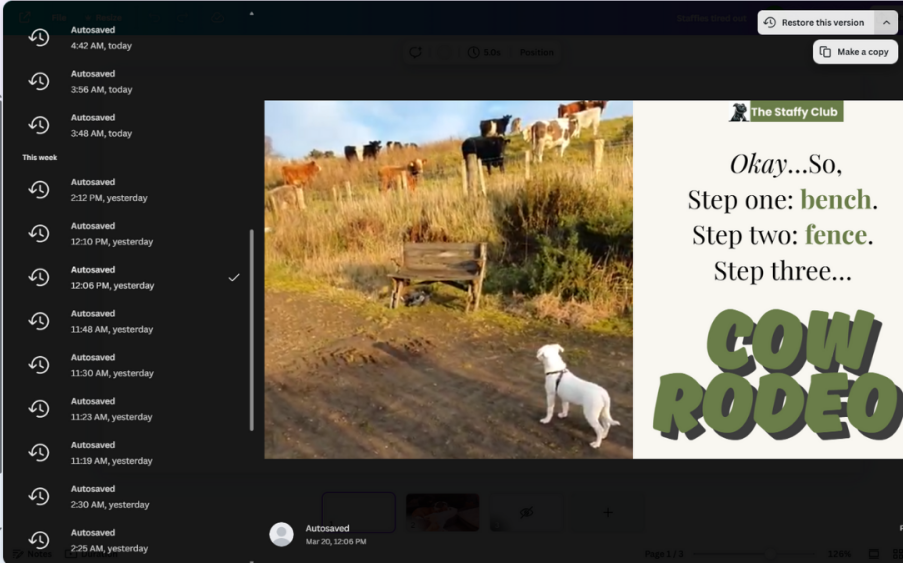
So, not only did I get my 15th post published, and entered into Kyle’s competition (give it a 'like' if you like) for this week, I discovered a handy feature in Canva, and learned to just create a new custom size for every new image instead of deleting pictures - especially ones that have been heavily edited. That was hours wasted. I won’t do that again.
What's been your worst tech disaster?
Join FREE & Launch Your Business!
Exclusive Bonus - Offer Ends at Midnight Today
00
Hours
:
00
Minutes
:
00
Seconds
2,000 AI Credits Worth $10 USD
Build a Logo + Website That Attracts Customers
400 Credits
Discover Hot Niches with AI Market Research
100 Credits
Create SEO Content That Ranks & Converts
800 Credits
Find Affiliate Offers Up to $500/Sale
10 Credits
Access a Community of 2.9M+ Members
Recent Comments
5


this would have been worse than my losing 58 minutes of writing yesterday when our AI writer gave me an SSL error and when I went back, the autosave was 58 minutes ago.
Glad you recovered. Canva is currently the only thing I am paying for. The autosave, and version history are only part of the reason I pay for it.
Don

That would be painful - losing all that content. I'm weary of it for that reason. I prefer Scrivener because the autosave is to the device, not reliant on an internet connection.

I can certainly understand how frightening that was for you, Robert.
Fortunately, I cannot remember an online disaster during my thirty-plus years at the typewriter. But, no one knows what might happen!
All the best to you for the future, Robert.
Valerie
See more comments
Join FREE & Launch Your Business!
Exclusive Bonus - Offer Ends at Midnight Today
00
Hours
:
00
Minutes
:
00
Seconds
2,000 AI Credits Worth $10 USD
Build a Logo + Website That Attracts Customers
400 Credits
Discover Hot Niches with AI Market Research
100 Credits
Create SEO Content That Ranks & Converts
800 Credits
Find Affiliate Offers Up to $500/Sale
10 Credits
Access a Community of 2.9M+ Members
Every day we live and learn Robert.... life would be pretty uneventful if we didn't!
Great going my friend and enjoy the rest of your weekend! :-)