Embedded YouTube videos with Lazy Load - Page Speed Experience


Published on June 22, 2020
Published on Wealthy Affiliate — a platform for building real online businesses with modern training and AI.


I was trying to embed short videos (30s to 2 mins in length) from YouTube that is relevant to my latest post. To embed videos, I was going through Kyle's training on How to Embed a Youtube Video into Your Website, which was quite a breeze to add.
After doing the 7 steps that Jay taught in 21 Minute Ranking Method in 7 Steps, which is basically:
- Meta Title
- Meta Description
- Keyword in Content (only need once in the content)
- Alt tag within an image
- Internal links
- External links
- Video Embedded
I went on to Page Speed Insight to check the speed of my latest URL. To my horror, the speed score drops quite drastically on both mobile and desktop. (Below is a re-enacted screenshot on the mobile where I have deactivated the few plugins that I have found later on)
The impact on mobile was greater while desktop score was around in the 60s if I recall.
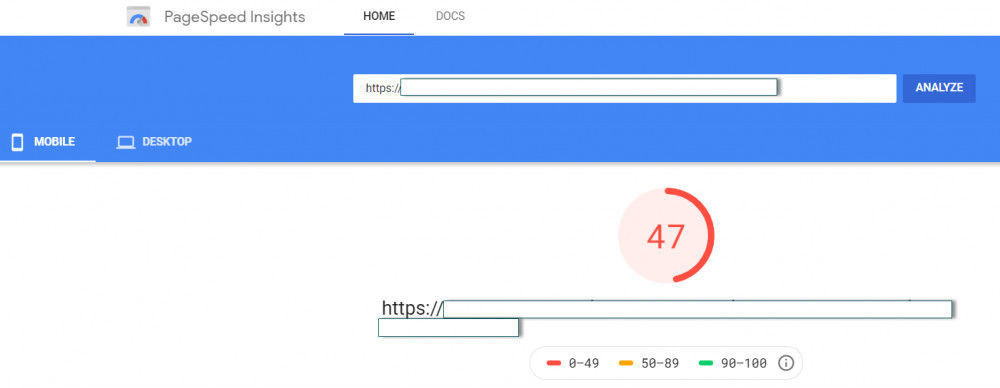
I was in panic mode! Then I thought I remove the iframe src that I copied from the YouTube video and then retested the speed. The page speed score improves again. See below both mobile and desktop score.
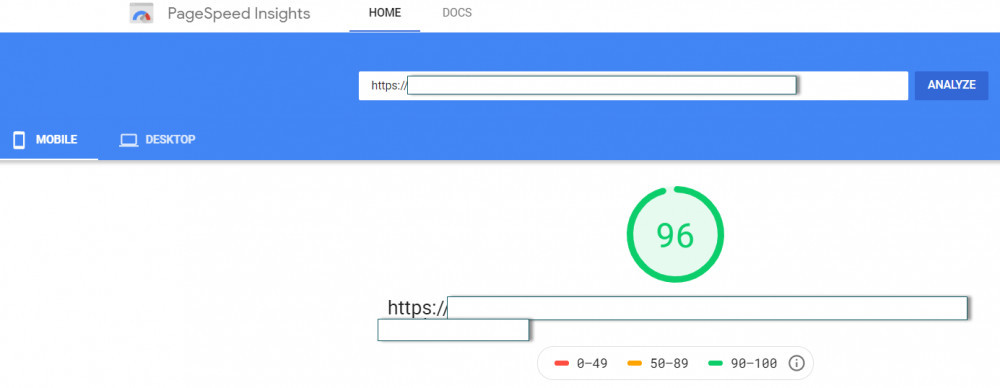

An interesting thing to note above, the above rosy picture is when I click on Analyze a 2nd time actually. Whenever I change something on my post, the initial score is lower which in this case mobile was 74 and desktop was around 80 something.
ChrystopherJ was talking about this when he was sharing about theme speed, WordPress Theme Baseline Google PageSpeed Tests - Is Your Website Fast Enough?. As I re-read again, it is called initial load time.(I suppose it is the same in my case)
I WANT THE VIDEO
But I just want to have the video there, at least for the first time in my website, I have an embedded video in one of my post. It is like trying to complete a training.
But page speed score went really low, should I be concerned?
So I spend more time trying to find some answers and my first port of call was to find Smartketeer's training (Thank you!) on How to increase your site speed with lazy-loaded videos.
Actually, I found Smartketeer's training was only because I was following ecocatherine's blog (Thank you!) where in some of her questions for her website, she (or someone) commented on Lazy Load. And I also found someone asking the same question in Kyle's video training on How to Embed a Youtube Video into Your Website.
LAZY LOAD
And so I went to search for the Lazy Load plugin. In Smartketeer's training, the following was recommended. 
Ready to put this into action?
Start your free journey today — no credit card required.
Unfortunately, it was untested with my version of WordPress? I hesitated for a while but thought just to go ahead to try while I notice this plugin was last updated 3 weeks ago.
After activating it (at least nothing crashes), initial load was still 43 / 79 for mobile and desktop respectively. On the repeat load test, it was 53/89 which somehow got better at least for the desktop.
Initial Load

Repeat Load

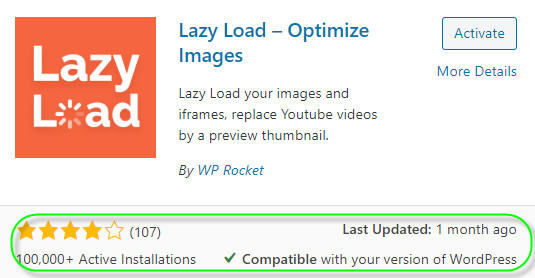
I have also found another Lazy Load plugin later on but is by WP Rocket. And it seems to be more well-received where it has 100k+ active installation.
Advice from Site Support
So this is still looking bad. I went to seek some advice from Smartketeer, but while waiting, I thought of trying my luck to ask Site Support too. At the end of it, I got an interesting comment which I subsequently also found other members who got the same feedback from Site Support in the past.
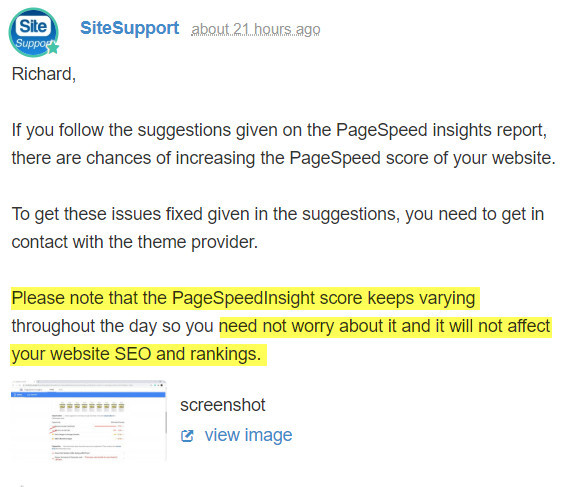 So Site Support is saying that I do not need to worry about the PageSpeedInsight score and will not affect website SEO and rankings.
For quite a few moments, I was thinking perhaps I don't need to worry about it and can just focus on the content building? I am in fact spending quite some time on trying to find out what I can do to fix this.
It seems to be an odd comment because I thought it matters right?
Less than 3 seconds
So Smartketeer replied me and gave me this link to WP Rockets website on How Fast is My Mobile Site? Tips and Tools to Measure Mobile Website Speed
My key take away is that the website should load below 3 seconds. People will lose interest after that.
And this is where I was introduced to Pingdom and GTMetrix. When I tested my URL on both, it shows my post loads below 3 seconds which gave me some comfort.
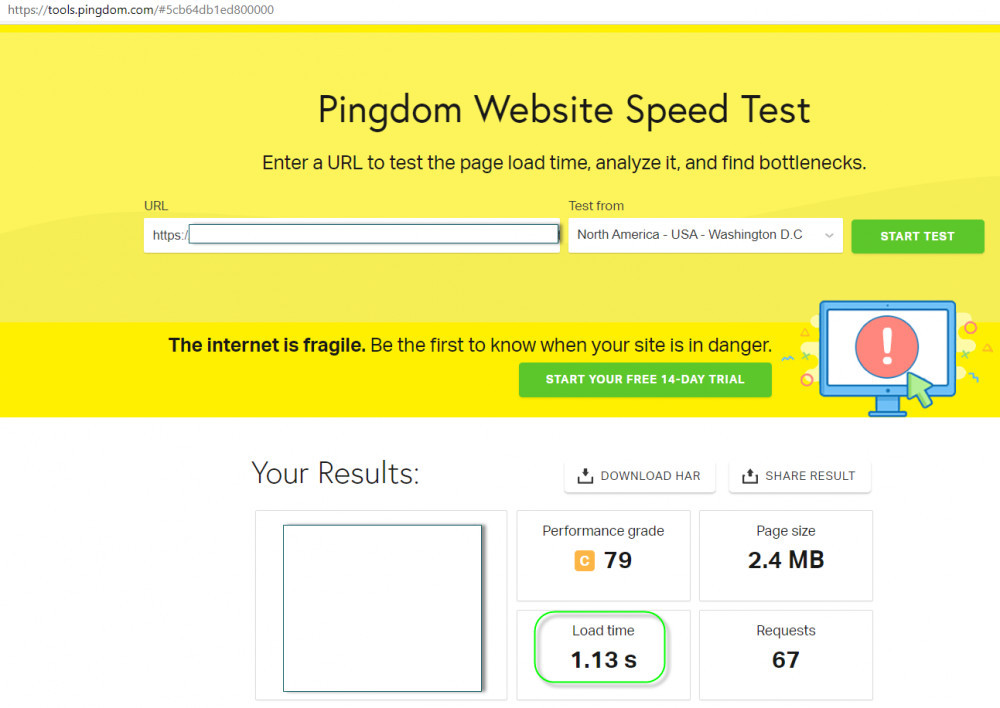
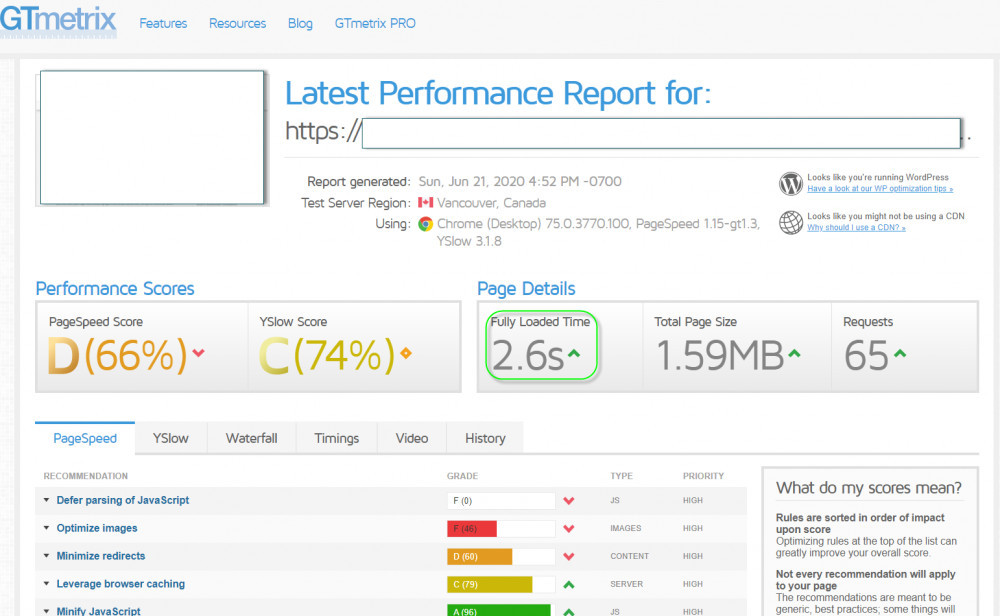
While load time looks good, GTMetrix and PageSpeedInsight is telling me something about JavaScript which I don't know what or how to solve. Not sure how I can go about looking for further help.
And in PageSpeedInsight score, it is still not good on initial load and repeat load time, especially on the mobile. For desktop, it is still slightly below but at least in the high 80s or sometimes 90s region.
Open Points
Frankly speaking, I am not sure what I can do next. Some open points on my mind which I'm not sure if anyone can help me:
- Which Lazy Load plugin should I use? It seems that the one from WP Rocket looks more credible?
- Should I be concerned with my decreased score and speed on my post due to the adding of the embedded videos? Is there anything else I can do? Or is this still acceptable since load time is less than 3 seconds in Pingdom and GTMetrix?
- I have also found AMP plugin, do I really need it?
- Is there anything on JavaScript that I can change with regard to the embedded video to further improve the page speed?
I would certainly appreciate your feedback and welcome any comments. Hope the above may also help somebody.
Thank you.

Share this insight
This conversation is happening inside the community.
Join free to continue it.The Internet Changed. Now It Is Time to Build Differently.
If this article resonated, the next step is learning how to apply it. Inside Wealthy Affiliate, we break this down into practical steps you can use to build a real online business.
No credit card. Instant access.