How to Track Clicks, Sales, and ROI for Amazon Affiliate Links


Published on August 29, 2025
Published on Wealthy Affiliate — a platform for building real online businesses with modern training and AI.

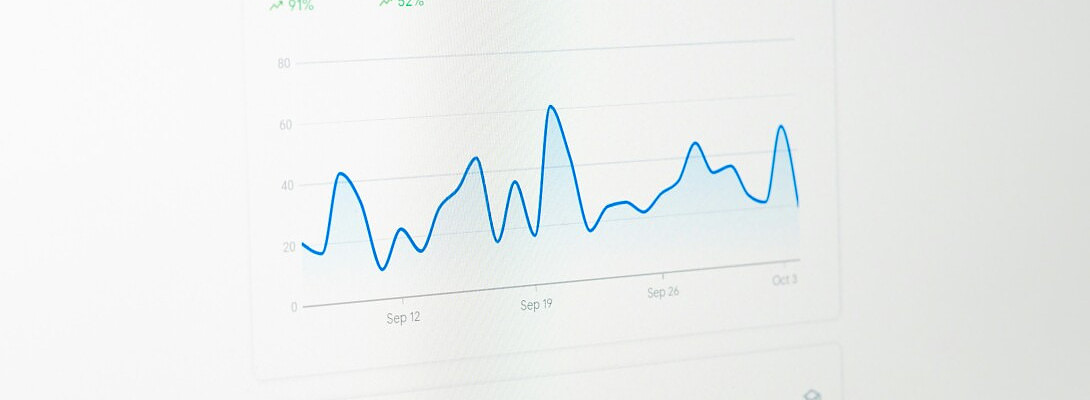
How to Track Clicks, Sales, and ROI for Amazon Affiliate Links
If you can’t measure it, you can’t improve it. Good tracking tells you which pages, buttons, and campaigns actually make money.
Here’s a simple, reliable setup for Amazon affiliates.
1) Use multiple Amazon Tracking IDs
Create separate Tracking IDs for big sections:
blog-reviews, blog-roundups, sidebar, header-menu, YouTube-desc, Pinterest, etc.
Map each placement to an ID so you know what drove the sale.
2) Read your Amazon reports (the right way)
Earnings report: top items and total revenue.
Ordered Items: what people actually bought (often not the item you linked—nice bonus!).
Conversion rate: clicks vs orders helps you spot weak pages.
3) Track clicks on your site with GA4
Use Google Analytics 4 events:
Track outbound clicks on Amazon buttons/links.
Name events clearly:
Ready to put this into action?
Start your free journey today — no credit card required.
- click_amazon_review_primary,
- click_amazon_table_top.
Set up UTM parameters for traffic sources (email, social, ads) that point to your site pages (never append UTMs to Amazon links).
4) Use a link tool (carefully)
Tools like AAWP or Lasso can track which box/button was clicked.
Don’t cloak Amazon links (no hiding destinations). Keep everything transparent.
5) Heatmaps and scroll maps
Try Microsoft Clarity or similar to see where readers pause, click, and drop off.
Move key CTAs higher, shorten dense sections, and add a second CTA where attention fades.
6) Build a simple measurement plan
KPIs to watch:
- Page sessions
- Outbound clicks to Amazon
- Click-through rate (CTR)
- Conversion rate (orders/clicks)
- EPC (earnings per click)
- RPM (revenue per 1,000 sessions)
Cadence: Review weekly for trends, monthly for decisions.
7) Turn insights into actions
Low CTR? Improve button contrast, placement, copy (“See price on Amazon”).
Low conversion? Tighten product match, add pros/cons, feature “best for” tags.
High views but low earnings? Add comparison table and “budget/premium” picks.
8) Keep tidy naming
IDs and events like rev_mics_2025_primary_btn beat vague names.
Use a simple spreadsheet that lists page → placements → tracking IDs → notes.
Question for WA affiliates
What’s the first tracking change you’ll add to your Wealthy Affiliate site this week—new Tracking IDs, GA4 events, or heatmaps—and why?
Thank you for reading!
— Paul
Share this insight
This conversation is happening inside the community.
Join free to continue it.The Internet Changed. Now It Is Time to Build Differently.
If this article resonated, the next step is learning how to apply it. Inside Wealthy Affiliate, we break this down into practical steps you can use to build a real online business.
No credit card. Instant access.