How to Use patterns in WordPress


Published on May 14, 2025
Published on Wealthy Affiliate — a platform for building real online businesses with modern training and AI.

How to Use patterns in WordPress
Here's a clear and easy-to-follow summary for beginners who want to understand and start using WordPress block patterns.
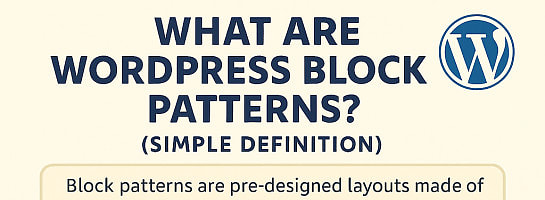
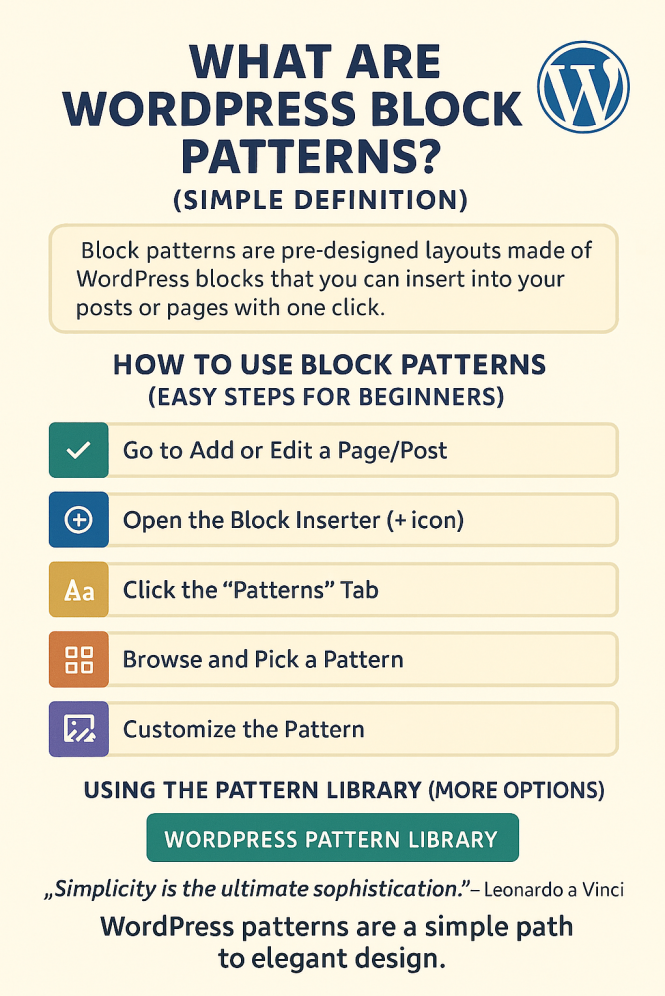
🌟 What Are WordPress Block Patterns? (Simple Definition)
Block patterns are pre-designed layouts made of WordPress blocks that you can insert into your posts or pages with one click. They help you build beautiful designs quickly, without needing to know code or be a designer.
Think of them like templates for parts of a page, such as:
- A call-to-action section
- A styled header
- A team member layout
Instead of building them from scratch, you just choose a pattern and customize the text/images.
🛠️ How to Use Block Patterns (Easy Steps for Beginners)
- 🟩 1. Go to Add or Edit a Page/Post
- In your WordPress dashboard, click Pages or Posts, then select “Add New” or edit an existing one.
- 🟦 2. Open the Block Inserter (+ icon)
Ready to put this into action?
Start your free journey today — no credit card required.
- On the top-left of the editor, click the + icon to open the block panel.
- 🟨 3. Click the “Patterns” Tab
- Inside the inserter, switch to the “Patterns” tab (beside “Blocks”).
- 🟧 4. Browse and Pick a Pattern
- Patterns are organized by category like Headers, Galleries, Testimonials, etc.
- Click on a pattern to insert it into your page.
- 🟪 5. Customize the Pattern
- Replace the demo content (text, images) with your own.
- It still behaves like normal blocks : you can move, delete, or edit them.
🎨 Using the Pattern Library (More Options)
You can find even more patterns in the official WordPress Pattern Library:
🔗 WordPress Pattern Library
- Click “Copy Pattern” on the one you like.
- Then paste it into your page/post editor in WordPress.
- It will appear as editable blocks, just like the ones from your dashboard.
📺 Best Video Guide (Quick & Clear)
This video explains this in under 3 minutes!
Watch here: https://youtu.be/IWKekSnJ9aQ
💡 Final Tips for Beginners:
- Start small: Try adding one pattern to a blog post or homepage.
- Experiment: You can't break anything , just delete a pattern if you don’t like it.
- Patterns save time: Great for creating pro designs without hiring a designer.
- You an also create and save your own
“Simplicity is the ultimate sophistication.” – Leonardo da Vinci
WordPress patterns are a simple path to elegant design.
Enjoy!
Share this insight
This conversation is happening inside the community.
Join free to continue it.The Internet Changed. Now It Is Time to Build Differently.
If this article resonated, the next step is learning how to apply it. Inside Wealthy Affiliate, we break this down into practical steps you can use to build a real online business.
No credit card. Instant access.