Have you met the Auto Draft Ghost too?


Published on October 28, 2025
Published on Wealthy Affiliate — a platform for building real online businesses with modern training and AI.

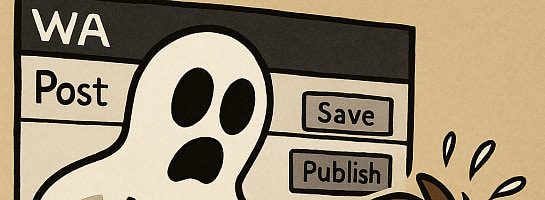
The Case of the Vanishing Blog
When “Auto Draft” Haunts Your WordPress
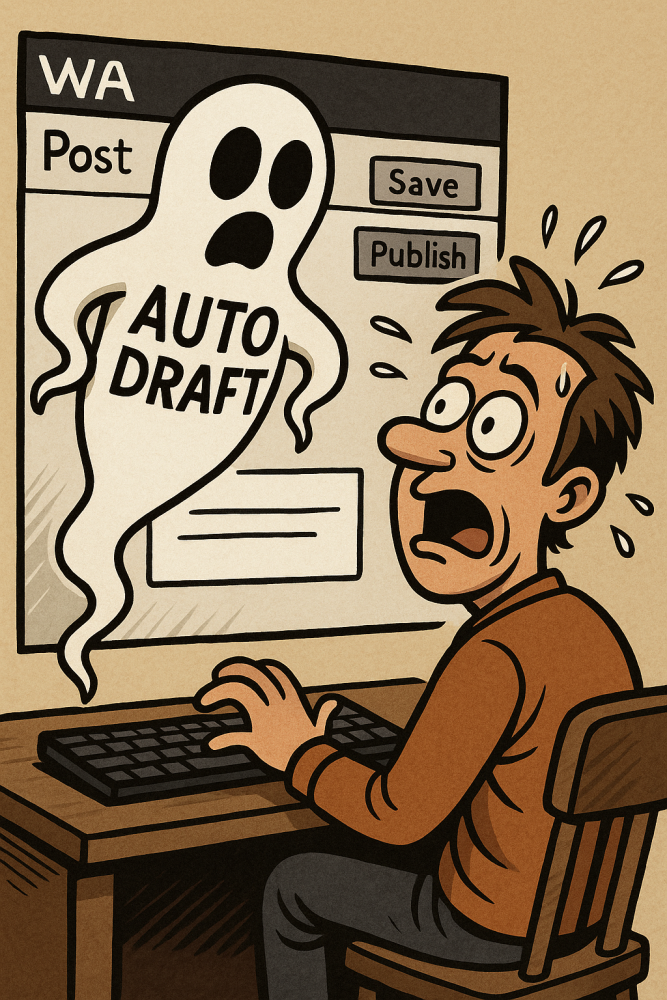
Ever hit “Save Draft” in WordPress…
only to watch your post vanish into thin air, replaced by the spooky words Auto Draft?
You’re not alone.
Welcome, dear blogger, to the haunted hallway of the WordPress editor, where ghosts don’t say boo.
They just erase your last 800 words.
Act I . The Haunting
It begins innocently.
You sip your coffee, channel your inner Shakespeare, and pour your soul into your next masterpiece.
Then you click Save.
And… poof!
Gone.
Replaced by a blank page titled “Auto Draft.”
No trace of your lyrical prose, your SEO dreams, your witty punchlines.
Just the hollow echo of your productivity screaming into the void.
Some blame aliens. Others blame caffeine.
But those who dwell on Wealthy Affiliate (WA) servers know better:
It’s the Auto Draft Ghost. A restless spirit born of expired sessions and overzealous caching.”
Act II. The Diagnosis
Here’s what our ghostly investigator found:
The Cursed Cache
The WA server’s cache sometimes saves the wrong version of your post.
Like a mirror reflecting only yesterday.
So, when you hit “Save,” WordPress thinks: “Huh, haven’t seen this human in hours… better start fresh!”
The Session Slip
You’ve been writing for an hour (or two). Your session token quietly expires.
Autosave knocks on the door ... nobody answers ... and WordPress panics: “Quick! Make a new post, call it Auto Draft!”
The Plugin Poltergeist
Jetpack, RankMath, Elementor, Spectra ... they’re all shouting “Save me!” at the same time.
Poor WordPress crashes under the noise and spawns a ghost post out of confusion.
Ready to put this into action?
Start your free journey today — no credit card required.
Act III . The Solution
How to banish the ghost and reclaim your writing peace?
Keep sound backup habits.
Before saving, select all > copy > paste into Notes.
Clear the cache, clear the curse.
Go to WA Site Manager > Details > Clear Cache.
(One click, and shazam!)
Stay logged in, not lost.
Before long writing sessions, log out and back in.
It resets your WordPress token ...
Disable Autosave (temporarily & only for advanced users)
If the ghost keeps returning, add this line to your theme’s functions.php:
function disable_autosave() { wp_deregister_script('autosave'); }
add_action('wp_print_scripts', 'disable_autosave');
WordPress will stop trying to “save you” when you didn’t ask for it.
Ask the Admins.
If nothing works, contact WA support and say:
“Hey, my blog’s haunted by the Auto Draft ghost. Could you kindly clear the exorcism cache?”
They’ll know what you mean (they’ve seen things and working on it).
Act IV . The Revival
After that, you’ll feel it:
Your posts save normally.
Your drafts stay loyal.
Your sanity returns.
You’ll even whisper to your editor:
“I ain’t afraid of no draft.”
And somewhere deep in the server room, the Auto Draft Ghost sighs…
and fades away into the 404 abyss.
✨ Fleeky
Epilogue
If you’ve ever lost a masterpiece to the phantom of Auto Draft, raise your coffee cup in solidarity.
May your words flow freely, your cache stay clean, and your drafts rest in peace. And your backups safe.
✨ Fleeky
Posting this, since it happens a lot lately, and not just here on WA servers...
Share this insight
This conversation is happening inside the community.
Join free to continue it.The Internet Changed. Now It Is Time to Build Differently.
If this article resonated, the next step is learning how to apply it. Inside Wealthy Affiliate, we break this down into practical steps you can use to build a real online business.
No credit card. Instant access.