Setting Google Analytics to track individual pages or set of them by URL


Published on July 15, 2014
Published on Wealthy Affiliate — a platform for building real online businesses with modern training and AI.
Would like to share with you on how to track data for individual or set of pages based on URL in Google Analytics
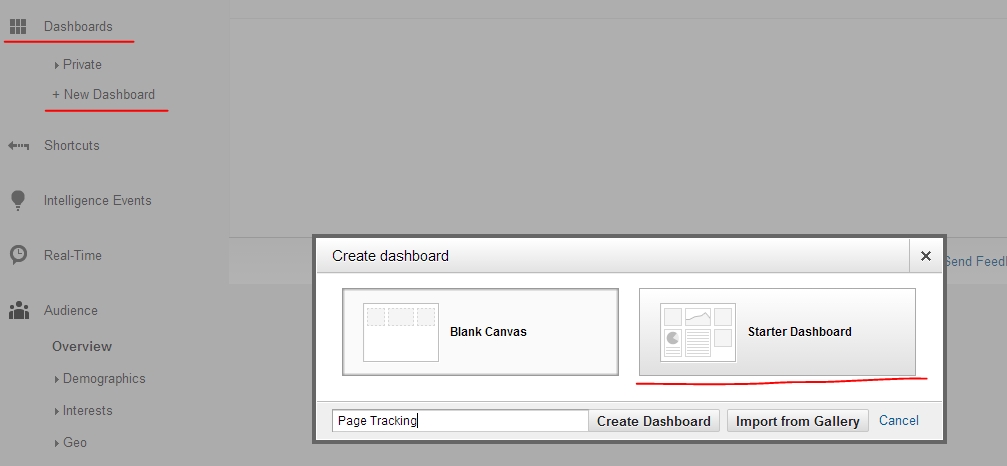
So lets go ahaed and create New Dashboard.
- I selected ready template and called it Page Tracking
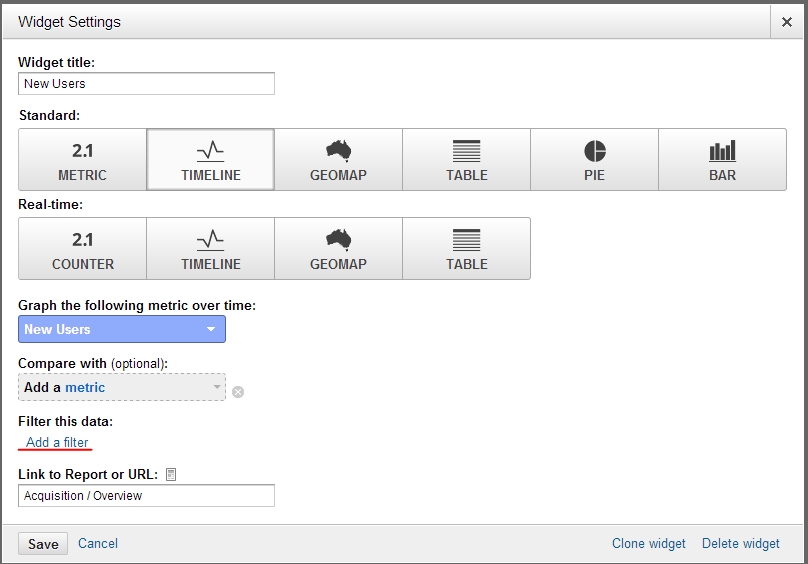
- To Edit a Widget, hover mouse over it and click on pencil icon

- On Widget menu select Add Filter
Ready to put this into action?
Start your free journey today — no credit card required.
- Click on Add Dimension

- In Search field type "PAGE" and find entry with just "page". You can click on question mar to make sure that this is correct entry. Info text should say: "The pages visited, listed by URI. The URI is the portion of a page's URL following the domain name; for example, the URI portion of
www.example.com/contact.htmlis/contact.html."
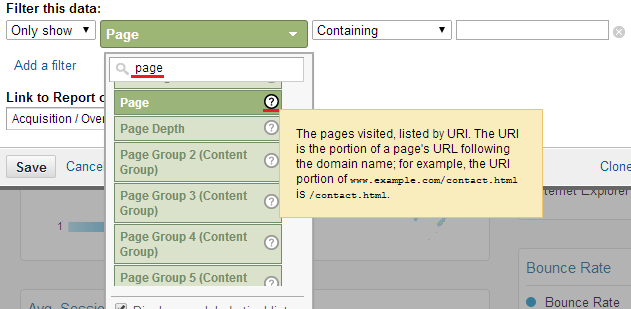
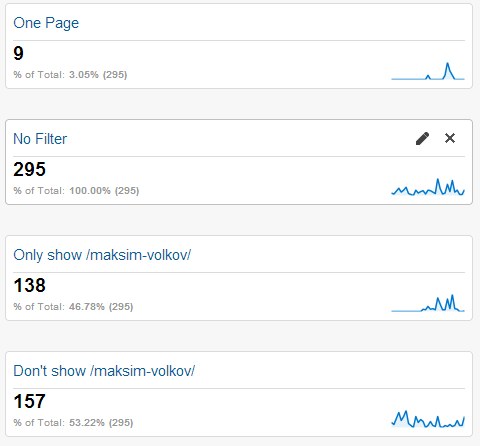
- In my example I set filter to display only pages with /maksim-volkov/ in URL, but you can set filter for individual pages

- There are examples of filters and their performance.
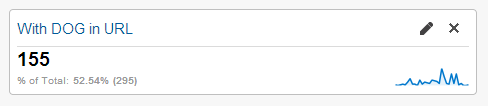
If your AdSence is linked to Analytics you can even see performance and profits per single page or set of pages if have common word in the URL, See below exmple when filter is set to show Data for the Pages with DOG in the URL
Share this insight
This conversation is happening inside the community.
Join free to continue it.The Internet Changed. Now It Is Time to Build Differently.
If this article resonated, the next step is learning how to apply it. Inside Wealthy Affiliate, we break this down into practical steps you can use to build a real online business.
No credit card. Instant access.