How Much Does SlideShare Cost?


Published on April 7, 2024
Published on Wealthy Affiliate — a platform for building real online businesses with modern training and AI.

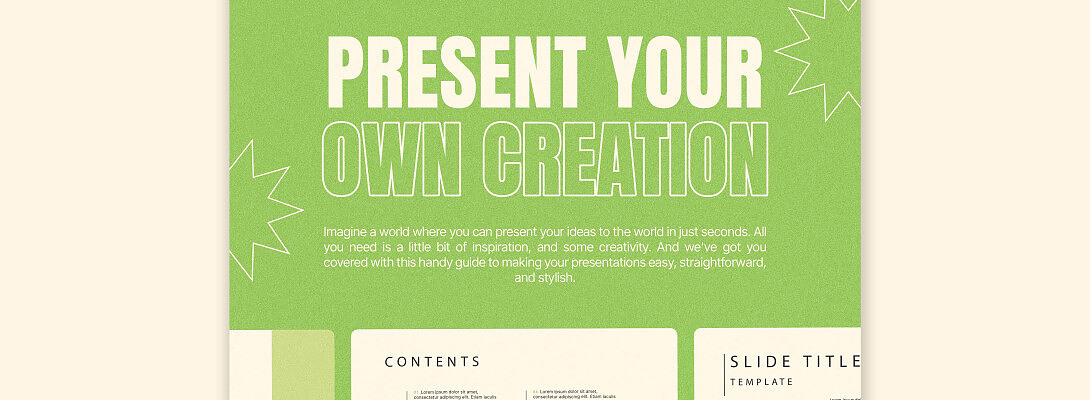
Hello WA Family,
Today we are going to learn about another awesome tool that you can use at no cost to you, maybe right now you are not ready for this, but knowing about it can be a great asset for the future.
SlideShare for Wealthy AffiliatesSlideShare is completely free to use! You can upload and view presentations without any cost.
- Affiliates can create presentations on topics relevant to their niche.
- Presentations can be aimed at the specific interests and challenges faced by your target audience.
- Slides can include calls to action with signup forms.
- Slide decks can be easily converted into blog posts, infographics, or videos, extending their reach and lead generation potential.
SlideShare's established audience and search engine visibility can help wealthy affiliates connect with their target audience actively seeking information.
A Step-by-Step GuideVisit SlideShare
- Head over to https://www.slideshare.net/?
- Browse by category or use the search bar to find presentations on specific topics.
Viewing Presentations
- Click on a presentation thumbnail to view it.
- You can navigate through the slides, see speaker notes (if included), and download the presentation (if allowed by the uploader).
- Like and comment on presentations you find valuable.
Uploading and Sharing Presentations
- While viewing presentations is free, uploading requires a free account. You can sign up using your LinkedIn login or create a new account.
- Click the "Upload" button and select the presentation file from your computer. SlideShare supports various formats like PDF, DOCX, and PPT.
- Add a title, description, and tags to your presentation. This helps people find your content through search.
- Choose who can see your presentation (public, private, or unlisted).
- Once you're happy with everything, click "Publish" to share your presentation with the world.
Helpful Tips
- Use relevant keywords in your title, description, and tags to improve search ranking.
- Invest time in creating visually appealing slides with clear and concise content.
- Share your SlideShare presentations on social media and other platforms to drive traffic.
- Respond to comments and questions to build relationships with viewers.
By following these steps and incorporating the additional tips, you can effectively use SlideShare to find valuable content or establish yourself as an expert in your field.
Paid Accounts
Ready to put this into action?
Start your free journey today — no credit card required.
SlideShare itself doesn't offer paid accounts for users. Its core functionality of uploading, viewing, and sharing presentations is completely free.
However, there might be some confusion related to a few possibilities
- Some presentations on SlideShare might have download restrictions set by the uploader. In such cases, you might see options to download the presentation for a fee, but this would be handled directly by the uploader and not by SlideShare itself.
SlideShare download tools
- These tools claim to enable downloading presentations that are normally restricted (be cautious, as these tools might violate SlideShare's terms or be unreliable).
Presentation Design Services
Companies might offer paid services to create professional-looking presentations for you to upload on SlideShare.
Paid Advertising on SlideShare
- While SlideShare doesn't offer paid accounts, businesses can utilize their advertising platform to promote their products or services alongside presentations.
- This can be a way for wealthy affiliates to gain more exposure for their offers, but it wouldn't involve a paid account for themselves.
- For wealthy affiliates specifically, focusing on creating high-quality, informative presentations and strategically utilizing free features like lead capture forms within SlideShare can be a very effective strategy.
For my last paragraph, I am including a SlideShare marketing strategy. This should get you started on the right foot, now let us go over it together.
SlideShare Marketing Strategy
Content Marketing
- Research and aim presentations to the specific interests and challenges faced by your target audience.
- Provide valuable insights, actionable tips, and educational content that establishes you as an expert.
- Consider explainer videos converted to slideshows, case studies showcasing success stories, or presentations on trends.
Optimization
- Create clear, concise, and keyword-rich titles and descriptions to grab attention and improve search ranking on SlideShare and search engines.
- Invest time in creating visually appealing presentations with high-quality images, clear fonts, and consistent branding.
- Embed clear Call To Action within your slides, encouraging viewers to download resources, subscribe to your channel, or visit your website where your affiliate offers reside.
Leads
- Use SlideShare's built-in lead capture forms to collect contact information directly from interested viewers.
- Include landing page links within your presentations to drive traffic towards targeted affiliate offers and capture leads.
- Share your SlideShare presentations across social media platforms to increase visibility and reach a wider audience.
Helpful Tips
- Respond to comments and questions on SlideShare to build relationships and establish trust.
- Convert your SlideShare presentations into blog posts, infographics, or social media content to maximize their reach.
- Use SlideShare analytics to understand how your presentations perform and identify areas for improvement.
By following these strategies, Wealthy Affiliates can use SlideShare to attract high-quality leads, showcase their expertise, and ultimately drive conversions through their affiliate promotions.
Final Thoughts
SlideShare's core functionality of uploading, viewing, and sharing presentations is completely free. With millions of presentations on diverse topics, SlideShare is a goldmine for information and learning. Now you have another free tool to add to your toolkit, thank you for reading and learning with me.
I hope this is helpful,
Jeff
Share this insight
This conversation is happening inside the community.
Join free to continue it.The Internet Changed. Now It Is Time to Build Differently.
If this article resonated, the next step is learning how to apply it. Inside Wealthy Affiliate, we break this down into practical steps you can use to build a real online business.
No credit card. Instant access.