Image sizing when post and commenting here at WA




I had a question asking "how do i post images in a large size. I wasn't sure exactly what I was being asked so I am creating this blog to see how images are being presented in WA.
The original size of the image I am using here is 1024px by 1024px at a resolution of 72px/inch.
So when inserting it in the blog header the image is at 100% width but height is limited to 240px as per this CSS:
- width: 100%;
- min-height: 240px;
- border-radius: 6px;
It is initially placed at the top but you have the ability to drag to reposition when creating the blog.
Now if I were to insert the same image in the blog like so :-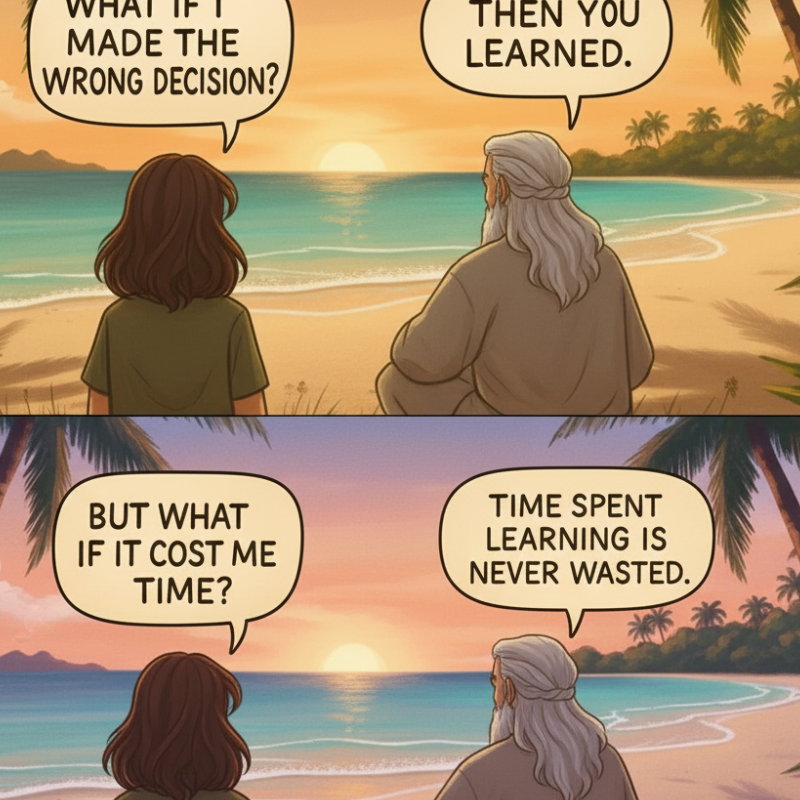 a cropped version (default) is inserted if I do not do anything with the cropping defaults.
However if I move the crop marks to full size and hit save and insert then I get the full image.
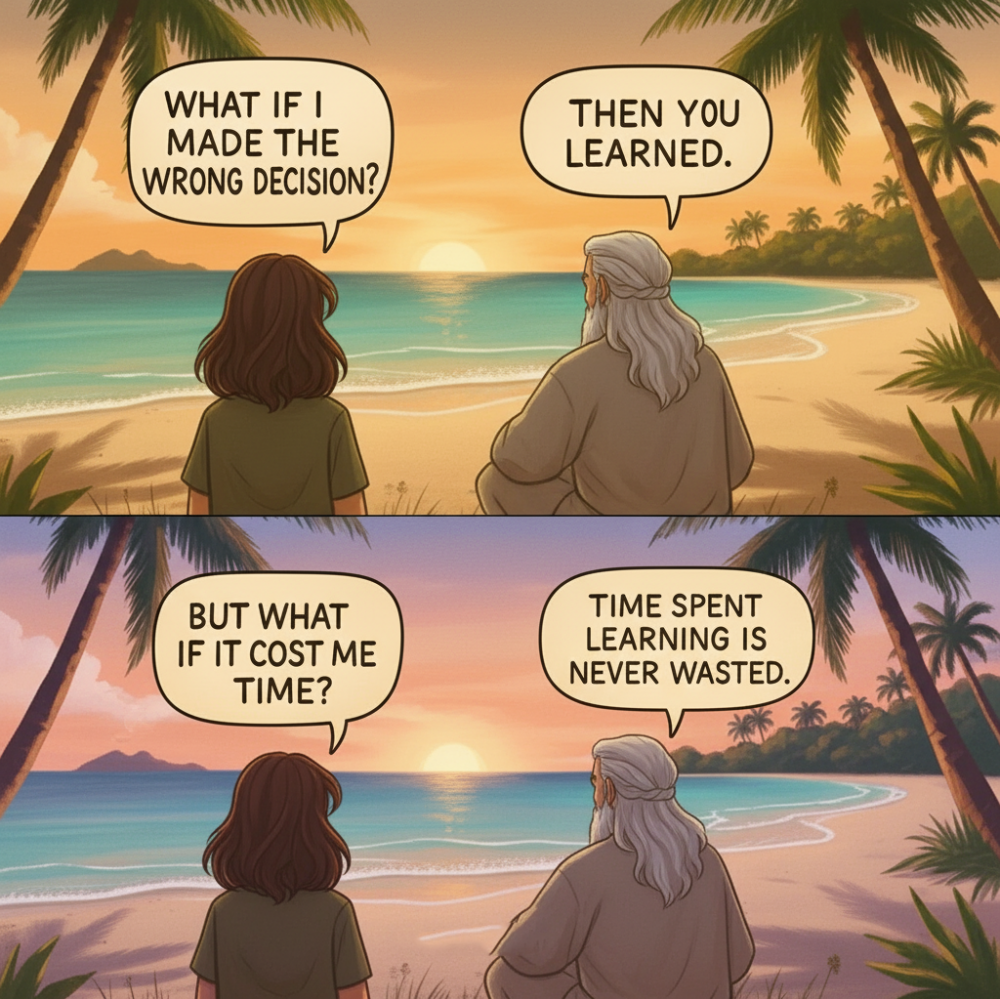 I will now insert the same image in a comment to this blog post after I publish. I am thinking I will see a thumbnail in the post with an option to "View Image" to see the image at full size when I view my comment after posting it. (Warning to those doing this in a comment There is a Bin symbol immediately above the View Image. So be sure you are hovered over the View Image and not the Bin otherwise you will delete the image when clicked. (from personal experience).
I hope I have covered image sizing in blog and comment posts. Feel free to correct me or add to on anything here.
Join FREE & Launch Your Business!
Exclusive Bonus - Offer Ends at Midnight Today
00
Hours
:
00
Minutes
:
00
Seconds
2,000 AI Credits Worth $10 USD
Build a Logo + Website That Attracts Customers
400 Credits
Discover Hot Niches with AI Market Research
100 Credits
Create SEO Content That Ranks & Converts
800 Credits
Find Affiliate Offers Up to $500/Sale
10 Credits
Access a Community of 2.9M+ Members
Recent Comments
21


Hi Geoff, my pics always show up tiny, but yours are nice and big — how do you do that? 😅
That's what I mean 🤣

Yours are in comments instead of embedded in a post. Click View Image beside the images in a comment to view them full size.
Ah ah I see now - I have posted another comment in this blog. You can click on the + symbol and not the paperclip and select then the image is placed within your comment. Thanks for the followup.

Hi Geoff,
New question 😁
Can I add more than one picture in a comment?
I tried to insert a second one just now, but it replaced the first.
Thanks a lot for your help! 🙏
I think the only way is to use the paperclip option to add more than one image in a comment. Or create a new blog with a share in a comment to that new blog perhaps.

Yeh I only stumbled on it recently myself. Then did a little bit of research and trial and error to try to understand inserting images in posts etc here at WA when I was responding to @chicchat
Thanks Andy I intend using the theme a bit more in the future. I had Image Studio knock up front on and side profile views of the two characters for possible later use.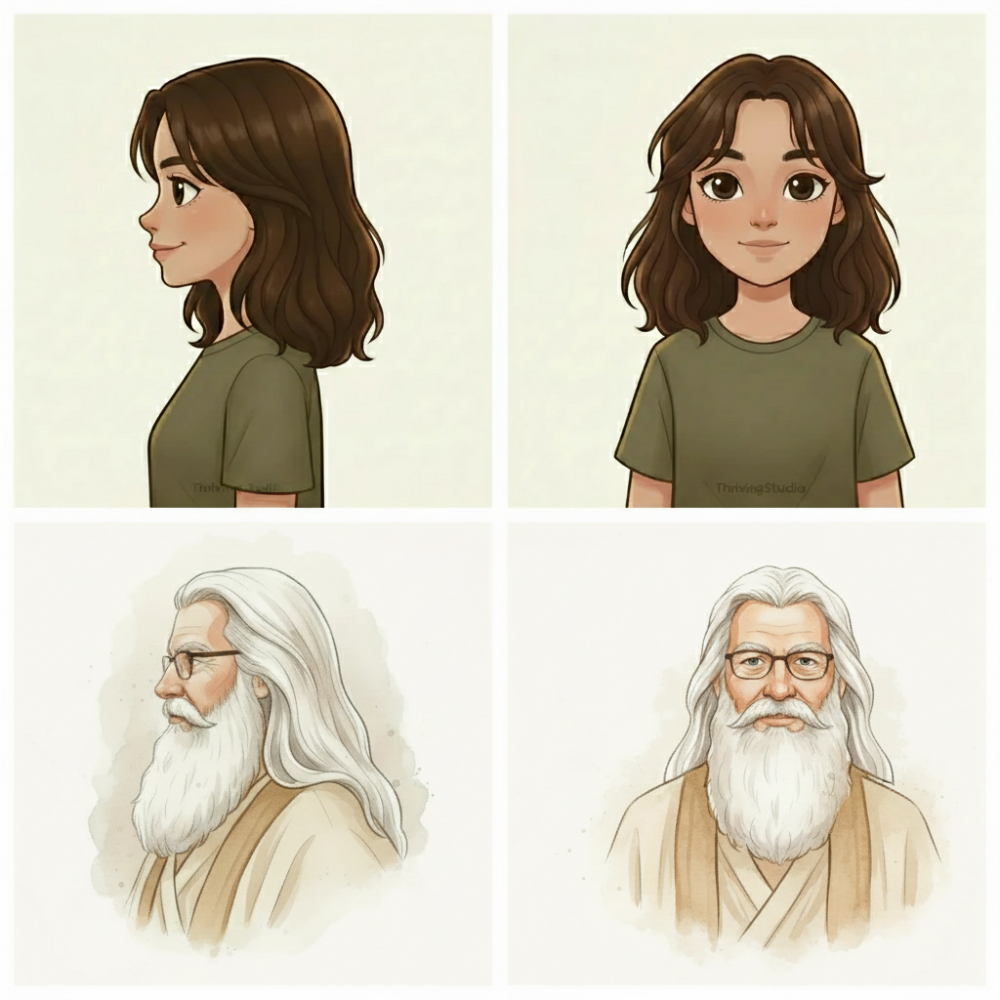
Illustrating inserting an image in a comment post. I click on the paperclip symbol and upload the image. I can give it a name but that is optional,

See more comments
Join FREE & Launch Your Business!
Exclusive Bonus - Offer Ends at Midnight Today
00
Hours
:
00
Minutes
:
00
Seconds
2,000 AI Credits Worth $10 USD
Build a Logo + Website That Attracts Customers
400 Credits
Discover Hot Niches with AI Market Research
100 Credits
Create SEO Content That Ranks & Converts
800 Credits
Find Affiliate Offers Up to $500/Sale
10 Credits
Access a Community of 2.9M+ Members
Great info my friend... appreciate the share! :-))
No worries
Cheers buddy and enjoy a fantastic rest of the week! :-))