Simple Image Prompts for Blog Posts Using a Prompt


Published on March 16, 2026
Published on Wealthy Affiliate — a platform for building real online businesses with modern training and AI.


Do you have trouble coming up with image ideas for your blog post? Want images for your article that relate to specific sections within your article? Have I got a prompt for you!
The Simple Prompt to Create Image Prompts
Today, I am going to use this article as an example: Beer With Kyle: Image Studio. What Should We Build Next? Video?
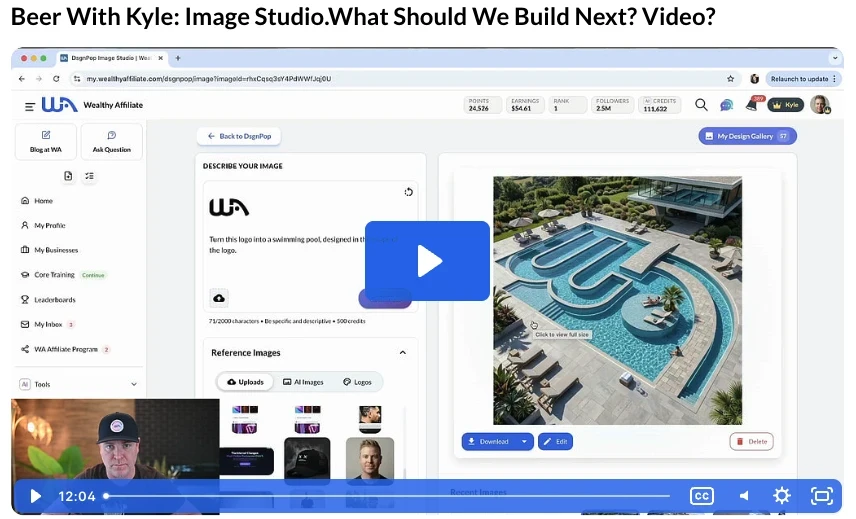
Beer With Kyle
The Exact Prompt I used- Read my article and provide me with three short but detailed image prompts. I also want alt descriptions and tell me where the image should live.
Use this prompt and then enter the URL of the Article directly behind the prompt.
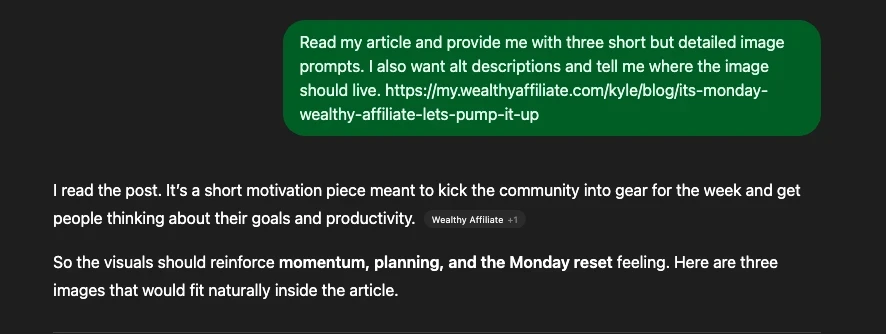
The Results Directly From ChatGPT-
So the images should emphasize three things:
- The Beer with Kyle conversation vibe
- AI image creation/experimentation
- community feedback shaping future tools
Here are three short, detailed prompts with alt text and placement suggestions.
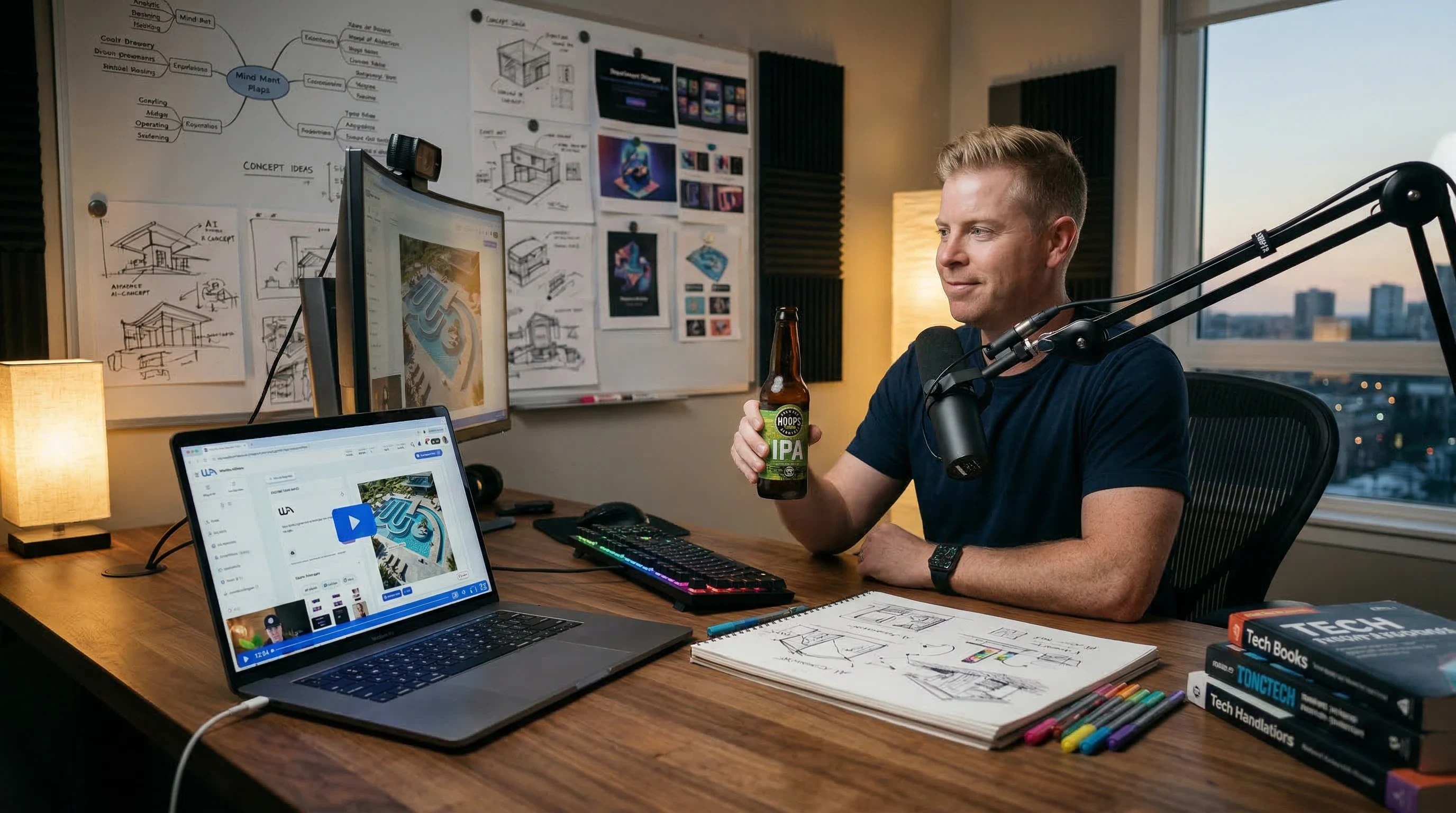
Image 1 — Beer With Kyle Creative Discussion
Image Prompt
Cinematic casual scene of a tech entrepreneur recording a “Beer With Kyle” style video in a modern home office, laptop open showing AI image generation software, a beer bottle on the desk, microphone and webcam setup, warm ambient lighting, creative workspace full of sketches and digital art ideas, relaxed but innovative atmosphere, photorealistic, 16:9.
Alt Description- Beer With Kyle discussion about AI Image Studio tools and future features.
Ready to put this into action?
Start your free journey today — no credit card required.
Where It Should Live
Place this directly under the article title or opening paragraph.
It serves as a hero image for a relaxed conversation about building new tools.
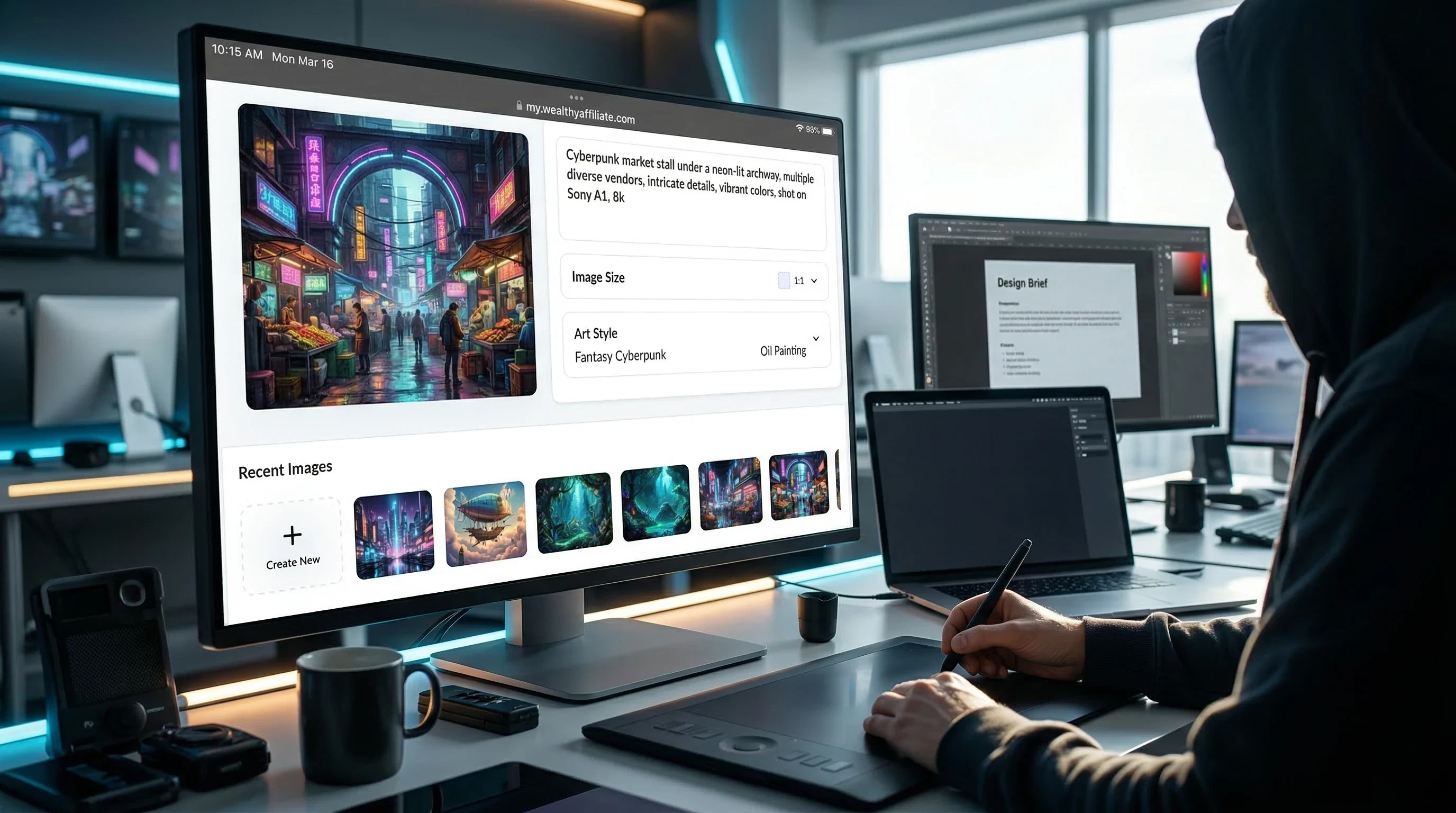
Image 2 — AI Image Studio in Action
Image Prompt
Computer screen displaying an AI image generation interface creating colorful digital artwork, prompt text box visible, multiple generated images appearing on the screen, designer working at a desk with a stylus tablet and a laptop, futuristic creative workspace lighting, photorealistic technology scene, 16:9.
Alt Description
Using AI Image Studio to generate creative visuals for websites and online businesses.
Where It Should Live
Insert this right after the section where the article talks about experimenting with the new Image Studio model and capabilities.
This reinforces the idea that people are actively testing the tool and pushing its limits.
Image 3 — Community Ideas Shaping the Platform
Image Prompt
Conceptual image showing a group of online entrepreneurs collaborating digitally, floating idea bubbles containing icons for logos, thumbnails, banners, and social media graphics, laptops open with AI design tools, futuristic digital collaboration environment, glowing connection lines between users, photorealistic yet slightly futuristic, 16:9.
Alt Description
Online creators are collaborating and suggesting new features for AI image tools.

Where It Should Live
Place this near the end of the article before the comments section.
It visually represents the point Kyle makes about the community helping decide what gets built next.
✅ Recommended layout
- Hero image → under the title
- Image Studio workflow → mid article
- Community collaboration → before comments
Back to the Prompt- Read my article and provide me with three short but detailed image prompts. I also want alt descriptions and tell me where the image should live.
If you have trouble deciding what kind of image to use and where to use it, this prompt should help you out. Use it with our image creator. One great thing about this prompt is that it works with any type of content. Try it today.
I hope you found this helpful. Leave me some feedback below if you would like more ideas to simplify your life and creation process.
Share this insight
This conversation is happening inside the community.
Join free to continue it.The Internet Changed. Now It Is Time to Build Differently.
If this article resonated, the next step is learning how to apply it. Inside Wealthy Affiliate, we break this down into practical steps you can use to build a real online business.
No credit card. Instant access.