Making Stuff Happen


Published on September 2, 2022
Published on Wealthy Affiliate — a platform for building real online businesses with modern training and AI.


Calendar vs To-Do List
Which is best?
Calendars are great because you can say when you’re going to do things, how long tasks will take and hold yourself accountable.
I have found that moving from a to-do list to a calendar has helped me:
- Prioritise tasks for the day, week, and month ahead
- Identify when I’ve got too much to do
- Avoid the feeling of overwhelm
This may not for everyone, but if it does sound interesting here’s what I’ve found.
How can a calendar work as a to-do list?
Instead of using a to-do list, it’s about creating blocks of time to complete work. When I become aware of a new task, I add it to my calendar rather than a to-do list based on how long it will take, any deadlines and the time I have available.
It’s not a perfect system but a calendar works better for me. Here are a few tips I’ve found useful.
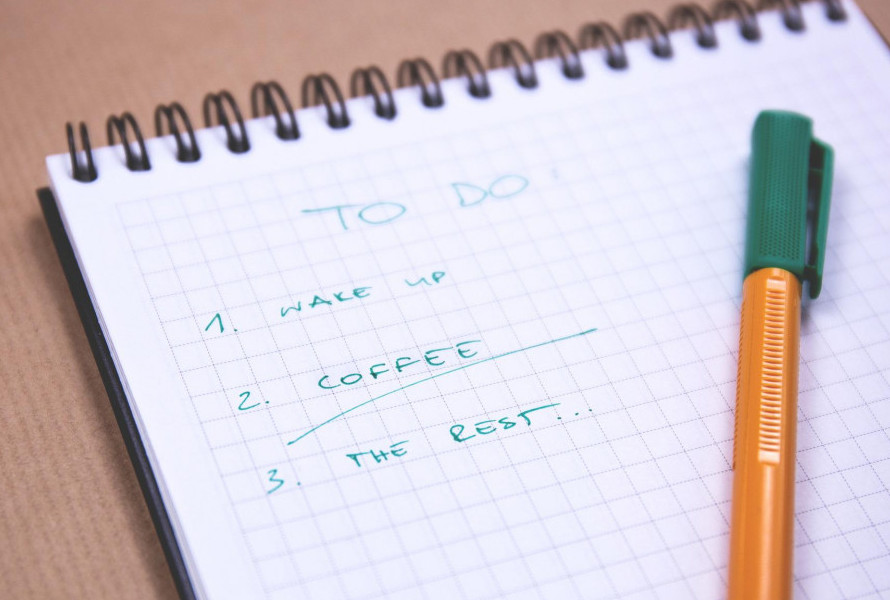
Nine tips to organise your to-do list using your calendar
1. Take the time to plan your time
Dale Carnegie once famously claimed that “an hour of planning can save you 10 hours of doing”. I’m not sure the payoff is that great, but he certainly has a point.
Take time to plan your week and revisit the plan daily to prioritise. The beauty of using a calendar is that you can drag and drop blocks of time to make everything work.
Ready to put this into action?
Start your free journey today — no credit card required.
2. Leave gaps during the day
There will always be last-minute tasks that crop up, phones to answer and other distractions. Tasks frequently take longer than we think too.
Leaving gaps during your day means you can absorb issues without throwing you off your schedule. One to two hours a day is a good starting point.
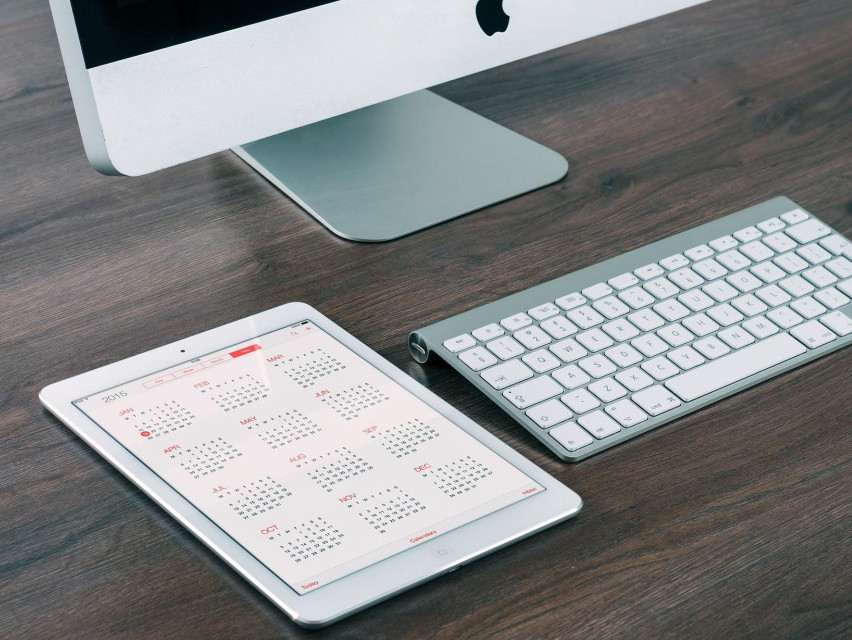
3. Batch tasks to make life easier
Batching similar tasks together saves time. This works well for areas of the business where there’s lots of admin. It’s tempting to dip into these areas throughout the day, removing focus from other tasks.
Instead, have regular calendar blocks where you focus on tasks like research or updating your previous posts. If a one-off task pops up, add a block when you’re ready.
It can help to add notes to these blocks in your calendar too. When you receive an email or call that you would normally deal with immediately (or add to your ever-burgeoning to-do list), include it in one of your blocks to avoid getting distracted.
4. Book time well in advance
Make plans in advance. If you want to review something towards the end of the year, book time in your calendar now. With electronic calendars, there is no limit on how far into the future we can set time aside.
5. Get stuff out of your head immediately
This is essential. We only have so much mental capacity to make decisions, so it needs to be used wisely. Having a head buzzing with things you need to do is draining, particularly if it happens when you’re not working.
When you think of something, try immediately adding it to your calendar. It only takes a few seconds to add something to your smartphone and unloading will help you focus.
6. Learn to say “no” and drop things that aren’t a priority
The volume of work we have can feel overwhelming and often includes tasks that aren’t essential.
Ambitious people want to grab every opportunity. However, it’s impossible to do everything; if you’re really going to get on top of your workload, you must learn to say “no”.
If there’s no room to add a new task to your calendar, the choice is simple: move something, delegate it or drop it.
Avoid being led by your inbox. Keeping on top of communication is important, but checking your inbox is a distraction. Instead, look at it at set times or just twice a day.
7. Think about how much focused work you’re able to do
It’s incredible how much you can get done when you’re focused on just one thing. This is difficult when you’re running a business, but booking time for deep focused work can help.
Focused work is when you’re at peak concentration. You’re on fire. You’re hitting it out of the park! It enables you to learn difficult stuff and create quality work quickly. It means switching off all distractions, including phone and browser alerts, and avoiding the temptation to go on social media.
The Pomodoro Technique – (a timer named after a tomato). It’s hard to do but it does get easier. It suggests 25-minute bursts with short breaks. Getting distraction-free blocks can have a monumental impact on your output and it feels great. The key is to keep practising.
Remember that completing short tasks, such as checking your email or social media, feels good. In the long run though, it’s the fast-food equivalent of productivity; if you can train yourself to focus for decent periods of time it’s so much more rewarding.
8. Make time for you
Getting everything into your calendar makes it easier to set boundaries. Use the opportunity to make sure you’re working in a healthy way. Taking regular breaks and finishing work on time allows you to work at an optimal level – and enjoy running your business even more.
9. Long-term lists might still be useful…
Here’s the caveat; you might still need to keep a to-do list of long-term projects or goals, the ideas that keep tugging at your attention.
What do you use as an aid to getting things done?
Please comment below.
Share this insight
This conversation is happening inside the community.
Join free to continue it.The Internet Changed. Now It Is Time to Build Differently.
If this article resonated, the next step is learning how to apply it. Inside Wealthy Affiliate, we break this down into practical steps you can use to build a real online business.
No credit card. Instant access.