Blueprint: Building Your First Pinterest 10K Traffic Engine


Published on January 7, 2026
Published on Wealthy Affiliate — a platform for building real online businesses with modern training and AI.

Pinterest works quietly.
It does not demand daily posting or constant attention. It rewards clarity. When someone searches on Pinterest, they are already planning something. A project, a change, an outcome. This needs to be a consideration as you enter into the Pinterest world.
Your job is not to convince them.
Your job is to show them.
That is why imagery/visuals matters so much on Pinterest, and why this is often one of the best places to start building traffic.
How Pinterest Traffic Actually Compounds
Pinterest behaves more like a visual search engine than a social feed. Images surface, get saved, and reappear weeks or months later when someone is ready to act.
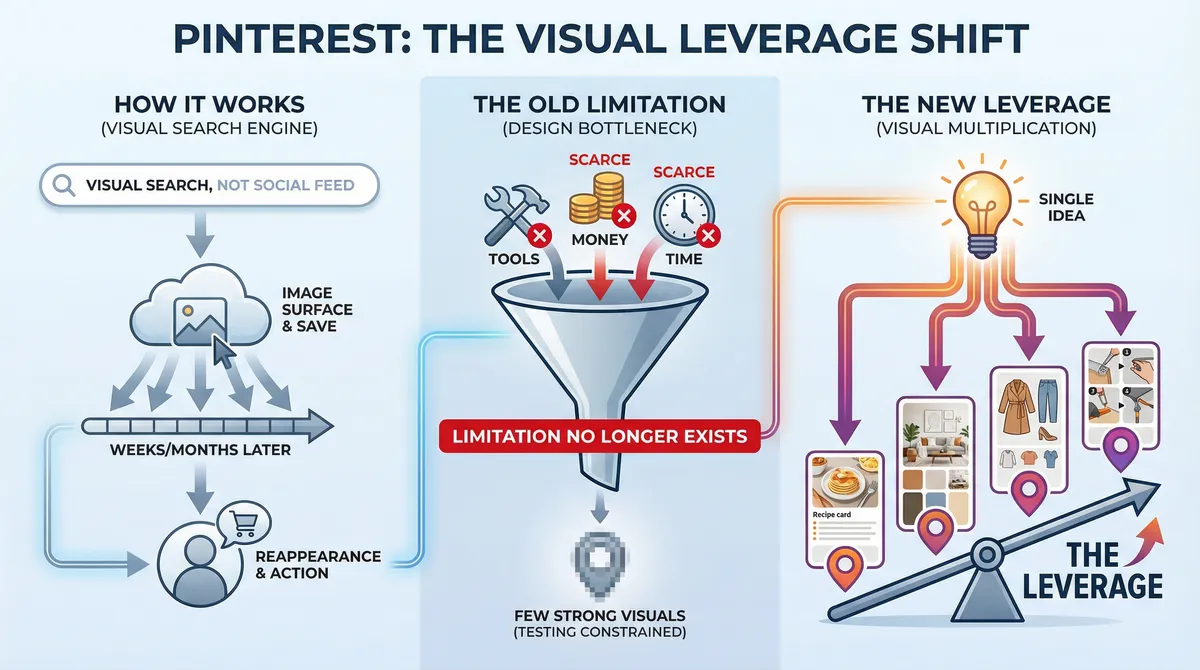
For a long time, the limiting factor was design. Creating enough strong visuals to properly test ideas took tools, money, or time most people did not have.
And it required technical knowledge, graphics skills, and a lot of creativity and research to be somewhat unique. It catered mostly to photographers and people with design prowess.
These limitation no longer exists.
Everyone now have the ability to turn a single idea into multiple high-quality visual entry points, and this can be done with efficiency leveraging the Image Studio platform here at Wealthy Affiliate. That is the leverage.
Thinking in Entry Points, Not Pins.
Most people approach Pinterest thinking they need to “make a pin.”
What actually works is thinking in entry points.
One piece of content can attract very different people depending on how it is framed visually. A beginner sees one message. Someone more experienced sees another. Someone looking for inspiration responds to something else entirely.
The content stays the same. The visual angle changes.
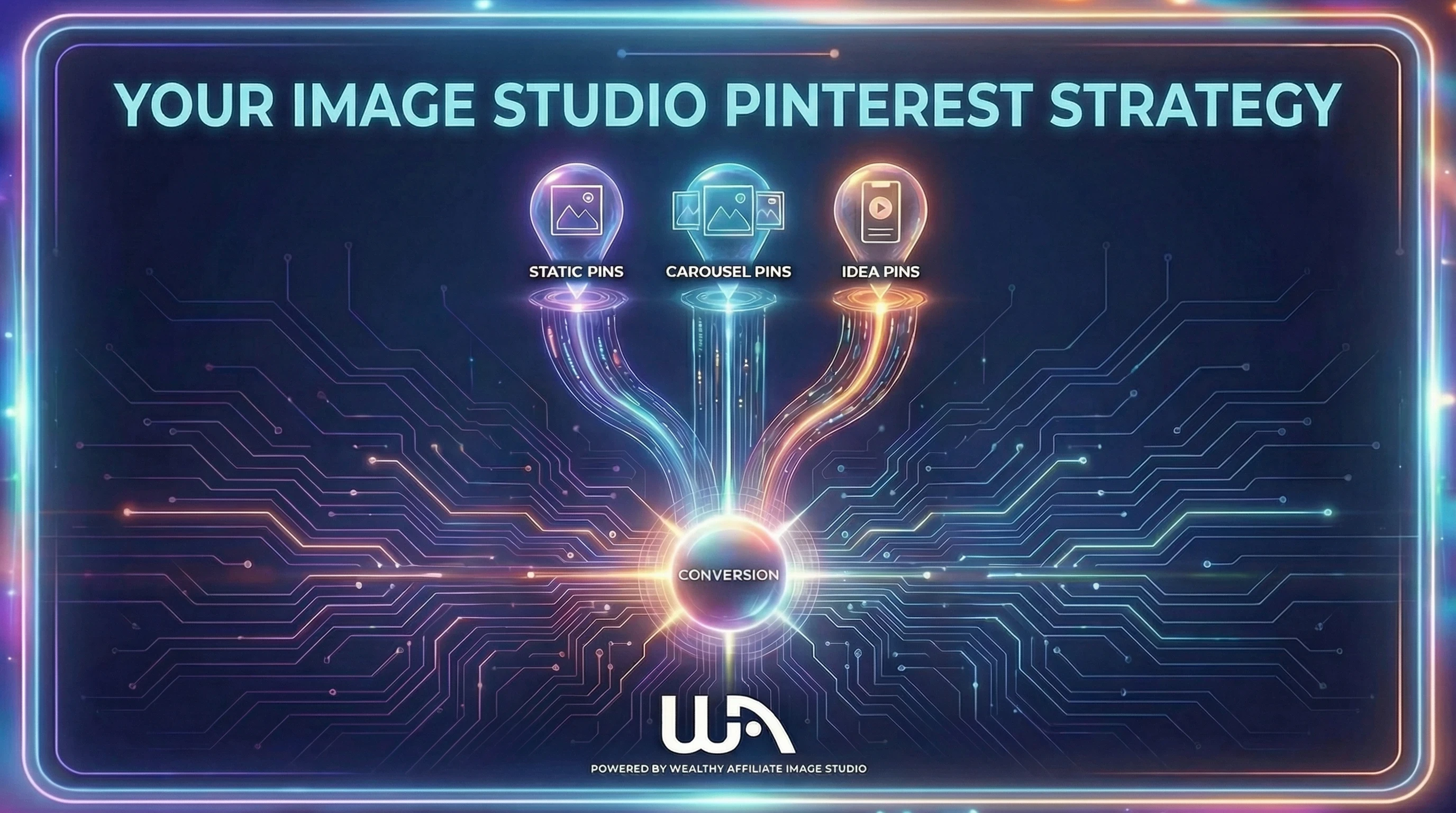
Strategy 1: Using Imagery as the Traffic Lever
Imagine you have one solid page on your website (which could include affiliate links and other monetization strategies). A guide, a tutorial, a resource you are proud of.
Instead of attaching one image to it, you create several visual interpretations of that same idea. Each one answers a different silent question in the reader’s mind.
- "Is this for beginners?”
- "Is this complicated?”
- “What does the end result look like?”
- “Can I follow this step by step?”
Each image answers one of those questions. Here is an example of what I am referring to (prompt on the left, pinterest "pin" in the right"
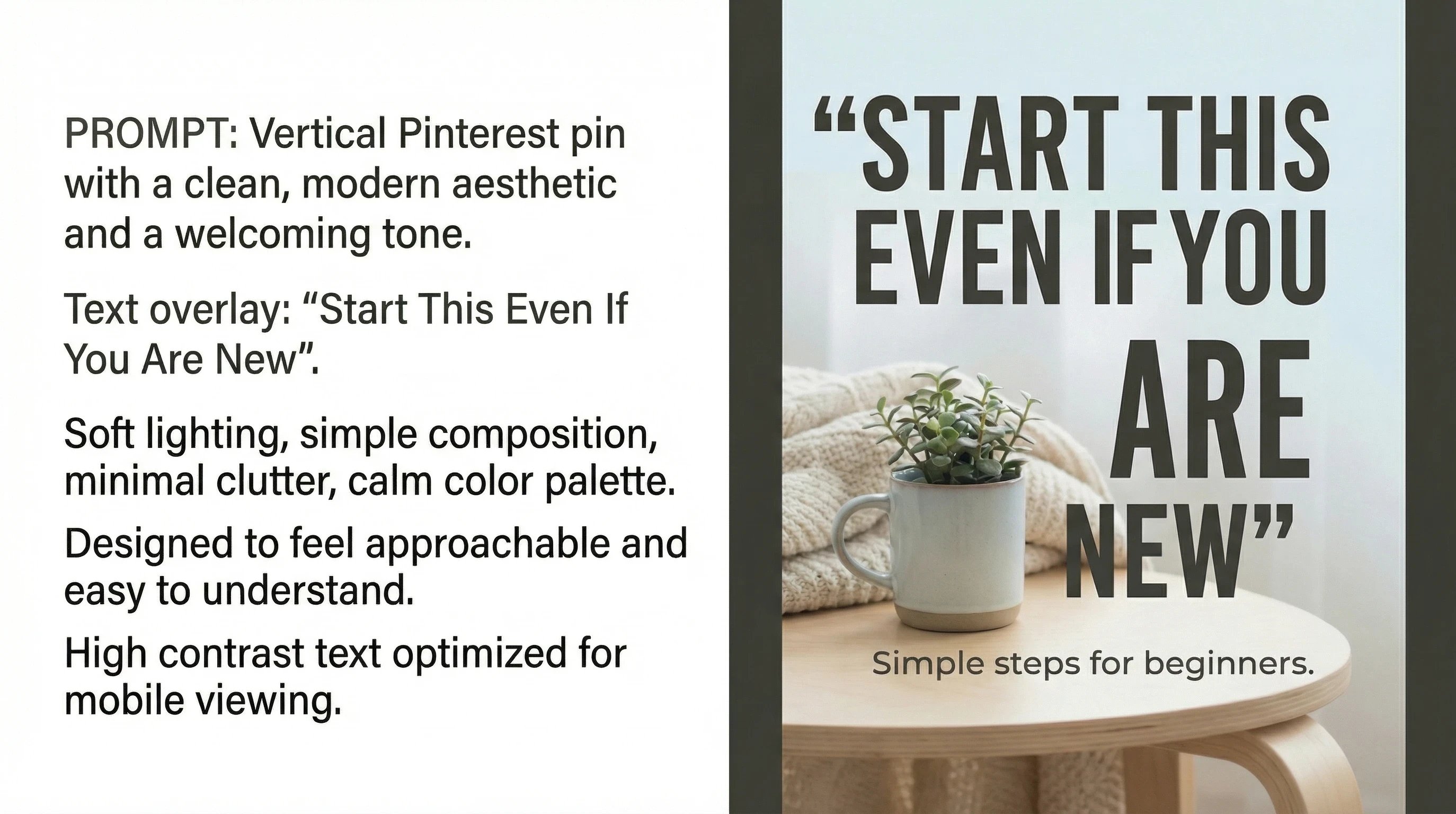
This is the type of image that reassures someone before they ever click.
Here is the detailed prompt I used to generate the above image:
Vertical Pinterest pin with a clean, modern aesthetic and a welcoming tone. Text overlay: “Start This Even If You Are New”. Soft lighting, simple composition, minimal clutter, calm color palette. Designed to feel approachable and easy to understand. High contrast text optimized for mobile viewing.
Strategy 2: Visuals That Feel Helpful, Not Promotional.
Ready to put this into action?
Start your free journey today — no credit card required.
Pinterest users are planners. They save (and like) things that feel useful. Remember, the users are digital scrapbooking and your goal is to "make the cut" into their board.
One of the most effective visual styles is the checklist-style pin. It promises structure. It lowers mental friction and it signals that the content is practical (not fluff).
This type of image often performs well because it feels immediately actionable. Here is an example.
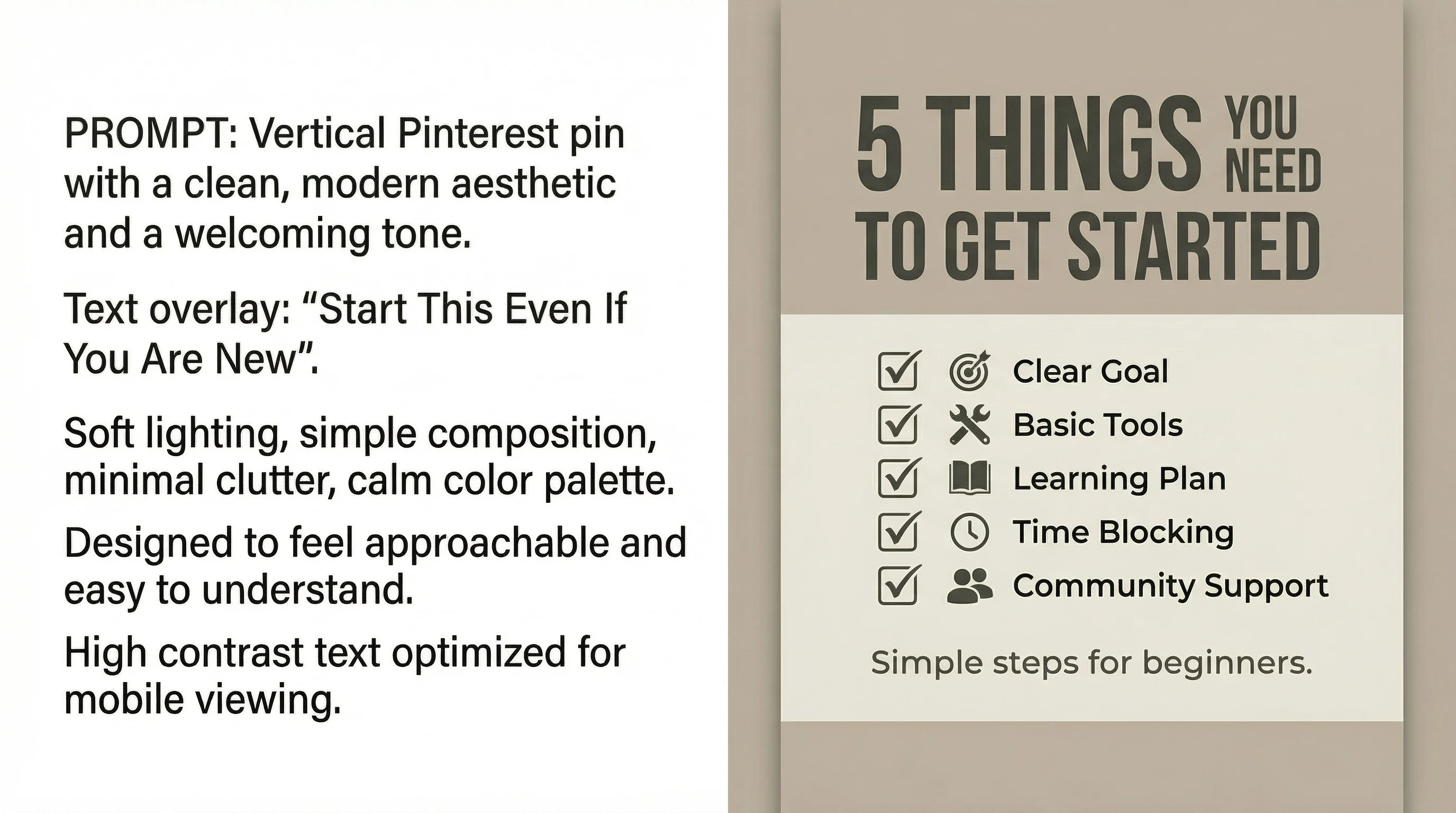
Prompt used to generate this image:
Vertical Pinterest pin with a structured checklist layout. Text overlay: “5 Things You Need to Get Started”. Clear typography, subtle icons, neutral background, strong visual hierarchy. Designed to feel organized, practical, and easy to scan quickly.
Strategy 3: Showing the Outcome Changes Everything.
Some people do not want steps. They want to see what is possible.
Outcome-driven visuals work because they help someone imagine themselves on the other side of the process. These pins are saved not because someone is ready right now, but because they want to come back later.
That “save” is the beginning of the traffic loop.
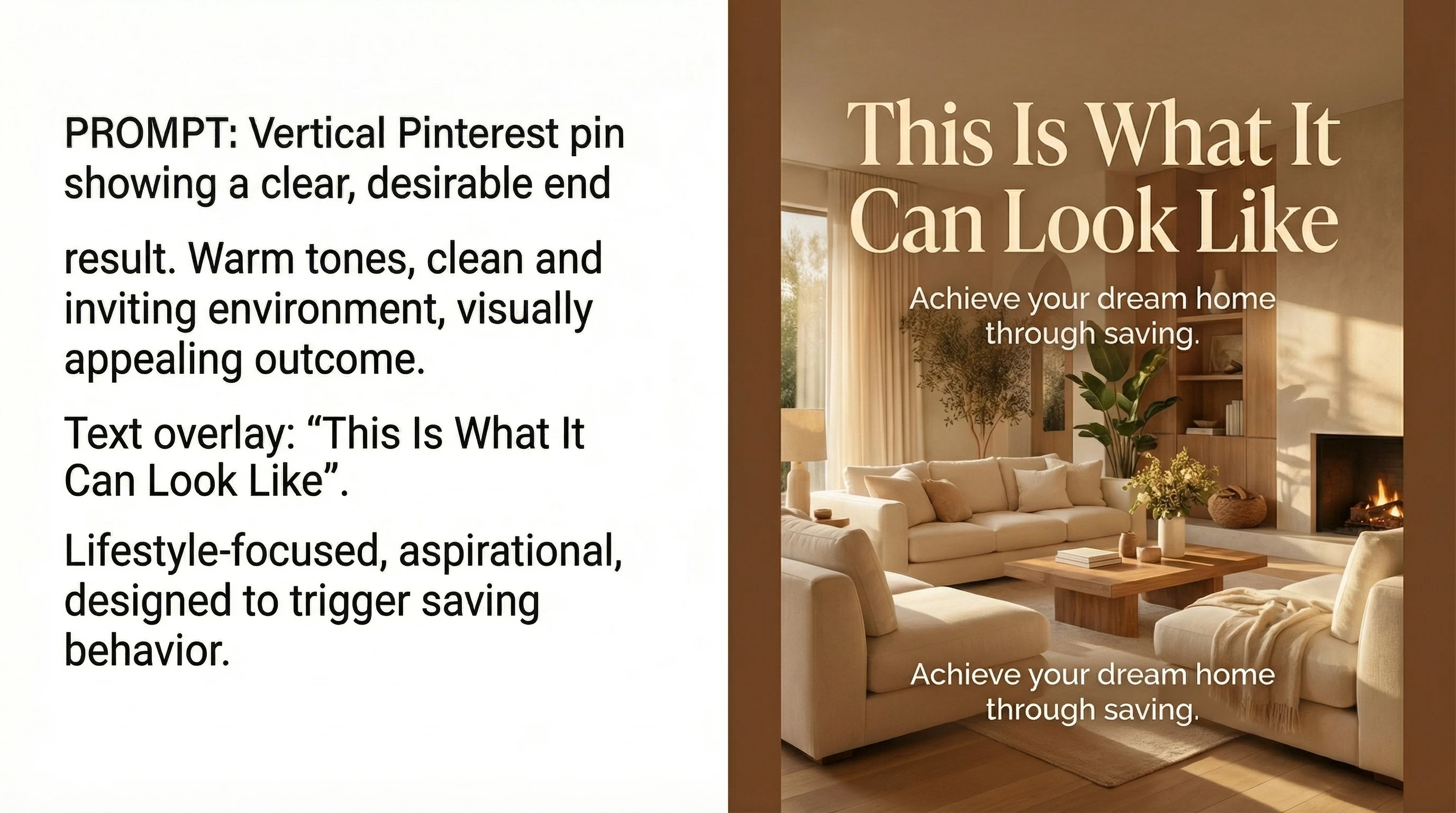
Prompt to generate image:
Vertical Pinterest pin showing a clear, desirable end result. Warm tones, clean and inviting environment, visually appealing outcome. Text overlay: “This Is What It Can Look Like”. Lifestyle-focused, aspirational, designed to trigger saving behavior.
Strategy 4: Teaching Visually Without Over-Explaining.
Instructional pins work well when they feel calm and structured rather than dense.
The goal is not to teach everything in the image. The goal is to signal that the content behind the image will walk them through it clearly.
This style often attracts people who want guidance, not inspiration.
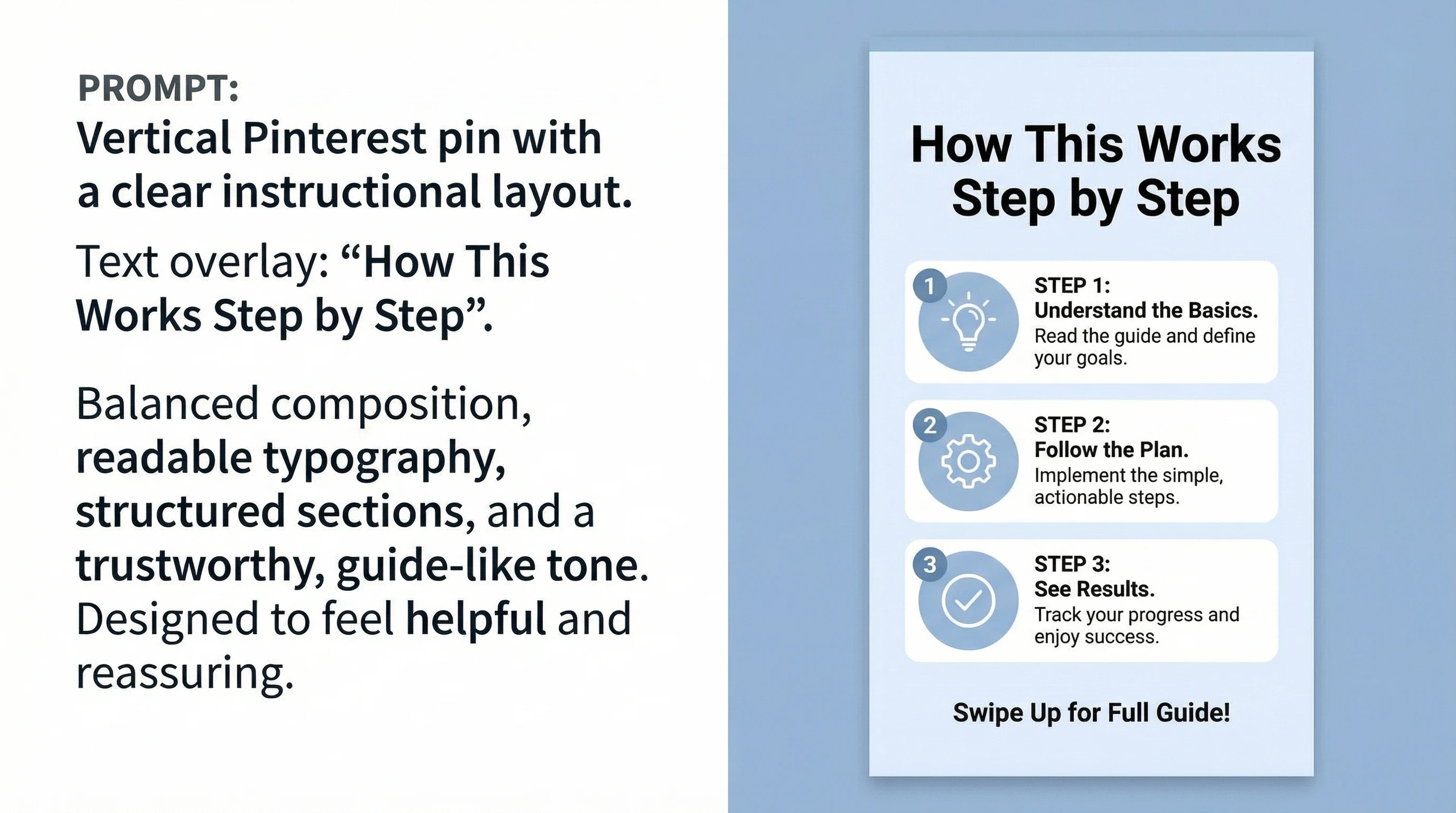
Prompt to generate image:
Vertical Pinterest pin with a clear instructional layout. Text overlay: “How This Works Step by Step”. Balanced composition, readable typography, structured sections, and a trustworthy, guide-like tone. Designed to feel helpful and reassuring.
All of the images above were created using Image Studio, and as a member you are well equipped to create pro-level imagery in any niche. Anything you can dream up of or image, you can create and bring to life within your Pinterest.
Once your images are live, the platform starts giving feedback.
You will notice that some pins get saved more often than others. Saves are one of the earliest and most useful signals on Pinterest. They tell you that your visual message resonated.
When that happens, do not overthink it. Create more images that feel similar in tone, structure, and promise.
Pinterest rewards alignment, not perfection.
Seeing the Full System in Motion (0 to 10K Blueprint)
If you want to see this approach applied step by step, there is a seven-class Pinterest case study inside the platform led by Pinterest expert Jay.
It walks through building traffic from zero, publishing consistently, reading the signals, and scaling what works. What you are reading here gives you the mental model. The series shows it happening in real time.
You can access it here inside the platform, and I highly recommend it.
https://my.wealthyaffiliate.com/classes/series/0-to-10k-traffic-blueprint-live-case-study
Where to Begin (Without Overthinking It).
Pick one topic you understand. Create one genuinely useful page. Then create several visual interpretations of that idea using the prompts above. As you are building out your website or working to build out your Pinterest account, keep your creations niche specific.
You can always diversify down the road, but start narrow at first. Let's say my niche is basketball coaching, I would want to keep it very relevant (narrow) to that concept, but through time I could diversify into things like motivation, basketball apparel, collectibles, etc.
AND do not aim for perfection. Aim for clarity. You never know which "pins" will strike gold. Again, Pinterest has 600 million active users (and a high "commercial intent" $$ audience), and that number is continuing to grow. It is a very visual, and engaged audience.
Below is a breakdown of the Pinterest users.
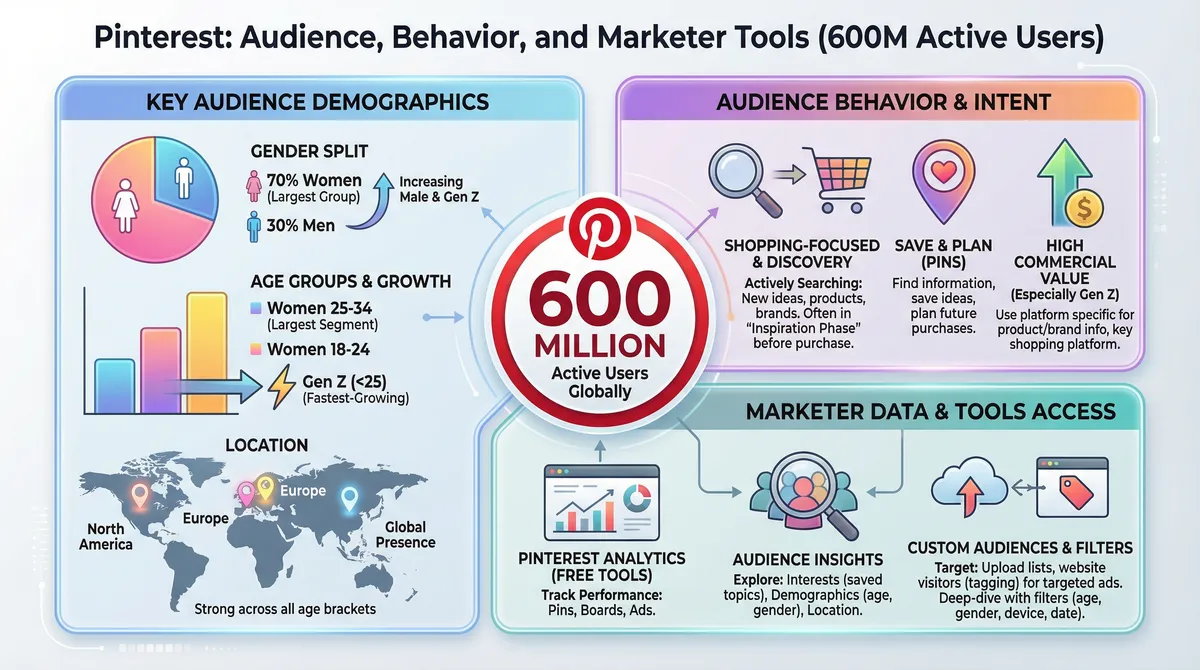
Pinterest favors people who show up visually, test ideas, and stay consistent long enough for the platform to understand what they offer.
Now Get Creating!
You now have the ability to create visuals that used to require agencies, designers, or ad budgets. You can build beautiful images in seconds through the AI Tools (in particular Image Studio) here at WA.
That does not mean you need to do more. It means you can finally do enough, with full capability. No tech knowledge required, no big "design" budget required.
Build once. Create visually. Let the traffic compound.
PS. Feel free to share your Pinterest handle down below, along with any questions, comments, or insights that you want to share. ;)
Share this insight
This conversation is happening inside the community.
Join free to continue it.The Internet Changed. Now It Is Time to Build Differently.
If this article resonated, the next step is learning how to apply it. Inside Wealthy Affiliate, we break this down into practical steps you can use to build a real online business.
No credit card. Instant access.