How to add amazon banners to a post


Published on January 4, 2018
Published on Wealthy Affiliate — a platform for building real online businesses with modern training and AI.
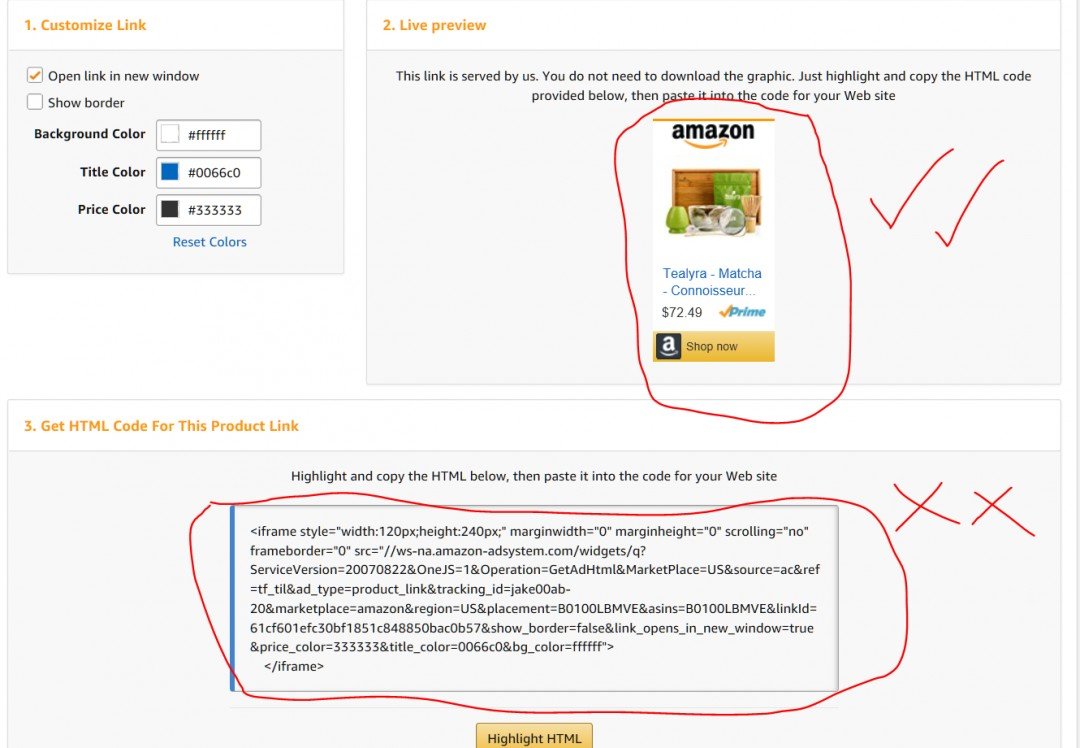
I want to copy and paste a nice Amazon banner straight from Amazon and into one of my posts. I want it to show the shop now button, a picture of the product and a small description.
I went ahead and followed the steps in Amazon by copying the URL link and pasting it to my post editor in WordPress.
Instead of getting a nice 'shop now' for the product I had chosen, all I got was a big, smelly URL code.
Ready to put this into action?
Start your free journey today — no credit card required.
What am I doing wrong?
The answer is simple.
When we post a URL link from Amazon for a product we would like to sell directly on a post or page we need to post the URL into the 'text' form of our post. Most of us (like me) will be doing all their work in the 'visual' form of posting. If that didn't make sense then just check out the photos.
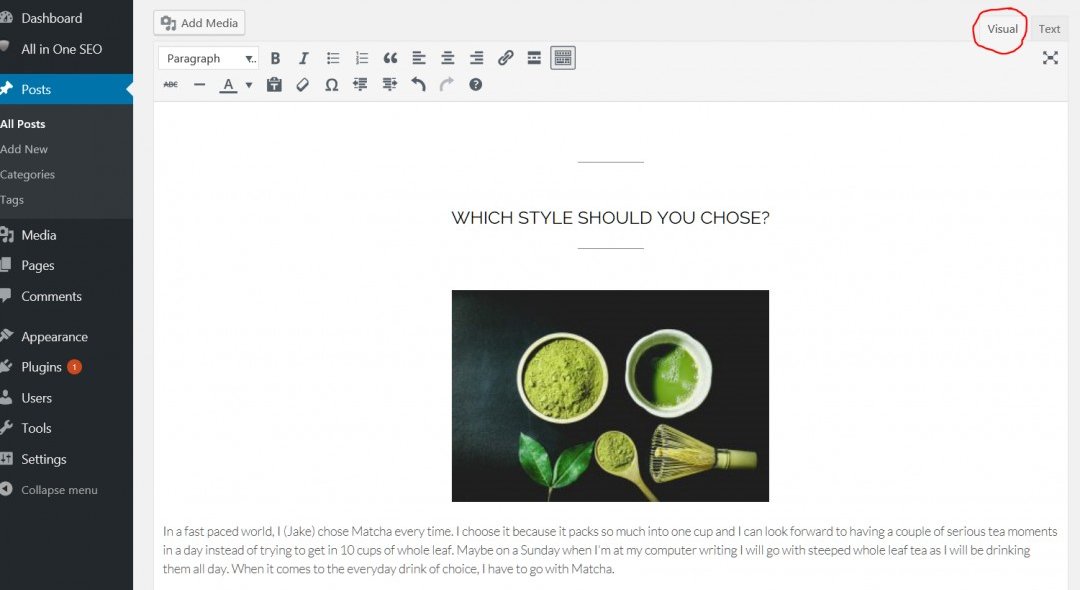
This is the visual form of writing a post and we aren't able to post URL codes here.
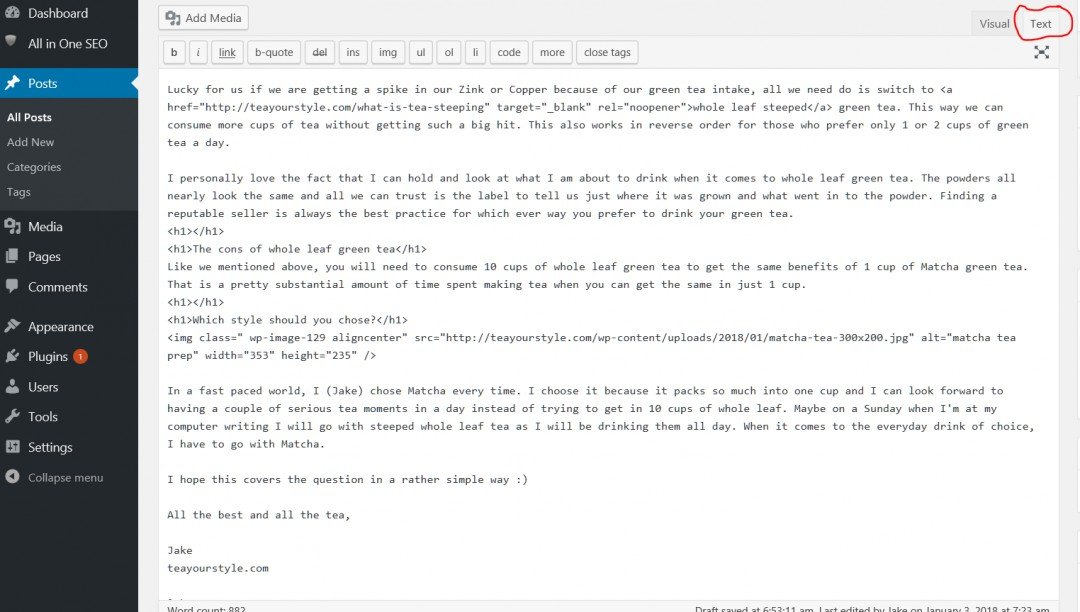
Now you can see (in the top right corner) I am in the text form of writing a post. This is the coded version of a post and where we can post direct amazon URL links.
Post your affiliate link in the text form and you will be right as rain!
Share this insight
This conversation is happening inside the community.
Join free to continue it.The Internet Changed. Now It Is Time to Build Differently.
If this article resonated, the next step is learning how to apply it. Inside Wealthy Affiliate, we break this down into practical steps you can use to build a real online business.
No credit card. Instant access.