Quick Tips - Use Those AI Credits!


Published on July 2, 2025
Published on Wealthy Affiliate — a platform for building real online businesses with modern training and AI.
The AI generation options are nice here at Wealthy Affiliate. You can generate lots of content really quickly. But they dont roll over. There is a chance that you could lose 30 or even 40 thousand credits at the end of the month!
This is literally about to happen to me, so I thought of two solutions:
- Bulk Create Content
- Bulk Create Images
Bulk Creating Content
Ready to put this into action?
Start your free journey today — no credit card required.
Well, the first one isnt reallty my idea - its an intrinsic part of the site. We all know that we can load up several topics and have our community AI tool create en masse.
Bulk Create Images
Here is the one that helped me feel a little clever this morning. Create a new blog template, and fill it with image placeholders. Images are 250 AI credits at the time of this writing, so if you make a blog post with 10 images, you can burn through 2,500 credits.
Here is how I did it.
- Start a new blog post using our AI tool
- Select a template. It can be any template since we will save a copy of it. With your template saved, click 'View This Template'
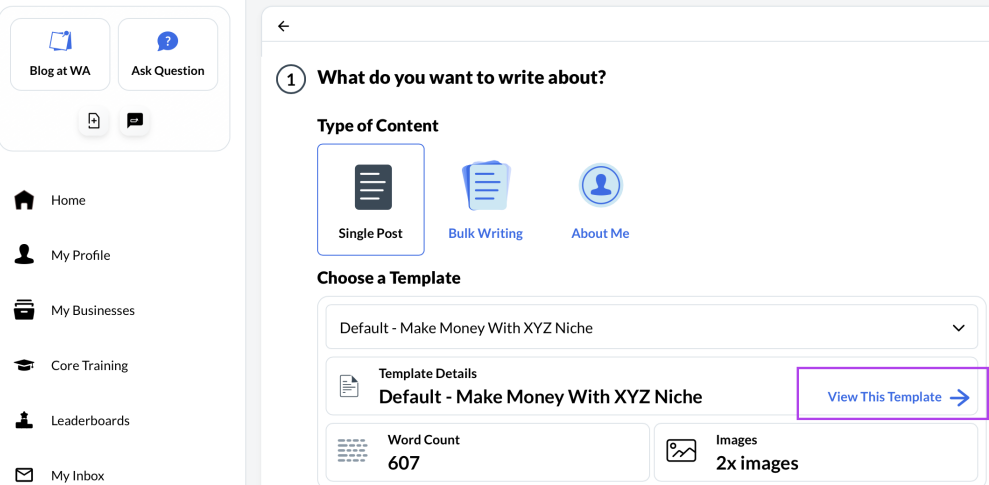
- You will arrive at the 'Edit Template' screen where you can select all of the existing content and delete it.
- Click the image button near the top of the screen. Im not sure if adding to the post title is necessary, but I do it anyway.
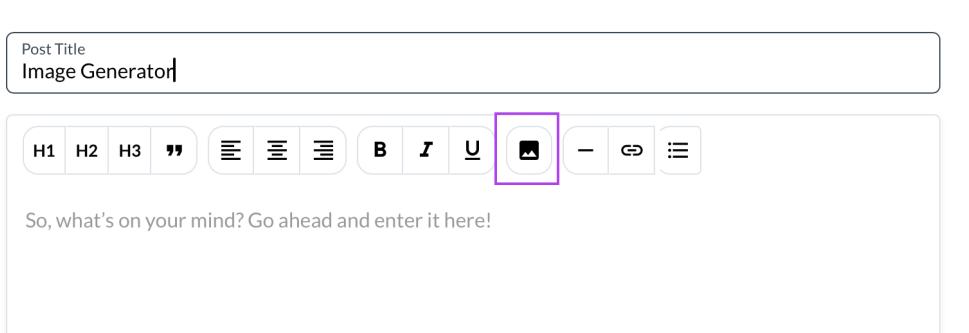
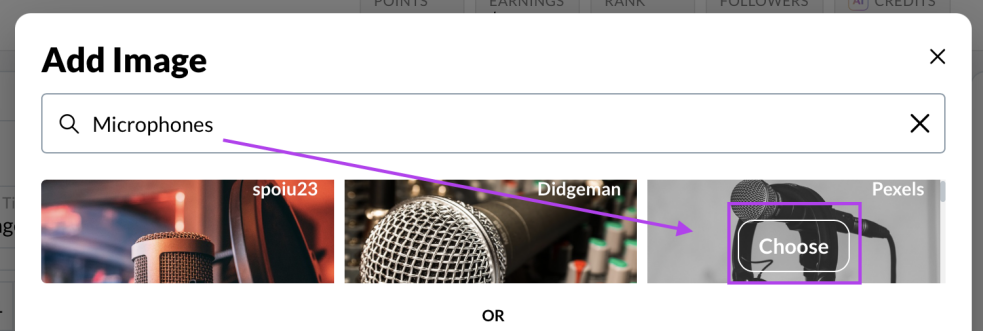
- Write in a search item and images will appear. Select one of the images. The actual image does not appear to matter. This is just creating a placeholder for images that will be generated.
- You will be asked if you want to crop the image. This does not seem to matter either since we are just making a placeholder
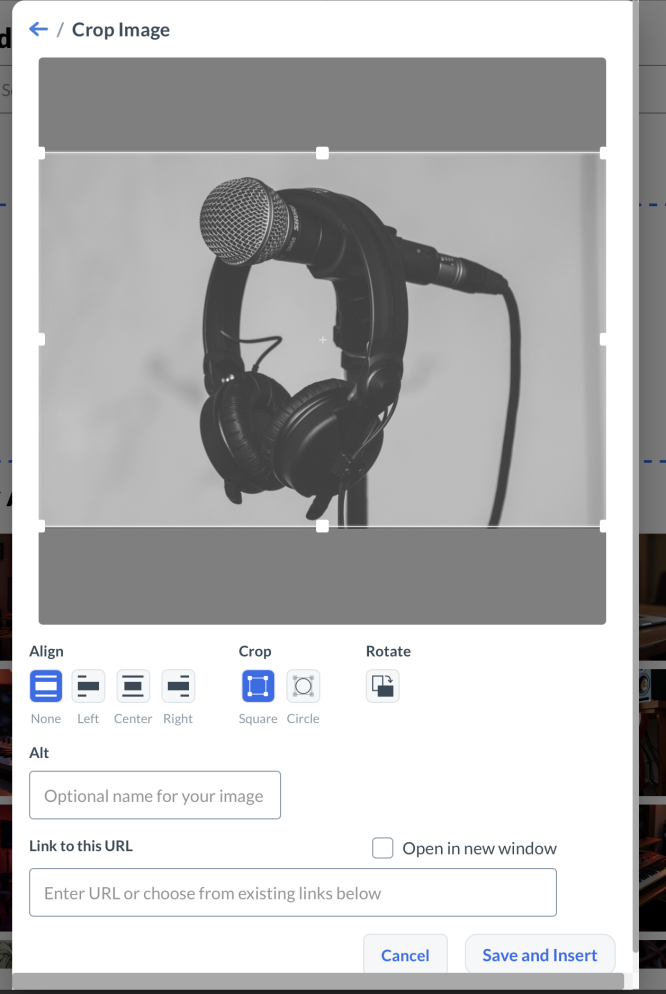
- Your image will appear on the template. At this point you can just repeat this process until you have the number of images that you want to create. In my case I did 10 images.
- When you have added the images you want to add. Click 'Save as a Template'.
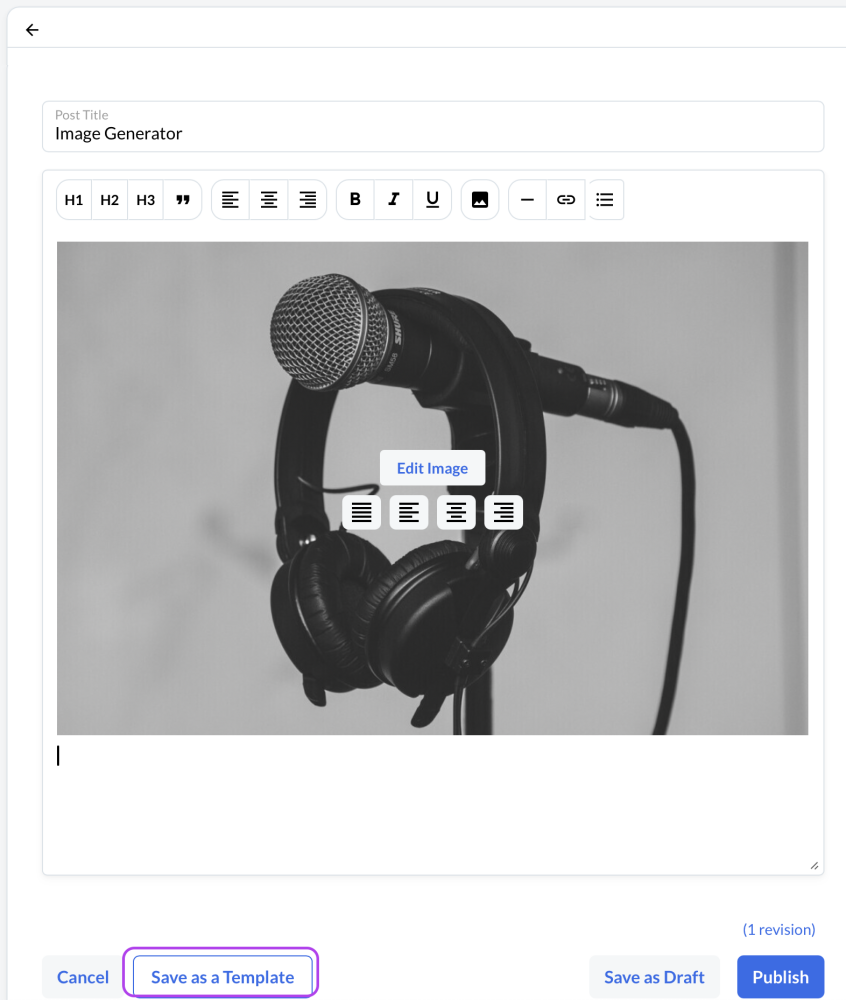
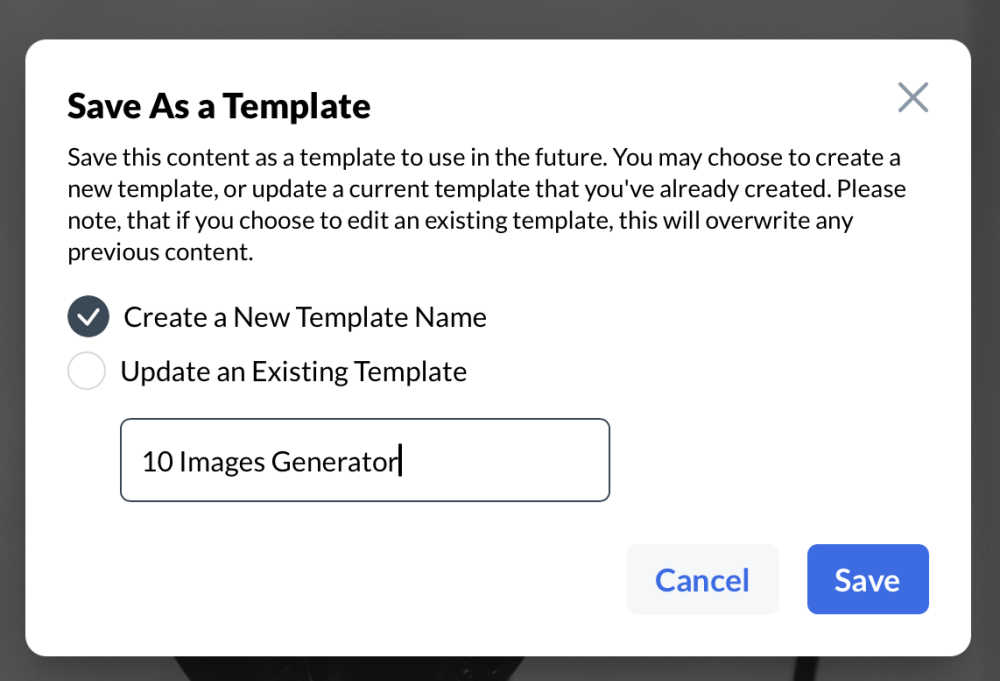
- Give your template a name and then press cancel to back completely out of the process
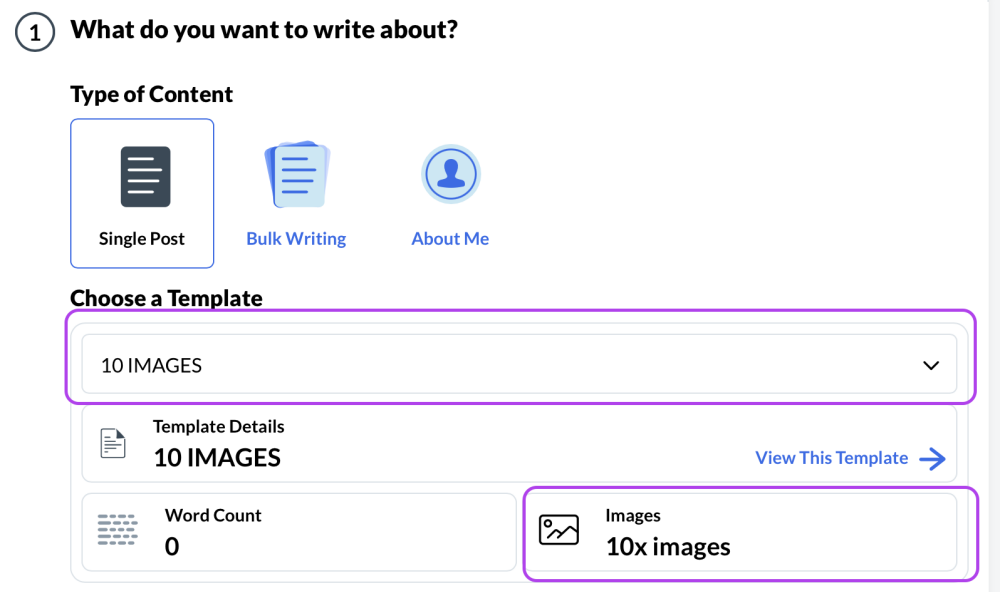
- Now when you go to create a new blog post with the AI Writer, this template can be selected. You can see that it contains 10 images
- Generate! Enter a topic for the post and your images will [as far as I can tell] be related to the topic!
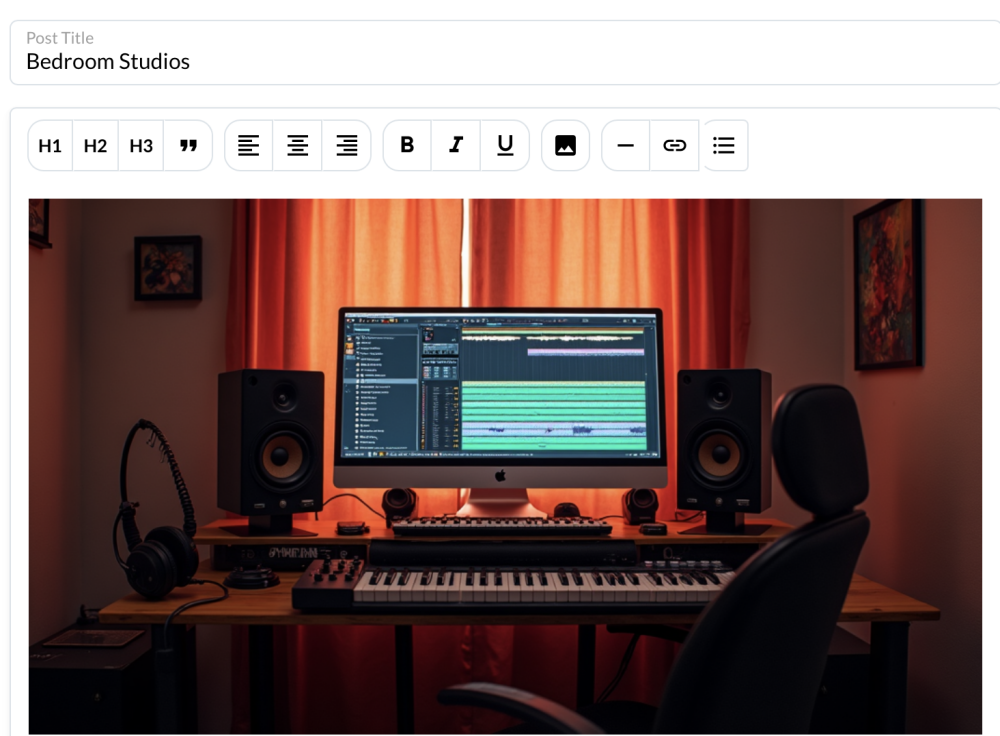
Ive had decent luck with this so far, and I am able to use my AI credits without losing them :).
And thats it for the day. Y'all have a good one!
Share this insight
This conversation is happening inside the community.
Join free to continue it.The Internet Changed. Now It Is Time to Build Differently.
If this article resonated, the next step is learning how to apply it. Inside Wealthy Affiliate, we break this down into practical steps you can use to build a real online business.
No credit card. Instant access.