The No-More-404s Checklist


Published on February 15, 2026
Published on Wealthy Affiliate — a platform for building real online businesses with modern training and AI.

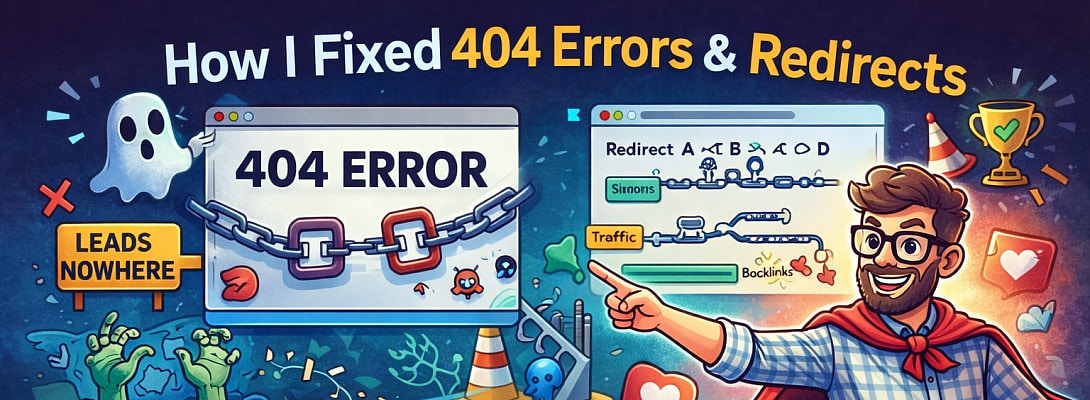
The No-More-404s Checklist
A fun, no-drama WordPress cleanup guide for 404 errors, redirects, and happy SEO.
Print this. Pin it. Screenshot it.
Whisper it gently to your server.
The 10-Minute Triage (Quick Win)
☐ Open your 404 log (WP Admin > Tools > Redirection > 404s)
☐ Sort by Hits (fix what’s actually being visited)
☐ Ignore obvious bot chaos (e.g. /.env, /wp-admin.php, random .phpfiles)
☐ Flag the top 10 URLs real humans might want
☐ For each flagged URL, decide: Restore, Redirect, or Retire
Fix 404s Like a Pro (Without Losing Your Mind)
For each 404 URL:
☐ Should the page exist? >>> Restore it or fix the broken internal link
☐ Was it renamed / slug changed? >>> Add a 301 redirect (Old > New)
☐ Was it deleted forever? >>> Redirect to the closest relevant page
☐ Is it a missing image/file (/wp-content/uploads/...)? >>> Re-upload OR redirect to correct file
☐ Is it bot garbage? >>> Do nothing (don’t reward chaos with redirects)
Redirect Rules That Don’t Become a Soap Opera
Ready to put this into action?
Start your free journey today — no credit card required.
☐ Use 301 for permanent moves (most cases)
☐ Avoid redirect chains: make Old > Final (not Old > New > Newer > Final)
☐ Don’t redirect everything to the homepage (Google calls that “soft 404” vibes)
☐ Test each redirect in an incognito window
☐ Delete redirects you no longer need
One Canonical URL to Rule Them All
☐ Choose your preferred version (recommended): https: //yoursite . com
☐ Make sure HTTP >>> HTTPS happens in one hop
☐ Make sure www >>> non-www (or vice-versa) happens in one hop
☐ In WordPress: Settings > General > Site Address + WordPress Address match
Clean Up Internal Links (The Sneaky Culprit)
☐ Scan for broken internal links (plugin or SEO tool)
☐ Update links to point directly to final URLs (don’t rely on redirects internally)
☐ Check menus + footer links (they generate tons of repeated hits)
Make Google Your Friend Again
☐ Google Search Console > Pages/Coverage > review “Not Found (404)”
☐ Submit a fresh sitemap (via Yoast/Rank Math/etc.)
☐ Request indexing for key updated pages
☐ Wait patiently (Google updates like a sleepy cat)
Shared Hosting Safety Basics
☐ Enable a security plugin (Wordfence or similar)
☐ Turn on auto-updates for WP core + key plugins
☐ Use strong admin passwords + 2FA
☐ Backups. Always backups.
✨ Fleeky
Let me know if you like and use it.
Ps
Instead of a long blog, I made a checklist.
And if you have questions... let me knkw
Share this insight
This conversation is happening inside the community.
Join free to continue it.The Internet Changed. Now It Is Time to Build Differently.
If this article resonated, the next step is learning how to apply it. Inside Wealthy Affiliate, we break this down into practical steps you can use to build a real online business.
No credit card. Instant access.