The Day Quick Edit Said “No”


Published on April 6, 2026
Published on Wealthy Affiliate — a platform for building real online businesses with modern training and AI.

The Day Quick Edit Said “No”
(and what it was secretly trying to teach you)
You sit there, coffee in hand.
Landing page open. Vision clear.
👉 “I’ll just add a nice hyperlink to my categories… quick edit… done.”
You click Quick Edit.
You look around.
You click again.
Nothing.
No link option. No magic button. Just… silence.
The Misunderstanding
Here’s the twist:
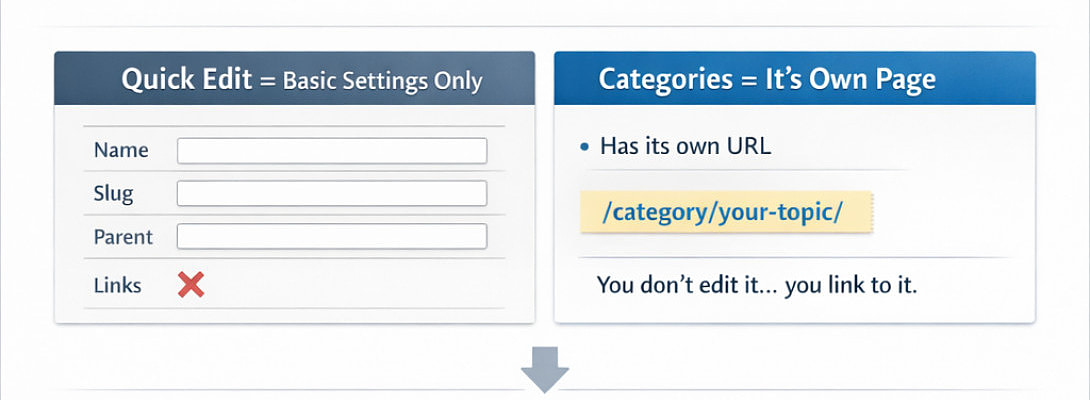
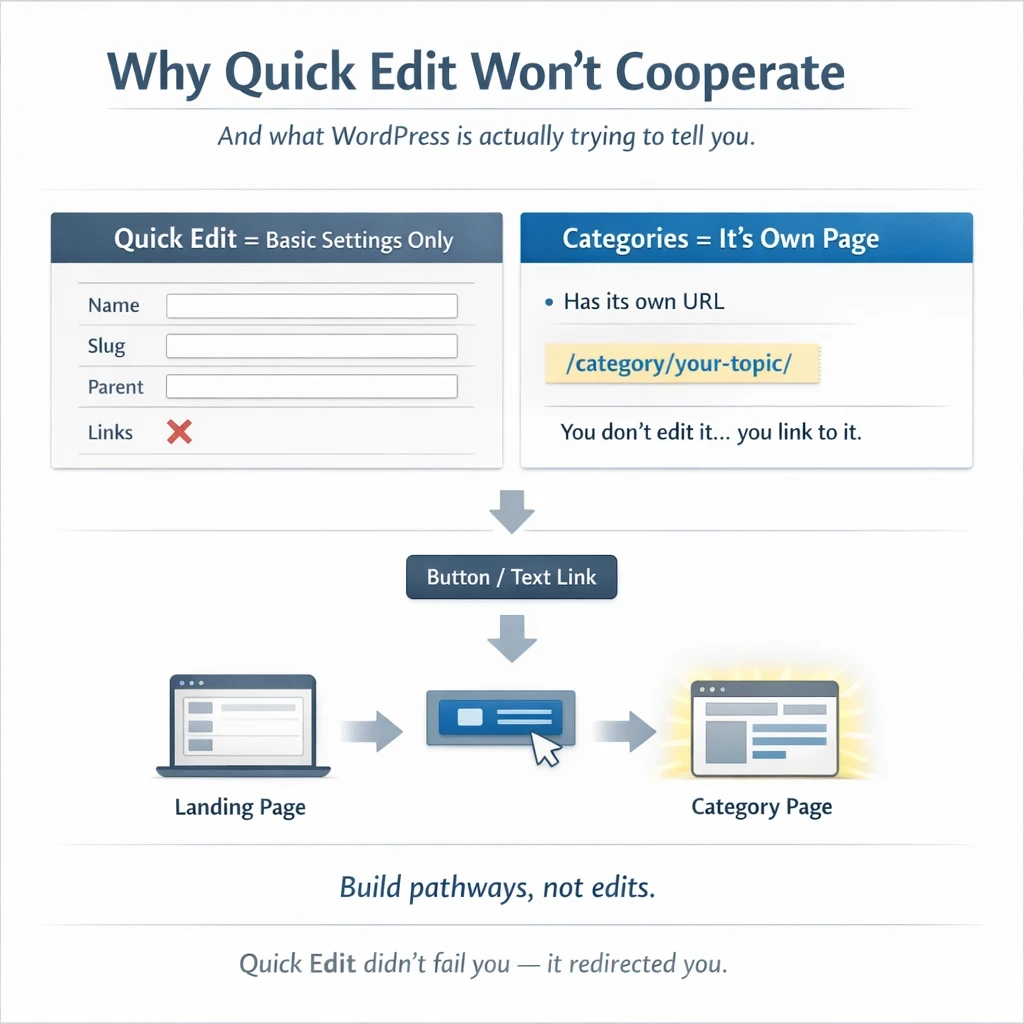
WordPress isn’t being difficult. It’s being very literal.
A category is not a piece of text you edit.
It’s already a page.
Yes... every category you create automatically becomes its own hidden page:
yoursite .com/category/your-category/
So when you tried to “add a link” in Quick Edit…
WordPress quietly said: “But… it already is the link.”
The Right Door (instead of pushing the wall)
Instead of editing the category…
You simply link to it.
Ready to put this into action?
Start your free journey today — no credit card required.
Like this:
Open your category,
Copy the URL ,
Paste it into your landing page (text, button, whatever you like)
Done.
No wrestling. No plugins. No drama.
The Shortcut Most People Miss
There’s also a slightly more elegant move.
Head over to:
👉 Appearance → Menus
Add your categories there.
WordPress will generate the links, keep them clean and update them automatically
It’s like letting WordPress do the boring part while you sip your coffee
Building a Better Landing Page
Once you “get it,” something clicks: You’re not editing categories…
You’re designing pathways.
A button becomes a door
A category becomes a room
Your landing page becomes the hallway connecting everything
And suddenly… your site feels intentional.
The Moral of the Story
Quick Edit didn’t fail you.
It just refused to do something it was never meant to do.
And in doing so, it nudged you toward something better:
👉 Linking instead of editing
👉 Structure instead of workaround
Takeaway?
Sometimes the tool doesn’t give you what you want…
because it’s quietly pointing to a better way.
✨ Fleeky
Thank you for likes, shares and comments
In Classic Editor, there is no “block magic”
but you do have full control over links.
So the issue isn’t the editor
It’s still the same misunderstanding: you don’t edit the category… you link to it
Share this insight
This conversation is happening inside the community.
Join free to continue it.The Internet Changed. Now It Is Time to Build Differently.
If this article resonated, the next step is learning how to apply it. Inside Wealthy Affiliate, we break this down into practical steps you can use to build a real online business.
No credit card. Instant access.