No More “All Day on Updates” Pain?


Published on August 16, 2026
Published on Wealthy Affiliate — a platform for building real online businesses with modern training and AI.

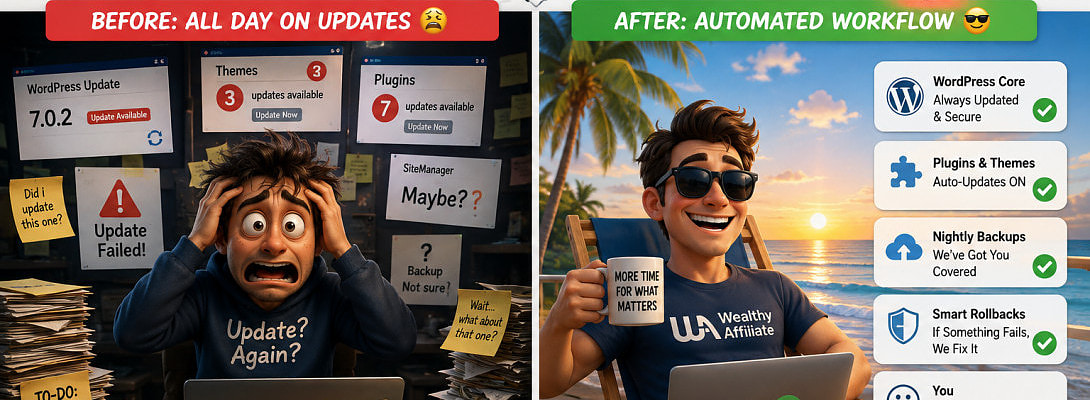
No More “All Day on Updates” Pain? 🙂
If you manage several WordPress sites, you probably know the routine.
You open SiteManager to “quickly” check for updates.
A plugin here. A theme there. WordPress itself apparently wants attention too.
And suddenly, your quick check has turned into “all day on updates” pain. 🙂
Lately, there have been quite a few changes going on, and SiteManager doesn’t always seem to reflect what’s actually happening on the site ... at least for now.
One of my particular pains was auto-updates.
Were they on?
Were they off?
Was I supposed to update everything manually?
And why did WordPress itself sometimes seem determined to sit there looking outdated no matter what I clicked?
Rather than developing “Professional Update Button Clicker” as my next online career...
I asked SiteSupport to have a look.
And this was their reply:
Ready to put this into action?
Start your free journey today — no credit card required.
"First, an important clarification that should take a weight off: on our platform, the WordPress core (the version number you circled — 7.0.2) is managed by us centrally. We keep it updated and security-patched for you across the whole platform, so that's not something you need to update per-site — and that's actually why the normal "update" button doesn't move it. I checked the site you flagged (... ) and have brought it up to our current core (7.0.4), and I'm working through bringing the rest of your sites to the latest core too (a few were a little behind).
Second, the auto-pilot you asked for: I've turned ON automatic updates for your plugins and themes across all (...) of your active sites. From now on those will keep themselves current in the background. No manual runs needed.
On safety (your "with backups, no risks"): your sites are backed up nightly on our end, WordPress automatically rolls back any plugin/theme update that fails, and I took a fresh backup before touching core on (....) . So this is low-risk by design.
Nothing needed from you. Check whenever suits (no more all-day-updates, hopefully 😄). If you ever want a specific plugin kept on manual instead, just tell me and I'll flip that one back."
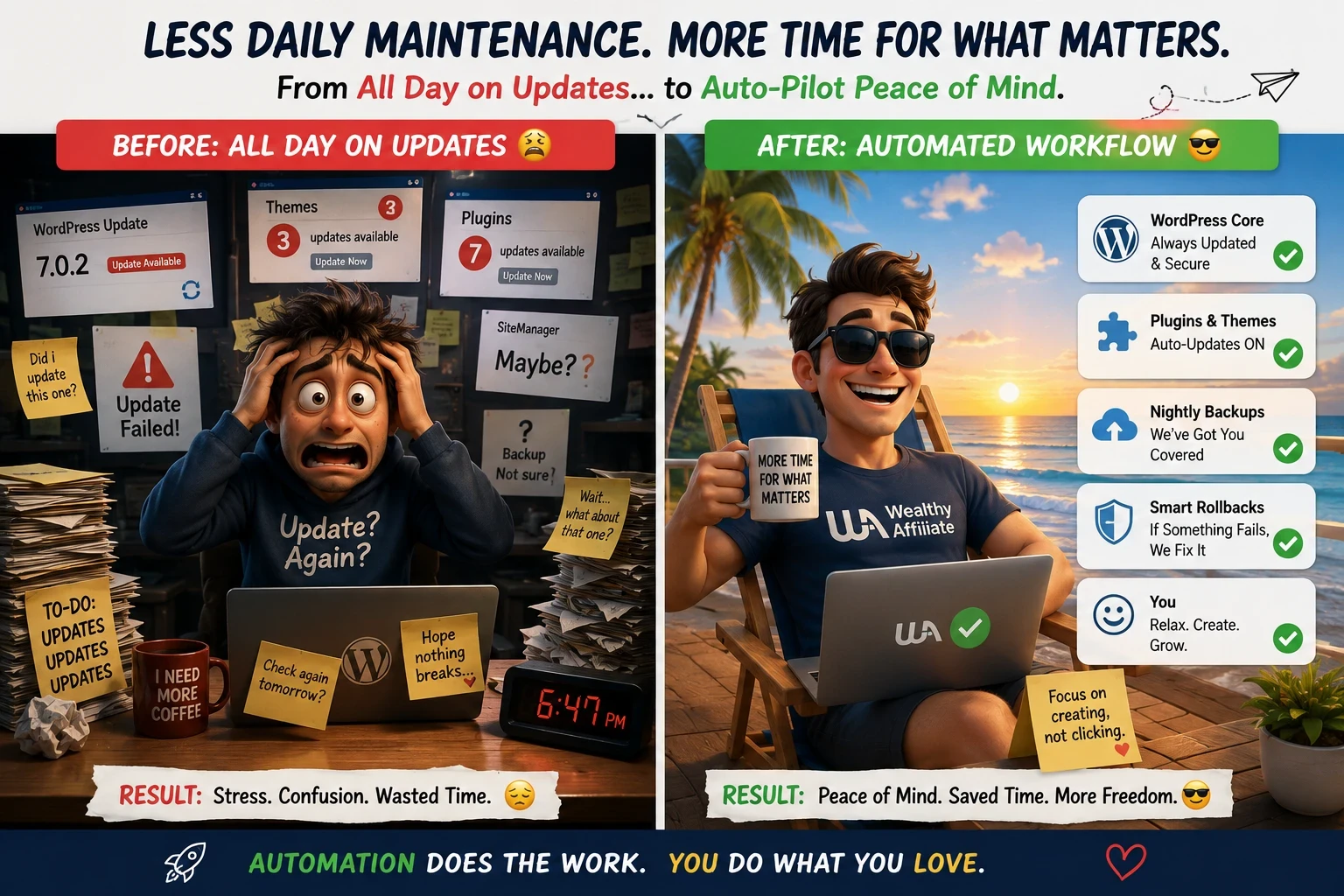 Well, That Sounds Excellent!
So far, so good.
WordPress core? Handled centrally.
Plugins and themes? Auto-updates switched on.
Backups? Taken care of.
And, most importantly, I can hopefully retire from my promising new career as a full-time update watcher.
This particular problem should now be solved for all of us.
If your sites are still behaving differently, or SiteManager and reality seem to be having a disagreement, ask SiteSupport to look into it for you.
Hopefully this saves some of you a few clicks, a little confusion, and perhaps even an entire “all day on updates” day. 🙂
Fleeky
Thanks for likes and comments!
Other painpoints? Ask SiteSupport... and let us know...👍🏆🥂
Ps
ALSO GOOD TO KNOW:
"Auto-updates run on a schedule (roughly a couple of times a day), so any updates that were already waiting at the moment you switched auto-updates on get applied on the next scheduled cycle ... not the instant it's enabled.
From here on, they'll keep themselves up to date automatically.
The only things that ever need a manual touch are premium/paid plugins that update through their own license key (WordPress can't auto-update those). If you ever run into one of those, just tell SiteSupport which ones and it'll sort it. Otherwise, you're all set ... keep publishing!"
Share this insight
This conversation is happening inside the community.
Join free to continue it.The Internet Changed. Now It Is Time to Build Differently.
If this article resonated, the next step is learning how to apply it. Inside Wealthy Affiliate, we break this down into practical steps you can use to build a real online business.
No credit card. Instant access.