Add Your Style Signature to ChatGPT


Published on December 3, 2025
Published on Wealthy Affiliate — a platform for building real online businesses with modern training and AI.

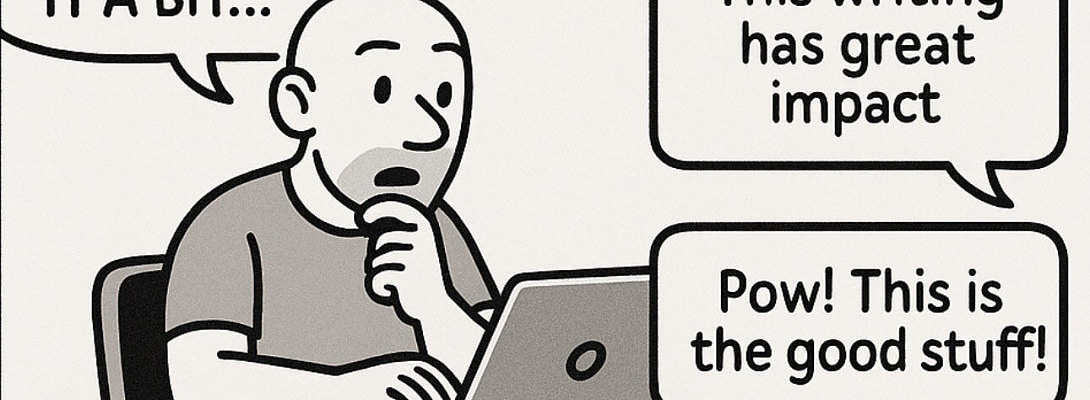
Add Your Style Signature to ChatGPT
(And Never Sound Generic Again)
Let’s be honest: ChatGPT is brilliant...
But left unchecked, it writes like a default user manual. Polite. Predictable. Painfully neutral.
If you're using AI to write content (emails, blogs, captions, thought leadership) you need a way to inject your voice. Otherwise, you’ll just blend in with every other AI-assisted post on the internet.
Enter: the Style Signature.
It’s your custom writing fingerprint. A simple way to make ChatGPT (or any Custom GPT) sound exactly like you. Every time.
And yes, it’s way easier than rewriting every output by hand.
What’s a Style Signature?
It’s not just "tone." It’s the whole vibe of how you write:
- Sentence rhythm
- Word choice
- Punctuation quirks
- Structure
- Ending energy
When you define that clearly in a prompt (or save it in a Custom GPT’s instructions) you create instant consistency in your voice, across content and platforms.
How to Add Your Style Signature to ChatGPT
Here’s the step-by-step play:
1. Write a Style Prompt Once
Ready to put this into action?
Start your free journey today — no credit card required.
Craft a short block of instructions that defines how you write. Think:
Write in a confident, conversational tone with punchy, rhythmic sentences. Use plain language. Favor ..., ., or : over em dashes. Avoid filler and buzzwords. End with a bold insight, challenge, or callout.
Refine that until it feels like you. Then...
2. Use It Every Time You Prompt
Paste it at the top of your message, or keep it handy in a note. This helps ChatGPT stay locked into your voice.
3. Save It in a Custom GPT
If you're using Custom GPTs, open the settings and paste your style prompt into:
- “Writing Style”
- OR “User Preferences”
Boom. It remembers your voice. Even across different chats.
4. Create Templates or Snippets
Save your prompt as a reusable snippet in your notes app, doc, or automation tool (Notion, TextExpander, Raycast, etc.). That way, it’s always one keystroke away.
Pro Tip... Style Is a Brand Asset
A consistent voice builds trust.
It makes you recognizable. Memorable. Human.
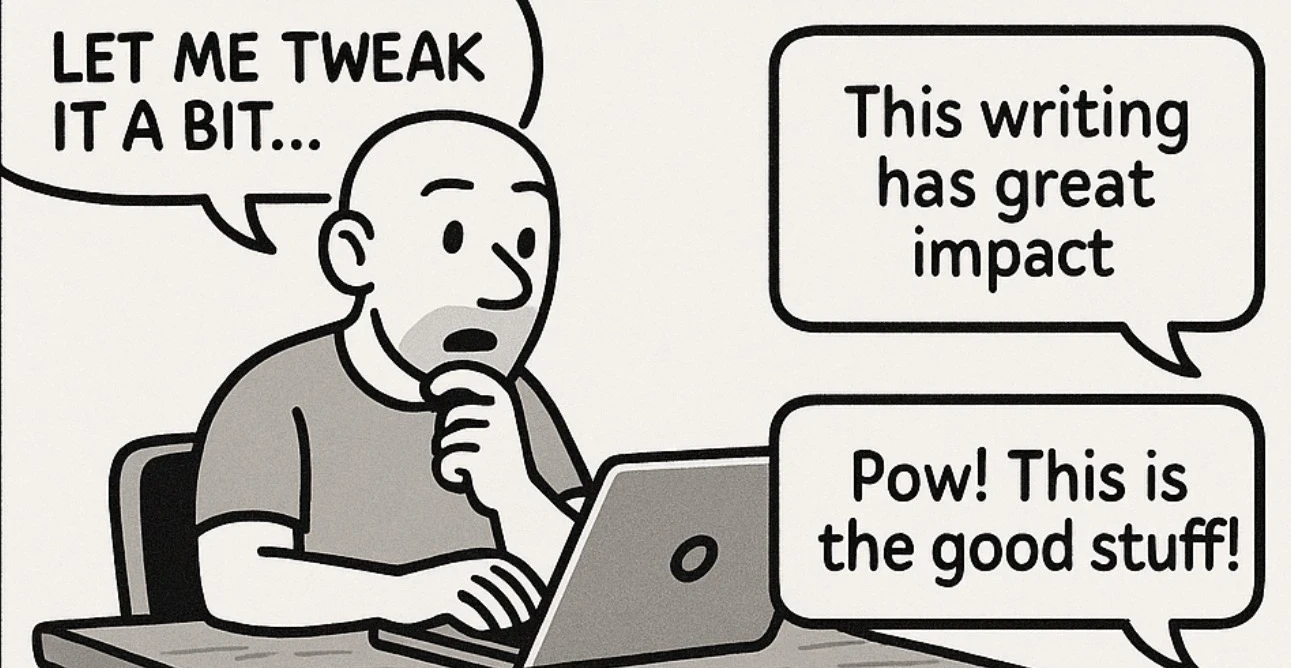
If you’re using AI but still editing every sentence to "make it sound like you"... you’re wasting time.
Fix it once with a style signature. Then scale it everywhere.
Final Line?
Style scales. But only if you define it.
Make ChatGPT your co-writer... not your rewrite project.
✨ Fleeky
Ps
Do you have your own style signature?
If not, stay tuned... I'll post a style signature worksheet later...
Share this insight
This conversation is happening inside the community.
Join free to continue it.The Internet Changed. Now It Is Time to Build Differently.
If this article resonated, the next step is learning how to apply it. Inside Wealthy Affiliate, we break this down into practical steps you can use to build a real online business.
No credit card. Instant access.