How to Know if Premium Plus is Right for You - Here is How


Published on November 3, 2020
Published on Wealthy Affiliate — a platform for building real online businesses with modern training and AI.


Kyle announced many changes for the Wealthy Affiliate platform that I find fascinating and needed as WA evolves to keep pace with technological advances in online performance and the affiliate marketing industry.
Yes there will be glitches at roll out, but my confidence as a 7+ year member is knowing those glitches will be fixed in short order. These guys, Kyle & Carson as well as all those behind the scenes will get it right, so be patient.
DO YOU NEED PREMIUM PLUS?
Not everyone will need or want Premium Plus for a variety of reasons. That being said, if you can afford it and you are a relatively new member who has not started making money online, Premium Plus could be beneficial.
It is important to note that Premium Plus and regular Premium have a lot in common and I will show just how much below. As Kyle said, Premium Plus is NOT a new membership level, but rather a "Bundled" Premium package.
So how to know if Premium Plus is right for you? Below by way of screen shots I will show you step by step in how to determine if this is what you need. You will first need to click your Profile Image above right and a user interface will appear. See Below.
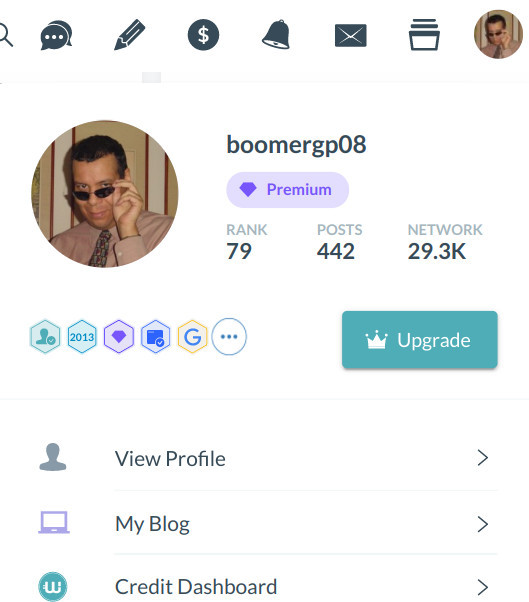
This UI gives you a snapshot view and navigation to various areas associated with your Profile. You will want to scroll down to where it says "Account Settings" and click there. See Below.
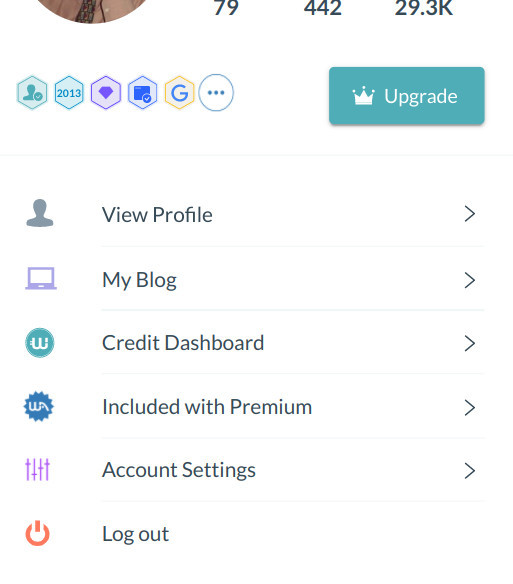
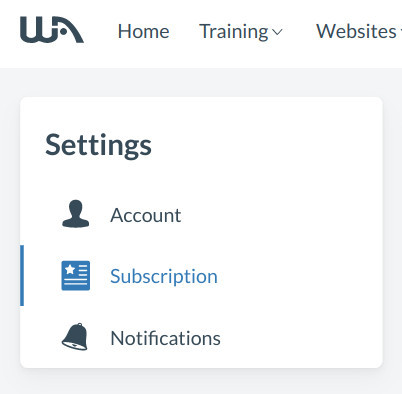
Once you click on "Account Settings" on the left side of the next screen that is showing you your account information, you will want to click on "Subscription" and this will show you what you currently have. See Below.
Ready to put this into action?
Start your free journey today — no credit card required.
When you go onto your Subscription page it will show you what you are currently paying and for what subscription level. NOTE: Yours will look slightly different than mine. Because I have been a member for 7+ years, some features are grandfathered in. See Below.
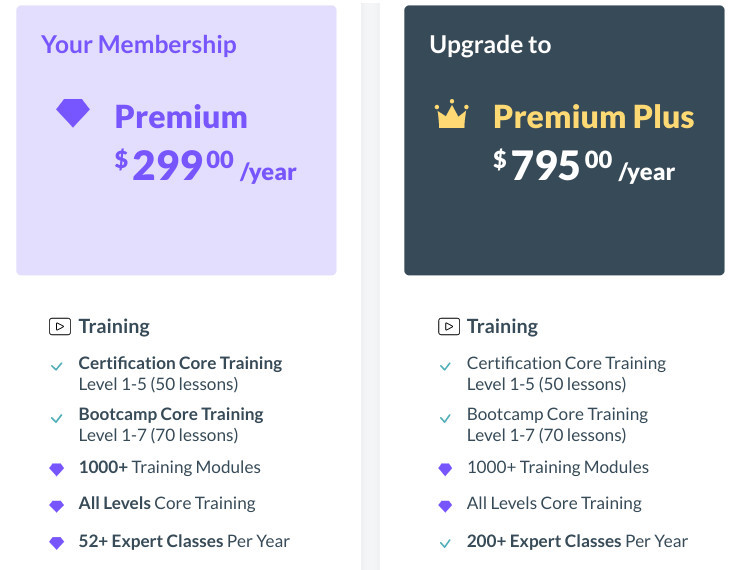
A purple diamond icon denotes Premium and a check mark denotes what you already have access to. A crown icon means a Premium Plus only feature. This makes it easier to see what you have and what you don't have. See Below.
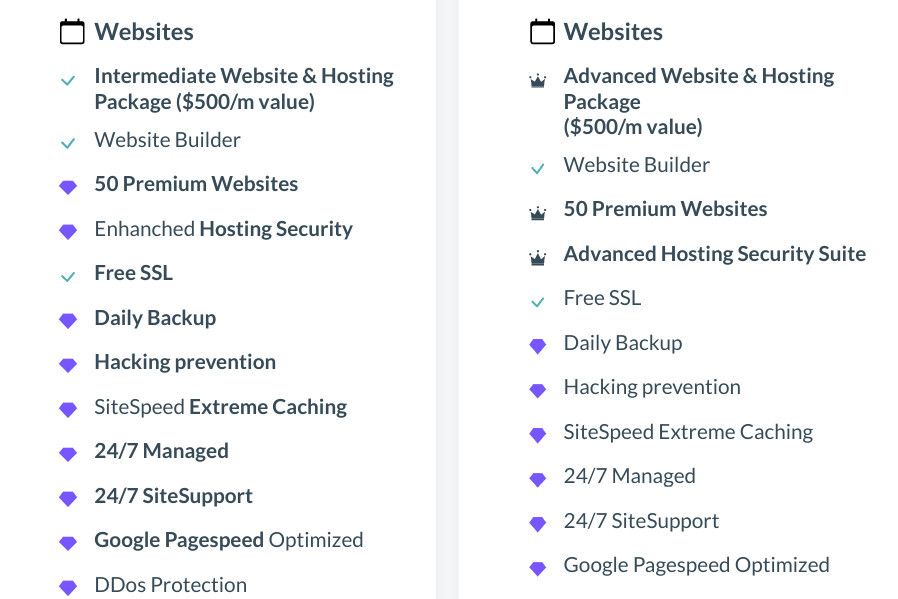
NOTE: You may have noticed that even though hosting for 50 Premium websites is a Premium Plus feature, I already have that as a Premium member. This is because I joined WA prior to them changing it to 10 in March 2020 and I am grandfathered in.
So if you became a WA member prior to the hosting changes to 10 websites in March 2020, you were also grandfathered in for 50 websites. The only perks I do not get is Advanced Hosting Security Suite & 1,000,000 Monthly Visits. See Below.
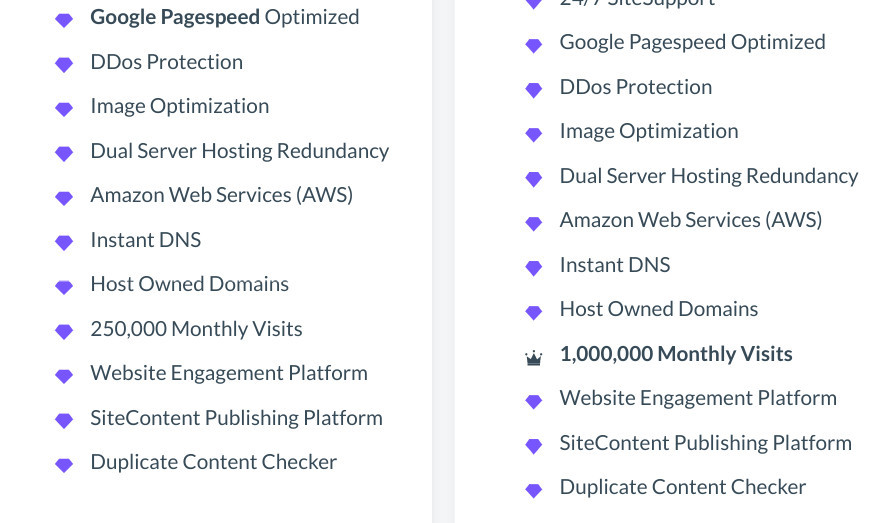
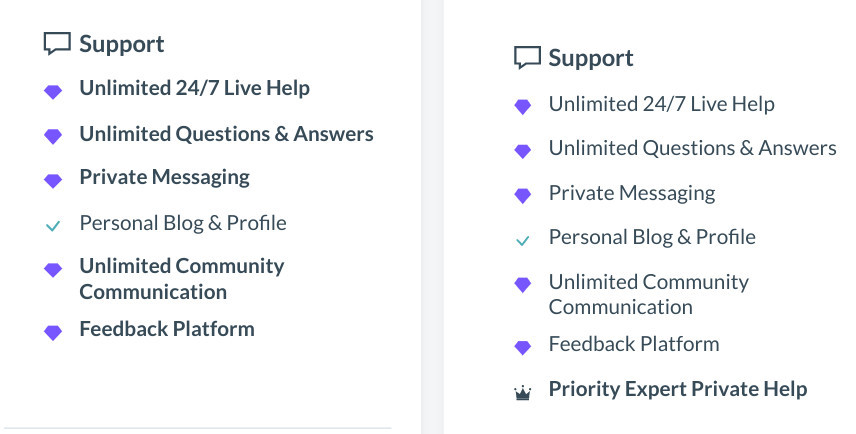
Moving on to Support features, the only Premium Plus perk I do not get with regular Premium is Priority Expert Private Help. Not sure how this would actually work at this time, but I can see it being helpful to less experienced members. See Below.
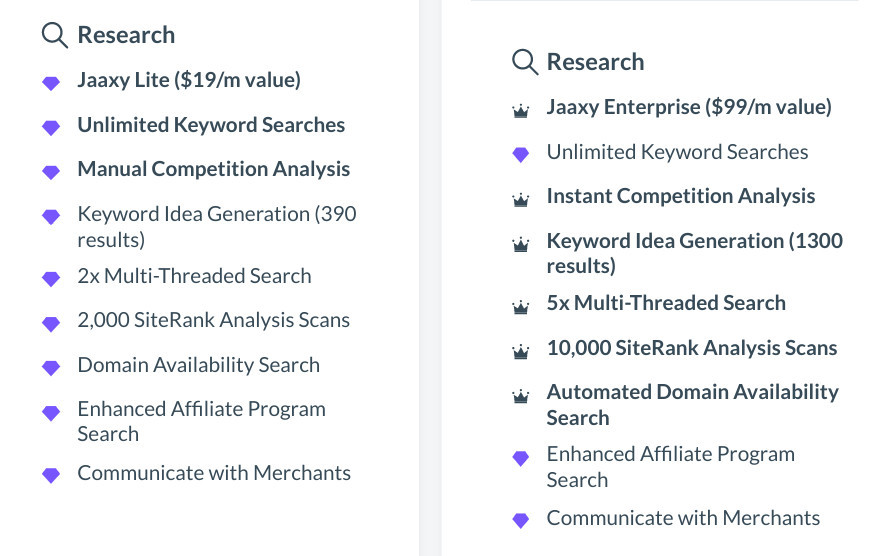
For me, and probably most of you (unless you have Jaaxy Enterprise already), in this area of Research I lack 6 of the Premium Plus perks. See Below.
Before you upgrade to Premium Plus, make sure to see what you already have. If you joined WA prior to the hosting changes in March 2020 and/or you already have Jaaxy Enterprise, you might have some of the Premium Plus perks already.
However I still recommend that if you are a new member joining WA after the hosting changes in March 2020 or you do not have Jaaxy Enterprise and also want access to the Expert Training, and if you can afford to, then upgrade to Premium Plus and do so before the $200 discount expires.
If you have any comments, thoughts or questions on what I posted here, please leave them in the comments below. Thank You! ~ Rob
Share this insight
This conversation is happening inside the community.
Join free to continue it.The Internet Changed. Now It Is Time to Build Differently.
If this article resonated, the next step is learning how to apply it. Inside Wealthy Affiliate, we break this down into practical steps you can use to build a real online business.
No credit card. Instant access.