How I Humanize AI Content (Step-by-Step for ChatGPT and Claude)


Published on March 30, 2026
Published on Wealthy Affiliate — a platform for building real online businesses with modern training and AI.

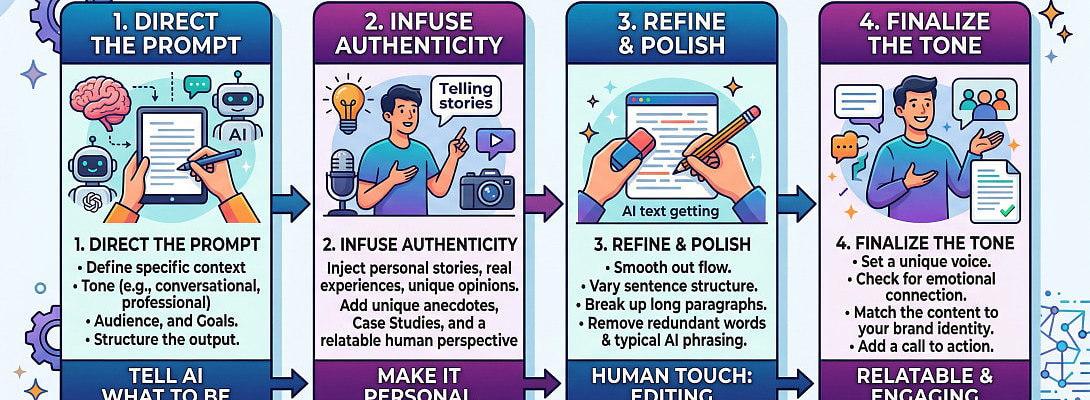
Let’s get straight to it.
AI content is everywhere now.
Blog posts, emails, reviews, social posts.
But most of it sounds the same.
- Flat.
- Predictable.
- Easy to scroll past.
If you’re building an affiliate site, that’s a problem.
Because content that feels generic doesn’t build trust.
And without trust, conversions stay low.
So instead of avoiding AI, I focused on fixing its biggest weakness.
Here’s the exact system I use to turn AI content into something that actually feels human.
Why Most AI Content Falls Flat
On the surface, AI content looks fine.
- Good grammar.
- Clean structure.
- No obvious errors.
But once you start reading, it feels off.
That’s because AI tends to:
- Over-explain simple ideas
- Repeat sentence patterns
- Use generic transitions
- Add fluff that doesn’t add value
- Sounds overly neutral
The result is content that reads like it was written for everyone.
Which means it connects with no one.
The System I Use to Fix It
I don’t rely on random prompts.
I use a simple workflow backed by a humanizing document that forces the content to sound natural.
Here’s exactly how it works.
Step 1: Generate the Raw Draft
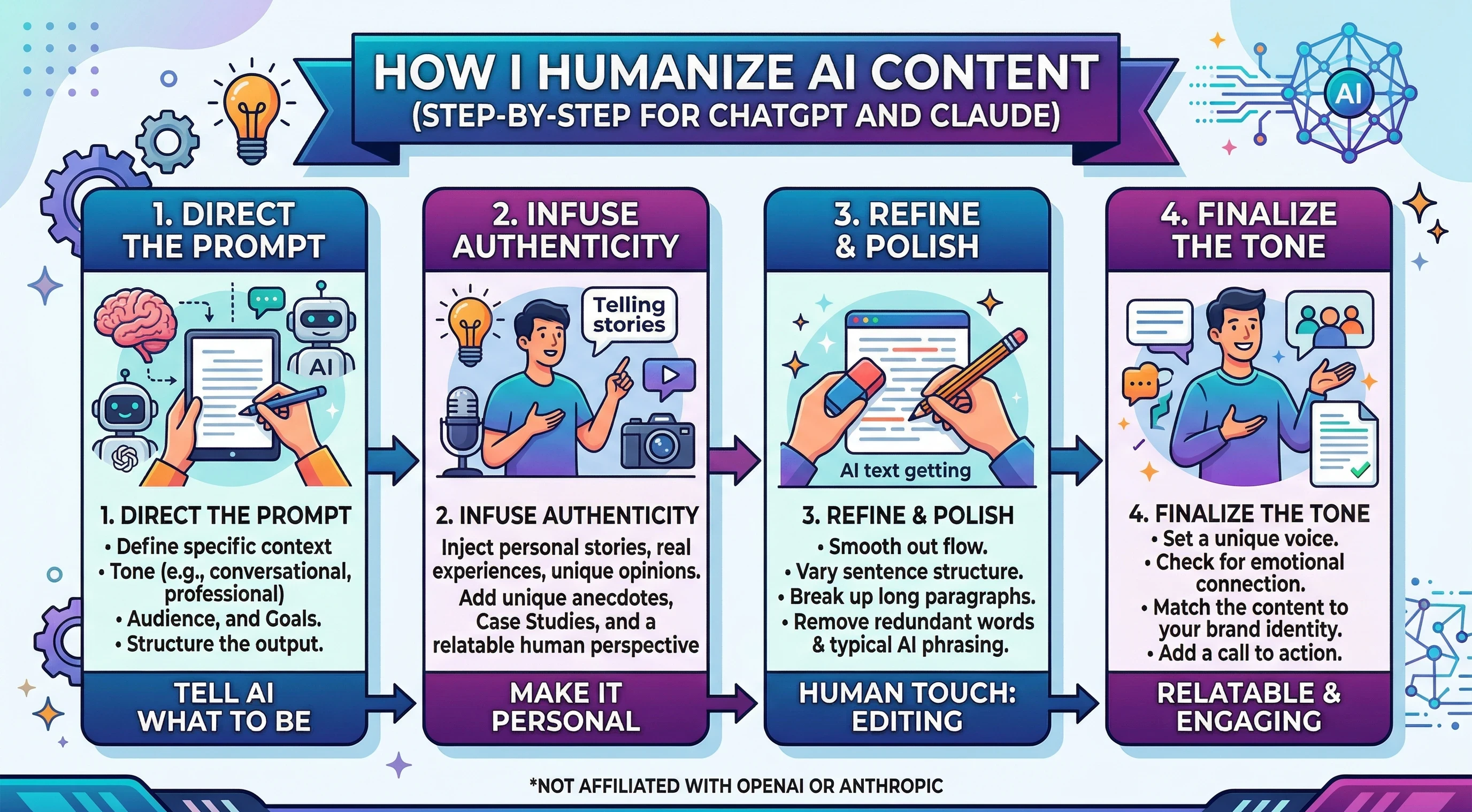 Start with ChatGPT or Claude.
Focus on:
- Structure
- Key points
- Basic clarity
Don’t worry about tone yet.
This is your rough draft, not the final version.
Step 2: Apply the Humanizer Document
This is where the real change happens.
I take the draft and run it through my humanizing rules.
These rules focus on:
- Natural phrasing
- Clear, direct sentences
- Removing fluff
- Varying sentence length
- Making the tone conversational
Ready to put this into action?
Start your free journey today — no credit card required.
Instead of telling AI to “sound human,” I give it clear editorial standards to follow.
Prompts You Can Use Right Now
If you’re doing this manually, these prompts work well.
ChatGPT Prompt
Rewrite this content to sound natural and conversational.
Follow these rules:
- Use clear, simple language
- Remove robotic or repetitive phrasing
- Vary sentence length
- Cut unnecessary words
- Avoid generic transitions
- Keep the original meaning
Claude Prompt
Edit and rewrite the following content to improve clarity and make it sound human.
Focus on:
- Natural flow
- Conversational tone
- Removing AI-sounding phrasing
- Cutting redundancy
Do not change the core message.
Download Claude Skill from GitHub
The Step Most People Skip
After rewriting, do a quick manual pass.
Look for:
- Sentences that feel too perfect
- Repeated wording
- Sections that feel generic
Tighten those areas.
It only takes a few minutes, but it makes a noticeable difference.
A Faster Option: Using a Humanizer GPT
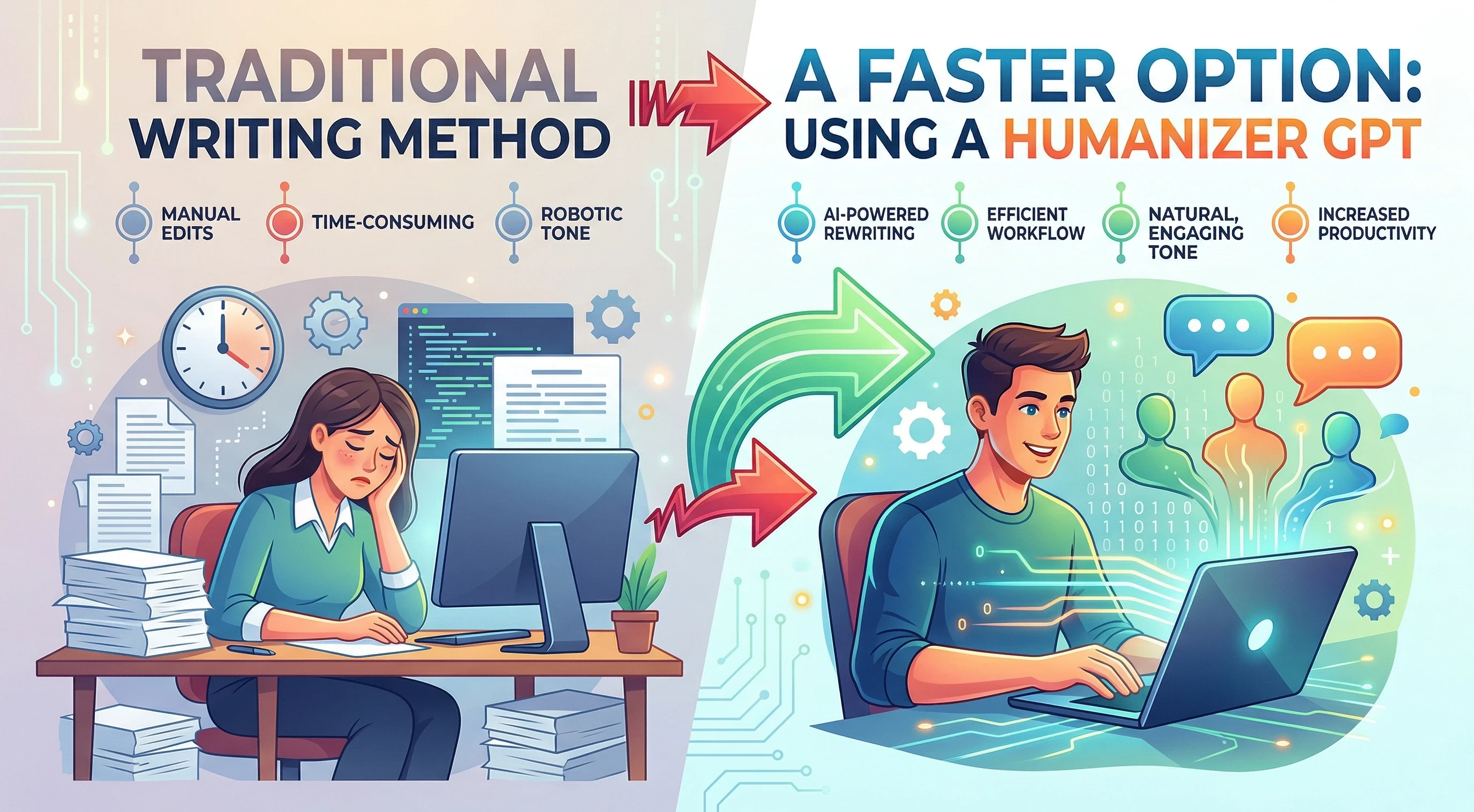 If you don’t want to repeat this process every time, you can use a dedicated humanizer GPT.
There are solid options available that already have these rules built in.
Instead of rewriting prompts and tweaking outputs, you:
- Paste your content
- Let the tool refine it
- Get a more natural version quickly
What a Good Humanizer GPT Should Do
Not all tools are equal.
A solid one should:
- Remove robotic phrasing
- Improve sentence flow
- Cut unnecessary words
- Keep your original message intact
- Make the tone feel natural, not forced
If it changes your meaning or adds fluff, it’s not doing its job properly.
Get Humanizer GPT inside ChatGPT
Why This Matters for Affiliate Marketing
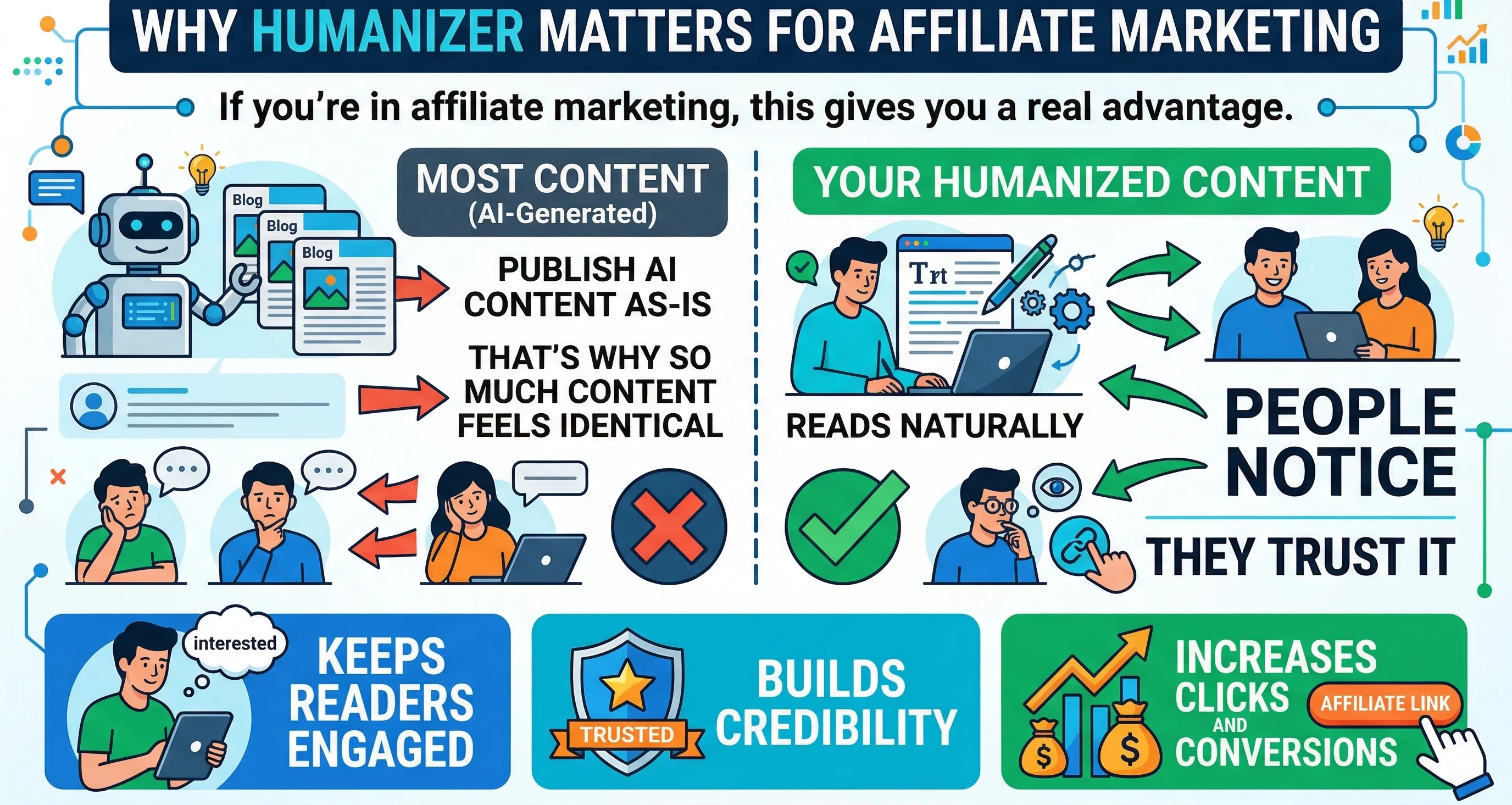 If you’re in affiliate marketing, this gives you a real advantage.
Most people publish AI content as-is.
That’s why so much content feels identical.
When yours reads naturally, people notice.
And more importantly, they trust it.
Humanized content:
- Keeps readers engaged
- Builds credibility
- Increases clicks and conversions
Final Thoughts
AI is a tool.
But like any tool, the output depends on how you use it.
If you publish raw AI content, you blend in.
If you refine it, you stand out.
This process is simple, but it works.
Use it consistently, and your content will feel different in a way that actually matters.
Your Next Step
 Take one piece of content you’ve already written.
Run it through this process.
Compare the before and after.
Once you see the difference, it becomes part of your workflow.
Share this insight
This conversation is happening inside the community.
Join free to continue it.The Internet Changed. Now It Is Time to Build Differently.
If this article resonated, the next step is learning how to apply it. Inside Wealthy Affiliate, we break this down into practical steps you can use to build a real online business.
No credit card. Instant access.