I Made a Website for my Son


Published on February 25, 2017
Published on Wealthy Affiliate — a platform for building real online businesses with modern training and AI.
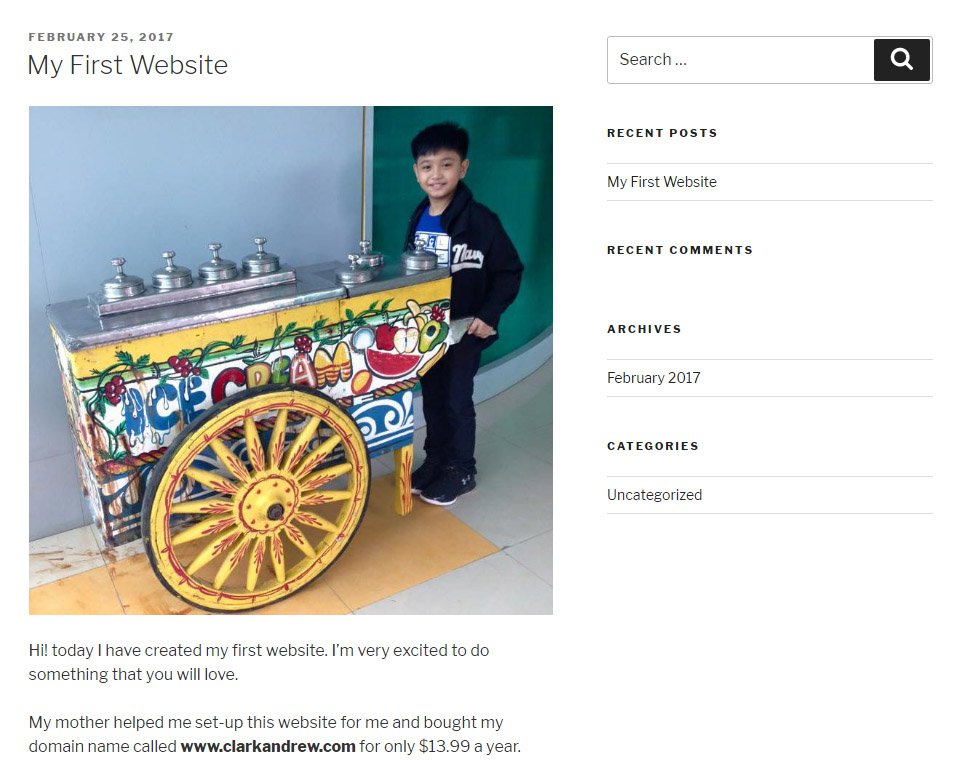
Hello guys! It's been a while since I've been here, I was sick maybe due to the weather this early quarter of the year and became busy with other stuff around my work.
Anyway, I'm just happy to share with you that I have created a website for my son. Yes, my 10-year old son already have his own website through WA.
Good thing about WA as a premium member is that we are given 25 domain name websites to host. I gave one slot for my 10-year old son, bought a domain name and build his very own first website.
He is interested to share things about his activities and interests, and share moments of his life to the world. I thought it's a good thing for him because he will be practiced how to write blogs at very young age (though, I edit some of his writings) and enjoy each moment of his life to record and share it through his blog. Also, it could become a good investment for him in the future. He could use little ads and affiliate marketing links (through me) to monetize his site as well.
Things he would like to do on his websites are about:
- His school activities and his achievements
- Reviews about his favorite toys
- Reviews about his favorite games
- App recommendation for kids of his age that he is using
- Review and reaction on new movies for kids
- His travel experiences with me
- and many more
Ready to put this into action?
Start your free journey today — no credit card required.
Since he might not totally understand everything about blogging, what I did on his WordPress website is that I add him on the User with the role as an AUTHOR instead of being an "Administrator".
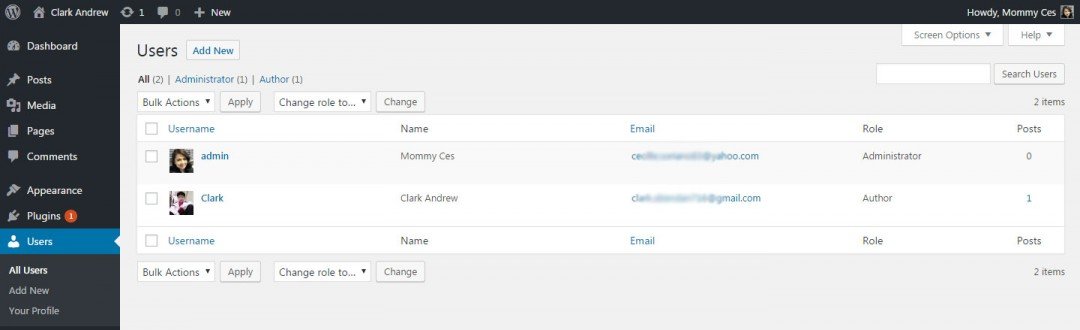
Author is limited only to publishing posts so it's a great user role choice in order to moderate kids' activities on their websites. This is how the WordPress dashboard looks like for an "Author" user role.
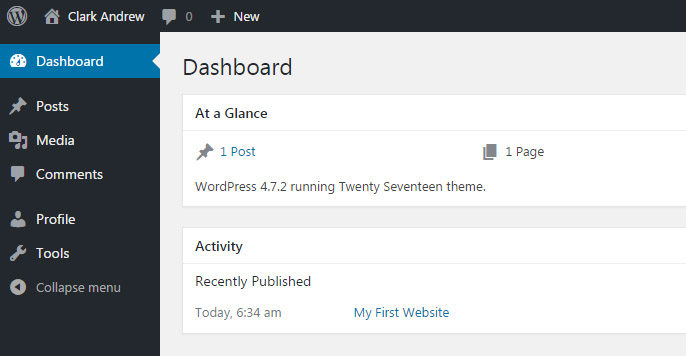
He is just there to put his blogs and anything he wants to share and then I just do the rest. He can also login on his own without going to my WA account. He can login through WordPress Dashboard directly. I made a tutorial on how to login through WordPress URL at this link: https://my.wealthyaffiliate.com/training/learn-the...
You can check out my son's website on this address http://clarkandrew.com/ - sorry because it's very new and you can only see few post as of today, but I appreciate you so much for checking it out.
Thank you for taking time reading my post and visiting my son's website.
Why not try to create a website too for your loved ones as well. I bet they will be very happy for that.
If you have questions or need help how to do the same thing I did, just let me know and I will be happy to assist you.
Always,
Ces
Share this insight
This conversation is happening inside the community.
Join free to continue it.The Internet Changed. Now It Is Time to Build Differently.
If this article resonated, the next step is learning how to apply it. Inside Wealthy Affiliate, we break this down into practical steps you can use to build a real online business.
No credit card. Instant access.