Paypal and Membership Dues


Published on October 1, 2025
Published on Wealthy Affiliate — a platform for building real online businesses with modern training and AI.
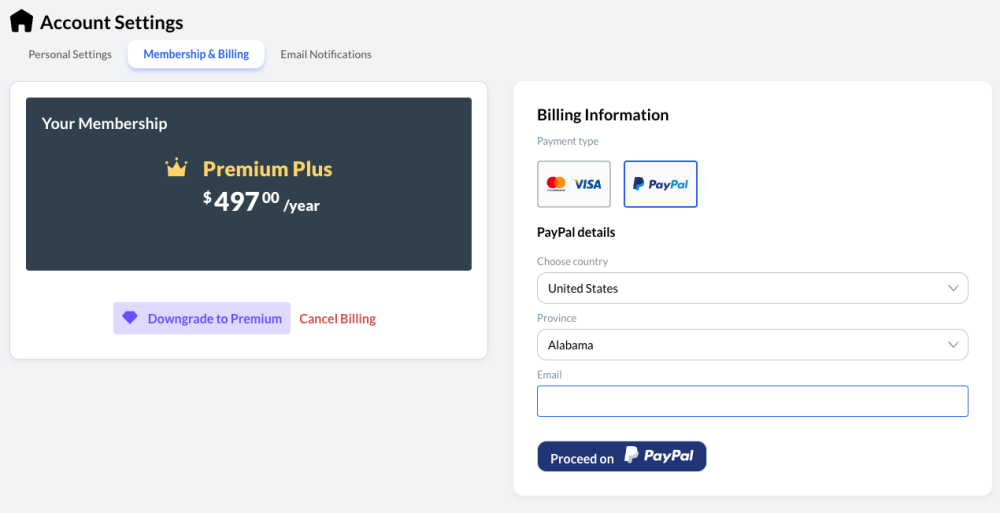
Key Takeaway: This is not meant to promote PayPal but to offer a solution for savings that allows you to earn interest on your savings if you plan to use your online earnings towards your yearly membership dues.
How to Open a PayPal Savings Account
Saving money doesn’t have to be complicated. PayPal makes it easy to earn interest right inside the app you already use. If you’re an affiliate like me, it’s also a smart way to keep your Wealthy Affiliate payouts working for you instead of sitting idle.
Here’s how to open a PayPal Savings account and how I use it to cover my yearly WA dues without stress.
Why PayPal Savings Works for Affiliates
PayPal Savings is FDIC-insured through Synchrony Bank, offers a competitive yield, and has no fees or minimum balance requirements. The best part is how easily it can be accessed. If you’re already paid through PayPal, it’s the most natural place to grow your money.
For affiliates, this makes sense. Instead of leaving commissions in the Wealthy Affiliate system, I request a payout to my PayPal account. From there, I move it straight into PayPal Savings. That money is now earning while I save.
Step 1: Log In to PayPal
Open the PayPal app or sign in on desktop. Savings is already built in, so you don’t need a separate bank account or new app.
Step 2: Find PayPal Savings
Ready to put this into action?
Start your free journey today — no credit card required.
In the app, tap Finances and select Savings.
On the desktop, look under the "Finances" section in your dashboard.
Step 3: Apply in Minutes
You don’t need a credit check or complicated paperwork. Just verify your information: name, address, date of birth, and Social Security number. Once approved, your account is ready to go.
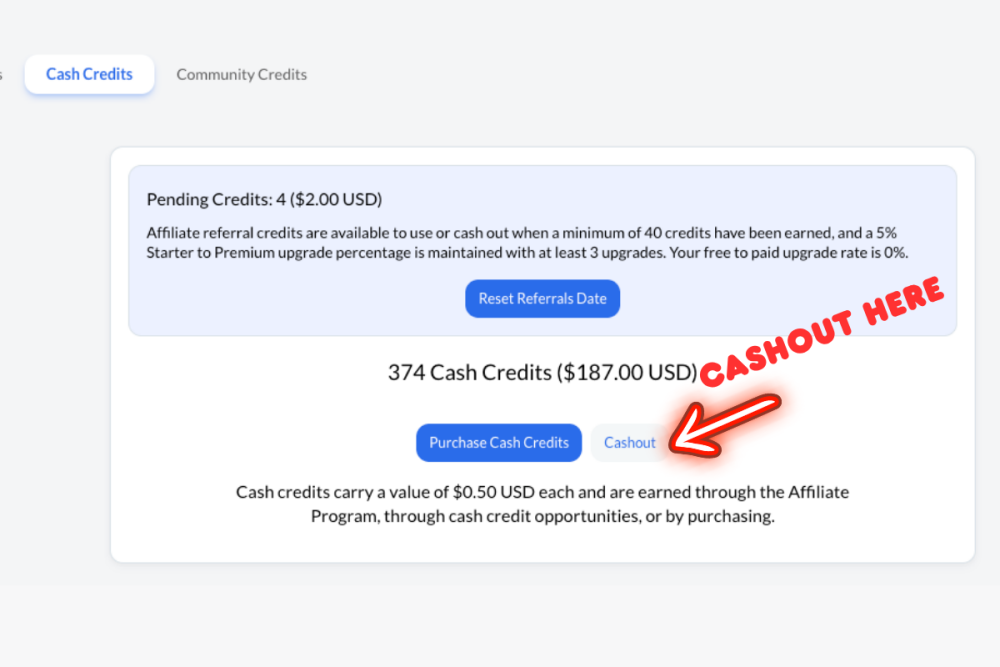
Step 4: Fund Your Savings
Here’s the critical part. Take your Wealthy Affiliate payout and transfer it to PayPal. (Please note, when you request a payout, you are paid on the 1st of the following month and not instantly!) Then, move that money into your new PayPal Savings account. There’s no minimum deposit, so you can start small and build momentum.
Step 5: Create Your Goal
PayPal Savings lets you create goals. I recommend naming one “Wealthy Affiliate Yearly Dues.” Every time a payout is received, add it to that goal. Over time, you’ll have the full amount set aside plus interest.
Step 6: Do Not Touch It
This step is where most people slip. Once the money is in your PayPal Savings account, leave it there. Pretend it doesn’t exist until you need it. By the time your WA renewal comes up, you’ll already have the money waiting.
Step 7: Build Beyond Dues
After covering your WA fees, keep the system going. Add new goals, such as establishing an emergency fund, saving for travel, or investing in business equipment. The habit stays the same: save first, then let it grow.
Michael's Final Word
A PayPal Savings account is simple, but when tied to your affiliate earnings, it becomes a tool for discipline. By pulling money out of the Wealthy Affiliate system and parking it in savings, you’re not just covering dues. You’re teaching yourself to treat payouts like income that deserves a safe, interest-earning home. Make your earnings work for you!
Current APY: 3.80% earned me $15.43 this morning, prompting this post as a way to make your earnings work for you.
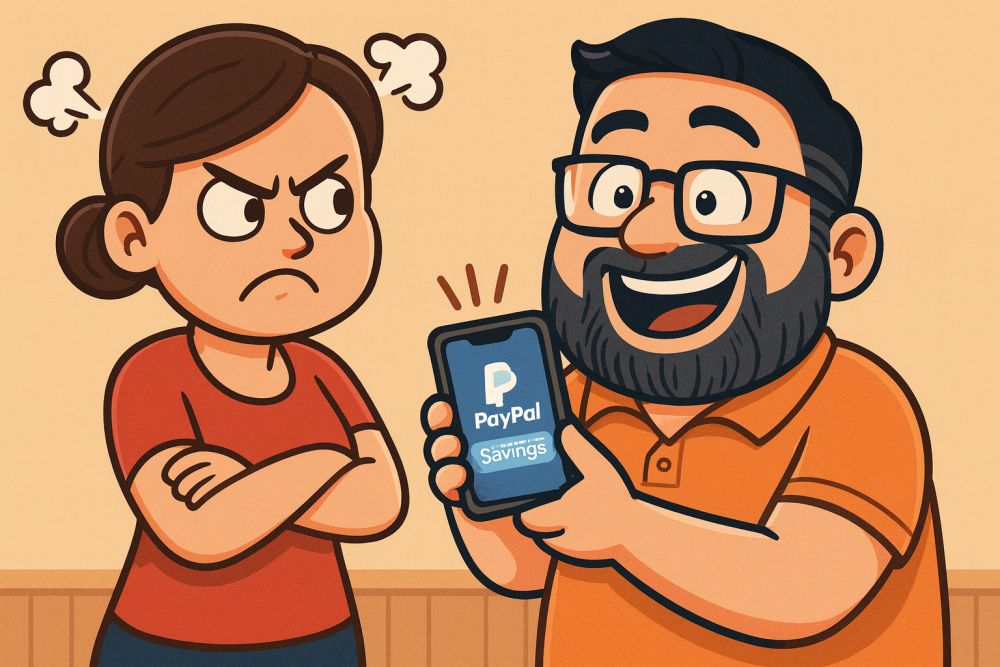
HINT- If you have PayPal and are married, it adds a barrier to keep wives from raiding your stockpile for random shopping trips!! Sneaky Sneaky!!!
Share this insight
This conversation is happening inside the community.
Join free to continue it.The Internet Changed. Now It Is Time to Build Differently.
If this article resonated, the next step is learning how to apply it. Inside Wealthy Affiliate, we break this down into practical steps you can use to build a real online business.
No credit card. Instant access.