How I Write Image Prompts That Actually Work


Published on February 27, 2026
Published on Wealthy Affiliate — a platform for building real online businesses with modern training and AI.

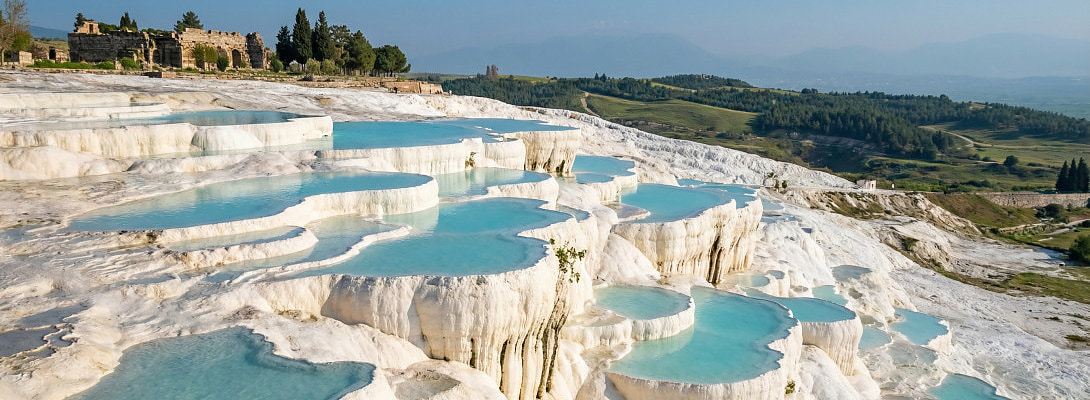
Why My Images Don’t Grow Extra Fingers or Fins
We now have access to great AI tools. We have access to the free version of ChatGPT, which can create prompts. But what if you don't know how to get GPT to build your prompts, and you want to learn how to do it without using it to build them for you?
If you’ve seen my images inside Wealthy Affiliate, you already know the drill. Clean hands. Sharp details. No mystery logos. No weird text that looks like it was typed on a keyboard had a meltdown.
That didn’t happen by accident.
It happened because I stopped treating AI image creators like magic and started treating them like a tired designer who needs clear direction.
You wouldn’t tell a human designer, “Make something cool.”
You’d say what you want, where it’s set, what it should feel like, and what absolutely must not show up.
Same idea here.
Here is how to do it without using ChatGPT.
The Shift That Changed My Results
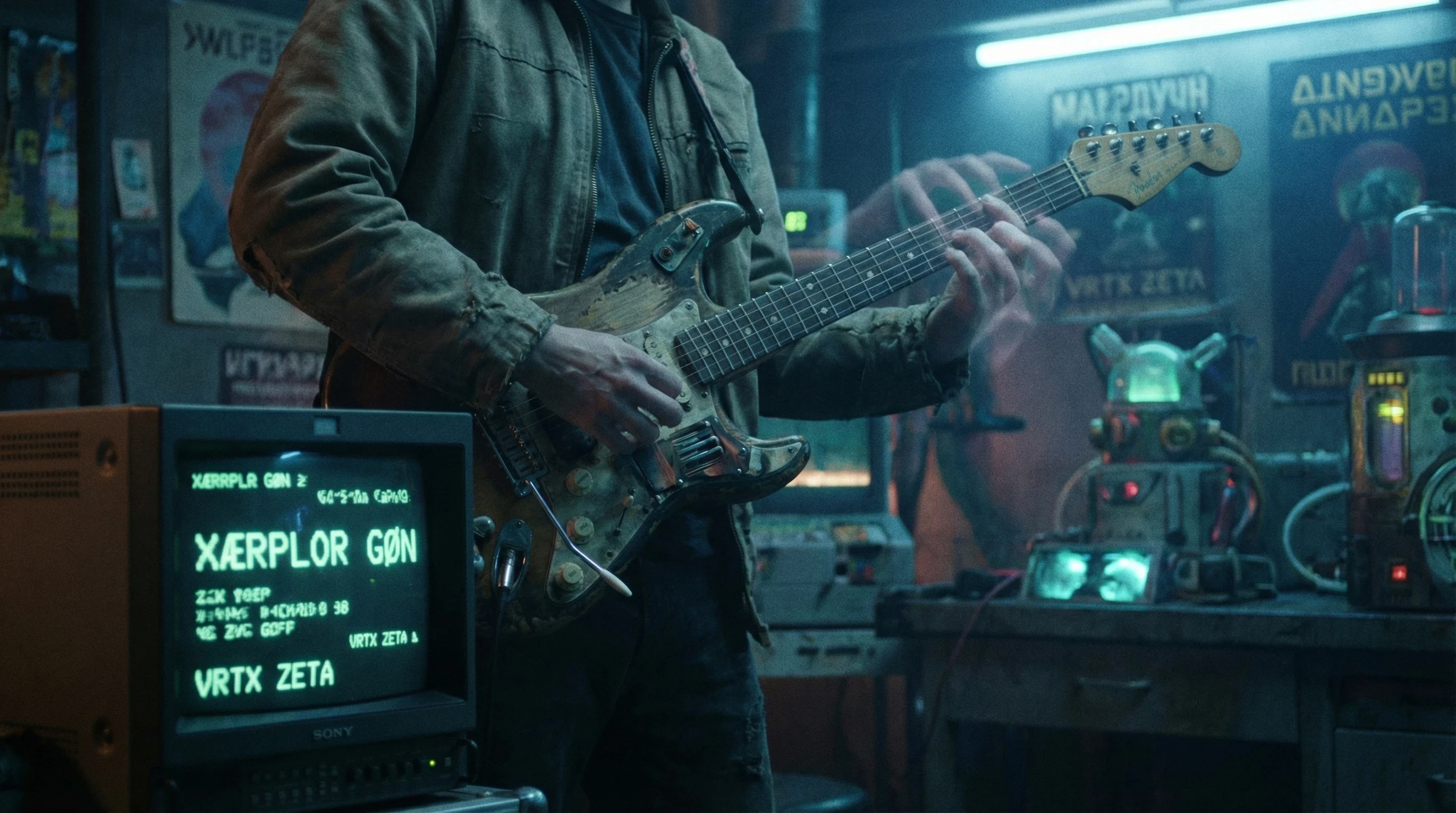
My early prompts were… not great. Ask SteveO about us trying to create the perfect guitar. It wasn't pretty!
“Create a cinematic image of a person playing guitar in a garage.”
What I got back looked like a stock photo from a parallel universe. Bent wrists. Phantom fingers. Words on the screen that weren’t words. You’ve seen it.
Then I simplified.
I stopped trying to sound clever and started describing what a camera would see.
That’s when everything changed.
The Simple Formula I Use Every Time
I don’t overthink this. I follow a mental checklist:
- Subject
- Setting
- Background
- Lighting
- Mood
- Style
- Camera
- Aspect Ratio
- Constraints.
No poetic mumbojumbo. Just clarity from the start to finish.
Here’s the template in the famous fill-in-the-blank format.
“Photo of [subject] in [setting], with [background], [lighting], [mood], [style], shot [camera angle], [aspect ratio], no [undesired elements].”
That’s it.
Example 1: The Kind of Image People Recognize Me For
Prompt
Ready to put this into action?
Start your free journey today — no credit card required.
Photorealistic image of a focused shark posing as an entrepreneur working on a laptop at a clean wooden desk, modern home office with plants and soft shelves in the background, natural window light from the left, calm and productive mood, ultra-realistic style, eye-level medium shot, no extra fins, no text, no watermark, no clutter.
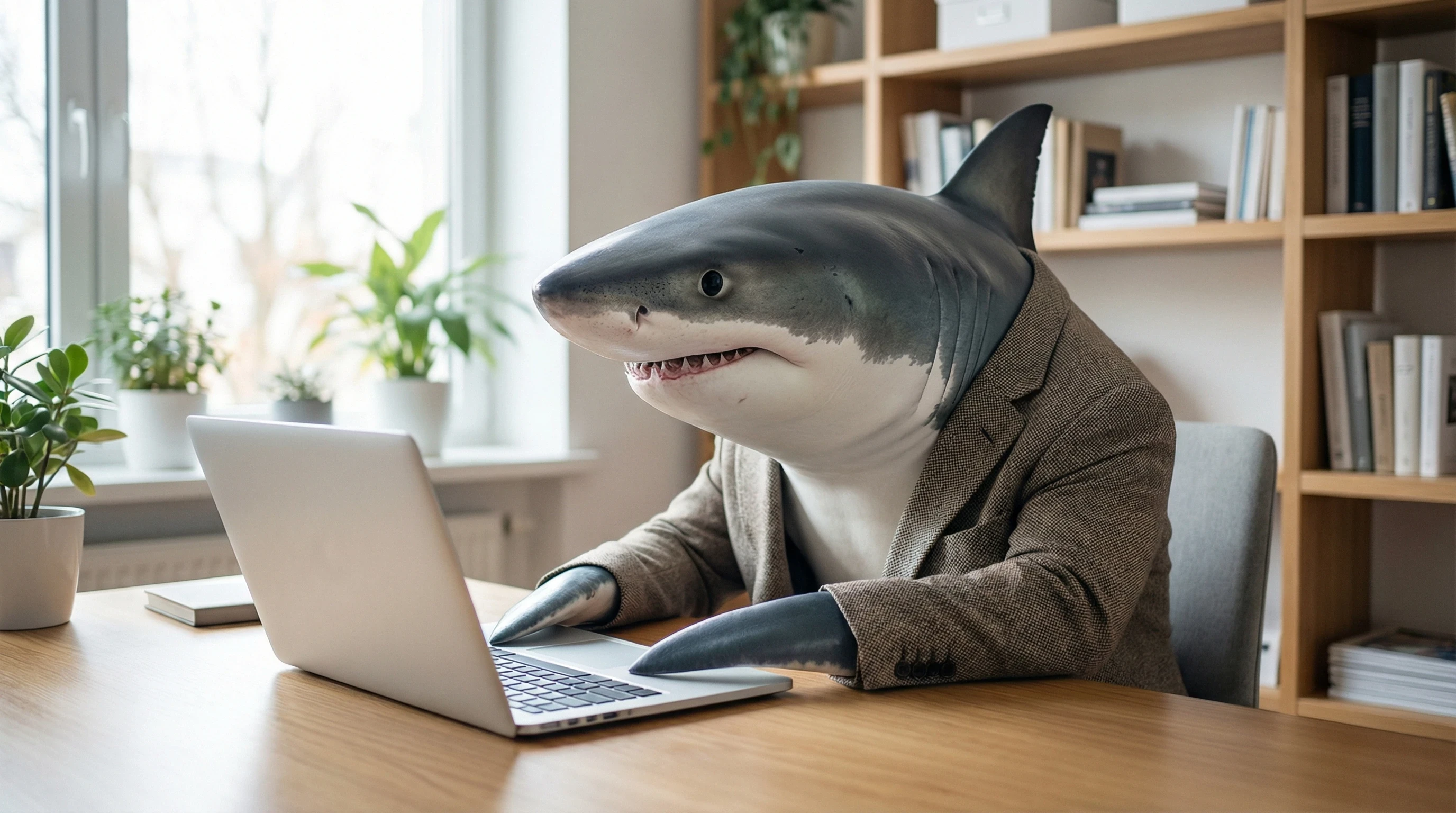
Why this works:
- Clear subject
- Controlled environment
- Lighting defined
- Mood intentional
- Constraints prevent weirdness
No chaos. No surprises other than a shark working on a laptop, creating content.
Example 2: Explosive, Vivid, Attention-Grabbing Visual
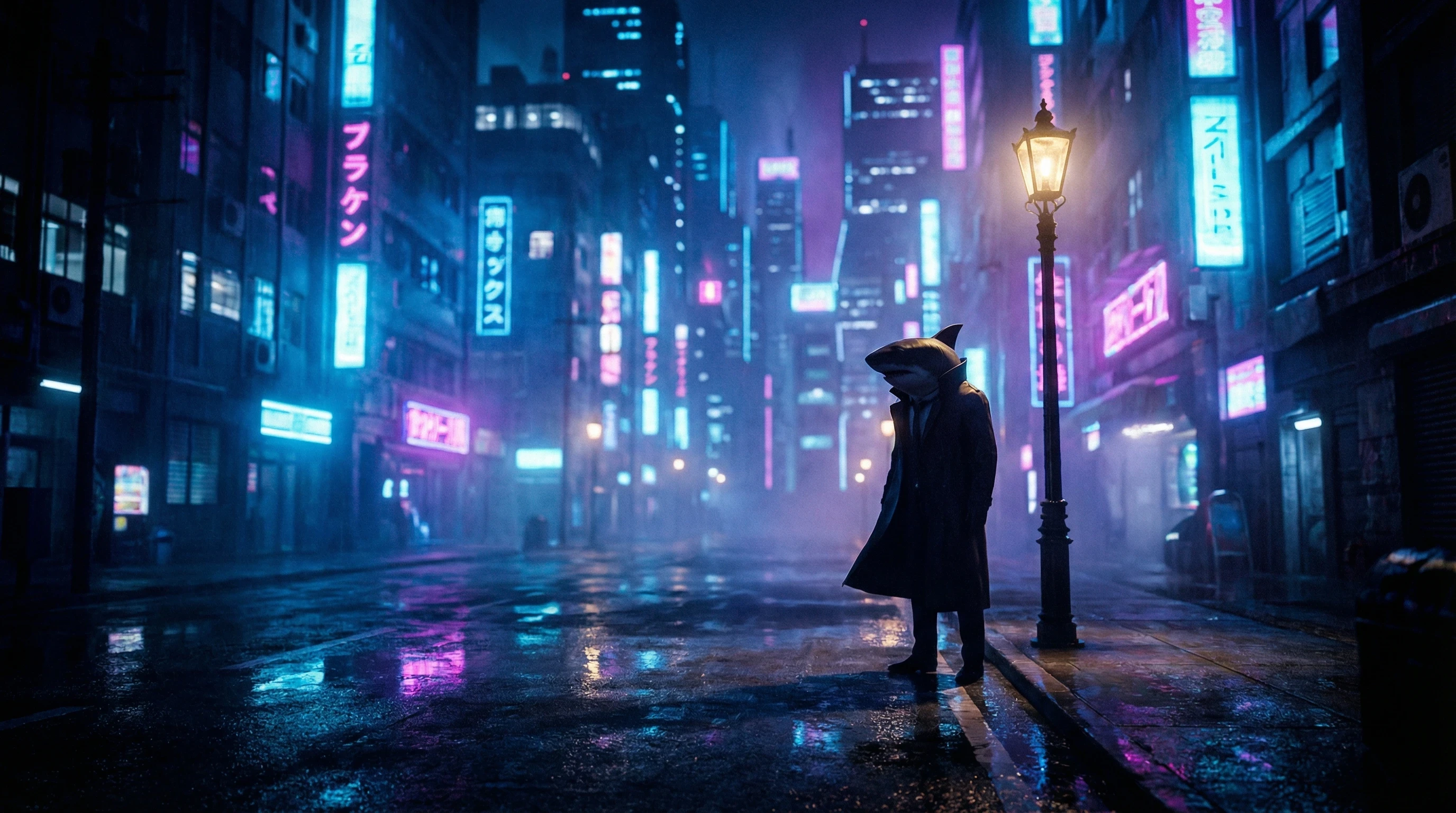
Prompt
Cinematic image of a glowing neon city skyline reflected in rain-soaked streets at night, a lone shark figure in a dark coat standing under a streetlight, dramatic blue and magenta neon lighting, intense futuristic mood, high-contrast cyberpunk style, wide-angle shot, 16:9 aspect ratio, no text, no logos, no distortion, no extra fins.
This kind of prompt creates depth and drama without confusion. Every visual element has a job.
Example 3: Product-Style Image That Looks Legit
Prompt
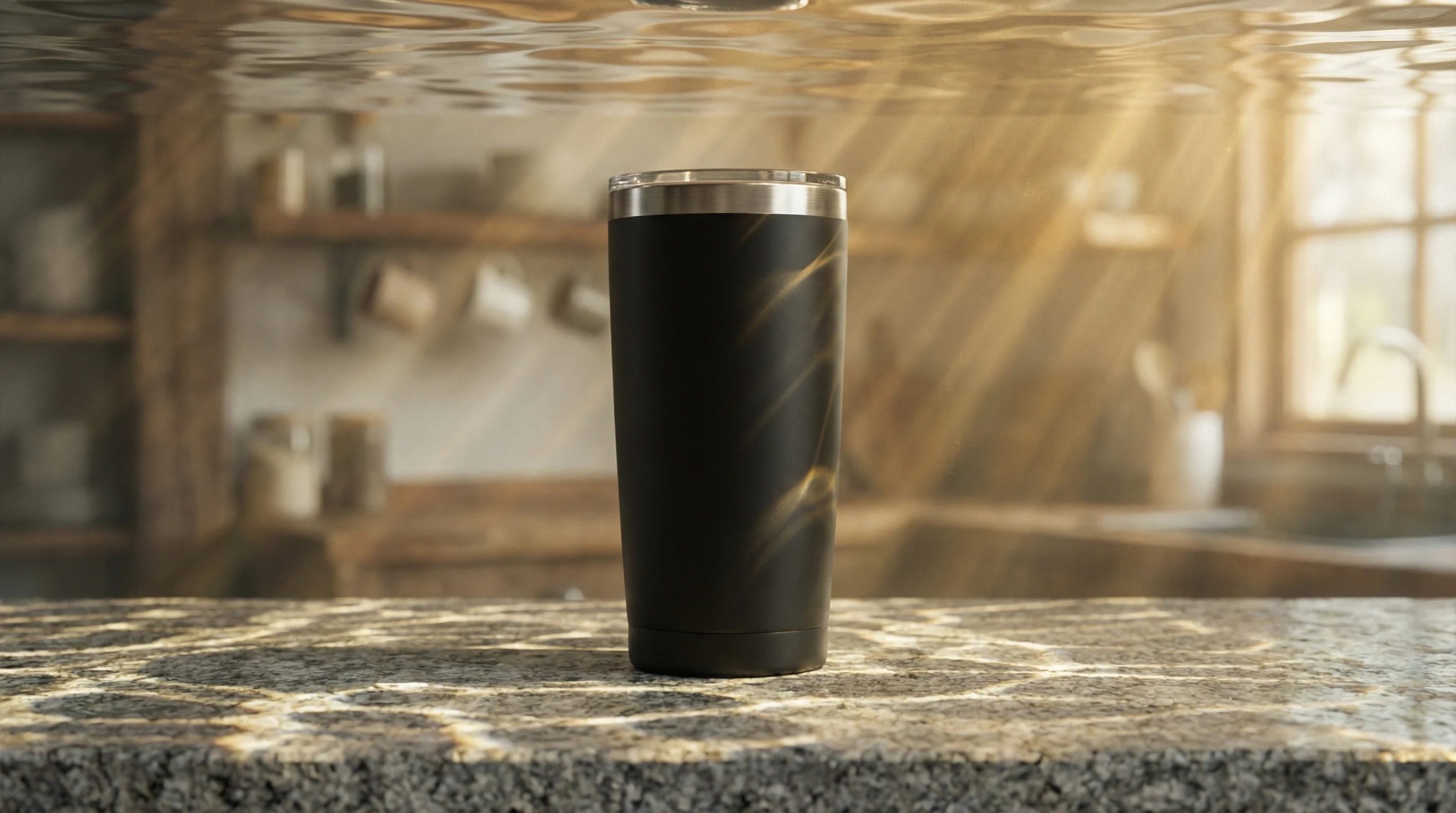
Ultra-realistic product photo of a matte black insulated coffee tumbler with a stainless rim on a stone countertop, soft kitchen background blur but underwater, warm morning sunlightshines through from the waves above, clean and minimal mood, commercial photography style, close-up 50mm lens look, no text, no watermark, no scratches, no duplicate objects.
This is the kind of prompt that makes people think, “Wait… is that a real photo?” I should have added a baby shark, but I was afraid Kyle would sing the do, do, do part.
Why Short and Clear Beats Long and Clever
Long prompts don’t make better images. Clear prompts do.
When prompts get bloated, the model starts guessing which details matter. That’s when hands or fins mutate, faces blur, and random junk appears.
Short prompts force priority.
And priority creates clean results.
The Secret Sauce: Constraints
This is where most people stop short of perfection.
They describe what they want… but never say what they don’t want.
I always include guardrails:
- no extra fingers or fins
- no extra limbs or tails
- no text
- no watermark
- no distortion
- no duplicate subjects
That alone eliminates half the weird results people complain about.
How I Improve Images Without Starting Over
I don’t rewrite prompts from scratch. I tweak one variable.
If the lighting feels dull, then change the lighting.
If the scene feels crowded, then simplify the background.
If anatomy looks off, then get specific and tighten constraints.
One change at a time leads to faster improvements and less frustration.
What I Tell People Inside WA
You don’t need to be a prompt engineer.
You need to be clear.
- Describe what a camera sees.
- Set the scene.
- Control the lighting.
- Add constraints.
- Keep it short.
That’s the whole game.
Try This Right Now
Take one prompt you use all the time and rewrite it using the formula.
Run it once. Change one variable. Run it again.
You’ll see the difference almost immediately.
And when your images start coming out clean, vivid, and usable and full of sharks on the first try, you’ll understand why I never went back to “make something cool.”
Share this insight
This conversation is happening inside the community.
Join free to continue it.The Internet Changed. Now It Is Time to Build Differently.
If this article resonated, the next step is learning how to apply it. Inside Wealthy Affiliate, we break this down into practical steps you can use to build a real online business.
No credit card. Instant access.