How Community Feedback Helps You Improve Blog Posts


Published on May 30, 2026
Published on Wealthy Affiliate — a platform for building real online businesses with modern training and AI.

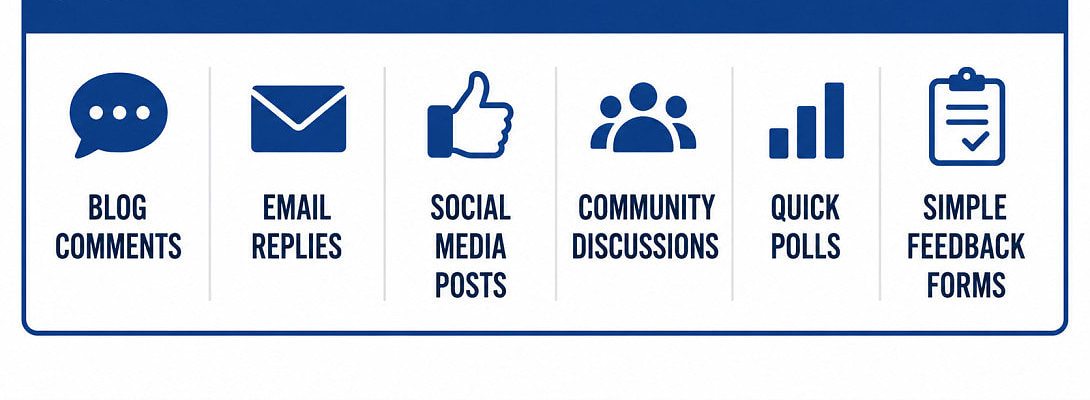
Today, I am going to share a couple of things I have learned about community feedback, and since I love images, that is how I intend to present some of it to you today.
Most of us have blind spots in our content, myself included. Gaps we clearly missed, and holes we need to fill. That's not an insult. It's the truth and the price of being the person closest to the work.
The good news? Readers are remarkably good at finding the things you can't see, things we missed and should add right away.
If someone takes the time to read your post and leaves feedback, either positive or negative, pay close attention to them. Community feedback isn't a threat to your writing. It's one of the fastest ways to improve it.
You don't need to satisfy everyone who stumbles across your content. Nor should you care if they like your content, but you still need to listen. You need to learn from the people who cared enough to stop, read, and tell you what worked, what didn't, and what left them scratching their heads.
Ask for the Right Kind of Feedback
One of the biggest mistakes new bloggers make is asking for "thoughts." Thoughts about what?
A vague question normally will produce a vague answer. As the saying goes, "Ask and you shall receive." Ask for vague and get vague, ask for help improving, and you open a door.
Instead of being vague, ask readers where the post felt thin, which section needed more detail, what confused them, or where they wanted an example.
People are more likely to respond when they feel invited into a conversation rather than being handed a test. Did you like taking tests in school? I hated them, and so do your readers.
And while we're being honest, know your role in the community. If you're still learning, focus on learning. Every community needs students far more than it needs another self-proclaimed guru explaining overnight success after publishing three blog posts. (My super sneaky feedback, you just read against your will! haha!)
Use Specific Questions That Are Easy to Answer
Keep feedback requests simple.
Ask things like:
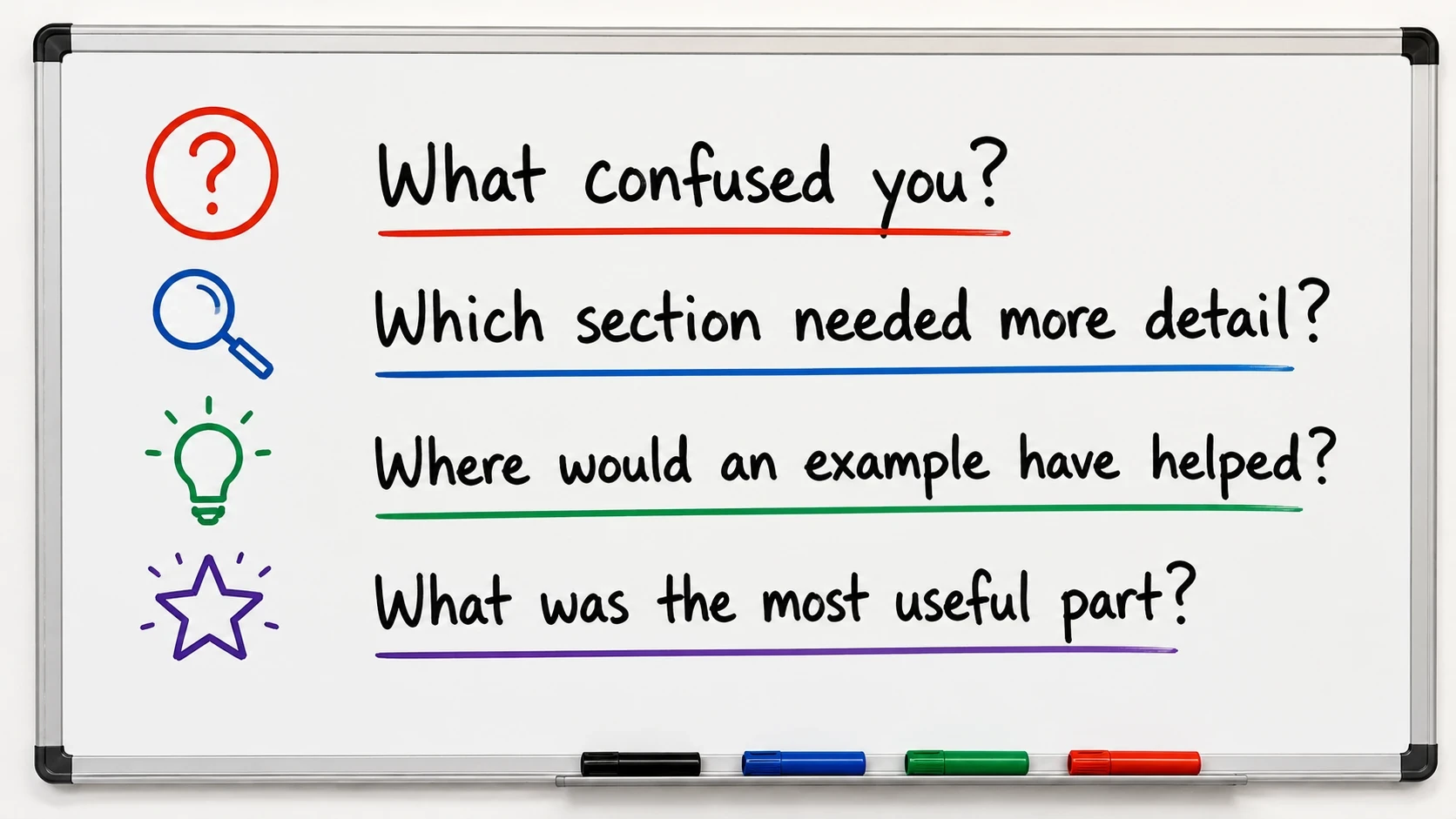
Short questions lower the effort required to respond. The easier it is to answer, the more likely people will answer.
A handful of useful responses will teach you more than a twenty-question survey nobody ever finishes.
Choose the Best Places to Collect Feedback
Don't force readers to jump through hoops.
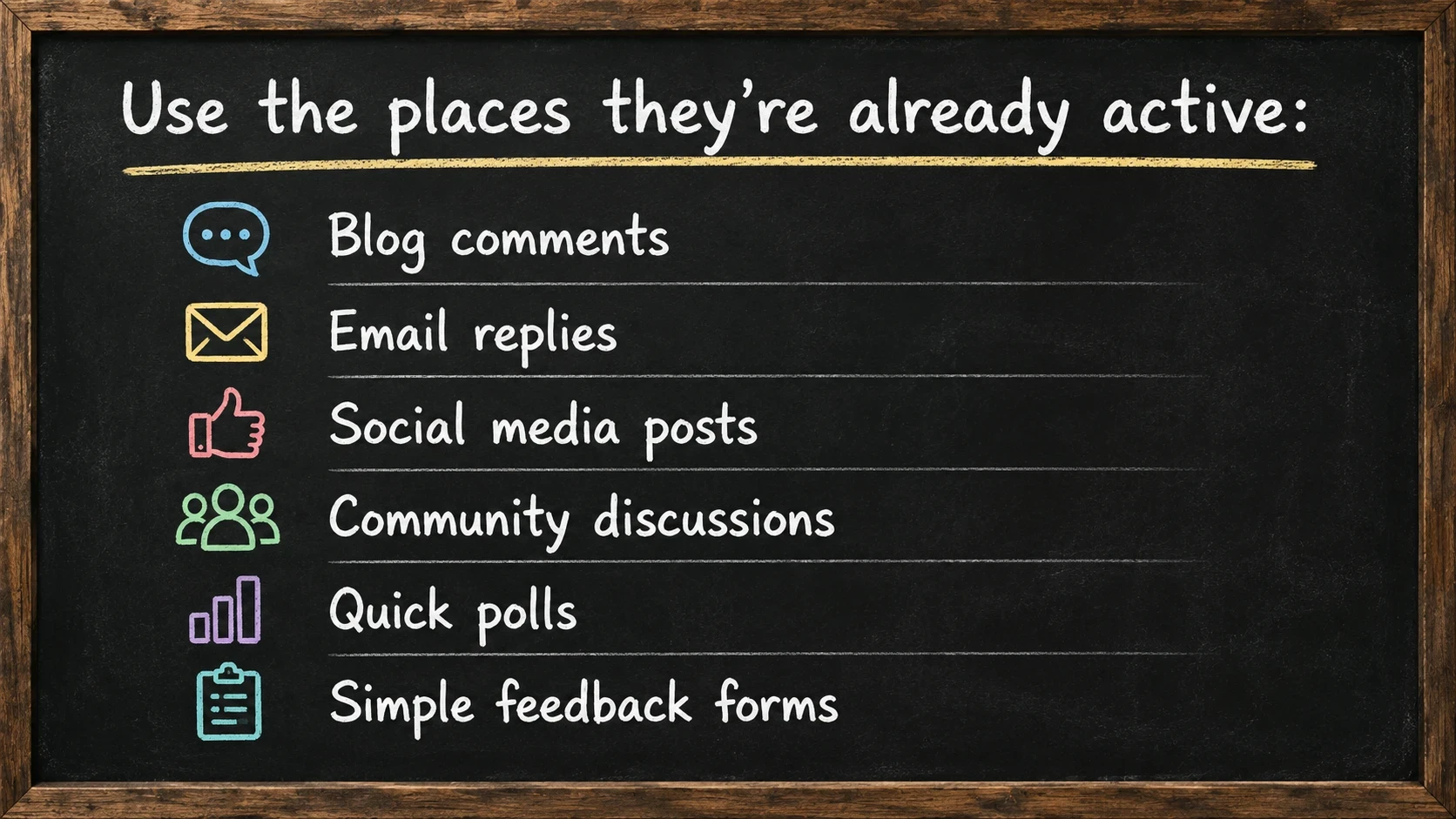
When sharing a post, give people a reason to respond. Ask one focused question instead of dropping a naked link and hoping for magic to happen.
Low-friction feedback always the better route.
Look for Patterns, Not One Loud Opinion
Honest feedback can sting; that is a good thing. It usually means you found something worth fixing.
Ready to put this into action?
Start your free journey today — no credit card required.
One reader complaining may simply be expressing a personal preference. Five readers pointing out the same issue are showing you where the problem lives.
The loudest voice in the room isn't automatically the smartest one. Patterns do matter, while the volume they use to inform you doesn't.
Separate Useful Criticism from Junk
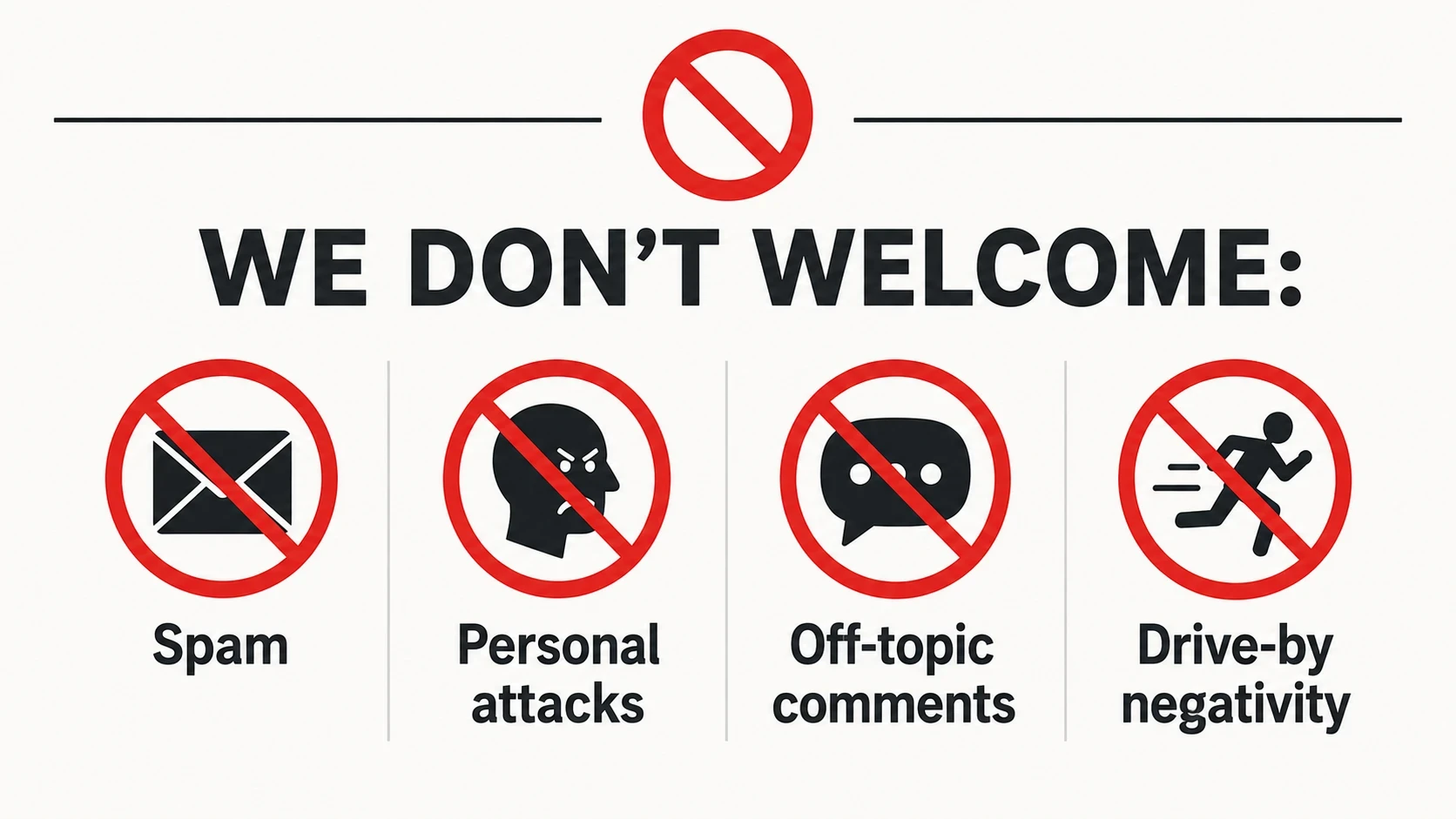
Not all feedback deserves equal attention.
Don't be offended if you get things like:
Pay attention to repeated observations about:
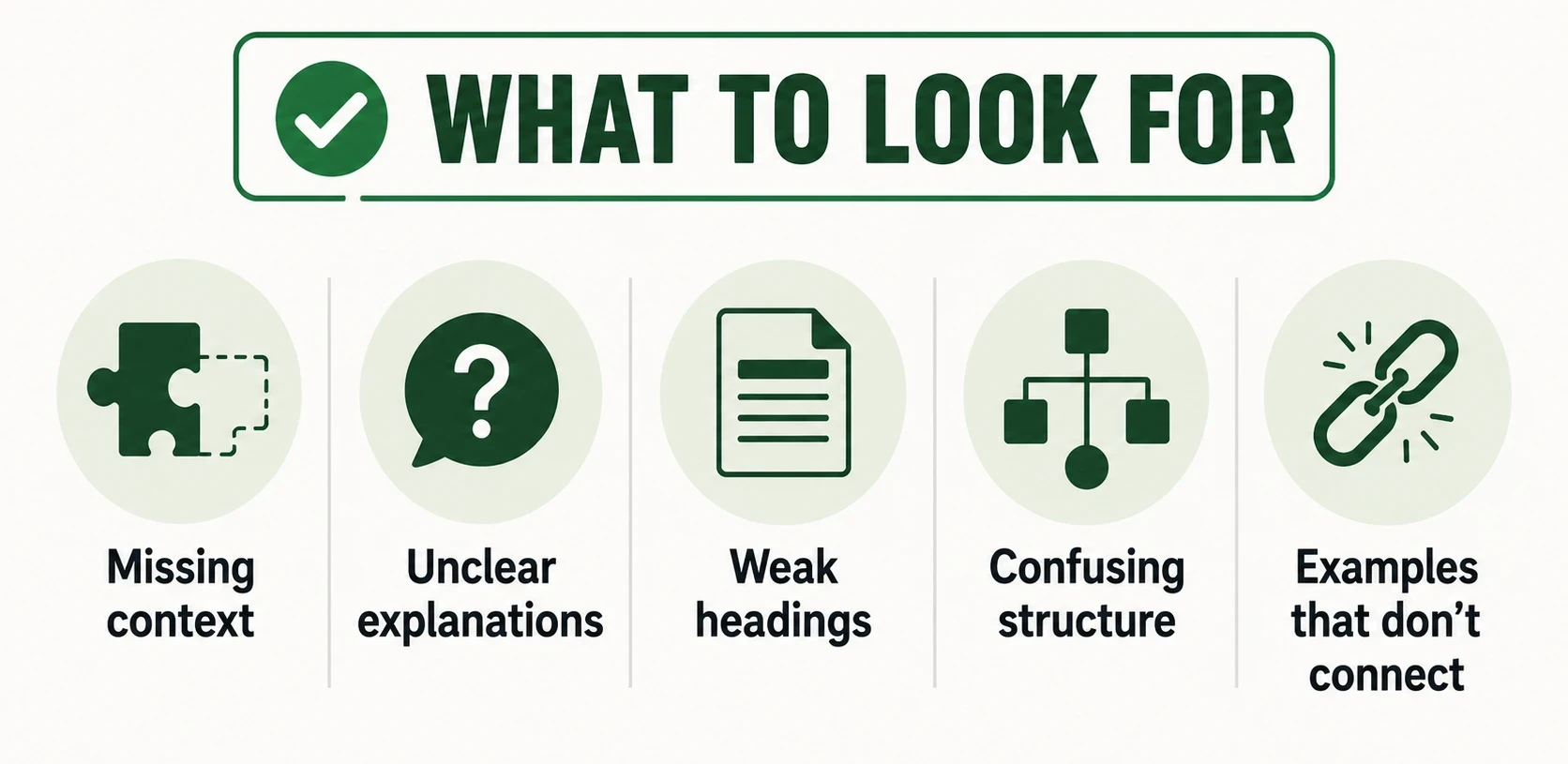
Constructive criticism may not be what you want or expect to hear, but it often points directly to the next improvement you can make.
A quick lesson I have learned. If you get a negative comment, engage with them in a postive way. I had trouble with this at first, but I have found it is better to do so because it can also provide valuable insights.
Use Reader Questions to Find Content Gaps
When readers repeatedly ask the same question, they're handing you valuable information.
Something is missing from your content, and you need to pay attention and listen to them.
Maybe a step needs clarification, maybe a heading promises one thing but delivers another, or maybe you skipped something because it seemed obvious to you but wasn't to them.
Those recurring questions reveal gaps in your content and help you create stronger articles in the future.
Turn Feedback Into Better Posts
You don't need to accept every suggestion, and honestly, you shouldn't. Your goal isn't to cram every piece of feedback into the article until it resembles a garage sale. The goal is to make the post more useful for your readers.
Keep the suggestions that support the article's purpose, and toss the others in the trash or put them in the back of your mind.
Edit for Clarity, Not Length
Many writers assume that more words automatically create more value. The truth is they don't. Start by removing filler and AI Babble.
Then:
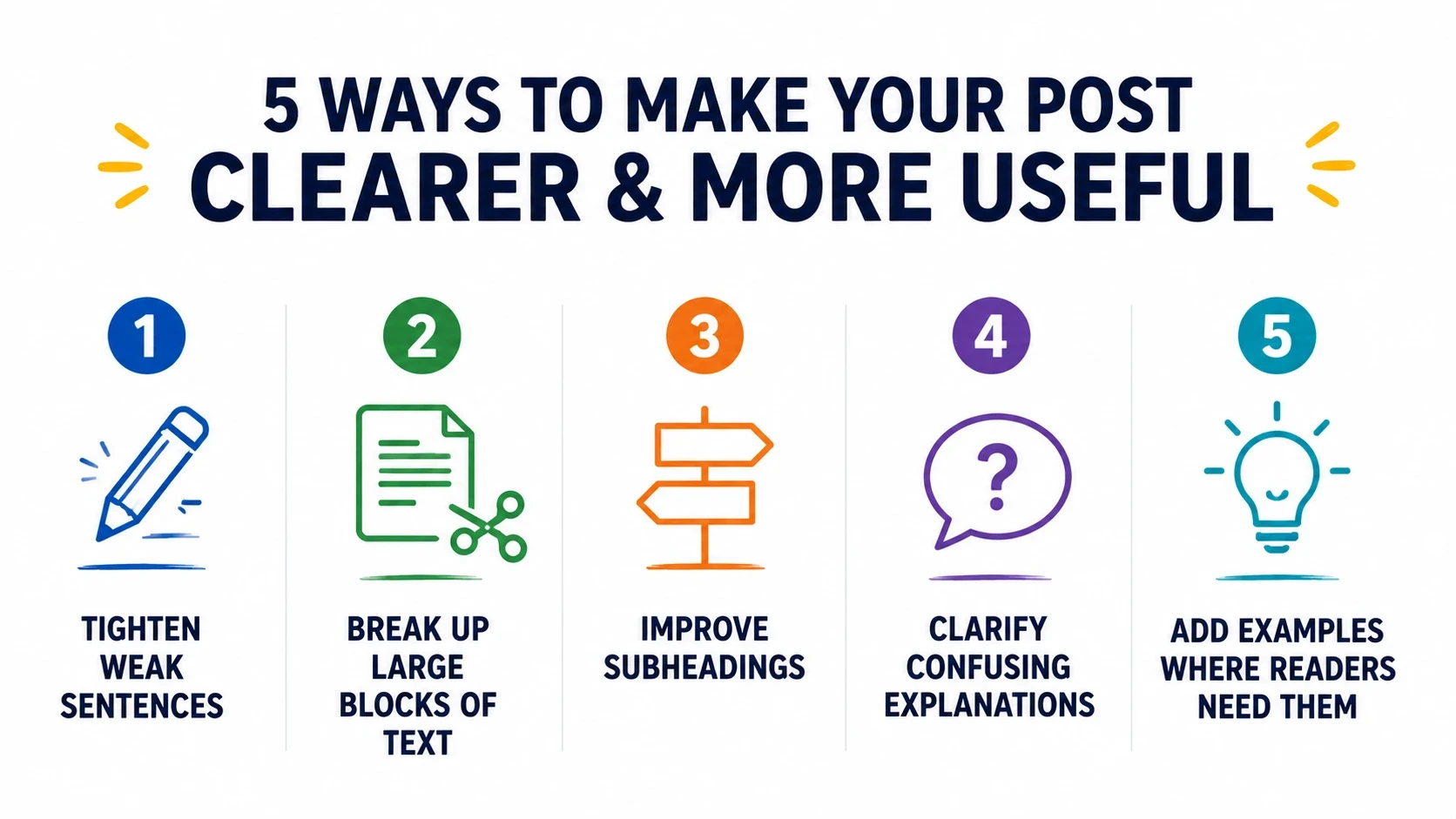
Clear writing beats long writing every day of the week. And for goodness sake, don't just post raw AI!
Update Examples, Steps, and Takeaways
Reader feedback often shines a spotlight on the sections that matter most.
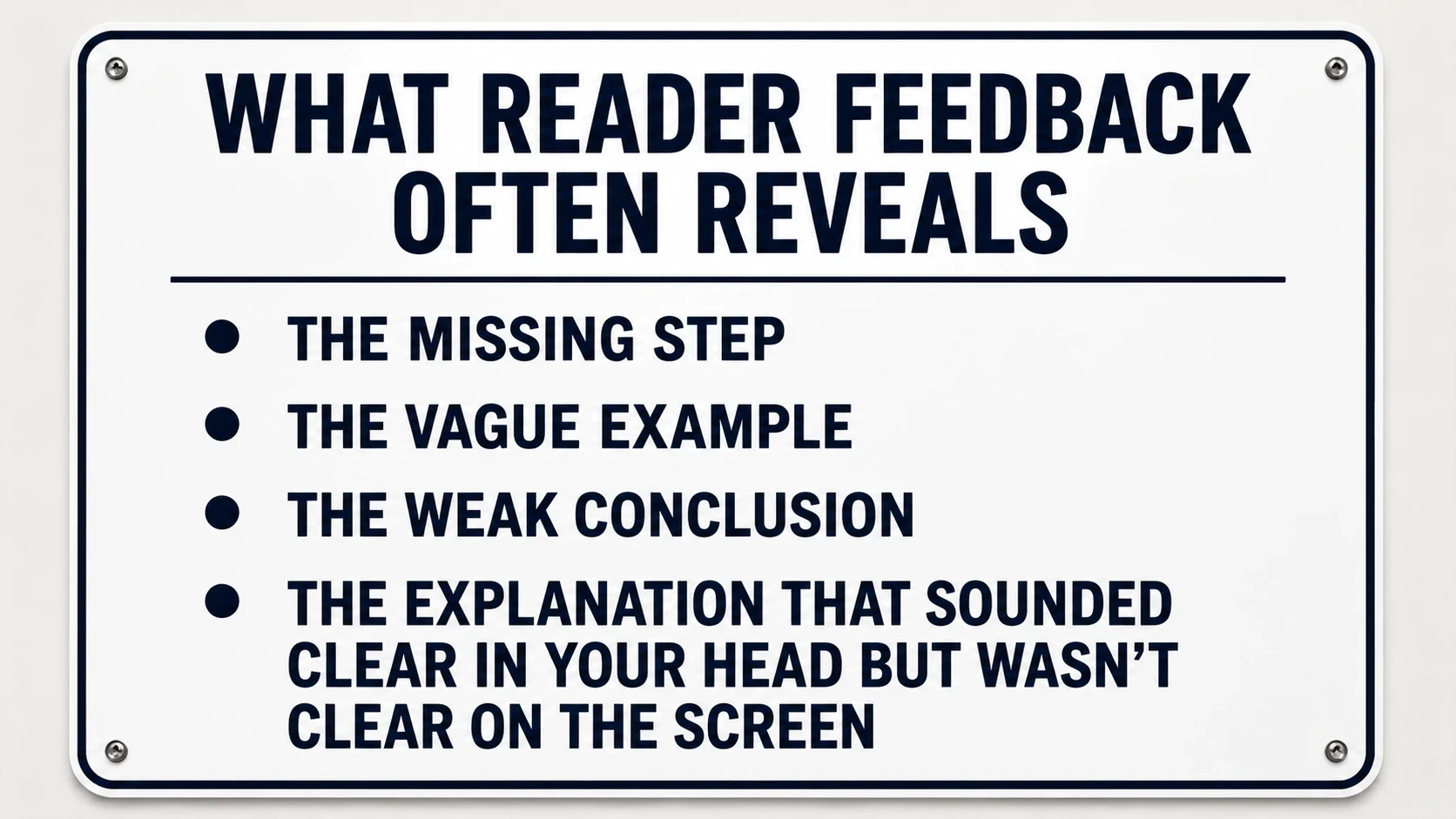
Fix those areas first. A strong post should leave readers with a clear next step, not a puzzled expression and a browser tab they smash closed.
The Real Work Starts After You Publish
Just publishing a post isn't the finish line you are aiming for. It's the beginning of the feedback cycle.
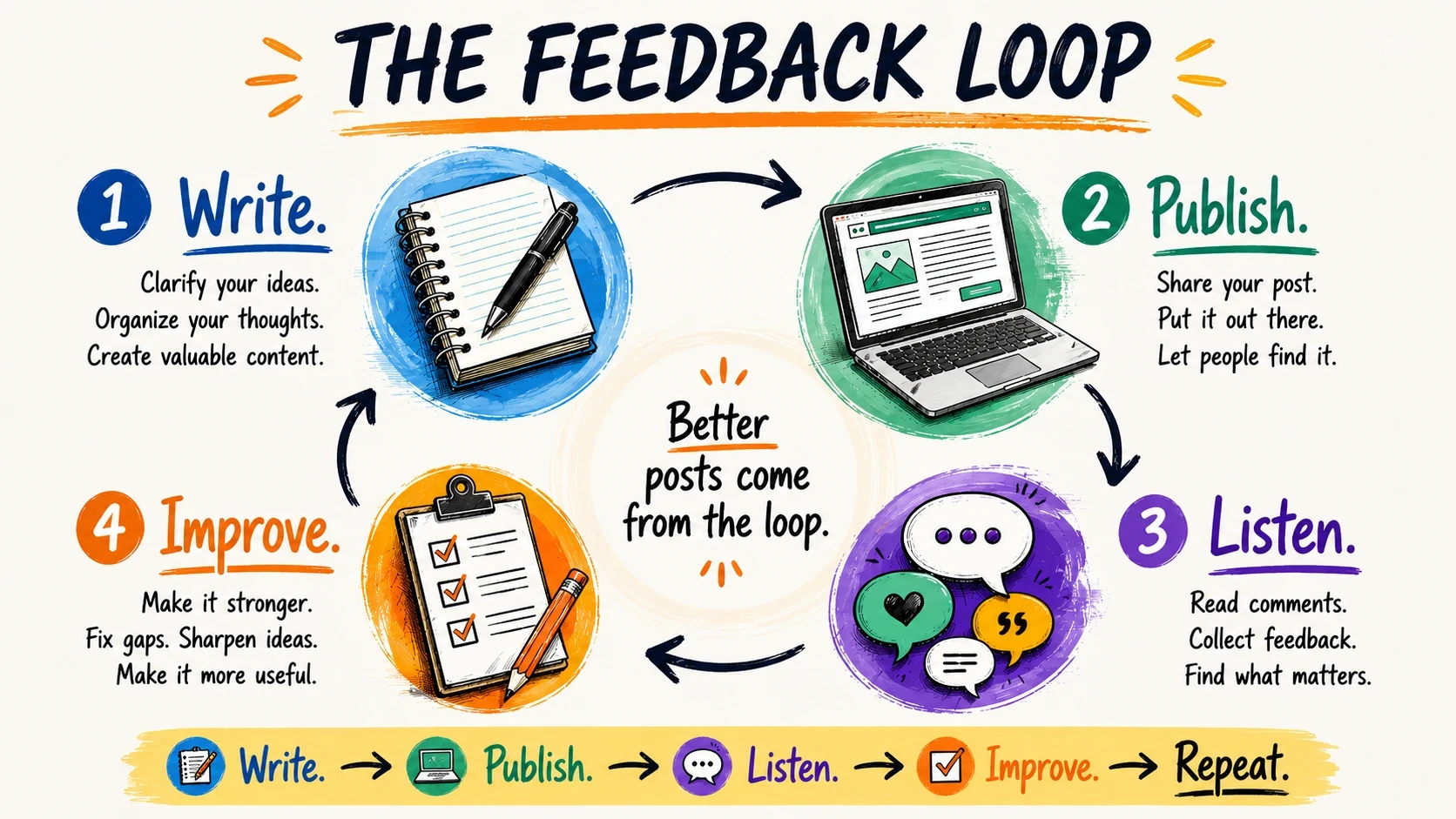
That's how good writers become better writers.
Readers can't write your content for you, and they shouldn't. What they can do is help you spot your blind spots, sharpen weaker ideas, and build articles that actually help people.
And if enough readers keep pointing at the same problem, they're probably doing you a favor.
Even if it's one you'd rather not hear it at the time.

Let the conversation begin below. Give me your best shot!
Share this insight
This conversation is happening inside the community.
Join free to continue it.The Internet Changed. Now It Is Time to Build Differently.
If this article resonated, the next step is learning how to apply it. Inside Wealthy Affiliate, we break this down into practical steps you can use to build a real online business.
No credit card. Instant access.