How AI Helps Me Create Images Even Though I’m Not A Designer


Published on November 28, 2025
Published on Wealthy Affiliate — a platform for building real online businesses with modern training and AI.

How AI Helps Me Create Images
I used to stare at a blank screen whenever I needed a picture. No design skills, no fancy software, and honestly, no patience. The only thing I had going for me was my interest in images.
Now I type a simple sentence and get a ready-to-use image for my blog, social posts, or even random ideas I just want to see come to life. This reality came from learning how AI image tools work in a very basic, practical way.
This is a short, simple guide to how I use AI to create images, not a technical breakdown. If you are curious but feel a bit lost, you are in the right place. The same place I once was when I started.
What AI Image Tools Are And How I Actually Use Them
An AI image generator is just a tool that lets you describe a picture with words, and it turns that text into a new image. You type what you want, press a button, and a few seconds later, you get visuals based on that idea.
Popular options right now include ChatGPT with its built‑in DALL·E 3 image creator, Midjourney, Adobe Firefly, Whisk, and tools like Leonardo AI. I have tried them all. I tried ChatGPT first because I was already using it for writing, so adding images felt like a no-brainer. Now I use our in-house image creator that outperforms them all.
I use these tools for simple things: blog headers, social media graphics, and my ever-famous small “just for fun” scenes you see in Live Chat.
From Simple Text To Finished Picture
My process is very basic.
I think of what I want to show. Then I type what I see in my head, pick a style, and let the tool do the hard work. It gives me a few versions, and I keep the one that feels closest to what I imagined. If none of them work, I tweak the prompt and try again.
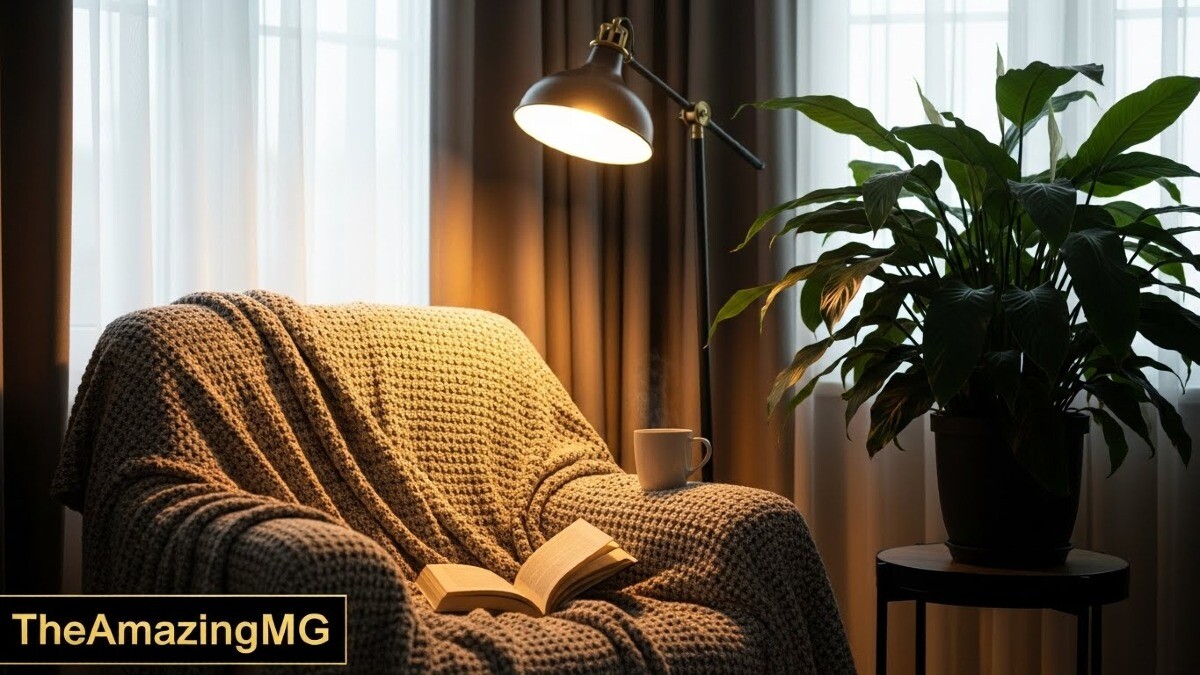
For example, instead of typing “reading corner,” I might use:

The Basic Prompt
“Cozy reading corner, warm lamp light, soft blankets, plant by the window, realistic photo style.”
Ready to put this into action?
Start your free journey today — no credit card required.
My Prompt
That one prompt is usually enough to get something I can actually use.
How AI Helps Me Create Better Images Faster
The biggest win for me is speed. I can go from idea to image in minutes instead of hunting through stock sites or trying to figure out design software.
It also helps when my creativity escapes me. I type a rough idea, look at what the AI generates, and suddenly I see new angles, colors, or layouts I wouldn't have thought of on my own.
For blogging, the combination of quick ideas and quick visuals is powerful. Tools like the Wealthy Affiliate Image Creator, which you can read more about in this AI Visual Tool for Bloggers, make it even easier to keep everything in one place.
Saving Time When I Need A Quick Image
When I need a blog header, email image, or social post, I write one short prompt and let the AI handle the layout. Instead of hours, it takes a few minutes.
I still crop, resize, or add text, but the hard work is done. I am no longer starting from a blank canvas. I build the base and get to work.
Turning Rough Ideas Into Creative Visuals
Sometimes I only have half an idea in my head. I write a simple prompt, look at the result, and then update the prompt with what I liked or didn't like.
I might ask for a realistic photo, then try pixel art or watercolor to see what fits the message best. The “unexpected” results often give me better ideas than my first plan. Sometimes, I even tell it to "Get Creative" and share a basic idea of what I want to see.
Tips I Use To Get Better AI Images
A few simple habits make a big difference when I write prompts:
- Be specific about what you see.
- Mention a style, such as photo, cartoon, or painting.
- Add mood or colors if they matter.
- Start small, then add details after the first result.
These tiny details help the tool understand what you really want, instead of guessing.
Be Clear And Specific In Your Prompts
Vague prompt: “A person reading.”
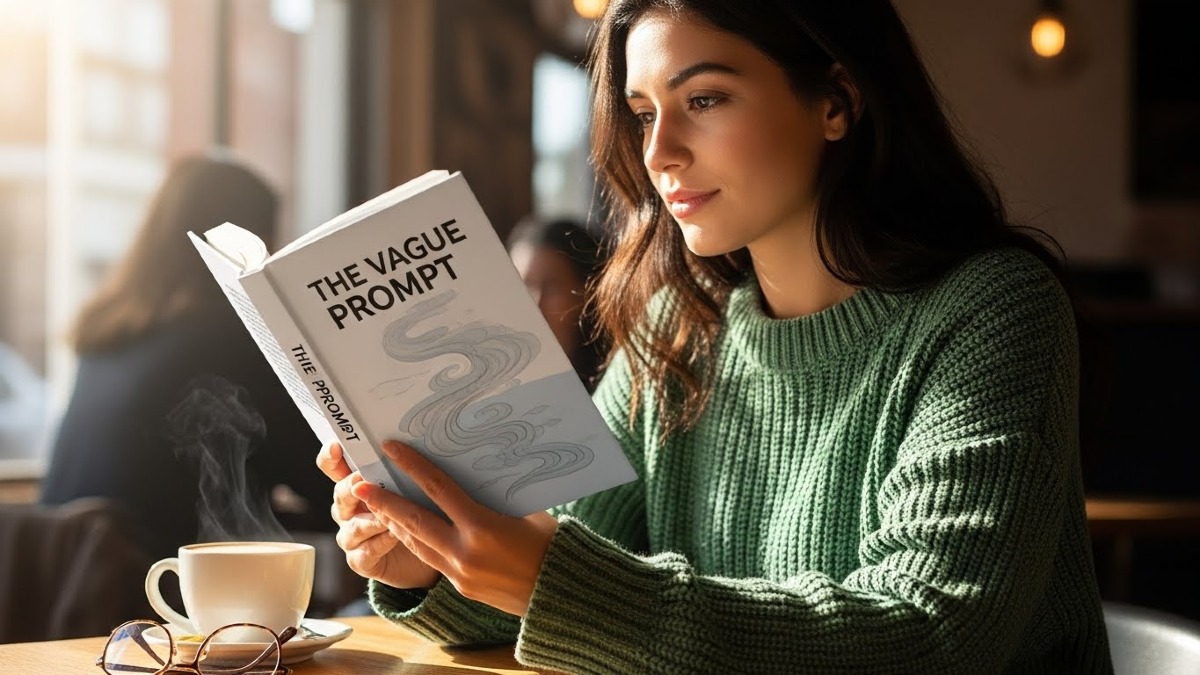
Clear prompt: “A Red-Headed woman reading a book in a cozy living room, warm light, close‑up, soft-focus photo style.”
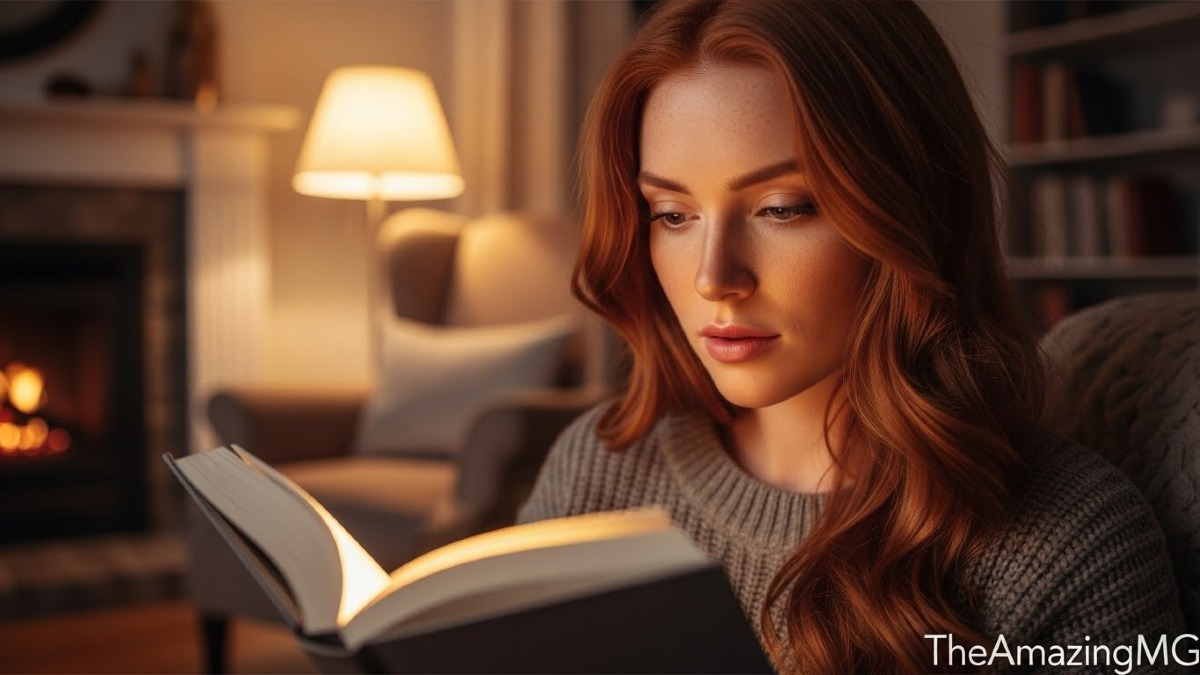
Same idea, but the second one gives me a much stronger, more useful image because I can control what you see.
My Final Thoughts
AI makes it easier and faster for regular people to create images, even if we are not designers. With a simple text prompt and a bit of patience, you can get unique, helpful visuals for almost any project.
Pick one tool, start with a fun, low‑pressure idea, and see what happens. Think of one image you wish you had for your next post or project, write a clear prompt, and try generating it today.
Share this insight
This conversation is happening inside the community.
Join free to continue it.The Internet Changed. Now It Is Time to Build Differently.
If this article resonated, the next step is learning how to apply it. Inside Wealthy Affiliate, we break this down into practical steps you can use to build a real online business.
No credit card. Instant access.