Blogs in Grid Form? Help From YouTube


Published on March 22, 2020
Published on Wealthy Affiliate — a platform for building real online businesses with modern training and AI.

 Today I've spent a very long time trying to fix a detail so small on my website. I wanted to change the layout of my blog section - it was displaying my blogs entirely one by one down the page with all of the content. Giving me an extremely long blog page with no organization.
I knew there had to be a better way... so I took it to Google! I was given a list of some of "The Best Plugins" - I was installing plugins and learning how to use them (which was super time consuming) but none of them seemed to work properly. It was not displaying as it was supposed to in the instructions…
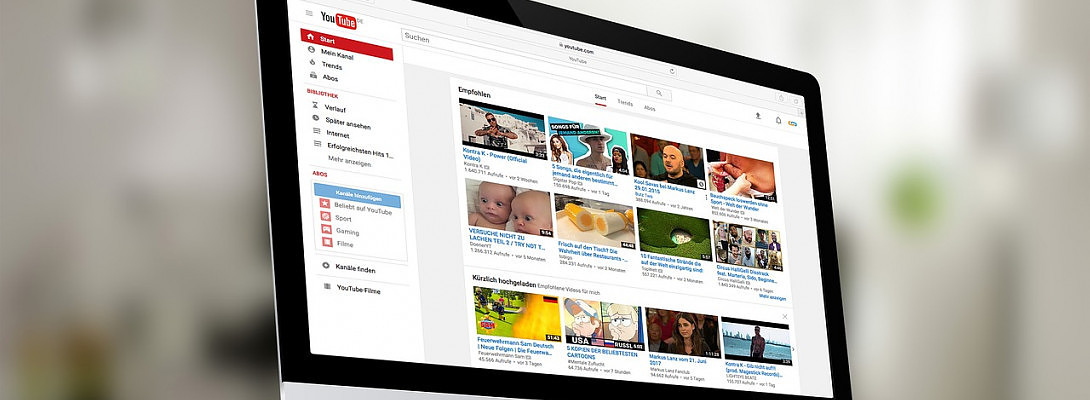
So, then I tried YouTube & I came across this channel called "Let's Build WordPress" - it was VERY helpful to say the least. After watching instructions on my 5th attempt on installing a plugin - this one worked well & super easily.
Ready to put this into action?
Start your free journey today — no credit card required.
Here is the video on how to display your blogs in grid form!
This channel has a lot of beneficial tips and tricks about WordPress and adding details and specific plugins (that work) to your website!
I felt the need to share such valuable information for those who aren’t as tech-savvy or are stuck wanting to do more with their website. This channel will show you how to use certain plugins or fix problems you may be experiencing, I had to share!
Share this insight
This conversation is happening inside the community.
Join free to continue it.The Internet Changed. Now It Is Time to Build Differently.
If this article resonated, the next step is learning how to apply it. Inside Wealthy Affiliate, we break this down into practical steps you can use to build a real online business.
No credit card. Instant access.