The Happy Accident That Changed Everything


Published on January 12, 2026
Published on Wealthy Affiliate — a platform for building real online businesses with modern training and AI.
Most of you know my first post about the Wealthy Affiliate Image Generator was all about pushing it to its limits. I threw difficult prompts at it, tested realism, and tried to break it. The result? Outstanding reality. I still use it for “original” images—like the woman in the example below—and it continues to impress me.

That post for reference is here:
https://my.wealthyaffiliate.com/mrdon1/blog/pushing-the-limits-of-the-new-wealthy-affiliate-image-studio-or-black-friday-preview
But today’s post isn’t about images, or videos for that matter.
It’s about a discovery that completely changed how I use the Wealthy Affiliate Image Generator.
And it all started with a mistake.
ACCIDENTAL DISCOVERY
A couple of weeks ago, I was working the way I always do: highlight, Ctrl+C, Ctrl+V, enter. Muscle memory. It is quick and efficient. And sometimes… dangerous. I have had a few of those moments. No, not a Brett Favre moment. The thought crossed my mind while typing this and watching the San Diego-New England game.
I digress. But that is how it happens. Maybe you know that feeling?
I’ve had entire paragraphs vanish because I stepped away to let the dogs out and returned to find my “keyboard kitten” sitting proudly in the middle of my laptop, a single letter repeating across the screen like a horror movie.
So I have started using Notepad to draft my comments and short posts. This time, I thought I copied an image prompt to use in the WA Image Generator.
I didn’t.
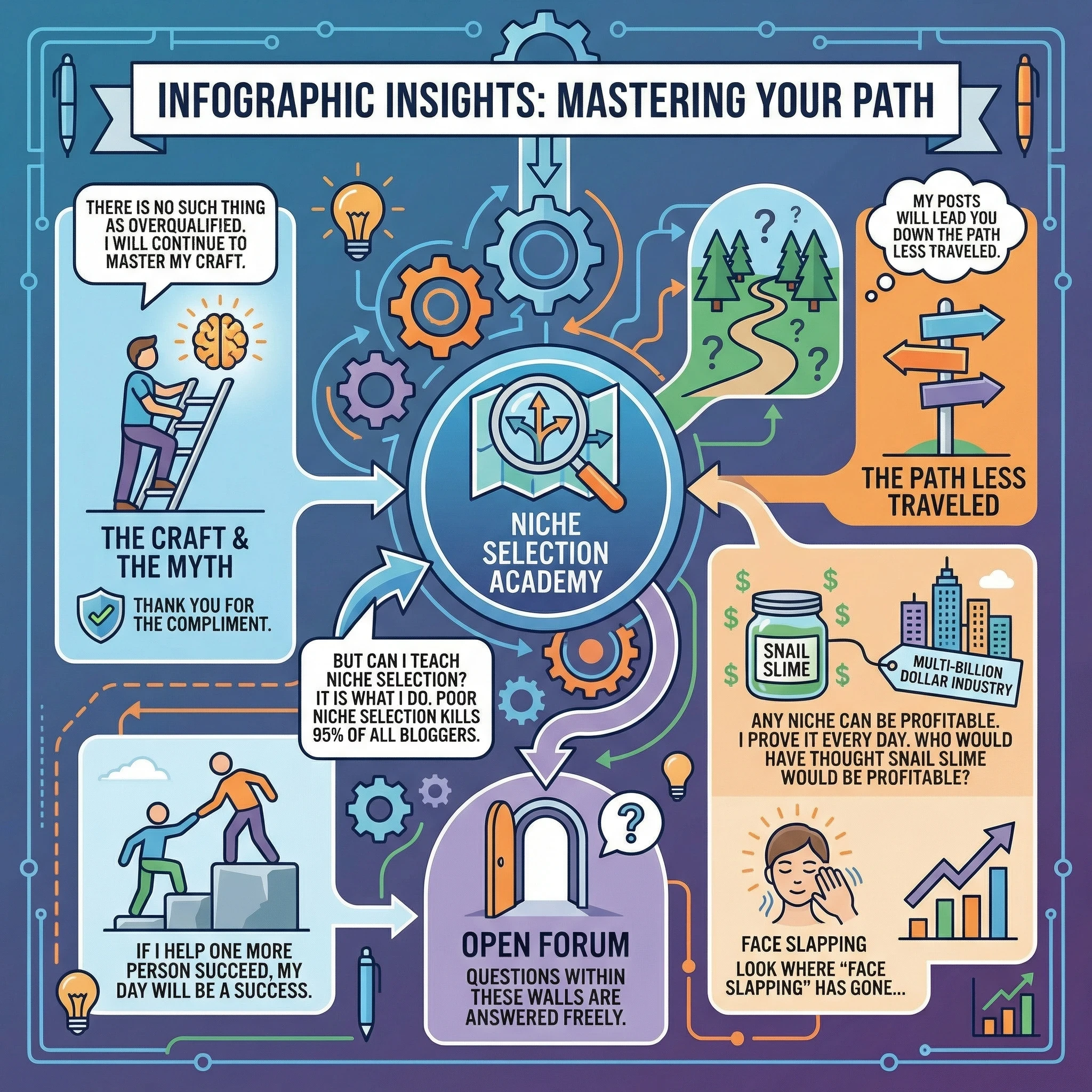
Instead, I pasted a comment I had typed in Notepad:
I thank you for the compliment.
There is no such thing as overqualified. I will continue to master my craft.
But can I teach niche selection? It is what I do. Poor niche selection kills 95% of all bloggers. If I help one more person succeed, my day will be a success.
My posts will lead you down the path less traveled. Any niche can be profitable. I prove it every day. Who would have thought Snail Slime would be profitable? Multi-billion dollar industry.
Look where “Face Slapping” has gone…
Questions within these walls are answered freely.
I hit enter.
And the generator created a beautiful, clean, perfectly spelled graphic out of that text.
That was the moment everything changed.
The WA Image Generator Is Secretly an Infographic Powerhouse
Since that first accident, I’ve spent hours experimenting. What stands out most is how easily the generator creates visually impressive graphics—especially infographics. The spelling is better than mine. The layout is clean. And the results are the kind of visuals that make people stop scrolling.
When readers see a graphic with no typos, they trust it.
When they trust it, they reread it.
When they reread it, time on post goes up.
Ready to put this into action?
Start your free journey today — no credit card required.
You see where I’m going with this?
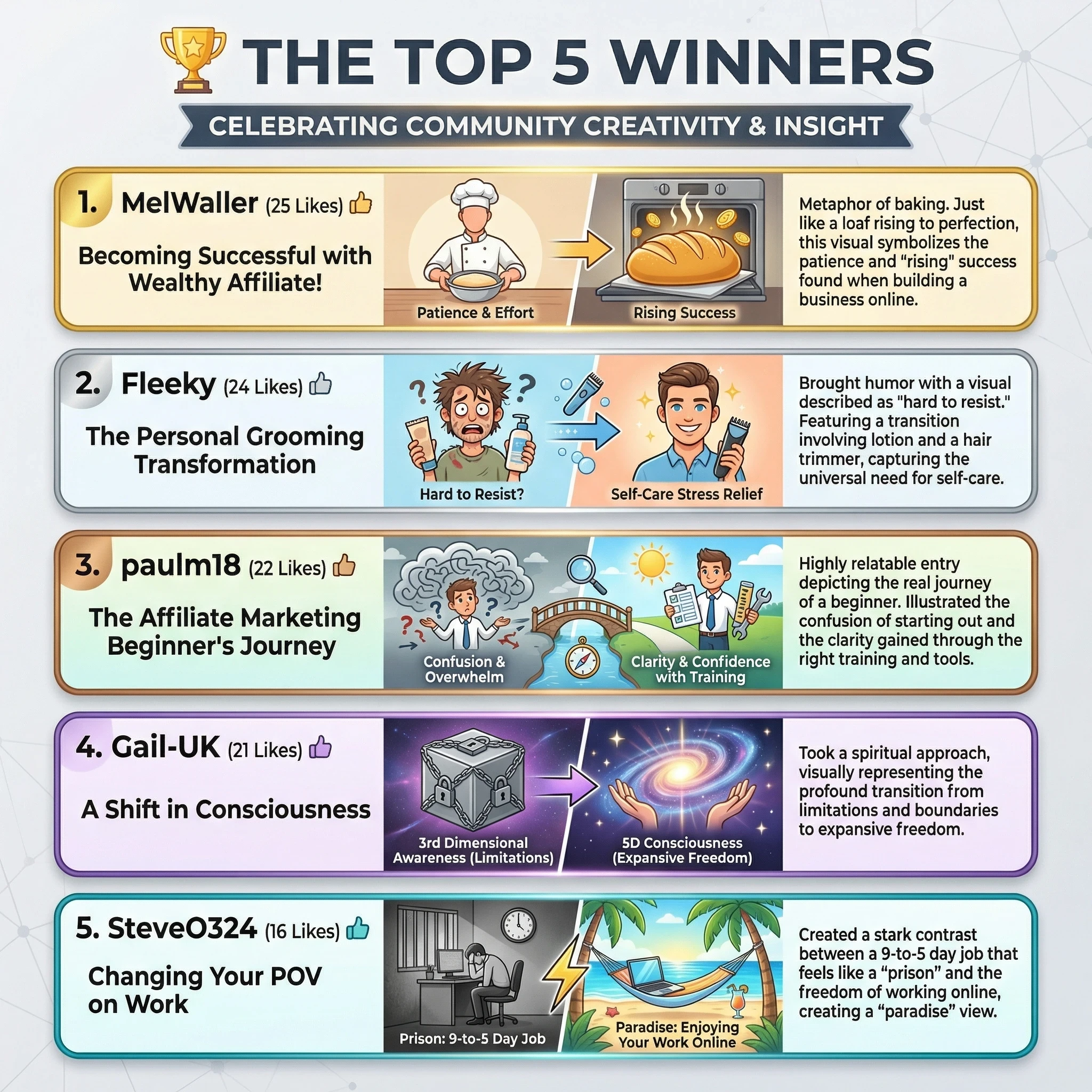
The Wealthy Affiliate Image Generator was built to be our in‑house image tool, and it excels at that. But with its 2000‑character input window, it also handles large amounts of text better than most design tools. The only platform with a bigger prompt window is Nano Banana Pro.
Nano Banana can handle a full Top 10 list in one go.
WA can handle half.
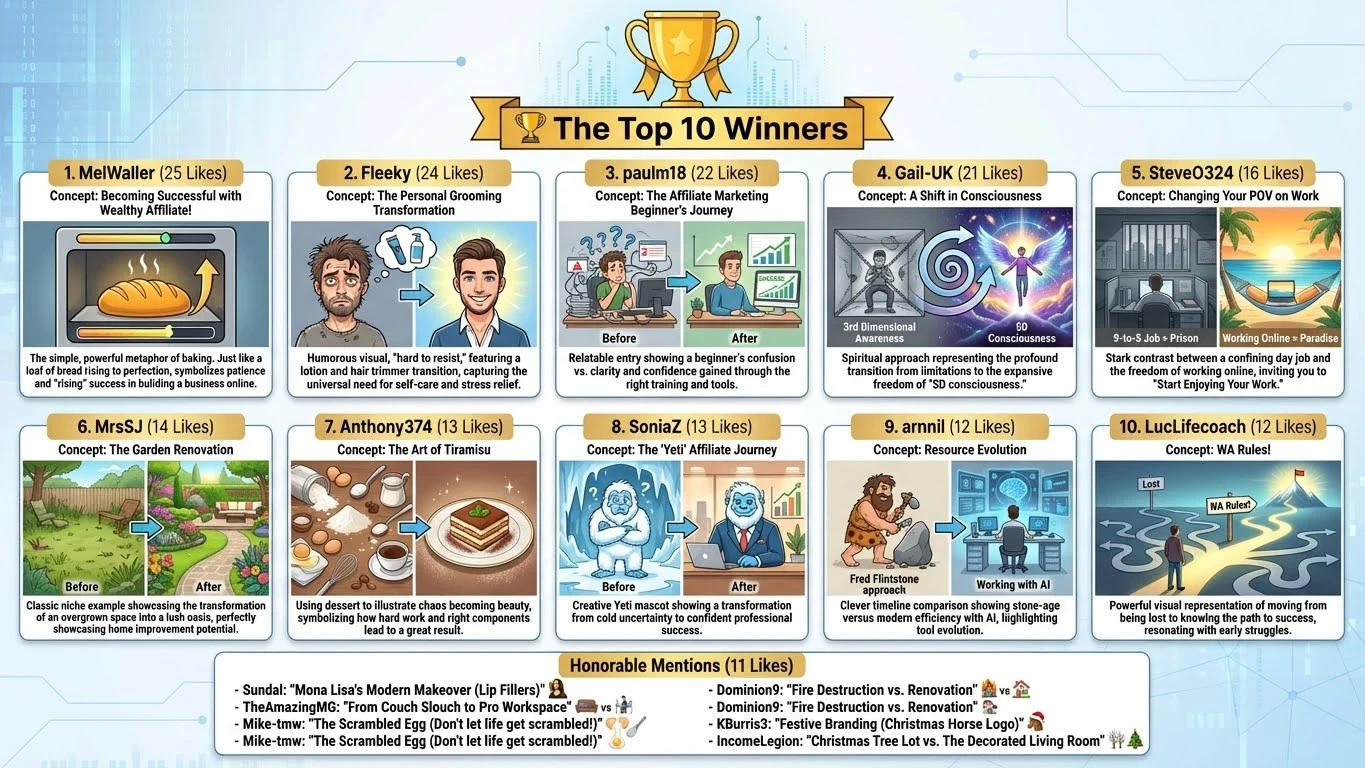
But honestly? I’d still choose WA and create two images. The quality is that good. Do you agree?
And for anyone tired of generic stock photos, this tool gives you fresh, original visuals that match your message perfectly.
Infographics: More Than Just Images
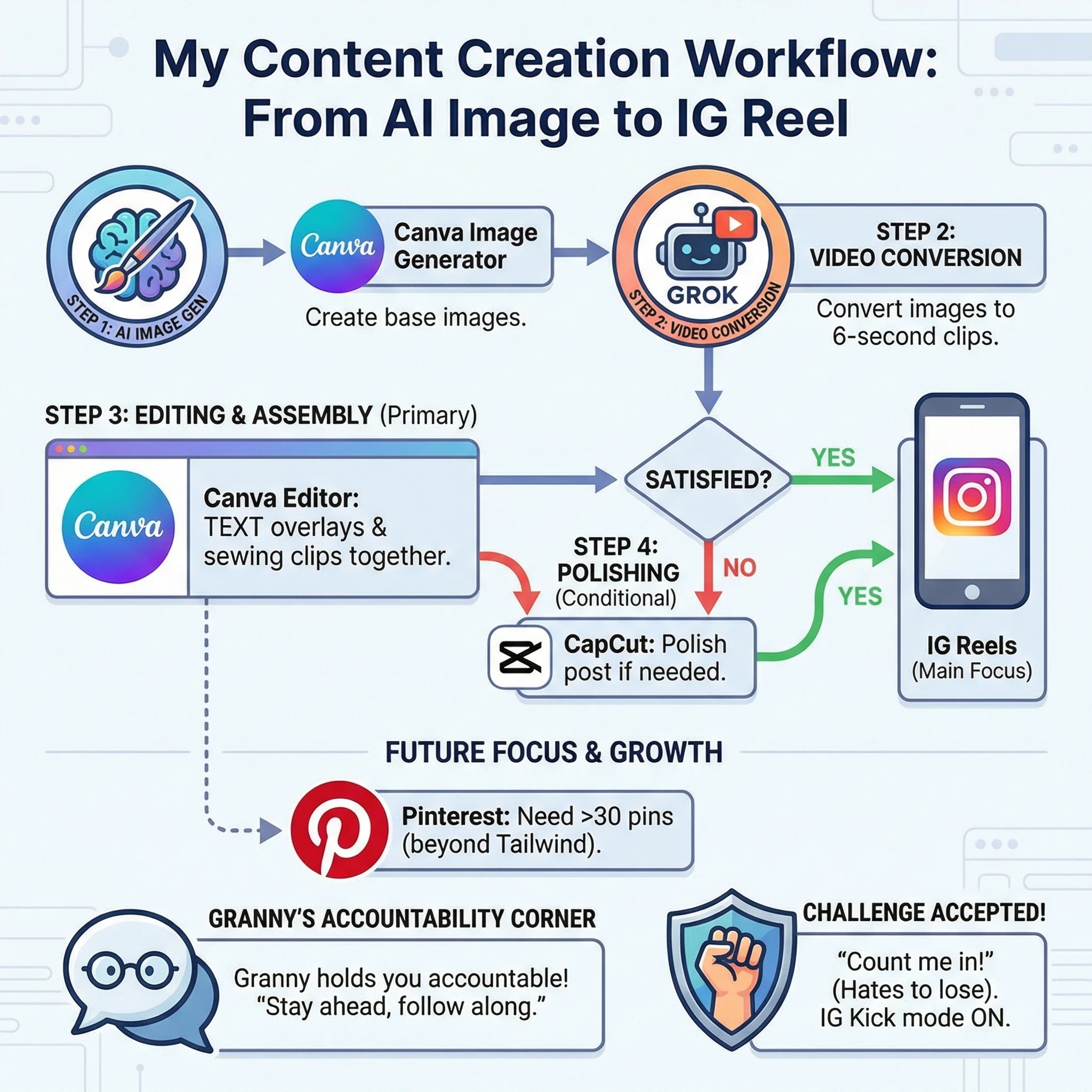
Infographics are one of the most powerful tools in online communication. They:
- Catch attention
- Simplify complex ideas
- Increase shareability
- Strengthen branding
Every time I add an infographic to a post, engagement goes up. People stay longer. They understand faster. They share more often.
And the WA Image Generator makes the process simple.
My 4‑Step Infographic Workflow
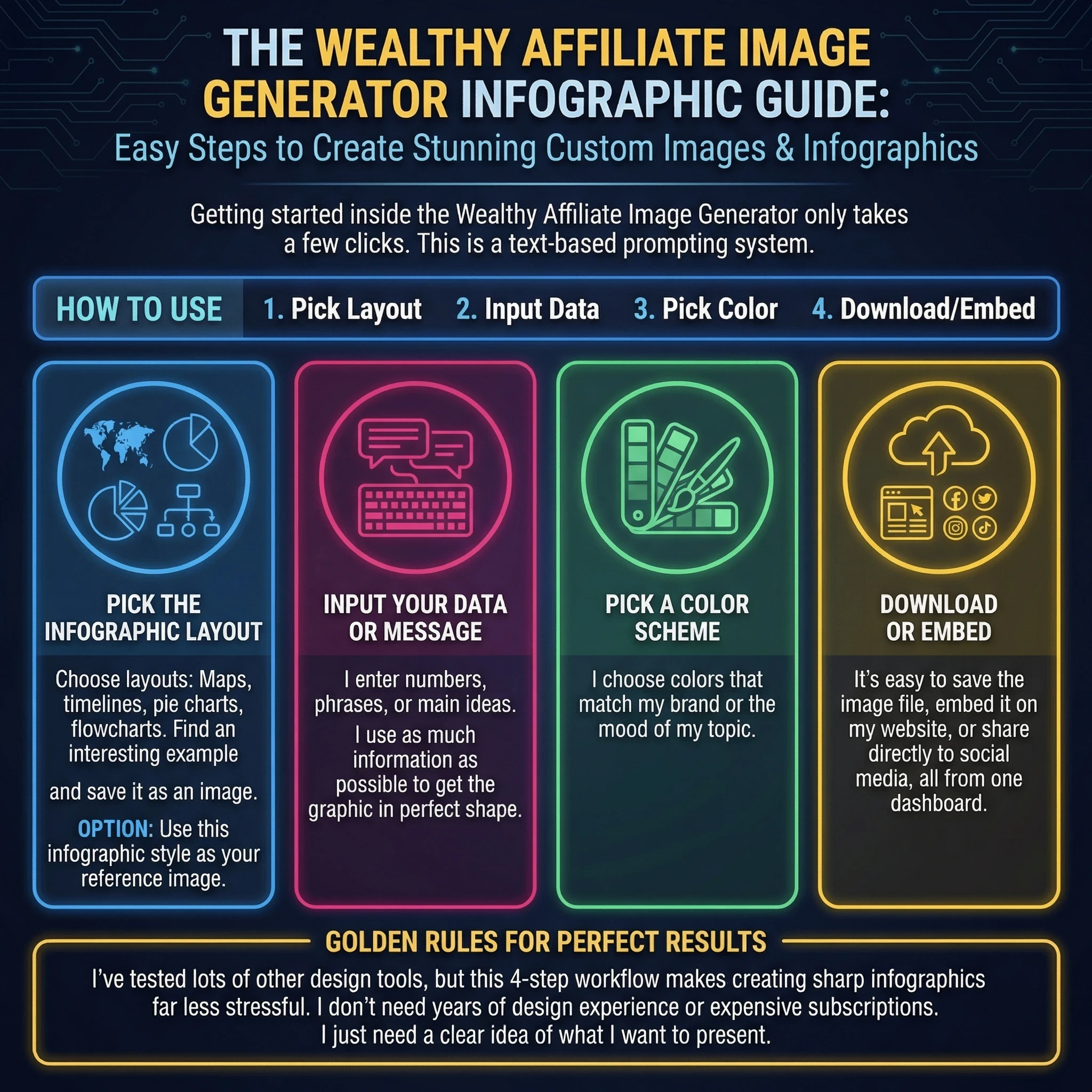
This is the exact workflow I use now:
- Pick the layout
- Maps, timelines, pie charts, flowcharts—whatever fits the message.
- I often save an example image from the web to use as a style reference.
- Choose your method
- Option 1: Use the reference image to guide style.
- Option 2: Use text‑based infographic prompts (like the 30‑prompt list I found on Reddit).
- Input your data
- I include numbers, phrases, and key
- ideas. The more detail I give, the better the result.
- Pick a color scheme
- I match my brand colors or the mood of the topic.
- Then I download or embed the image directly into my post.
- No templates.
- No subscriptions.
- No design degree required.
Creative Uses Beyond Infographics
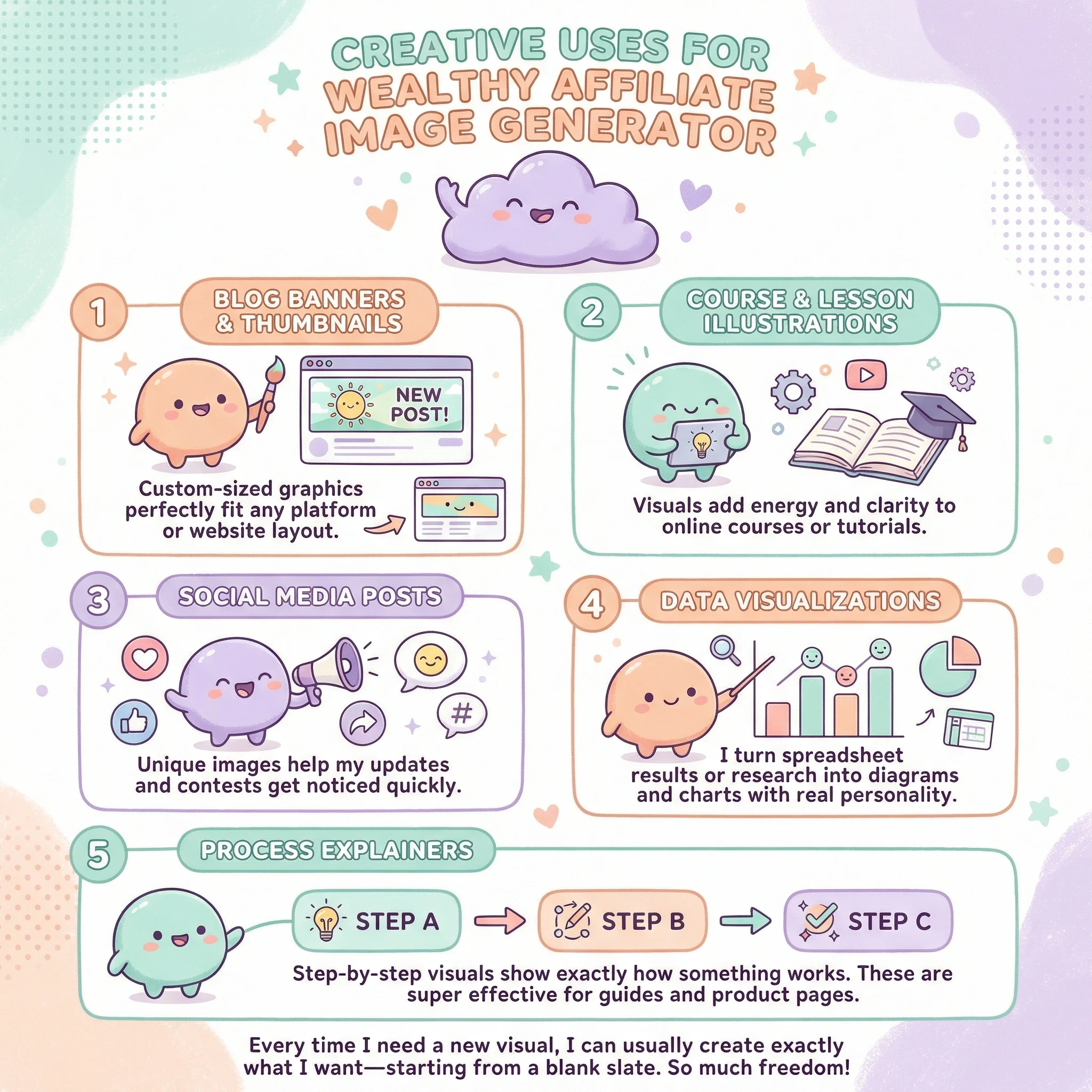
I’ve used the generator for:
- Blog banners
- Course illustrations
- Social media posts
- Data visualizations
- Step‑by‑step explainers
Every time I need a visual, I can build exactly what I want from scratch. But if you want a Sheet for Infographic styles, this is where I found my initial inspiration. This is on Reddit
https://www.reddit.com/r/GeminiAI/comments/1pk0ahk/here_are_30_nano_banana_prompts_for_perfect/
Final Thoughts
After months of using the Wealthy Affiliate Image Generator, I can say this confidently:
Its infographic capabilities are the most valuable part of the tool.
Whether you’re teaching, selling, or storytelling, infographics make your content clearer, more memorable, and more shareable. And the WA Image Generator makes creating them effortless.
If you want visuals that stop the scroll and elevate your content, this tool belongs in your workflow.
Frequently Asked Questions
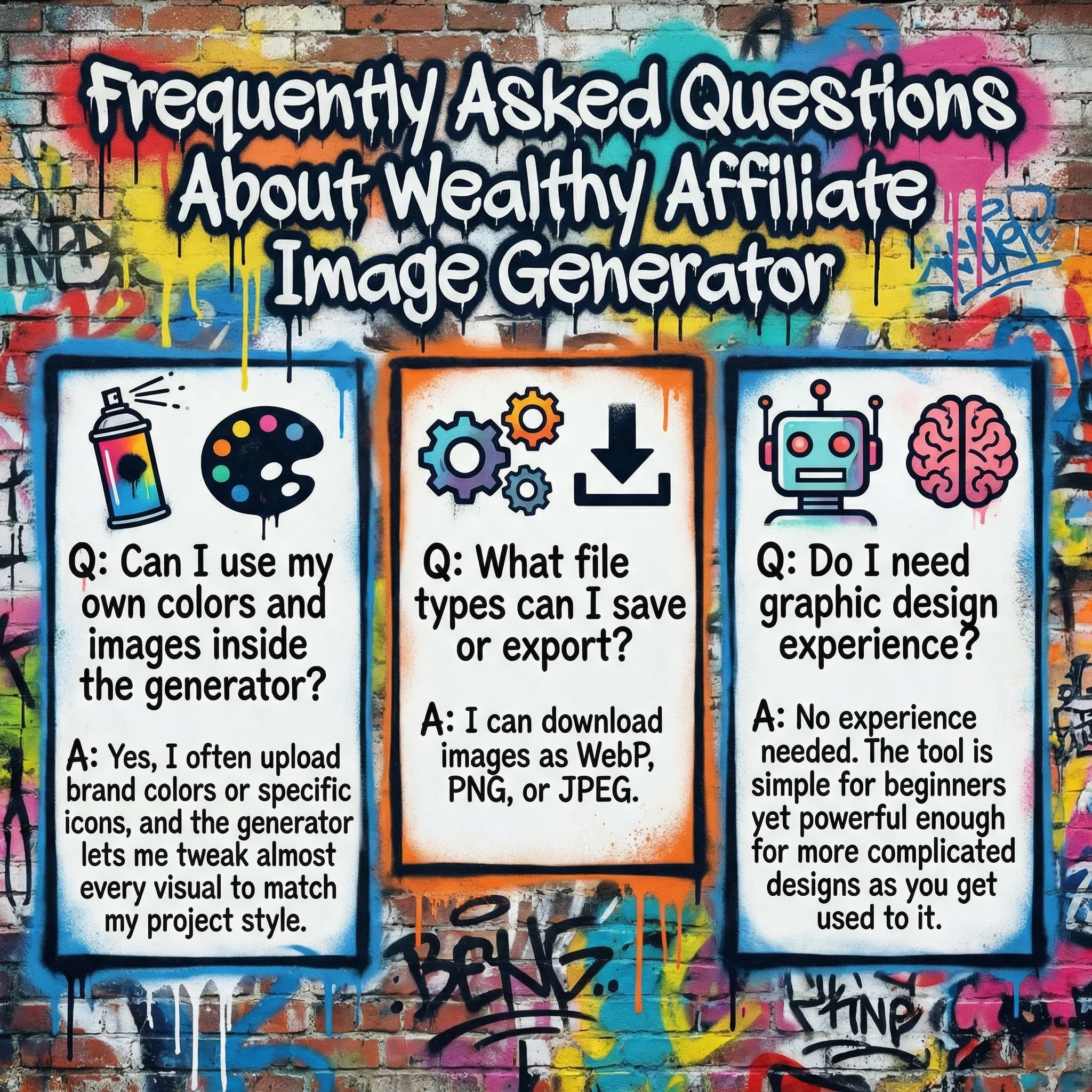
Are you using the infographic capabilities of the WA Image Generator? Will you now?
Share this insight
This conversation is happening inside the community.
Join free to continue it.The Internet Changed. Now It Is Time to Build Differently.
If this article resonated, the next step is learning how to apply it. Inside Wealthy Affiliate, we break this down into practical steps you can use to build a real online business.
No credit card. Instant access.