Two Images created according to the instructions of Mr. FaridNL


Published on January 11, 2026
Published on Wealthy Affiliate — a platform for building real online businesses with modern training and AI.

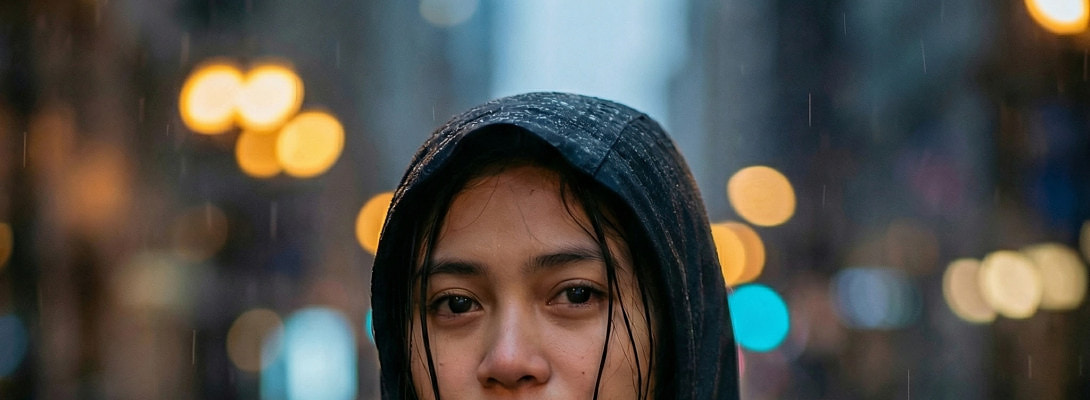
 They came out different but I still like them.
I read a blog post from Mr. FaridNL about "7 carefully crafted rain prompts."
I wanted to try it out.
I loved the one about "Cinematic Female Portrait " and the one about "Emotional Rain Portrait Reflection Artistic ".
The above image is Image#1.
I went to Image Studio and created the first one with no reference photo because I do not have any photos of my wife in the Uploaded Images section of Image Studio .
I used the prompt as written by FaridNL except that I changed " night" to "dusk" because dusk is my favorite hour of the day.
Ready to put this into action?
Start your free journey today — no credit card required.
I loved the result and decided that I could use it for Instagram , Facebook, and Pinterest so I added the text.
Then I created Image #2.
For image #2, I could use a reference photo because I do have a couple of reference photos of myself in the AI Uploaded Images section of Image Studio.
I did not add any text yet to Image #2 because I am not sure how to use it. I really do want to use it though because it's really good.
I used both of these new images as reference photos for an image of me and "my wife" on Volcano Sibayak. That is image #3.
The reason for Image #3:
The funny thing is that, after I created the images, I couldn't find them in my Uploaded Image section of Image Studio while using my laptop. So I went to my Android and started over. I was able to create them, find them, and share them right away.
I ended up using "Reference Images" to share on this blog. That is the reason I created the Image #3 here. I used Image #1 and Image #2 as reference photos for Image #3. That way I had both images in the Reference Images section of Image Studio to share on this blog.
Well, I hope this little blog is not too confusing. I just wanted to show my most recent experiment with Image Studio and share on this blog and how I had to accomplish it and share the images here. (Always a good time spent).
Here is Image #2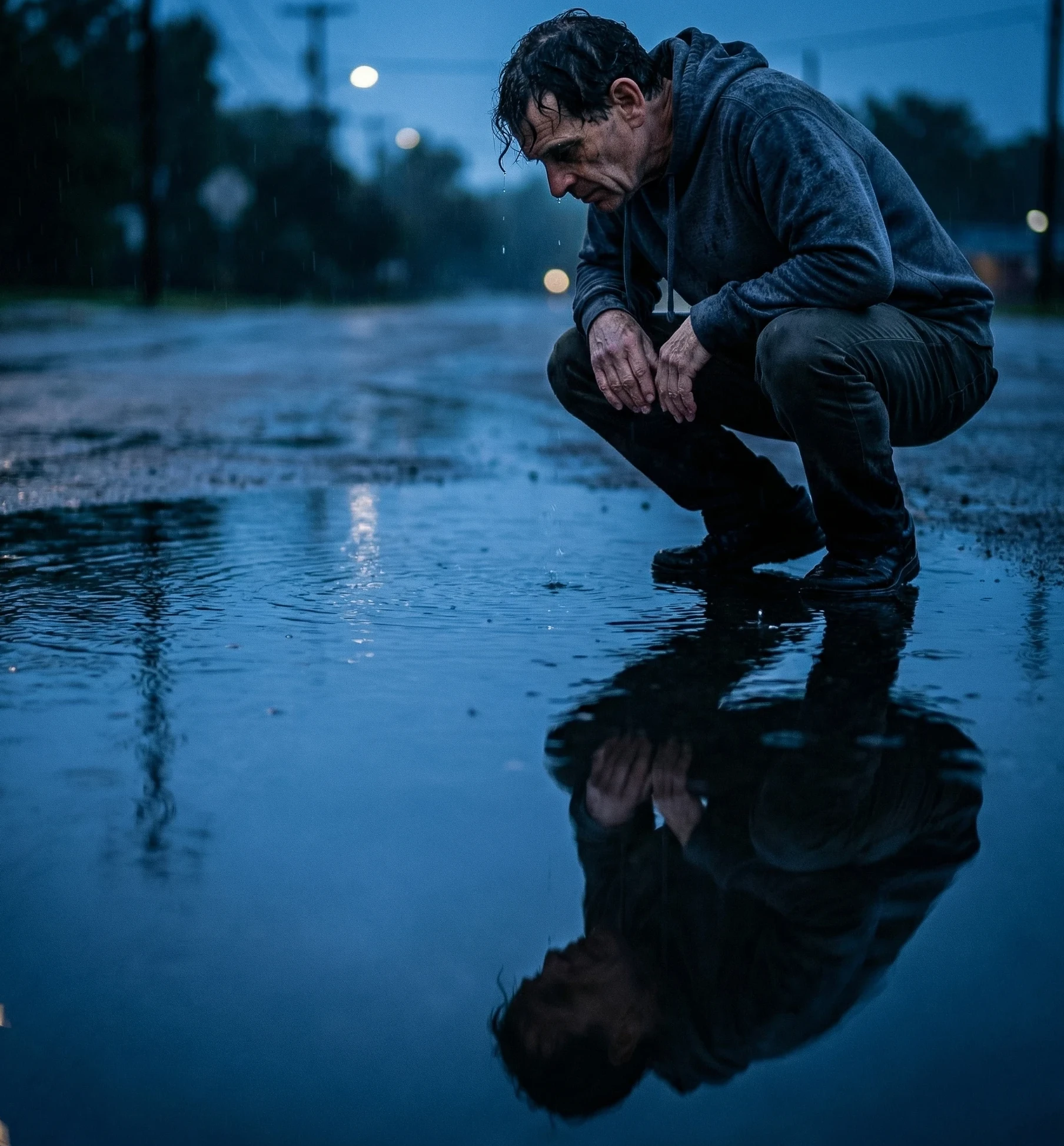
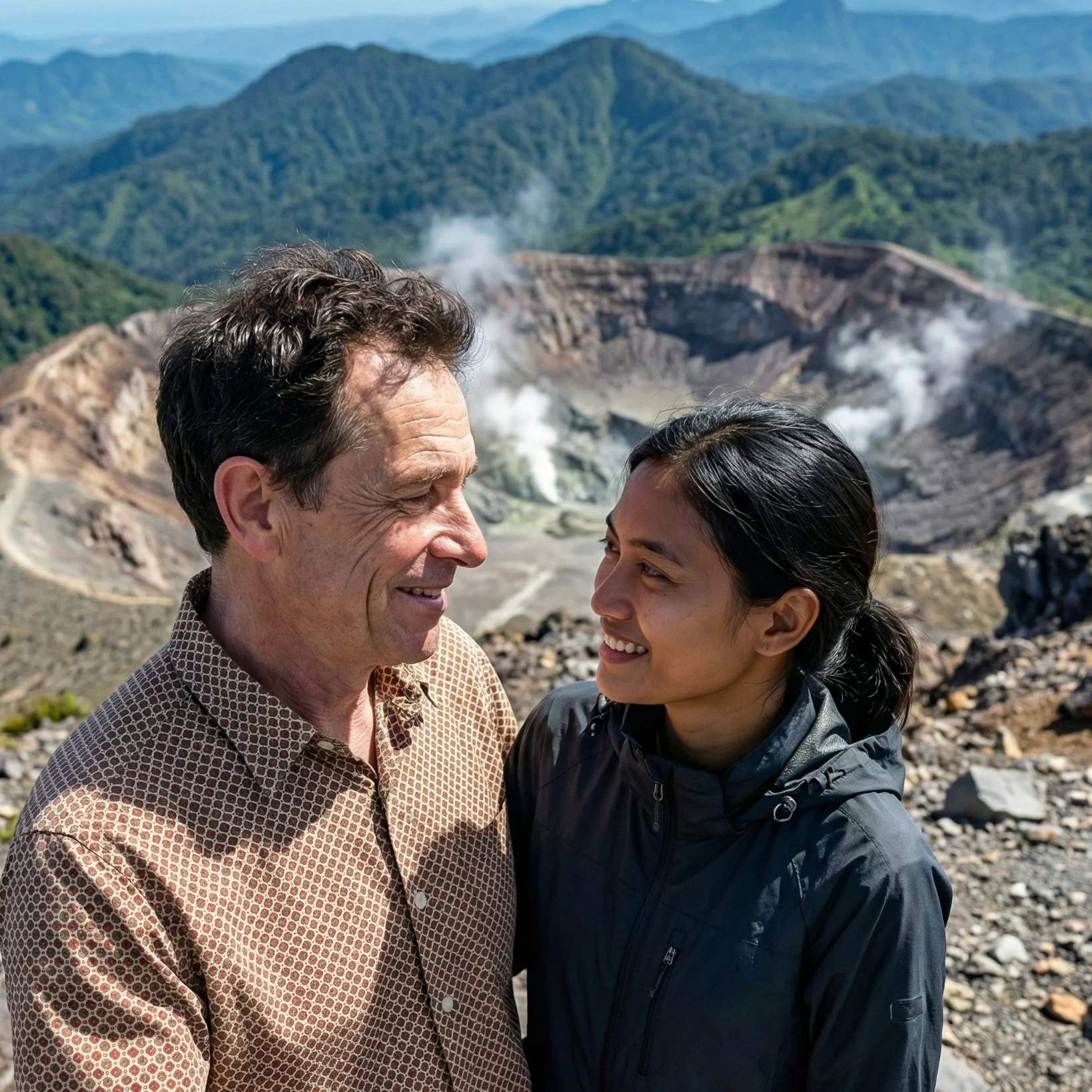 Here is Image #3.
Share this insight
This conversation is happening inside the community.
Join free to continue it.The Internet Changed. Now It Is Time to Build Differently.
If this article resonated, the next step is learning how to apply it. Inside Wealthy Affiliate, we break this down into practical steps you can use to build a real online business.
No credit card. Instant access.