Finding Free to Use Google Images


Published on July 19, 2016
Published on Wealthy Affiliate — a platform for building real online businesses with modern training and AI.
As you all know, google has a vast number of pictures on google images.
However, if you are not sure which are free for you to use, then this is for you.
First, go to google images at http://images.google.com
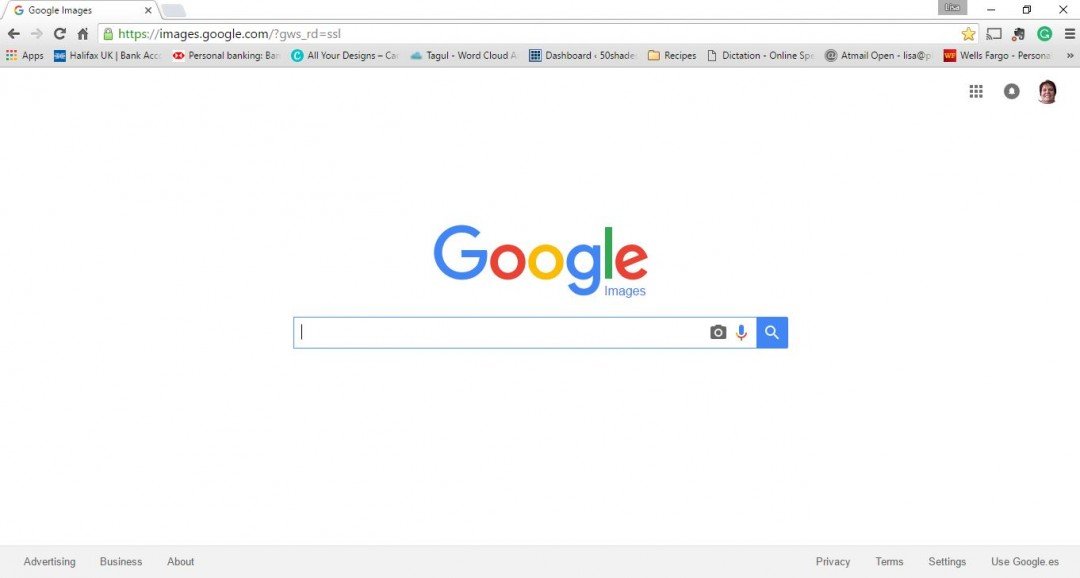
Type in an image to search for and hit enter. When the images come up, if you look over to the right, there is a wheel. Click on that wheel. Click advanced search. This is where you can set your filters.

These are all the filters available in advanced search.
Ready to put this into action?
Start your free journey today — no credit card required.
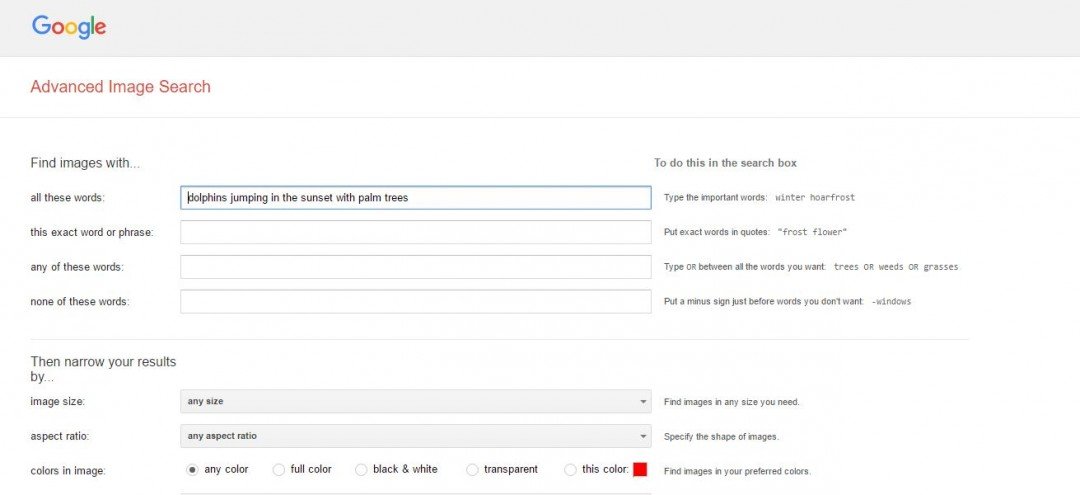
Scroll down to the bottom and look for usage rights.
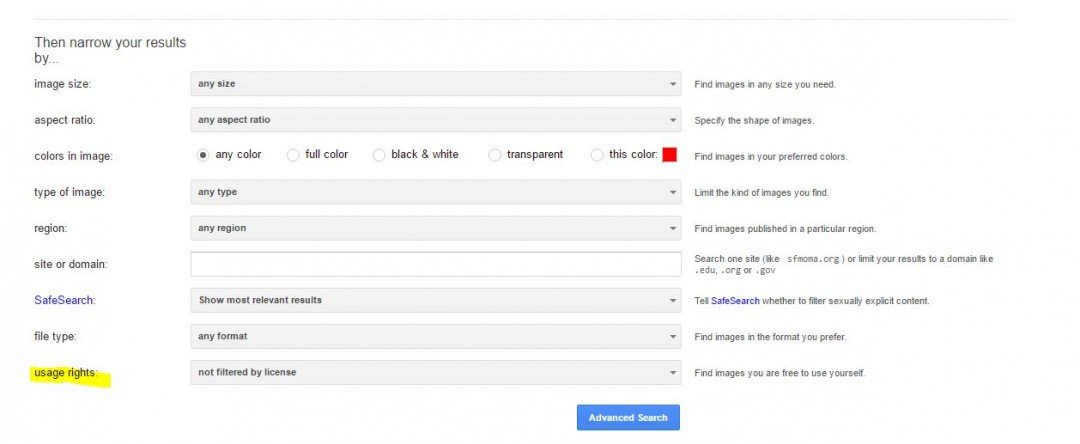 Once you click the drop down on usage rights, you will see:
- Not filtered by license
- Free to use or share
- Free to use or share, even commercially
- Free to use, share, or modify
- Free to use, share, or modify, even commercially
You can also search by name, size, aspect ratio, colors in image, type of image (clip art, picture, animated, etc.…), region, and file type (jpg, png, etc….) on this filter page.
I am going to click on free to use, share, or modify, even commercially. Then I hit the advanced search button.
These are some of the images which come up. I chose the image in the top left based on my needs.
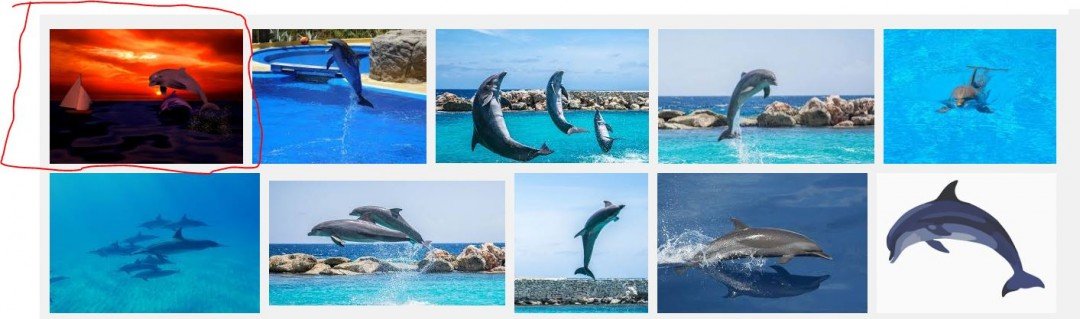
Since there is such an enormous quantity of images on google, I’ve yet to have a problem finding the images I need.
I hope I have helped you out with this blog.

Share this insight
This conversation is happening inside the community.
Join free to continue it.The Internet Changed. Now It Is Time to Build Differently.
If this article resonated, the next step is learning how to apply it. Inside Wealthy Affiliate, we break this down into practical steps you can use to build a real online business.
No credit card. Instant access.