3 Free Graphic Design Tools You Can't Live Without


Published on February 26, 2018
Published on Wealthy Affiliate — a platform for building real online businesses with modern training and AI.
3 Free Graphic Design Tools You Can't Live Without by Kelli Brink
Ever wondered how the best bloggers online are able to create beautiful and professional looking graphics, headers, and logos? Have you told yourself that YOU can't do the same? Have assumed that they must hire a professional to get the job done?
If you answered "yes" to any of these questions, then you need to read on to find out how you - yes, YOU - can create killer graphics, for FREE!
PICMONKEY
Picmonkey has been the lifesaving tool I have used to create every header for every domain that I own. This web-based design tool has been an absolutely priceless lifesaver to my websites.
Picmonkey's free version offers a wide variety of options, graphics, fonts, and more. I used the free version for about a year before I decided to unlock the additional features (more font choices, more free clip art, etc) that are only available as a paid member.
And, honestly, even if the paid version didn't offer much more (which it DOES) I would have bought the paid version, just because I felt like I owed them that much for the fantastic product I used through them.
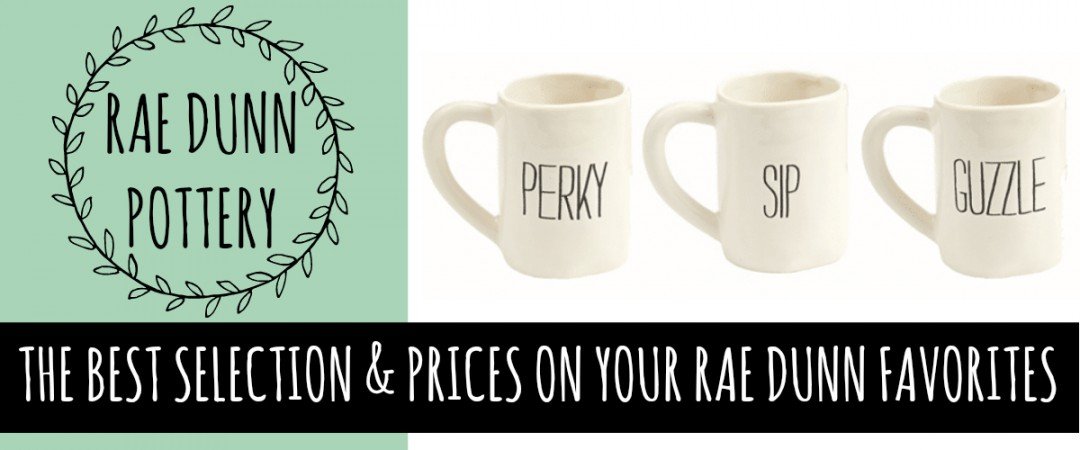
^This is an example of one of my banners on my website. Every single image on that site was made by me via PicMonkey. If you're into pretty, farmhouse style graphics, definitely check it out for some inspiration.
I use PicMonkey ALL.THE.TIME. There's definitely a learning curve and it can be overwhelming at first, but practice makes perfect.
Ready to put this into action?
Start your free journey today — no credit card required.
YouDoodle is an app available for iOS and Android phones, that you can purchase in your app store. It's mobile, so it is best used on your smart phone. You may think you can't do much graphic design from a smart phone, but you'd be wrong, my friend!
I have been in a pinch before, on vacation, or just without my laptop, and really needed to create a super quick, but still awesome graphic. YouDoodle has saved me.
You can draw on existing photos, add a watermark, add layers like your site logo over a photo, add stickers and clip art, and so much more.
I made THIS IMAGE using YouDoodle:

PIXLR
I will admit that I have not yet discovered everything that PIXLR can do, but the one thing I love it for is creating PNG images. Do you know what a PNG image is and why they're amazing?
A PNG image has a transparent background, and makes it perfect for you affiliate marketers out there who want a photo of just the object you're selling, without a background. You can literally erase the background out of an image so that just the main image in a photo remains.
PNG images are perfect for creating banners with multiple layers.
Here's another example of a PNG image I made with a transparent background:
These are 3 of the free graphic design tools I use on a daily basis to create my headers, logos, and other images I use on my websites. I hope this helps you with the process of creating beautiful images on your site!
If you still aren't sold on creating images on your own, I'm happy to help!
I'm really happy to be here at WA!
Cheers!
Kelli Brink
Share this insight
This conversation is happening inside the community.
Join free to continue it.The Internet Changed. Now It Is Time to Build Differently.
If this article resonated, the next step is learning how to apply it. Inside Wealthy Affiliate, we break this down into practical steps you can use to build a real online business.
No credit card. Instant access.