SEO with Semantic HTML


Published on February 11, 2026
Published on Wealthy Affiliate — a platform for building real online businesses with modern training and AI.

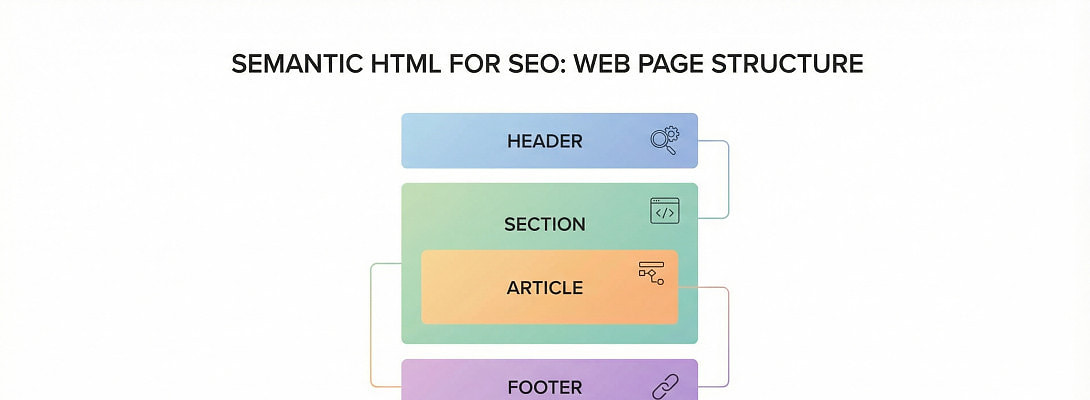
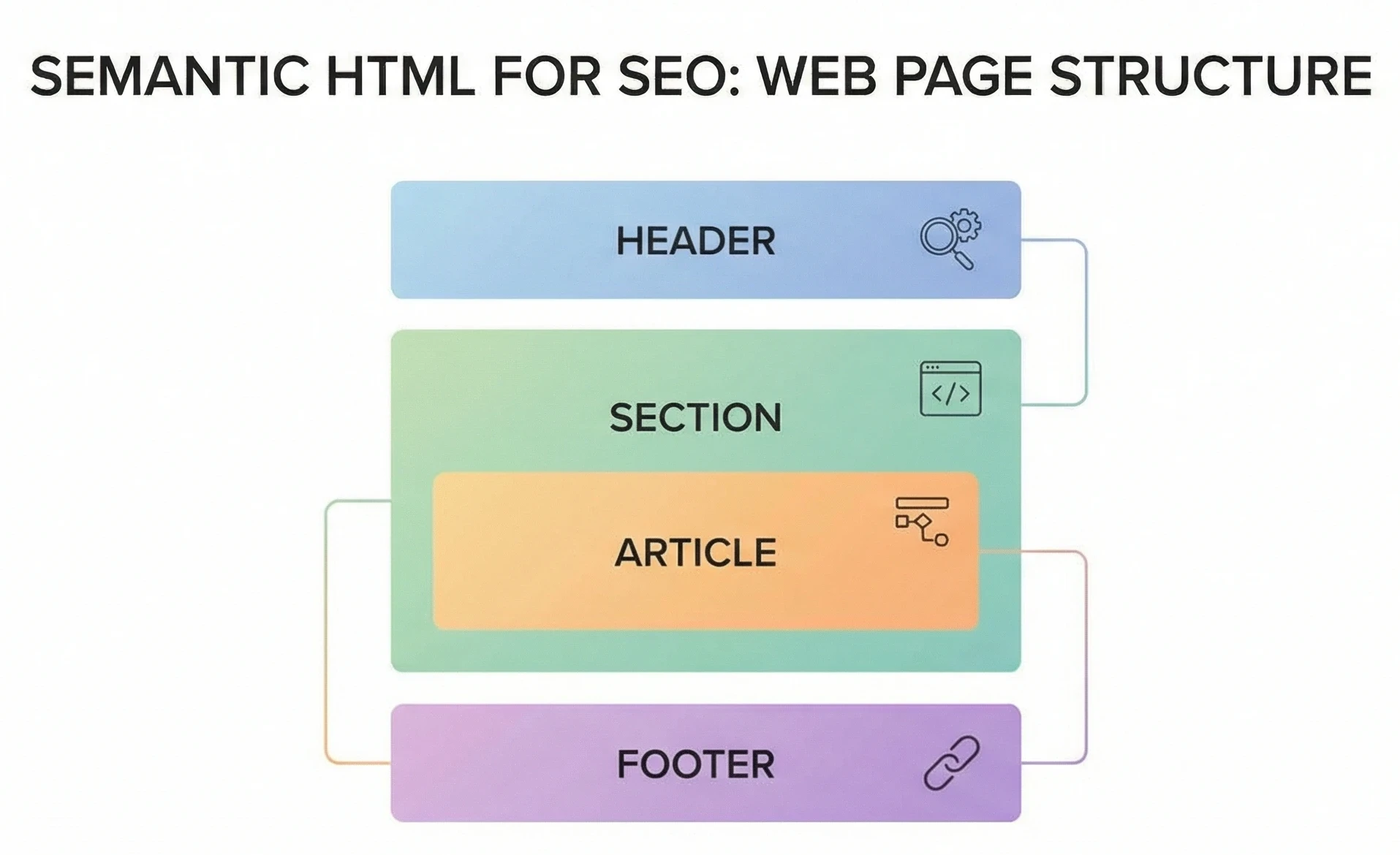 Semantic HTML is one of those quiet SEO boosters that most WordPress users never think about until they discover how much clearer it makes their content to search engines.
I’ve been diving deeper into it recently because Divi 5 now lets you assign semantic tags directly to layout elements. That update nudged me to revisit the topic, and it reminded me how valuable these tags are no matter what theme or builder you use.
This post is for anyone who wants to strengthen their site’s structure, improve accessibility, and give search engines a clearer understanding of their content without needing to write code (unless you want to).
What is Semantic HTML?
Semantic HTML uses tags that describe the meaning of your content, not just how it looks. These tags help search engines and assistive technologies understand the structure and purpose of each part of your page.
Some of the most useful tags include:
- <header> - introductory content for a section or page
- <section> - a thematic grouping of related content
- <article> - a self‑contained piece of content (like a blog post’s subtopic or card)
- <footer> - closing or summary content for a section or page
- <nav> - navigation links
- <aside> - complementary or sidebar content
These tags don’t change how your page looks to visitors, they change how your page is interpreted by search engines and accessibility tools.
Why Semantic HTML Matters for SEO
Search engines don’t just read your words, they read your structure.
Semantic tags help them identify:
- what the main content is
- where a section begins and ends
- which parts are navigation
- which parts are repeated across pages
- which blocks are standalone pieces of content
- how your headings relate to each other
This improves how well search engines and accessibility tools understand:
- content clarity
- indexing accuracy
- featured snippet eligibility
- accessibility signals
- overall SEO health
It’s one of the simplest ways to make your site more “machine‑readable.”
Why This Came Up for Me Recently
As I mentioned earlier, Divi 5 introduced the ability to assign semantic tags directly to layout elements. That feature made me stop and think:
“Do most WordPress users realise how much this matters? Do other page builders or core Wordpress tools expose these tags and provide a means to apply them?”
Whilst Divi 5 makes it easier, the concept itself is universal. Every WordPress user can benefit from understanding and applying semantic structure, regardless of the theme or builder.
How WordPress Users Can Use Semantic HTML (Even Without Divi 5)
Ready to put this into action?
Start your free journey today — no credit card required.
If your theme or builder doesn’t offer semantic wrappers, you can still use them manually.
A simple example:
<section>
<h2>My Topic</h2>
<p>This is the content for this section.</p>
</section>
Or for a blog card:
<article>
<h3>Post Title</h3>
<p>Short excerpt…</p>
</article>
You can place this inside:
- a Code Block
- an HTML module
- a custom block
- a child‑theme template
Even small improvements like wrapping your main content in <article> and your sidebar in <aside> help search engines understand your layout.
When to Use Semantic Tags
A simple rule of thumb:
Use a semantic tag when the block has a clear purpose or meaning.
Good candidates include:
- hero sections
- feature blocks
- service descriptions
- blog cards
- testimonials
- standalone content sections
- off‑canvas menus
- slide‑in panels
- footers and sub‑footers
Avoid using semantic tags for:
- spacing wrappers
- decorative containers
- layout-only rows
- empty divs used for styling
Too many semantic tags can be just as confusing as too few.
A Note for Experienced Developers
You may already know this stuff however many WordPress users rely entirely on visual builders and never touch HTML. This post is for those who want to improve their site structure without diving into full theme development.
If you’re building custom templates or working with block themes, semantic structure becomes even more important as WordPress moves toward cleaner, more accessible markup.
Bringing It All Together
Semantic HTML is another useful tool to:
- improve SEO
- strengthen accessibility
- clarify your content hierarchy
- future‑proof your site
- help search engines understand your intent
Whether your builder supports it natively or you add it manually, it’s worth paying attention to.
Would be interested to learn what other members know of this subject, what lessons are to be learnt and what members have experienced.
Cheers
Geoff
Share this insight
This conversation is happening inside the community.
Join free to continue it.The Internet Changed. Now It Is Time to Build Differently.
If this article resonated, the next step is learning how to apply it. Inside Wealthy Affiliate, we break this down into practical steps you can use to build a real online business.
No credit card. Instant access.