Why Your AI Suddenly Got Worse, and Why It Might Not Be Your Prompt


Published on September 14, 2026
Published on Wealthy Affiliate — a platform for building real online businesses with modern training and AI.


Paul asked something I could not fully answer
In the comments on my last post, Paul described a strange morning with Gemini.
"I noticed today a complete change in behaviour with Gemini. Early this morning, at 4 am, it was literally 'Out to Lunch.'"
It would not open its dialog box for him. It handed him two options he had to follow first, and that repeated for two to four prompts before he could ask his actual question. By four in the afternoon it was back to normal. Then he asked the part that stuck with me.
"It seemed like it was trying to gain information for the next step: AGI. Did anyone else notice this?"
I told him my guess was something more boring than AGI. It sounded like a rollout, a temporary service problem or some kind of test. I also admitted that I could not tell which one it was.
At the time, that was only a guess. Then I checked Google's own status history.
Google had recorded a Gemini problem that day
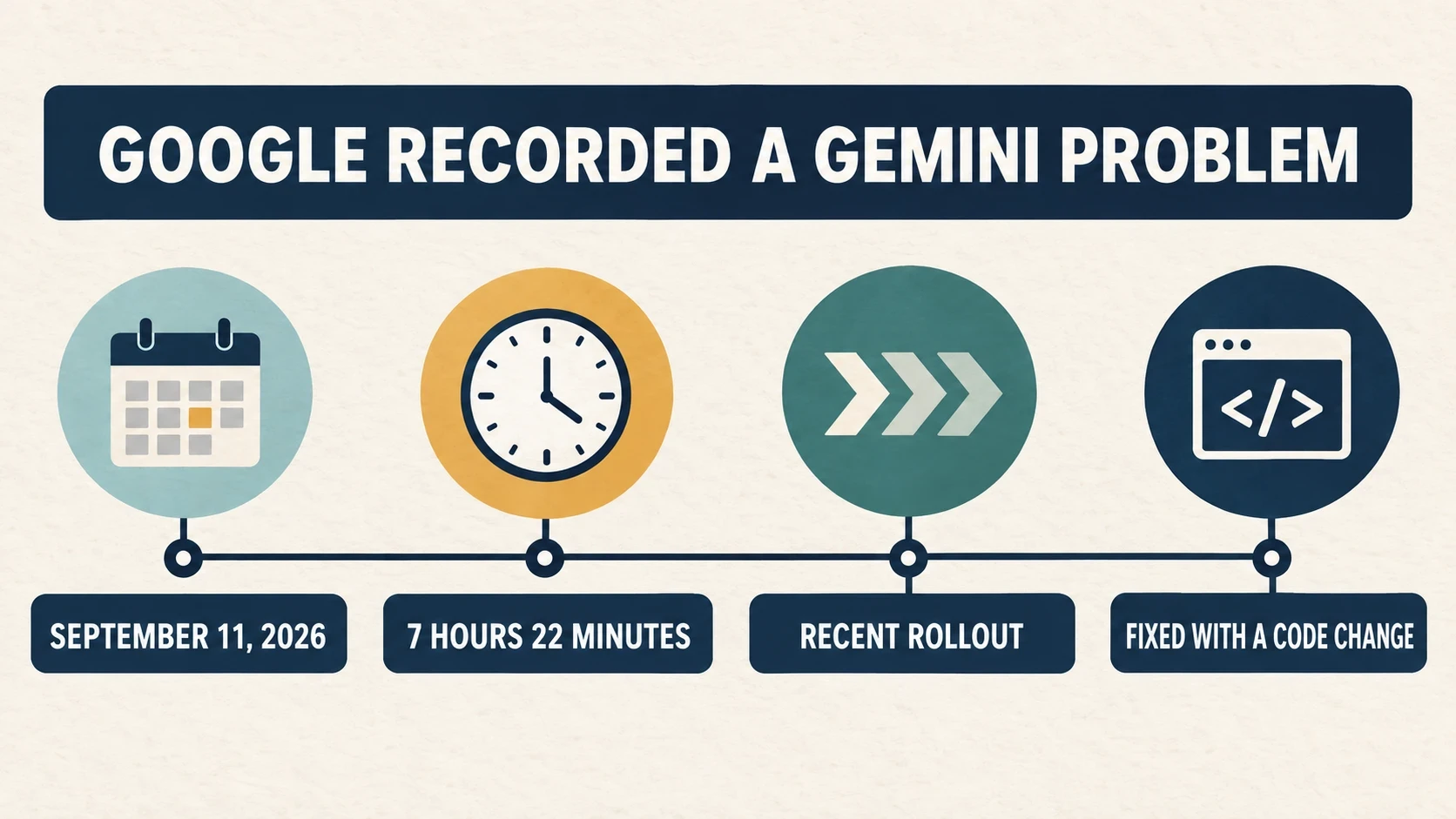
Google reported a Gemini incident on September 11, the same day Paul noticed the strange behaviour.
According to Google's status report, the incident lasted 7 hours and 22 minutes. A subset of users experienced intermittent errors with Gemini 3.1 Pro on the web and in the app. Google said a recent rollout had caused the problem and that its engineers fixed it with a code change.
That does not prove Paul's exact problem was part of the same incident. His trouble started earlier than the window Google published, and what he saw was stranger than a simple error message. Google also said only a subset of users was affected.
Still, the date matches, the service matches and both problems disappeared the same day. My rollout guess turned out to be closer than I knew, but it was still a guess. The status report is the evidence.
I have the link to Google’s incident report. I have not included it here because it is an outside link, but if anyone wants to see it, I can send it privately.
Sometimes it is the chat, and sometimes it is the tool
Tami described a different problem in the same comment thread.
"Once in a while I have to remind it what we are doing. we get into a rabbit hole and get lost."
Ready to put this into action?
Start your free journey today — no credit card required.
I know that one well. A long conversation wanders, earlier instructions lose influence and the answer starts heading somewhere I did not intend. Starting a fresh chat often helps because I bring over only what still matters.
Paul's experience looked different. He was not describing an old conversation that had wandered. He was describing the Gemini interface behaving strangely for part of one day and then returning to normal.
Those two problems can feel the same from our side. The AI was working yesterday. Today it is not. The natural reaction is to rewrite the prompt and assume we explained something badly.
Sometimes that is the problem. Sometimes it is not.
Randy already has a useful fallback
Randy mentioned that he uses ChatGPT, Claude and Gemini depending on the result he wants.
"I use the same procedure with Claude and Gemini as I use them depending on the outcome I’m looking for."
I would not dress that up with a technical name. He has simply learned that the tools do not always behave the same way, so he does not depend on only one of them.
That is useful when one suddenly acts strangely. Trying the same small task in another tool does not tell me exactly what went wrong, but it can tell me whether I am dealing with one bad conversation or something broader.
What I will check the next time it happens
Before I rewrite a prompt five times, these are the things I want to check first:
· Write down the date and time. Paul's four in the morning and four in the afternoon gave me something I could compare with a public record.
· Take a screenshot. If the interface changes or blocks something, I want a picture of what it actually did.
· Try a clean chat with one simple request. If that works, the old conversation may be the problem.
· Try the same small request in another AI tool. If one works and the other does not, I know not to spend the whole morning rewriting my instructions.
· Check the vendor's status page and release notes. They may not explain my exact account, but they can confirm that something changed.
· Look at the model or mode shown on the screen, if the tool shows one. I do not want to assume I am using the same thing I used yesterday.
A fresh chat is also a simple test
In my last post, I said a fresh chat can be the cleanest fix when a conversation has become cluttered. I still believe that. Now I would add that it can also help narrow down the problem.
If the strange behaviour disappears in a new chat, the old conversation was probably part of it. If it happens in a new chat too, and the service status shows a problem, I have a better reason to stop blaming the prompt.
Randy and JD both mentioned asking the AI to create a handover prompt for a new conversation. That can save a lot of time. I would still read the handover before pasting it, because the AI can leave out a rule or soften something that mattered.
The honest answer is still that we may not know
Google's report did not name Paul. It did not explain the two options he kept seeing, and it did not tell us whether his account was in the affected group.
What it did prove is that Gemini had a confirmed problem that day, and the problem came from a rollout. That is enough to remind me that a sudden drop in quality is not always evidence that I wrote a bad prompt.
The next time an AI suddenly feels worse, I still may not know exactly why. But if I record the time, save a screenshot and check the public status page, I will have more than a feeling to work with.
Has anyone else caught one of these changes while it was happening? I would be interested in the date, the time and what you saw.
Share this insight
This conversation is happening inside the community.
Join free to continue it.The Internet Changed. Now It Is Time to Build Differently.
If this article resonated, the next step is learning how to apply it. Inside Wealthy Affiliate, we break this down into practical steps you can use to build a real online business.
No credit card. Instant access.