Creating Images with AI Without WA ImageStudio (When You Have No Credits)


Published on February 11, 2026
Published on Wealthy Affiliate — a platform for building real online businesses with modern training and AI.

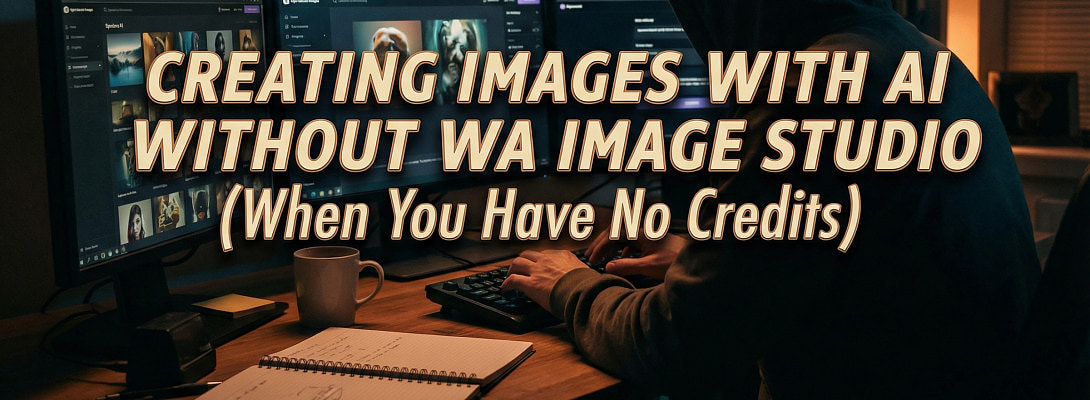
So that's my A.I credits almost gone for the month. My allowance doesn't renew now for another 2 weeks I think. They just don't seem to last very long. 10K credits gets me what 20 AI generated images. If I was to use WA Image Studio for all my images I suppose this wouldn't even be enough for 2-3 blog posts.
So, I know people here will be reading this and they will be thinking - why don't I just upgrade to Wealthy Affiliate Premium Plus? It is a good question but for now as I'm not currently planning to upgrade till at least Black Friday - I have definitely had to get resourceful.
Perhaps many people are doing exactly the same as me - but if not here are a few tips I have to share about AI Image generation and how I use it (if I am out of WA AI credits).
Creating Images To Use In Your Blog Posts
My current strategy is to write my blog post and to get it to appear how I want it too. I then scan all the text with ChatGPT and use this prompt "Suggest Image Ideas section by section and also give me alt text".
I then use the Canva editor. Firstly, I create a custom size blank canvas 500 x 500 px and I copy and paste the image idea into the Magic Media tool and if it's good enough then I use in my post.
It is a great tip I think and it can be a quick way to add images section by section. Although, the only thing - compared to WA DsgnPop Image Studio Canva's AI Image generation is kind of rubbish I think.
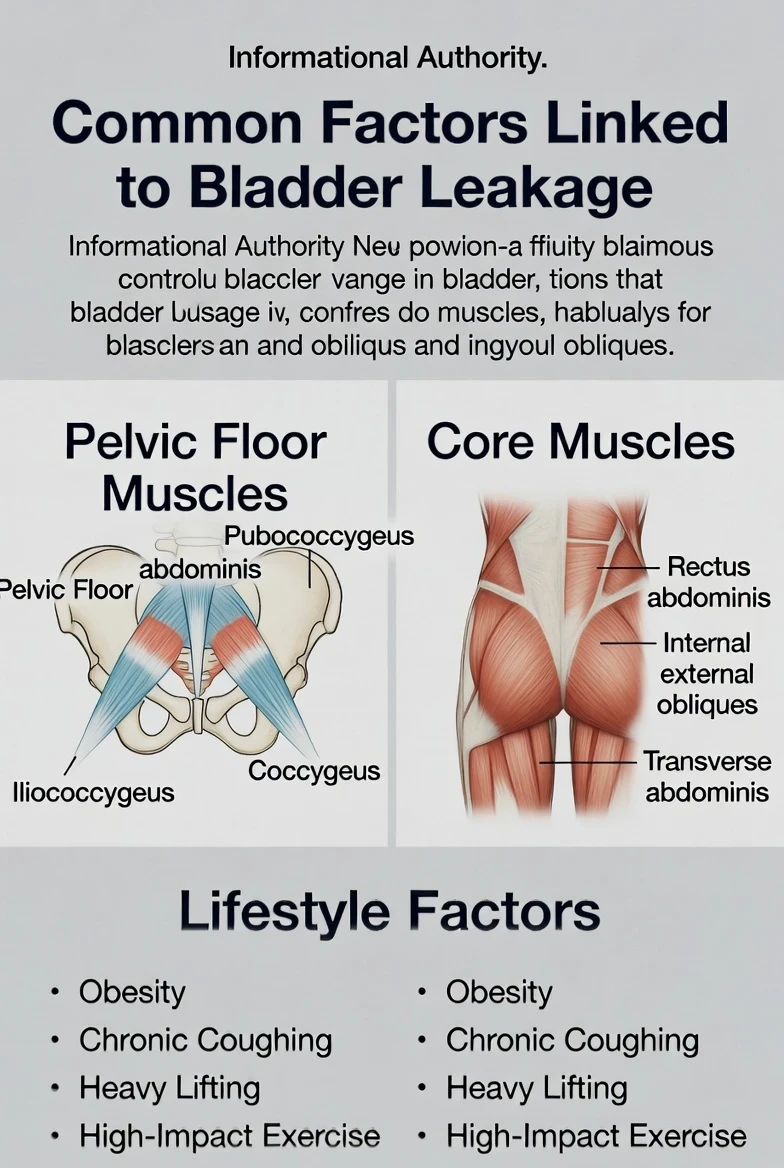
What I am finding at the moment is any time I generate an Image with text on Canva it is a total mess.
For example here is my Image I created on Canva just for the purpose of this blog post;
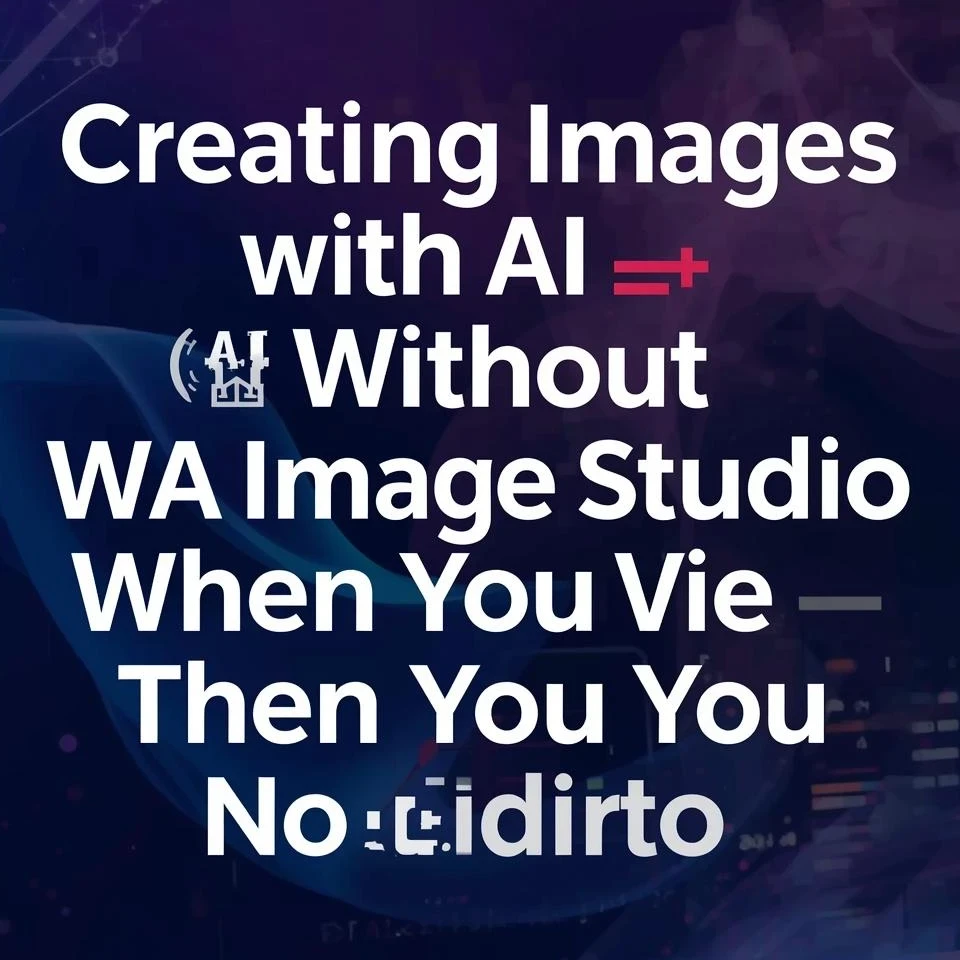
It made me 4 Images like this and all of them had this same problem.
It was the same prompt I used to create this image before with DsgnPop (WA Image Studio) and here is what it give me. You can definitely see the difference in quality.
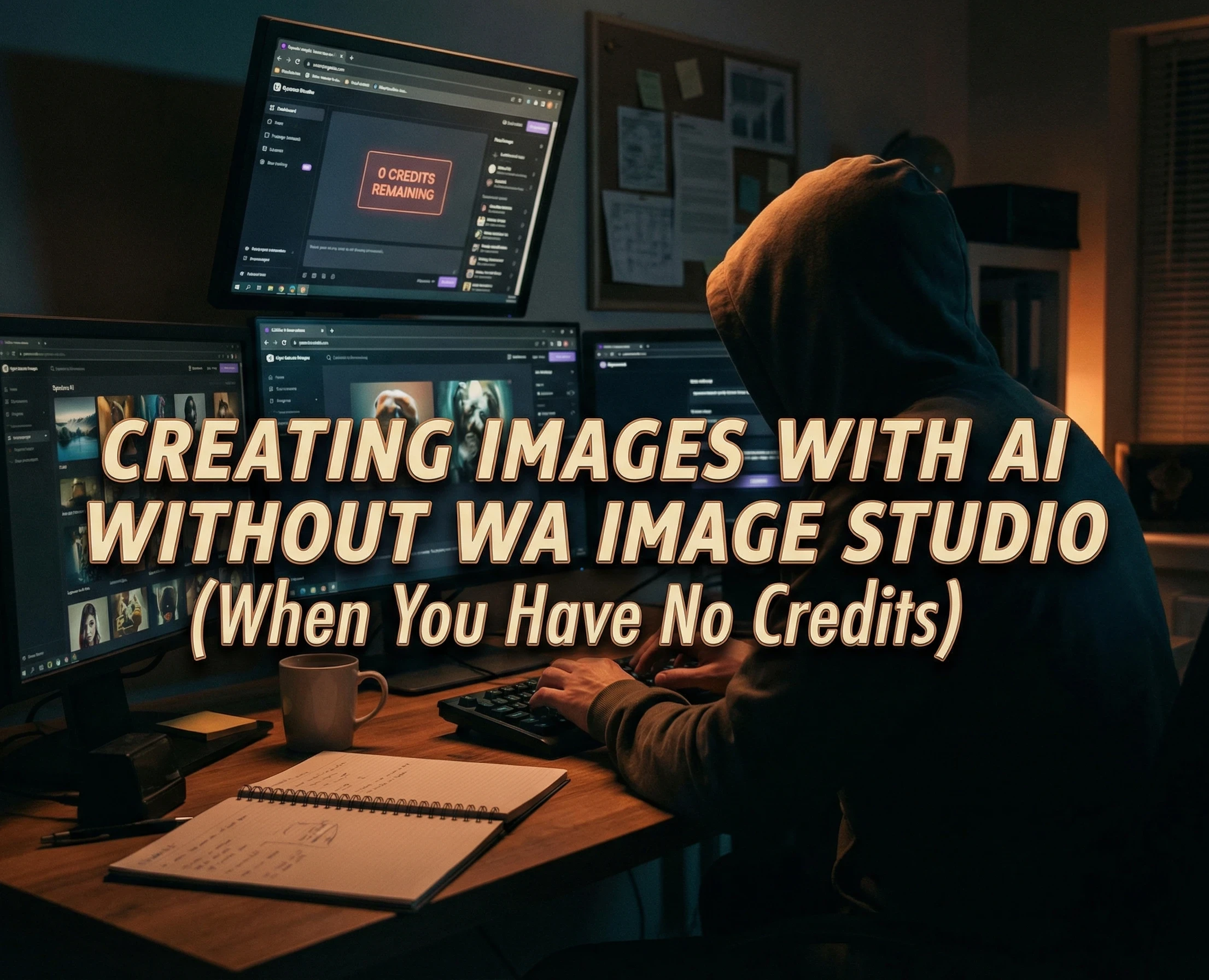
Now, If I had the AI credits to do so - its pretty clear (I think) which one I would use of the two. But of course, this is just it - my monthtly AI credits on WA they go way too quickly.
So, I have to make do with what else I have available and actually Canva AI images are salvageable in a lot of cases, and actually as just an image editor it still is a pretty good tool.
Ready to put this into action?
Start your free journey today — no credit card required.
One thing I do to fix mistakes is to use the Magic Eraser and scrub all the unusable text away and I then add my own. It helps a lot of the time but actually there is something else I really hate about Canva.
Their AI image generation policies and community standards are ridiculous!
I will literally try a prompt. They will refuse to use it and then I will put the same prompt into Grok, Image Studio or Gemini without no issues whatsoever.
Also, Grok (which I use on X.com) a lot of the time I will just create my image on here and upload into my 500 x 500 px image template on Canva and it saves me so much hassle. Definitely recommend it.
Creating Featured Images To Use In My Blog Posts
I would definitely use ImageStudio a lot more for this if I had the credits but the best thing I have found recently is Google Gemini. I select the Banana 🍌 and use this prompt "could you please help me with a featured image for my blog post 1200 x 630 pixels...
"Blog post name"
"Website name: "
and then let it do its magic. The limits I find are quite sparse. Maybe I can do 4 images a day but i am kind of happy with this.
The best part is too that after this I use this prompt for my 1st Pinterest pin -
"Could you now use this design for a pinterest pin"
and it is 9/10 times giving me the perfect result. I will share one of my recent images below;
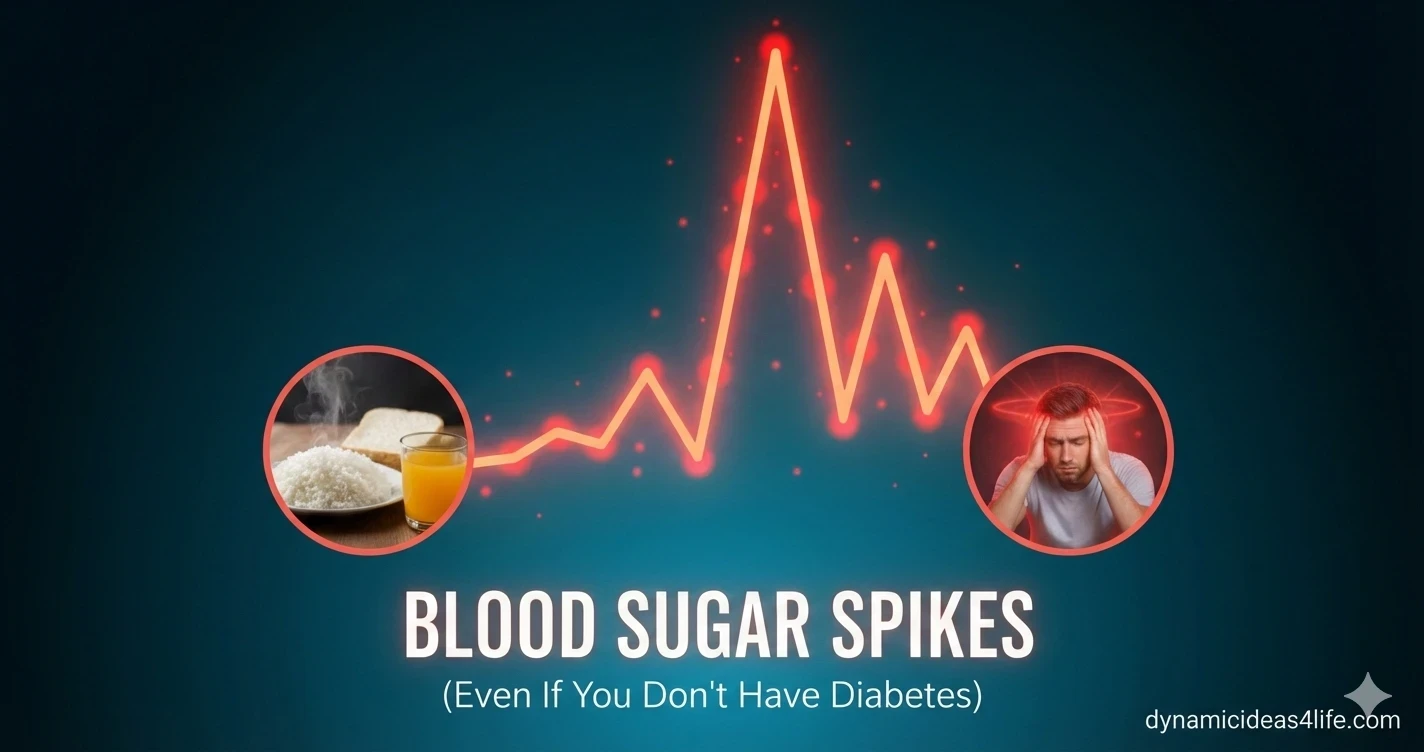
I had a bit of work to do with this one but 5 minutes with Canva and I was pretty happy with the end result.
What Is My Favourite Tool Other Than ImageStudio
I am going to have to big up Grok on this one. I have been very impressed with how it can fix text based image errors. I will share a before and after image below
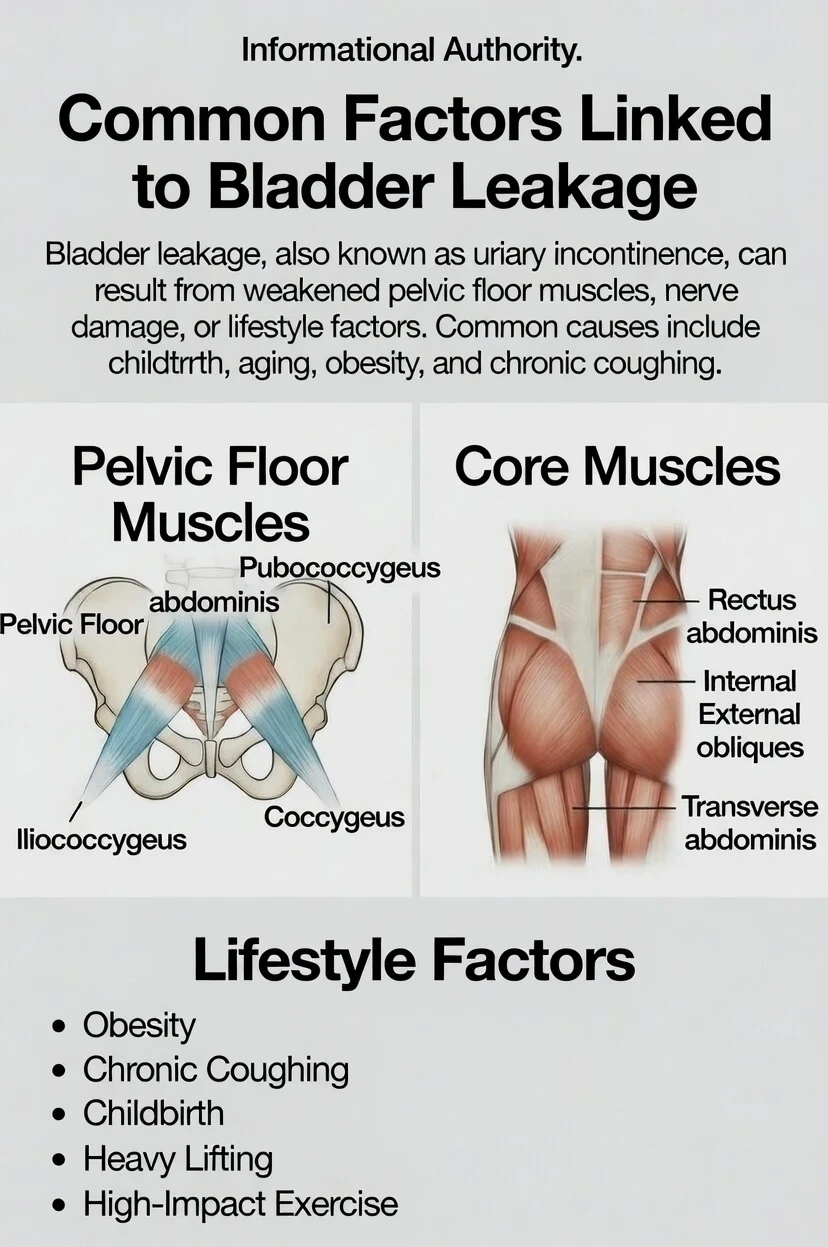
Actually there is still one spelling mistake but I thought just for the sake of writing this post I will just leave it how it it is. I mean I am finding Grok has been making some amazing images like this for me and it seems like I can use it a lot more than the likes of Gemini and ChatGPT and it doesn't spew out the rubbish that Canva does.
In Conclusion
I think I have covered everything. I know ChatGPT (on the free version) can create Images. This was one of my recent favourites;
It seems to do OK if i just want to have a laugh with something but if I use it to create images for my blog post before I know it - it is saying "your limit is used up please wait 8 hours to use again" lol.
So I really just use ChatGPT for text generation and occasionally I'll ask it to give me a Pinterest Pin title, description from uploaded image.
Bing AI I know is the other one, but I'm having some trouble with logging in at the moment and I guess that is it.
Not tried the Yandex or Baidu image generator yet and I'm sure there are plenty more but anyway Canva, Grok and Gemini are my go to tools when I am out of AI credits on Wealthy Affiliate.
Hope you have found this post helpful and any questions I will happily try and answer.
Best regards;
Alex
Share this insight
This conversation is happening inside the community.
Join free to continue it.The Internet Changed. Now It Is Time to Build Differently.
If this article resonated, the next step is learning how to apply it. Inside Wealthy Affiliate, we break this down into practical steps you can use to build a real online business.
No credit card. Instant access.