Squoosh Those Images


Published on July 26, 2025
Published on Wealthy Affiliate — a platform for building real online businesses with modern training and AI.


Has anybody had a problem with their website was running a bit slow because the image size was a bit large. It's a common problem, especially when you put a lot of images on your posts. Some of us have used PNG images which are usually larger than jpeg and are often generated from bing.com/create to create images that we can't find anywhere.
Microsoft Copilot was able to point me to Squoosh.app. This handy gem is able to convert an jpeg, PNG, and a few others into a webp format which is much smaller. Each of us has a plugin on our site that optimizes the images we use on site. That's all well and good but if you have too many images it could easily increase the load times of the post in question and could slow down your site.
Here's how squoosh.app works. Type squoosh.app in the navigation bar and it will bring up the app in your browser. To use this app you want to have an image you want to reduce in size. Simply drag and drop the image in squoosh. Below where it says compress is a drop down box. Click on that and select webp as the format. There is another webp format and it says it is unstable. I don't know what would happen if that were used so I would recommend using the webp format option above that. Squoosh will then show you how much the image can be compressed. When you have the amount you want compressed to simply click the download button. On the screen you can use the left and right side. It doesn't matter which side you use. It will still reduce the size of the image and convert to webp image format regardless.
Ready to put this into action?
Start your free journey today — no credit card required.
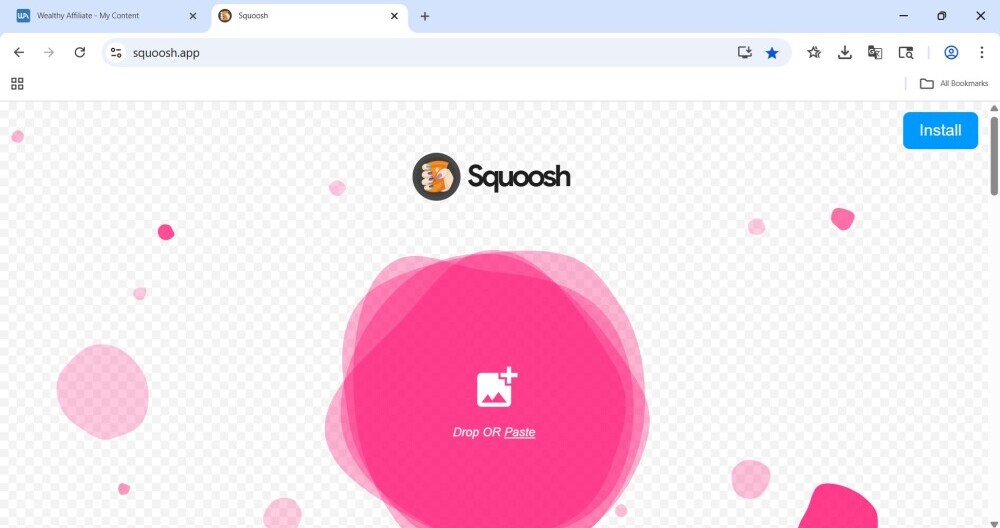
This image represents partially what the screen looks like when you first bring it up in the navigation. When you drop an image on squoosh it will split the image on both left and right hand side. I think it does this so that you can compare compressions. One side could have a webp format and the other side could be of another format. Both sides will tell their respective sizes that the image can be reduced to.
This app is free to use. It's handy, and it does the job well. Anybody who uses go ahead and drop me a line to see how it works for you.
Share this insight
This conversation is happening inside the community.
Join free to continue it.The Internet Changed. Now It Is Time to Build Differently.
If this article resonated, the next step is learning how to apply it. Inside Wealthy Affiliate, we break this down into practical steps you can use to build a real online business.
No credit card. Instant access.