Start using Projects today and make your work easier!


Published on March 22, 2026
Published on Wealthy Affiliate — a platform for building real online businesses with modern training and AI.

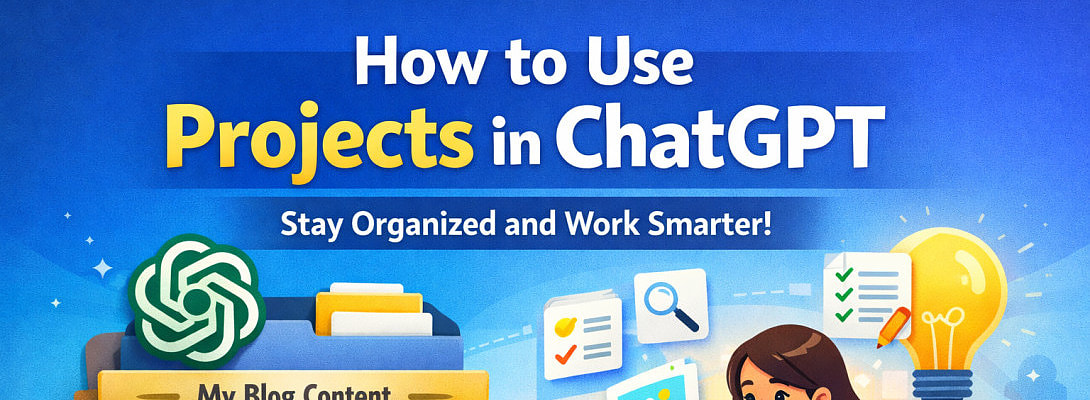
If you use ChatGPT regularly, the new Projects feature can make your work much easier and more organized. Whether you're writing blog posts, doing research, or managing ideas, Projects helps you keep everything in one place.Let’s understand it in a simple way from my own experience 👇
What is the Projects Feature?
A Project in ChatGPT is like a folder where you can group related chats, files, and ideas together.
Instead of having many separate chats, you can organize them under one project.
Why is Projects Useful?
Here are the main benefits:
1. Keeps Everything Organized
You don’t have to search through many chats. Everything related to one topic stays in one place.
2. Saves Time
You can quickly continue your work without starting from scratch every time.
3. Better Focus
When all related chats are grouped, it becomes easier to stay focused on one goal.
4. Great for Long-Term Work
If you're building a website, writing a book, or managing content, Projects helps you stay consistent.
How to Use the Projects Feature
Follow these simple steps:
Ready to put this into action?
Start your free journey today — no credit card required.
Step 1: Create a New Project
- Go to the ChatGPT homepage
- Look for “Projects”
- Click “New Project”
- Give it a name (e.g., My Blog Content)
Step 2: Add Chats to the Project
- Open a new chat inside the project
OR - Move existing chats into the project
Step 3: Start Working Inside the Project
Now you can:
- Write blog posts
- Save ideas
- Ask questions related to the same topic
ChatGPT will better understand your work because everything is connected.
Step 4: Upload Files (Optional)
You can upload:
- Documents
- Images
- Notes
This helps ChatGPT give more accurate and personalized responses.
Simple Example
Let’s say you have a website like Pickyaura.
You can create a project like:
👉 “Pickyaura Content Plan”
Inside it:
- Chat 1: Blog ideas
- Chat 2: SEO keywords
- Chat 3: Article writing
- Chat 4: Social media captions
Everything stays neatly organized!
Tips to Use Projects Better
- Use clear names for your projects
- Keep one topic per project
- Regularly update your chats
- Use it for long-term work (like blogs or business)
Final Thoughts
The Projects feature is very helpful if you want to stay organized and work smarter with ChatGPT.
Instead of messy chats, you get a clean and structured workflow.
👉 If you are serious about blogging, content creation, or online business, this feature can save you time and boost your productivity.
This helped me a lot to brainstorm my ideas and organize it. Do you use ChatGPT to come up with 💡?
Share this insight
This conversation is happening inside the community.
Join free to continue it.The Internet Changed. Now It Is Time to Build Differently.
If this article resonated, the next step is learning how to apply it. Inside Wealthy Affiliate, we break this down into practical steps you can use to build a real online business.
No credit card. Instant access.