When the Wi-Fi Dies: What a 10-Day Outage Taught Me About Digital Resilience


Published on October 26, 2025
Published on Wealthy Affiliate — a platform for building real online businesses with modern training and AI.
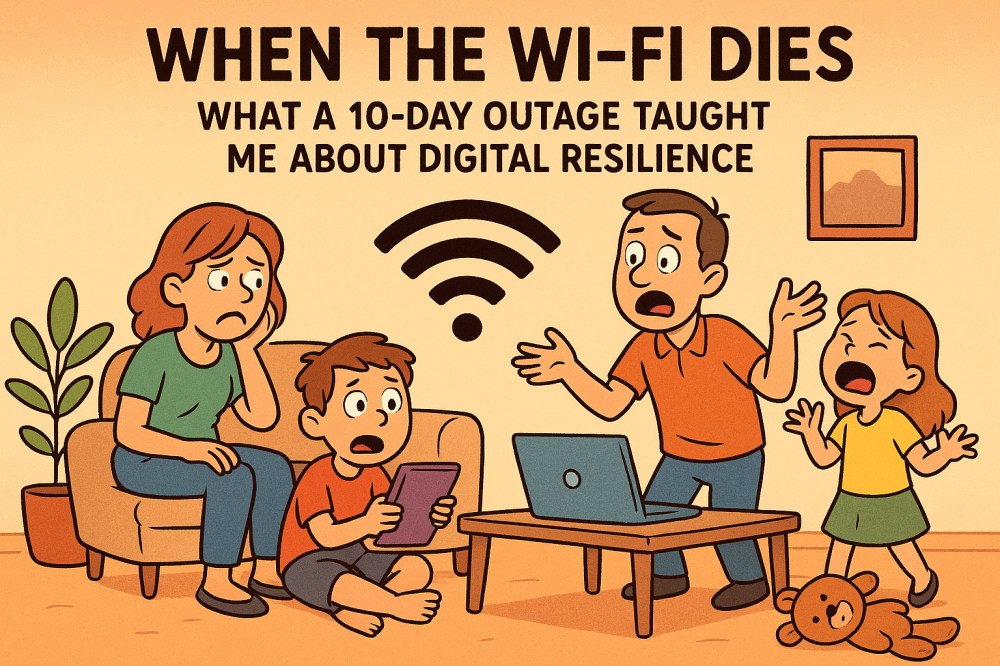
Let’s be honest—most of us treat internet access like oxygen. We build websites, manage email funnels, store files in the cloud, and run entire businesses from our browsers. But what happens when that connection disappears?
I found out the hard way.
10 Days Offline: Dead in the Digital Water
Recently, my internet went down for ten straight days. Not a slow signal. Not a router hiccup. A full-blown outage. And it hit harder than I expected:
• My websites were inaccessible for updates and maintenance.
• My email accounts—critical for client communication and affiliate alerts—were frozen.
• Important files stored in the cloud? Out of reach.
• Scheduled content? Missed.
• Momentum? Gone.
It felt like someone had unplugged my entire business.
What This Experience Taught Me
We talk a lot about automation, cloud storage, and digital workflows. But we rarely talk about redundancy—the ability to keep moving when tech fails. Here’s what I learned:
1. Always Keep Local Backups
• Store essential files (logos, blog drafts, product lists, passwords) on a physical drive or offline folder.
• Use USB drives or external SSDs for quick access—even during outages.
Ready to put this into action?
Start your free journey today — no credit card required.
2. Offline Planning Is Underrated
• Keep a printed or local copy of your content calendar.
• Use notebooks or offline apps to brainstorm blog posts, email sequences, or product ideas.
3. Diversify Your Access Points
• If possible, have a mobile hotspot or secondary connection (even prepaid) as a backup.
• Consider downloading key browser extensions or tools that work offline.
4. Don’t Rely Solely on the Cloud
• Cloud storage is amazing—but it’s not invincible.
• Sync critical folders to your device so you can access them without internet.
For Wealthy Affiliate Members
We’re building businesses that depend on uptime. Whether you’re writing reviews, managing affiliate links, or coaching clients, a single outage can stall your progress. So here’s my challenge to you:
Audit your digital setup. What can you still access if the internet goes down? What’s locked behind a login screen or cloud gate?
Build a system that works even when the Wi-Fi doesn’t.
My New Setup
Since the outage, I’ve made a few changes:
• Weekly local backups of all website content and blog drafts.
• A printed checklist of affiliate logins and key workflows.
• A mobile hotspot for emergency access.
• A mindset shift: Plan for failure, not just success.
If you’ve ever faced a tech outage, I’d love to hear how you handled it. Drop a comment below and let’s share strategies—because resilience is just as important as reach.
Stay smart, stay connected (even when you're not),
Neal Mann
Share this insight
This conversation is happening inside the community.
Join free to continue it.The Internet Changed. Now It Is Time to Build Differently.
If this article resonated, the next step is learning how to apply it. Inside Wealthy Affiliate, we break this down into practical steps you can use to build a real online business.
No credit card. Instant access.