My Experience Using Image Studio in Wealthy Affiliate


Published on December 22, 2025
Published on Wealthy Affiliate — a platform for building real online businesses with modern training and AI.

My Experience Using Image Studio in Wealthy Affiliate
When I first started building my website on Wealthy Affiliate, one of my biggest challenges was creating good-looking images. I knew images were important for blog posts and promotions, but I didn’t have any graphic design experience, and I definitely didn’t want to spend money on expensive tools.
That’s when I decided to try Image Studio, the built-in image creation tool inside Wealthy Affiliate.
First Impressions of Image Studio
Ready to put this into action?
Start your free journey today — no credit card required.
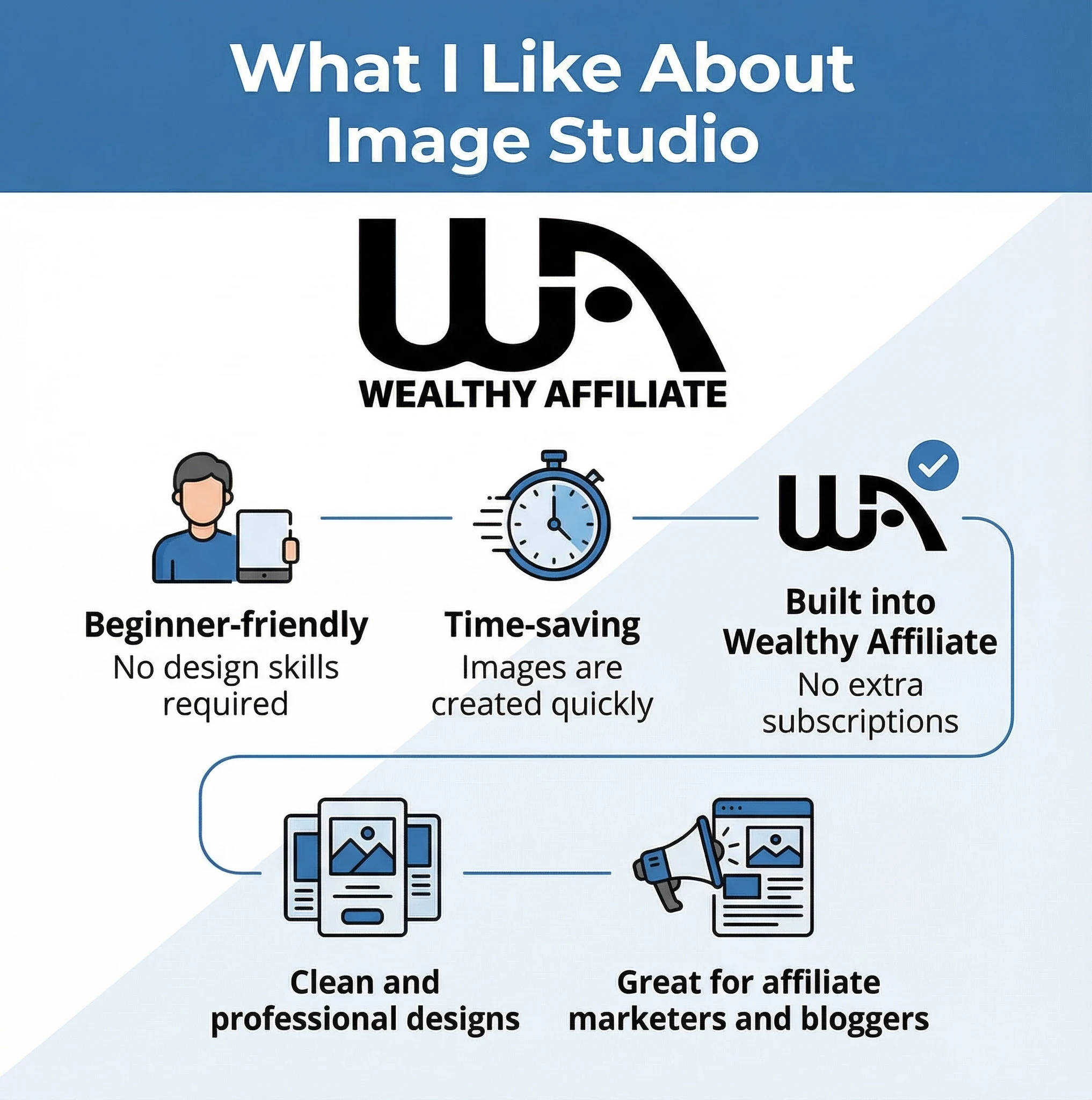
The interface is simple and clean. I didn’t feel overwhelmed like I usually do with advanced design tools. Everything is laid out in a way that beginners can understand, which is perfect if you’re just starting your online business.
Who Should Use Image Studio?
Image Studio is ideal for:
- Beginners in Wealthy Affiliate
- Bloggers who want simple, clean images
- Affiliate marketers who want quick visuals
- Anyone who doesn’t want to deal with complex design tools
Based on my experience, Image Studio in Wealthy Affiliate is a very useful tool, especially for beginners. It helps you create professional-looking images quickly and keeps everything inside one platform.
If you’re a Wealthy Affiliate member and haven’t tried Image Studio yet, it’s definitely worth exploring.
Share this insight
This conversation is happening inside the community.
Join free to continue it.The Internet Changed. Now It Is Time to Build Differently.
If this article resonated, the next step is learning how to apply it. Inside Wealthy Affiliate, we break this down into practical steps you can use to build a real online business.
No credit card. Instant access.