Adding WA Banners to an Ad Rotator


Published on November 22, 2016
Published on Wealthy Affiliate — a platform for building real online businesses with modern training and AI.
Ok so I know that there is a tutorial for adding the banners to a side widget and that is great, but I wanted more. I wanted the ability to place ads on the side widget and have it change every so often so that there is always a different banner that shows. I also wanted the ability to in the future to add banners from other affiliates that I may join but don't want the site to be cluttered with banner ads. So I went looking for away to easily do this with out having to do to much coding. I thought to myself that there has to be a plugin for word press that will allow me to do this so I went and searched the internet and found a few but none that would allow me to have it automatically rotate every so many seconds. I also wanted the ability to have it track how many clicks and impressions that I would receive as well. Well after some trial and error I finally found a plugin that had everything that I needed to display the banners, track impressions and clicks as well rotate every few seconds. The plugin is called adrotate and you can search for it on the plugins section of your site and install it and activate it. Below are some basic instructions to get you started and get rotating banner ads.
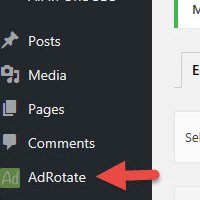
1. After the plugin in installed you will see the adrotate on the left side of your word press site.
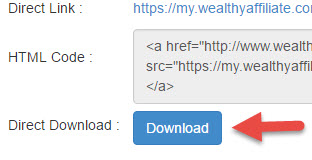
2. Before we can add a new banner we need the image for the banner. Head on over to the WA banner section and choose a square banner ie. something that is 250x250, 350x350 you get the idea. Once you have the image you want click the download button.
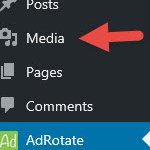
3. After you have downloaded the image you need to upload it to your site. Go to the media section on your site.
4. Now click on Add New

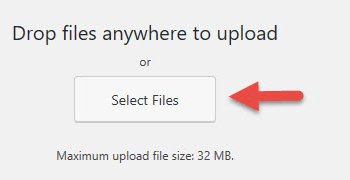
5. Now click on Select Files and upload your picture
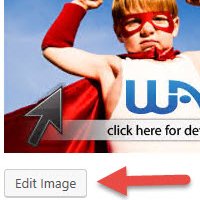
6. Once you have your banner image uploaded click on it and then select edit image. We need to edit the size to 250x250 unless the image is already 250x250 to fit in the space.
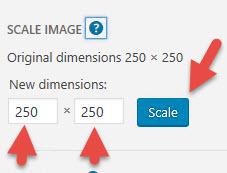
7. Once we click edit image we need to change the dimensions to 250x250 then hit the scale button to have the image scaled down
8. Now we are ready to insert the ad into the adrotate plugin but we need to get our affiliate link first so head over to the WA affiliate program section and grab your affiliate link from the top of the page.
9. Move your mouse over it and it will show you a menu first we need to create our ad so click on advert
Ready to put this into action?
Start your free journey today — no credit card required.
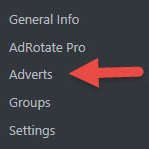
10. Click Add New

11. You will be presented with the screen to add a new banner ad. You need to fill in the sections indicated below
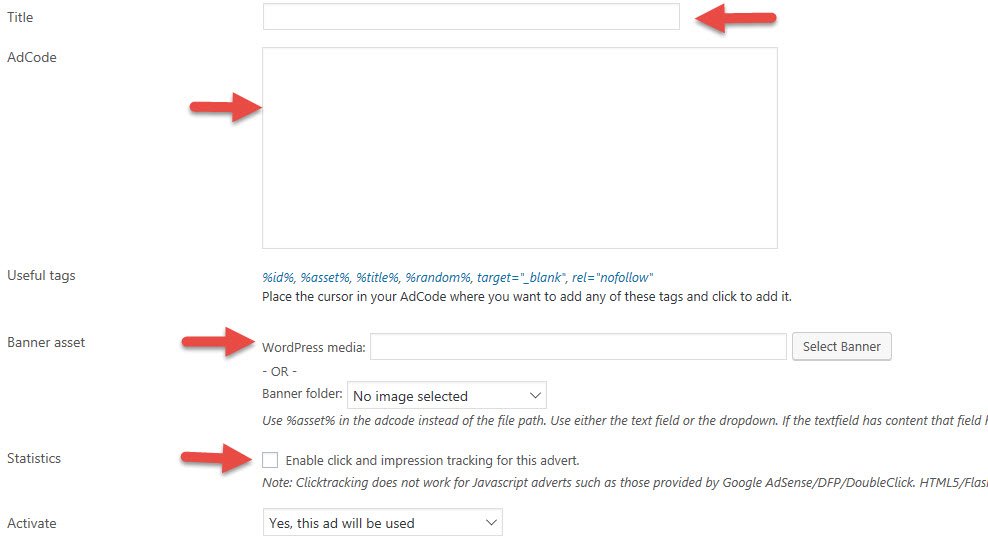
12. Give the Title anything you want
13. The Adcode is the section that you will paste your affiliate link like it is below
<a href="Your Affiliate link goes between the quotes"><img src="%asset%" border="0" /></a>
14. Click the select banner button and then click on the banner image that you resized earlier
15. Click the check box to enable click and impression tracking.
16. Now click save advert
17. Now we have to create a group to add our ads to so they will rotate. At this point you can add more banners and then create the group or come back and add the banners later. If you add them later just remember that you will need to edit the group to add them to the rotation.
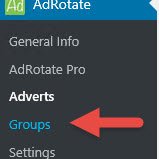
18. Now move your mouse over adrotate and select Groups
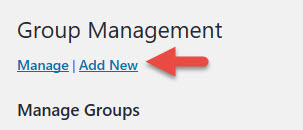
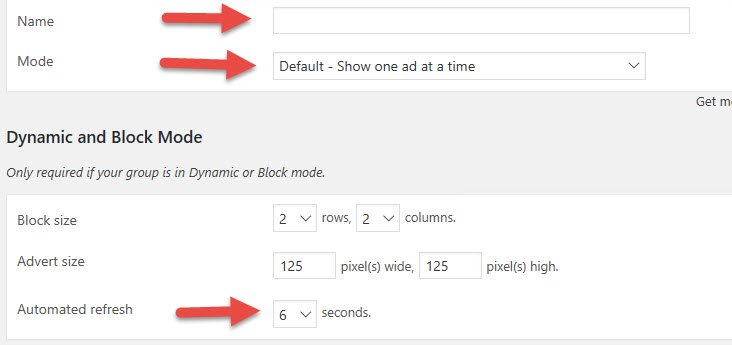
22. Change the mode to Dynamic. This will allow us to have our banners rotate.
23. Change the duration to whatever time frame you like
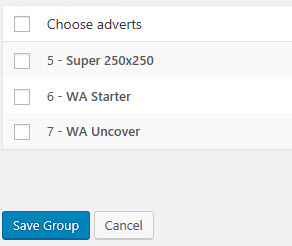
24. Scroll all the way down to the bottom and select the banners you want to include in the rotation then click save group.


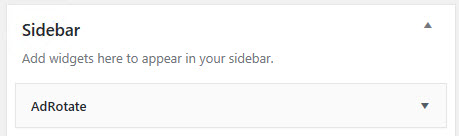
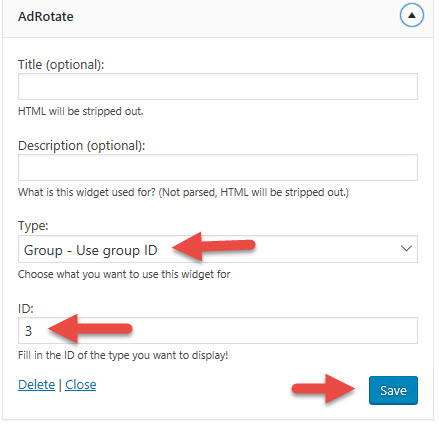
30. Enter in the ID number that you made note of earlier and enter it in the ID field then click save.
At this point you can go to your site and the banner ad will be there. You can now ad other banners using this same process to this group that you created and they will change automatically for you. Any questions please feel free to ask. You can also check it out on my site at http://mmwwa.net.
Share this insight
This conversation is happening inside the community.
Join free to continue it.The Internet Changed. Now It Is Time to Build Differently.
If this article resonated, the next step is learning how to apply it. Inside Wealthy Affiliate, we break this down into practical steps you can use to build a real online business.
No credit card. Instant access.