How to Check Your Traffic Stats in Google Search Console


Published on February 27, 2026
Published on Wealthy Affiliate — a platform for building real online businesses with modern training and AI.

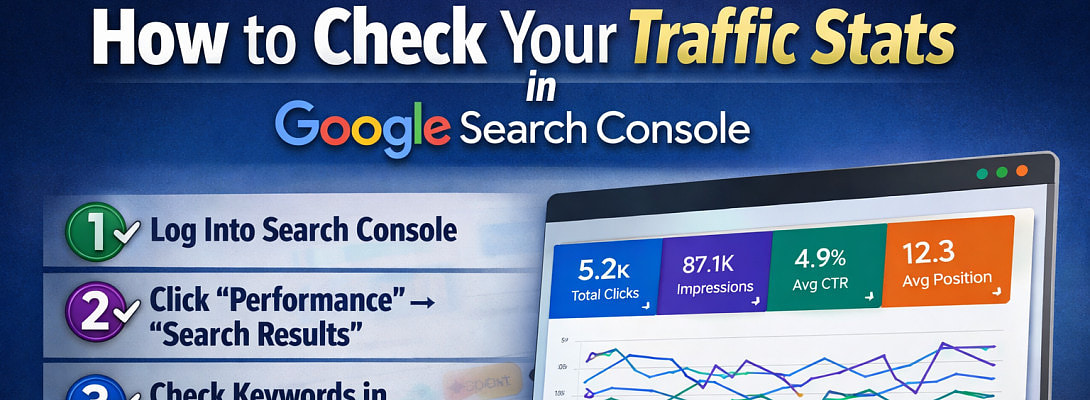
If you’re publishing blog posts, building affiliate pages, or trying to grow organic traffic, there’s one tool you absolutely must understand: Google Search Console.
Too many website owners guess what’s working. They write content, hope it ranks, and never check the actual data. That’s a mistake.
Google Search Console shows you exactly how your website is performing in Google search results — including your clicks, impressions, rankings, and keywords.
Here’s how to check your traffic stats step-by-step.
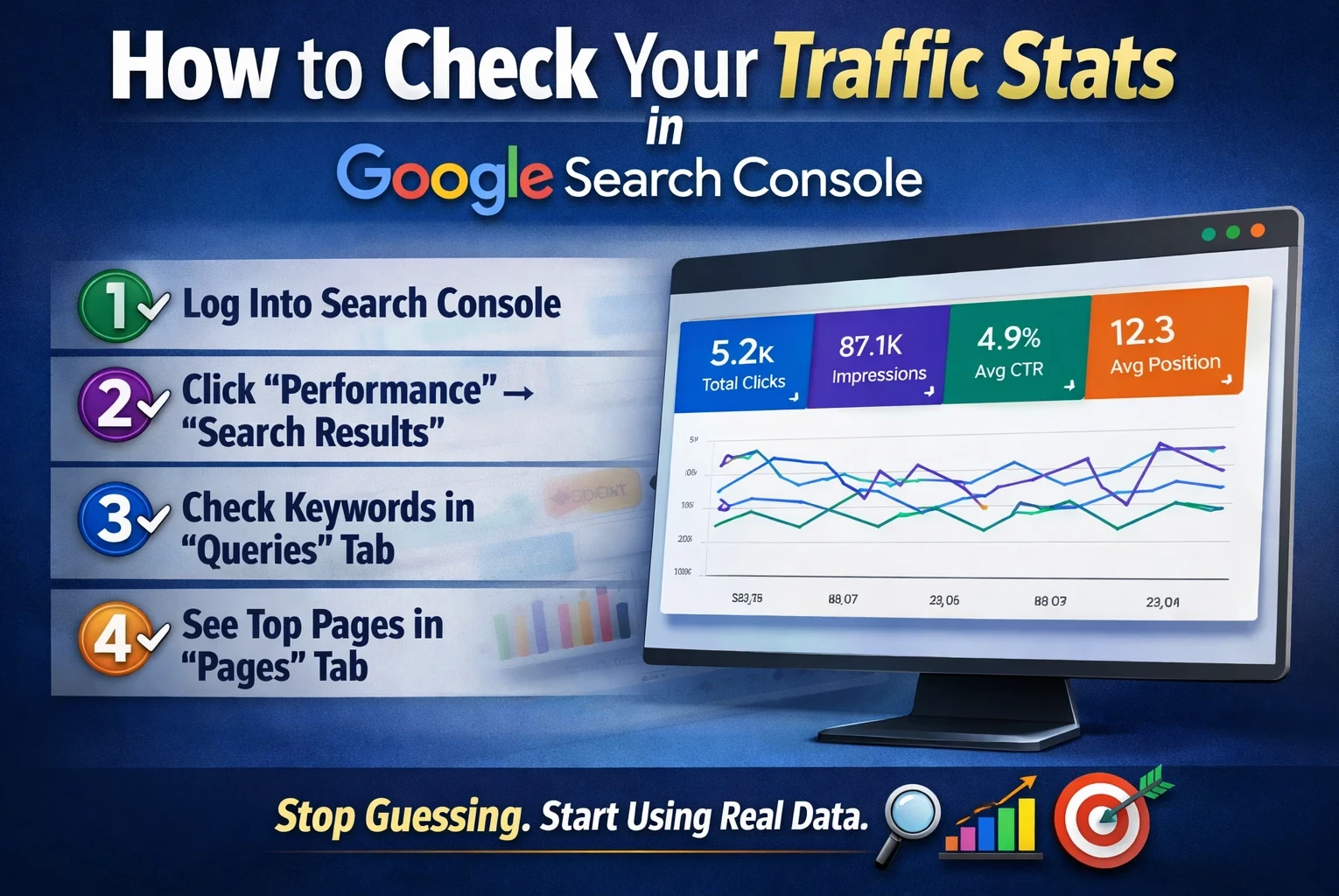
Step 1: Log Into Google Search Console
Go to:
https://search.google.com/search-console
Make sure you’re logged into the Google account connected to your website.
Once inside, select the correct property (your domain).
If you manage multiple sites, double-check you’re looking at the right one.
Step 2: Click “Performance” → “Search Results”
On the left-hand menu, click Performance, then select Search Results.
This is where your traffic data lives.
At the top, you’ll see four key metrics:
- Total Clicks – How many people clicked your website from Google.
- Total Impressions – How many times your site appeared in search results.
- Average CTR (Click-Through Rate) – The percentage of impressions that turned into clicks.
- Average Position – Your average ranking position in Google.
Ready to put this into action?
Start your free journey today — no credit card required.
Turn all four metrics on so you can see the full picture.
Step 3: See What Keywords Are Bringing You Traffic
Scroll down and click the “Queries” tab.
This shows the exact keywords people are typing into Google to find your website.
Pay attention to:
- Keywords ranking between positions 8–20 (easy improvement opportunities)
- High impressions but low CTR (your title or meta description may need improvement)
- Buyer-intent keywords you can build more content around
This section alone can guide your entire content strategy.
Step 4: Check Which Pages Are Getting Traffic
Click the “Pages” tab.
Now you can see which URLs are performing best.
Ask yourself:
- Which pages get the most impressions?
- Which pages are stuck on page 2?
- Which pages have high impressions but low clicks?
Sometimes small tweaks — improving headlines, adding FAQs, or strengthening internal links — can push a page onto page one.
Step 5: Compare Date Ranges
At the top of the screen, click the Date filter.
You can view:
- Last 7 days
- Last 28 days
- Last 3 months
- Compare time periods
This helps you measure growth after publishing new content or making SEO updates.
Why This Matters
Google Search Console removes the guesswork.
Instead of wondering why traffic isn’t growing, you can see:
- What Google is ranking
- Where you’re close to page one
- What needs optimization
If you want consistent organic traffic, checking Search Console should become a weekly habit.
Data beats guessing — every time.
Share this insight
This conversation is happening inside the community.
Join free to continue it.The Internet Changed. Now It Is Time to Build Differently.
If this article resonated, the next step is learning how to apply it. Inside Wealthy Affiliate, we break this down into practical steps you can use to build a real online business.
No credit card. Instant access.