This is how I create AI videos using WA Image Studio & Canva


Published on August 11, 2026
Published on Wealthy Affiliate — a platform for building real online businesses with modern training and AI.

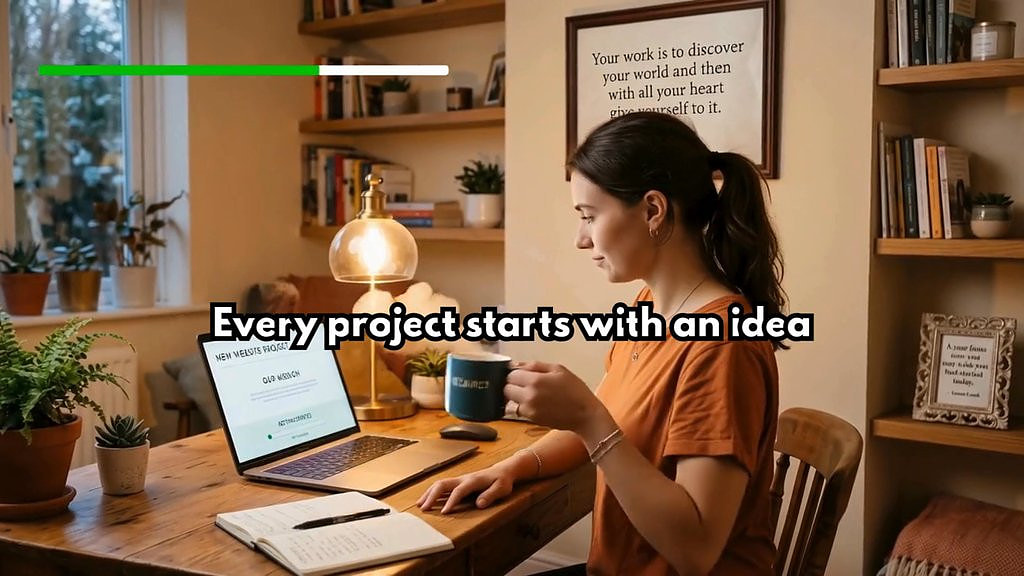
Tools that I used to create the video in this post - ChatGPT, WA Image Studio, Canva.
First, I created a story with a few scenes. One can always take help of ChatGPT in idea/scenes generation.
Scene 1: A woman sitting at her desk, looking at a digital project that she has started. Scene 2: The project starts progressing, small signs of progress appear, giving them a sense of achievement.Scene 3: Something goes wrong. An error displayed on screen. She looks at the laptop screen, frustrated.Scene 4: She opens a new window on her laptop & logs into WA platform, for guidance.Then again I used chatgpt to create a detailed image prompt (but under 2000 characters) and I used the prompt to generate an image in WA Image Studio.
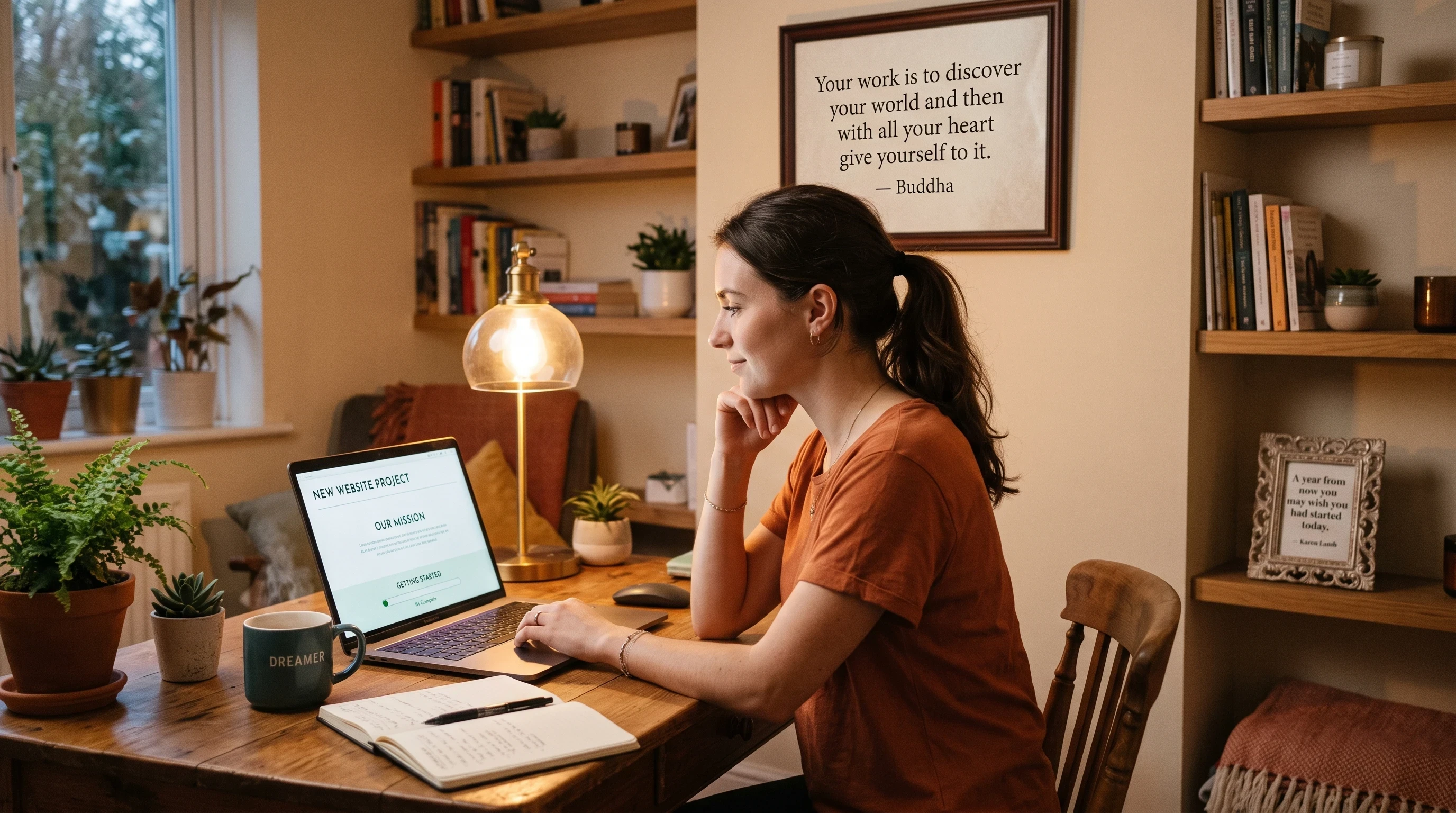 Then I went back to ChatGPT and asked it to write a prompt for generating a 5-second video using this image, for Scene 1.
But, ChatGPT may write a prompt like this, which is often a little lengthy & complex (for Canva):
"Subtle, realistic 5-second animation. The young woman remains seated in the same position with the same appearance and calm expression. She slowly picks up the coffee mug with her left hand, making a small, natural movement. She then gently looks toward the laptop screen, focusing on the green progress bar beneath “Getting Started”. The green progress bar slowly advances a little, clearly showing progress.Keep all objects, character appearance, lighting, room details, laptop position, and composition unchanged. Only natural hand, arm, and head/eye movements. No exaggerated body movements, gestures, or facial expressions. No fast movements. No camera movement, no camera zoom, no reframing. Keep the camera completely steady and the scene realistic and peaceful."
Out of this prompt, I selected this part as it clearly and briefly describes "what action should happen & what should not change". "She slowly picks up the coffee mug with her left hand. She then looks toward the laptop screen. The green progress bar slowly advances a little, showing progress. Keep all objects, character appearance, lighting, room details, laptop position, and composition unchanged.No exaggerated body movements, gestures, or facial expressions. No fast movements. No camera movement, no camera zoom, no reframing."
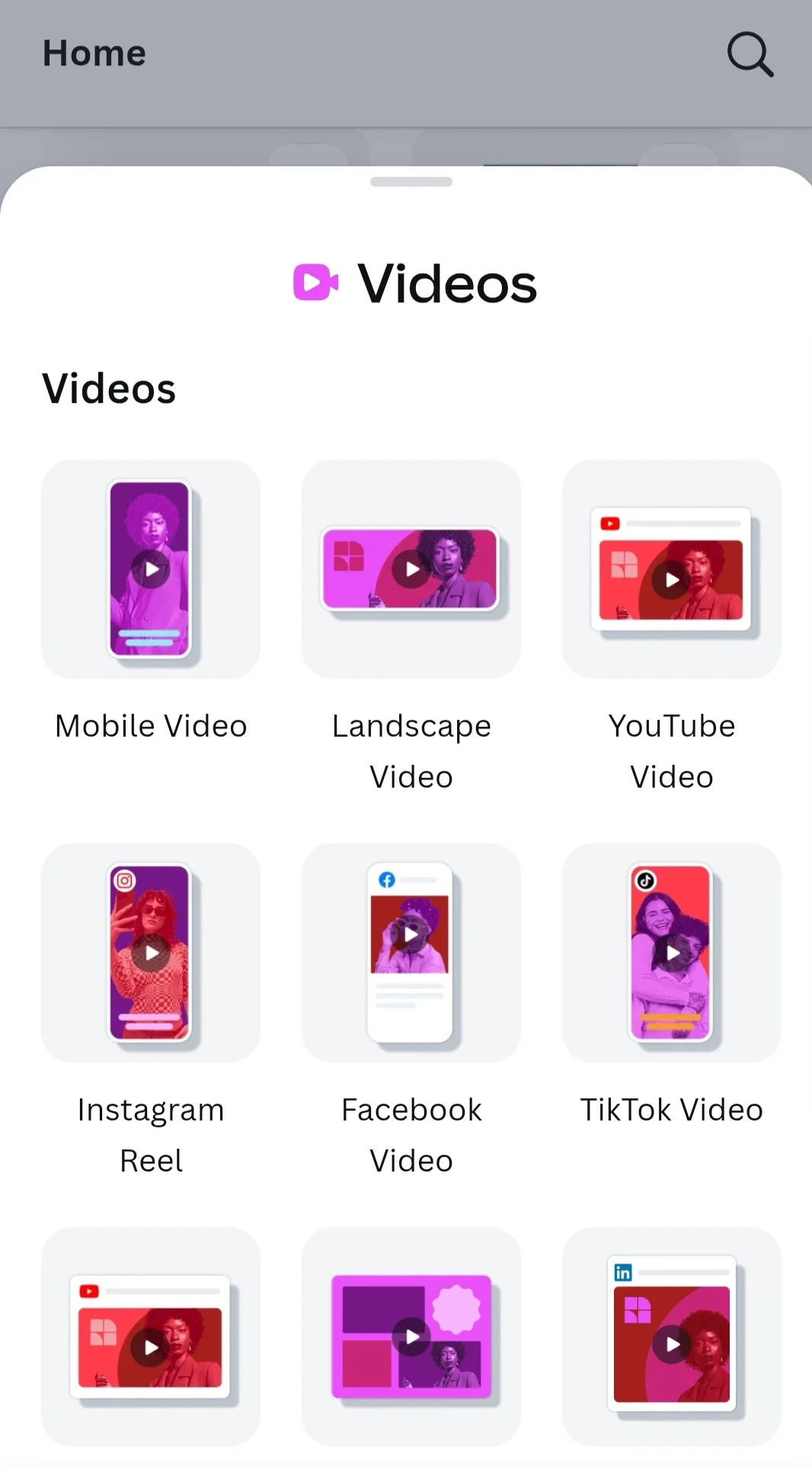
I went to Canva and selected the Landscape video option.
Ready to put this into action?
Start your free journey today — no credit card required.
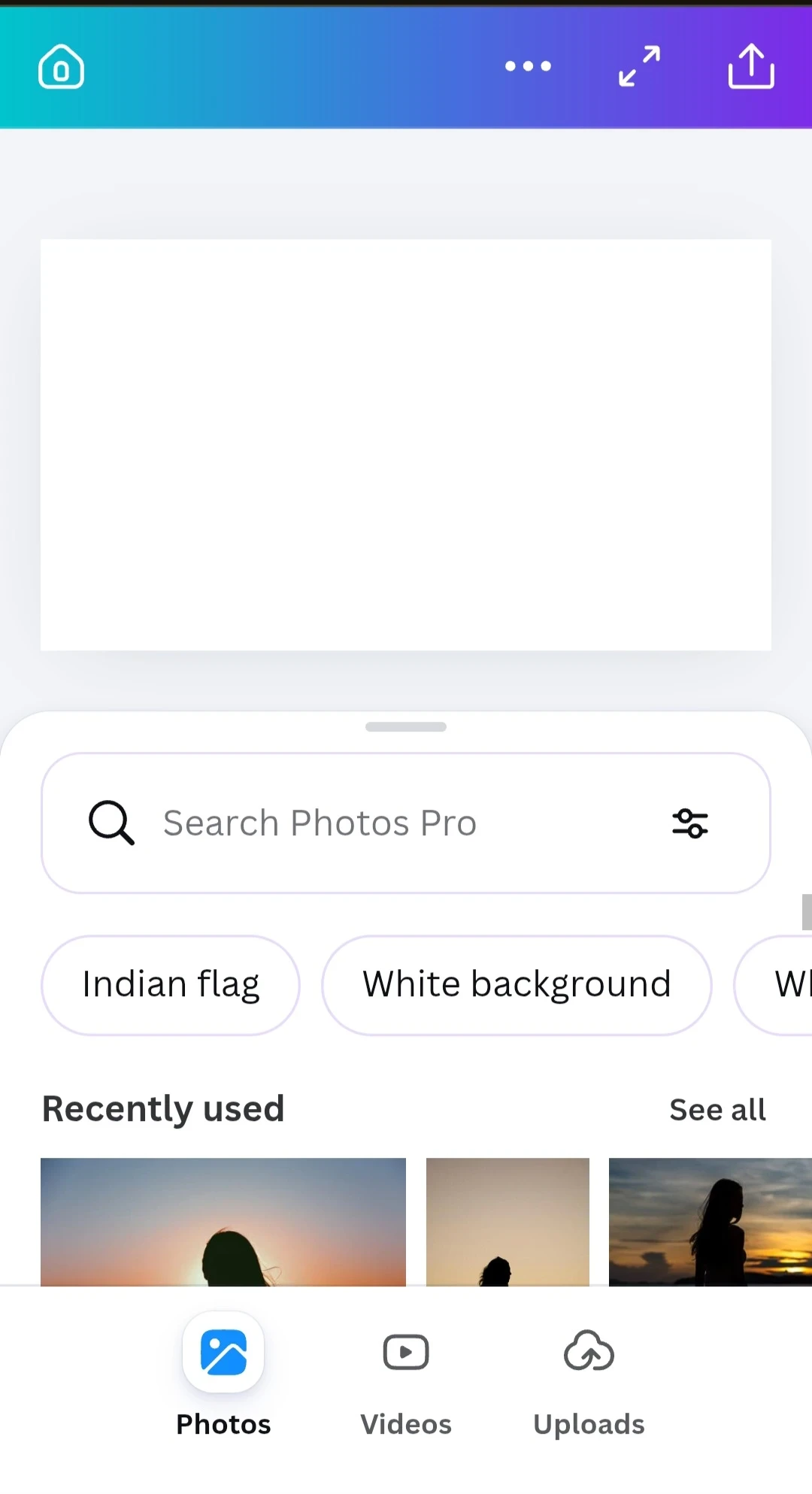
 And then used the Upload option to upload the image I created in Image Studio.
 Once image was uploaded, I clicked the Image Tools option that has the Image to Video feature.
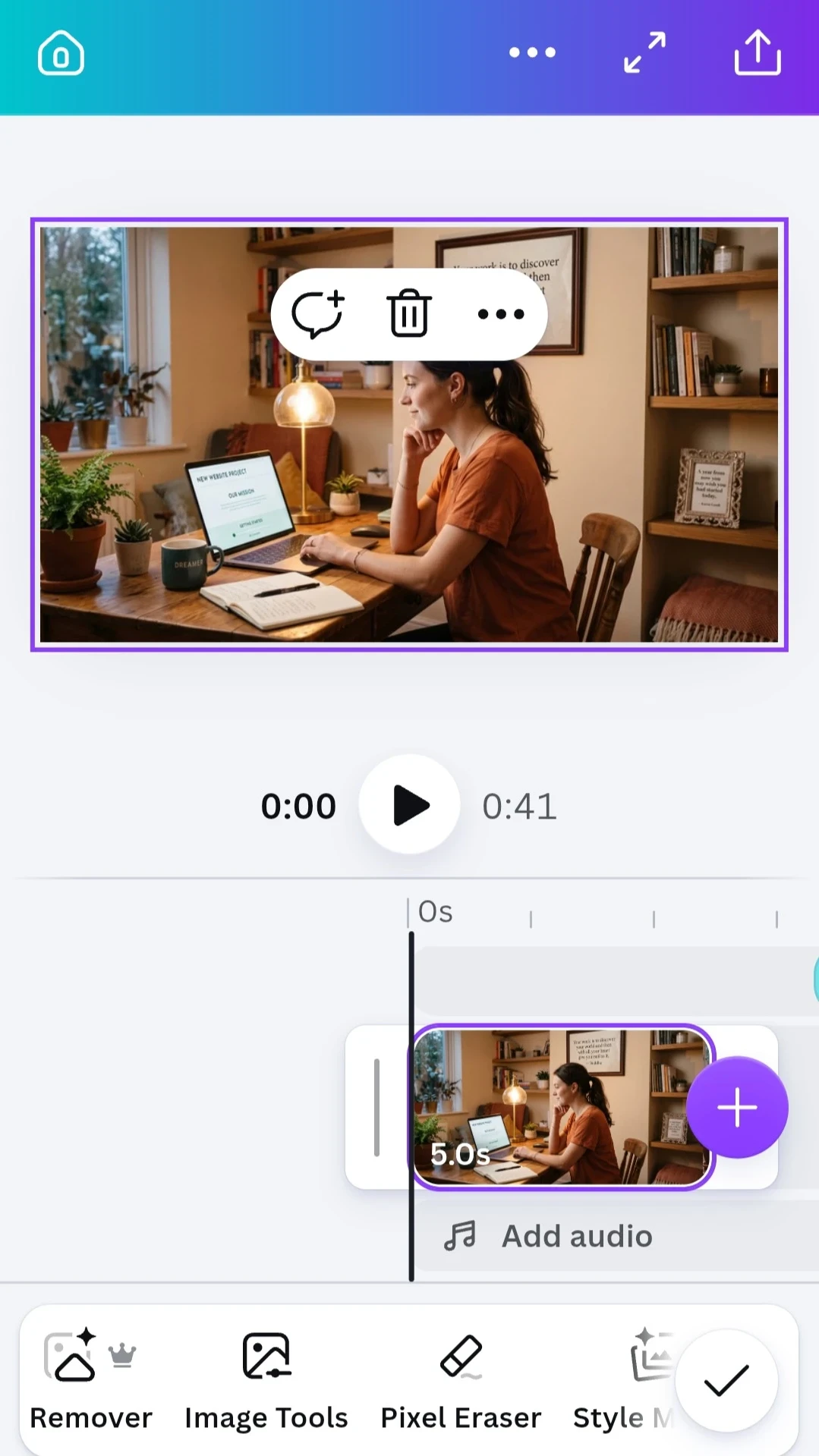
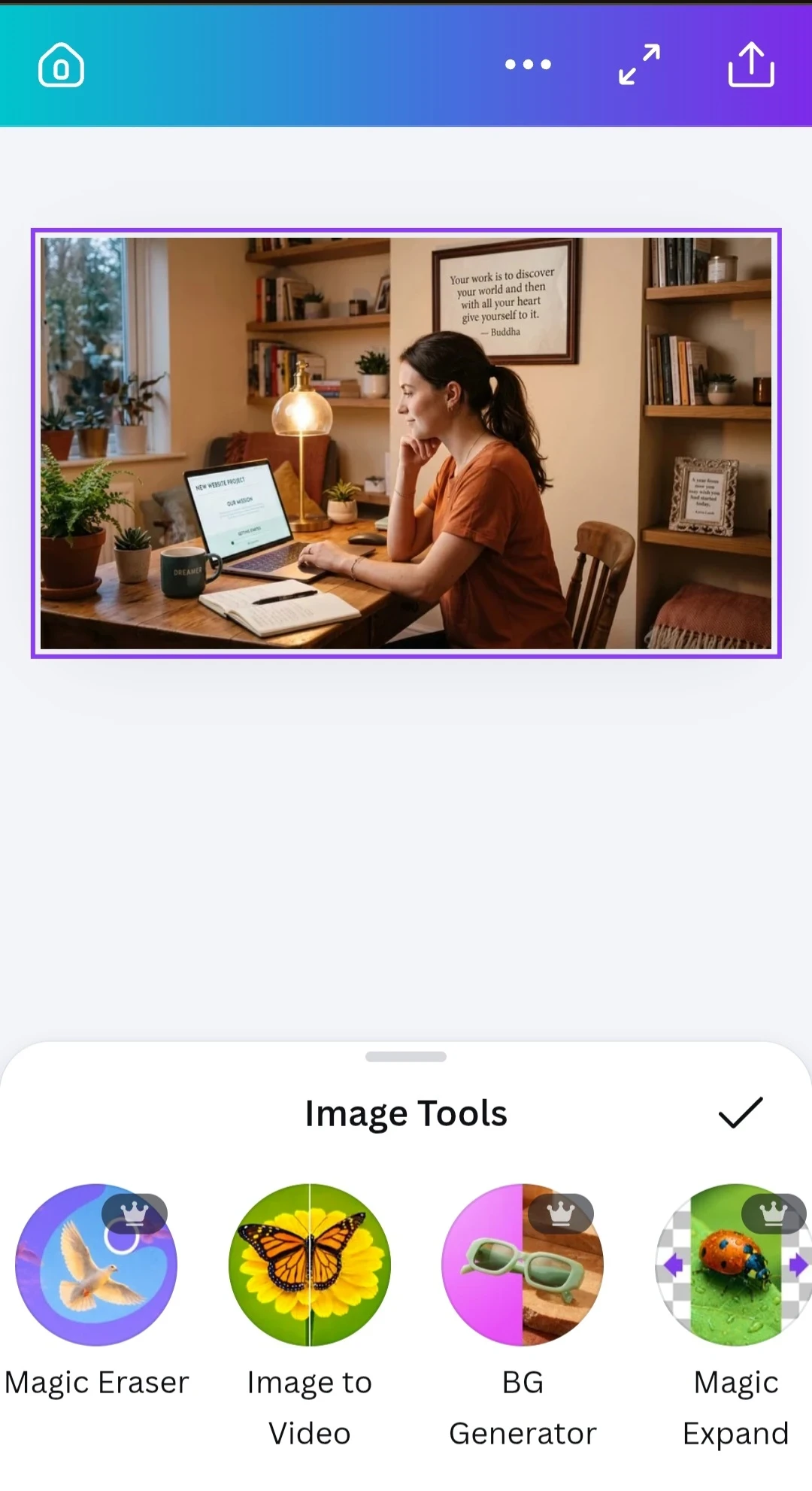 And by using the above prompt here, I created the first video.
As Canva AI creates a 5-second video, the scene may sometimes seem to go too fast.
So we can adjust & decrease the speed of the video, it it makes it look better.I reduced the speed of my video to 0.75 and it looked fine to me.
When the video ended, I took a screeshot of that clip and took it back to ChatGPT to write a prompt for a 5-second video using this image:
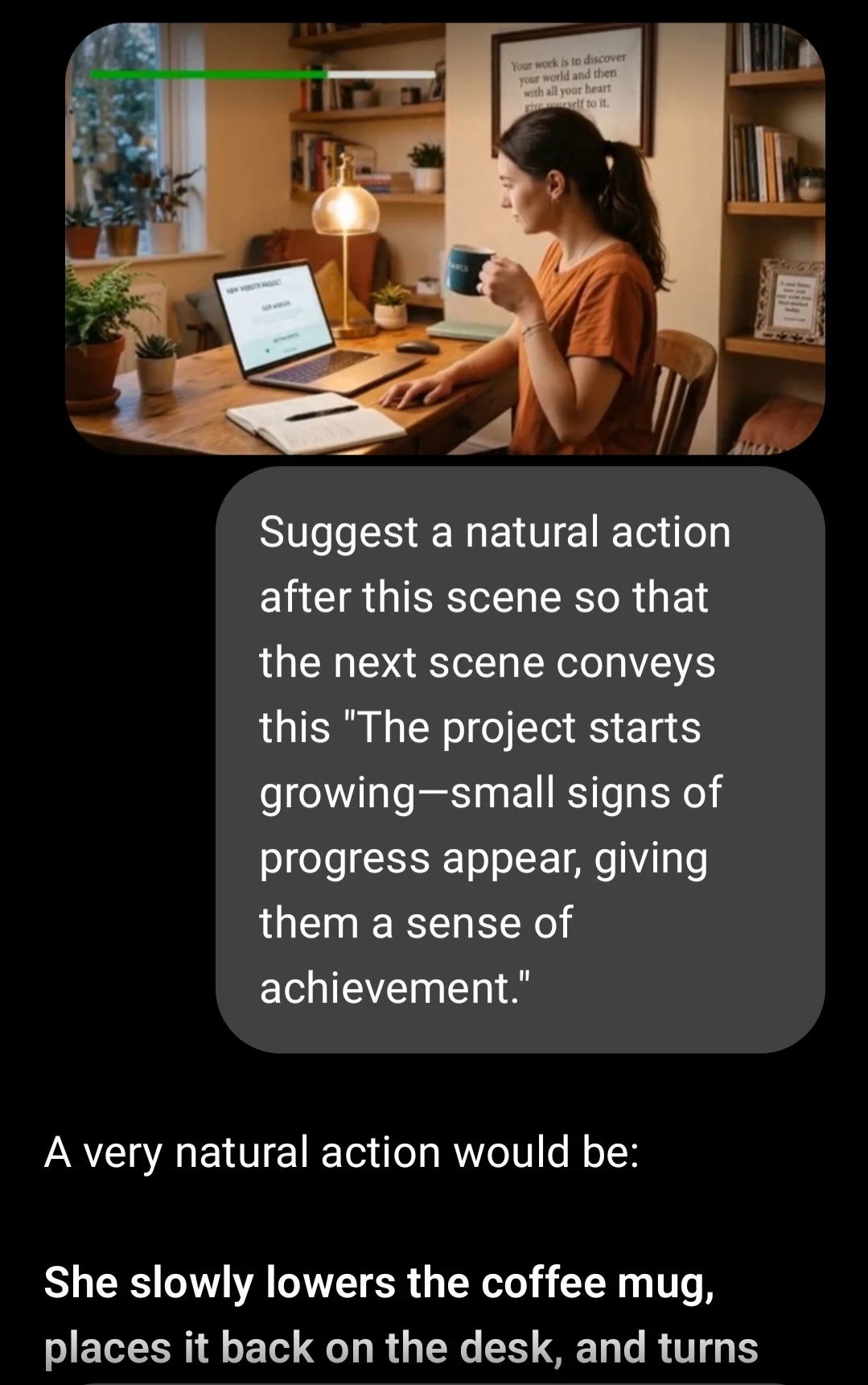
Again I took the ChatGPT prompt, edited and shortened it & used it to generate a video for Scene 2, in Canva.
I repeated this process for Scene 3 & 4 also.
And then, I had a video that flows from Scene 1 to Scene 4.
After the complete video was done, I inserted text on each of it, in Canva.
I have tried to tell it as simple I can. For some people, this may seem a lengthy process, but it is not.
Once you know how to use all the 3 platforms, well, it is quite easy. After knowing the basics, one can always keep on polishing the steps & the process.
Share this insight
This conversation is happening inside the community.
Join free to continue it.The Internet Changed. Now It Is Time to Build Differently.
If this article resonated, the next step is learning how to apply it. Inside Wealthy Affiliate, we break this down into practical steps you can use to build a real online business.
No credit card. Instant access.