Grok to the Rescue Again


Published on February 16, 2026
Published on Wealthy Affiliate — a platform for building real online businesses with modern training and AI.


Just a quick post thought I'd show what I have done with Canva ai and Grok
First I will show what I got from Canva ai
It give me 3 results for my prompt
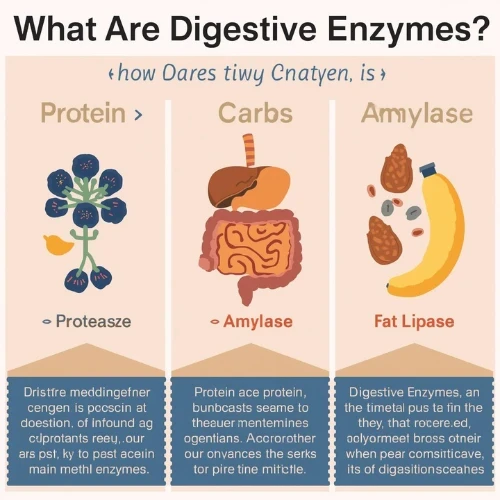
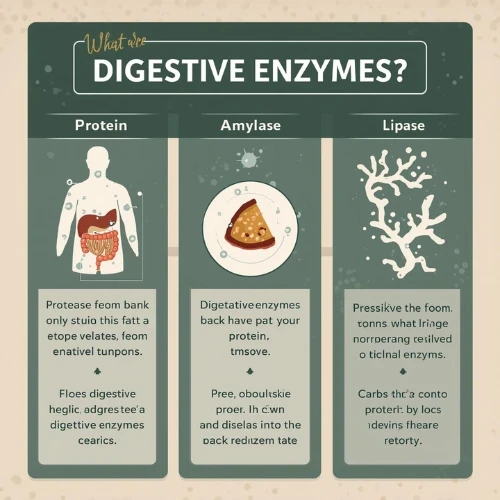
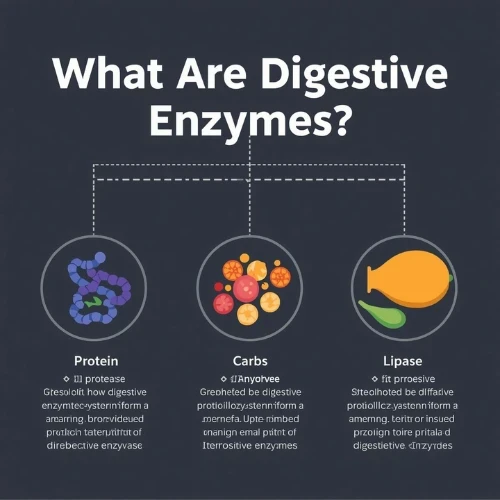
So, in my opinion all 3 of these I thought looked visually good but the text is just diabolical - I would have just moved on before and looked for different images but this was before I found out about Grok.
Ready to put this into action?
Start your free journey today — no credit card required.
The Results After Editing with Grok
When you login to X.com and hover over to Grok there are 3 options Create Image, Edit Image and Latest News. I done each of these by uploading image and selecting the edit image option.
The prompt very simple "fix this image" and just see how much better each Image is with only one single generation.
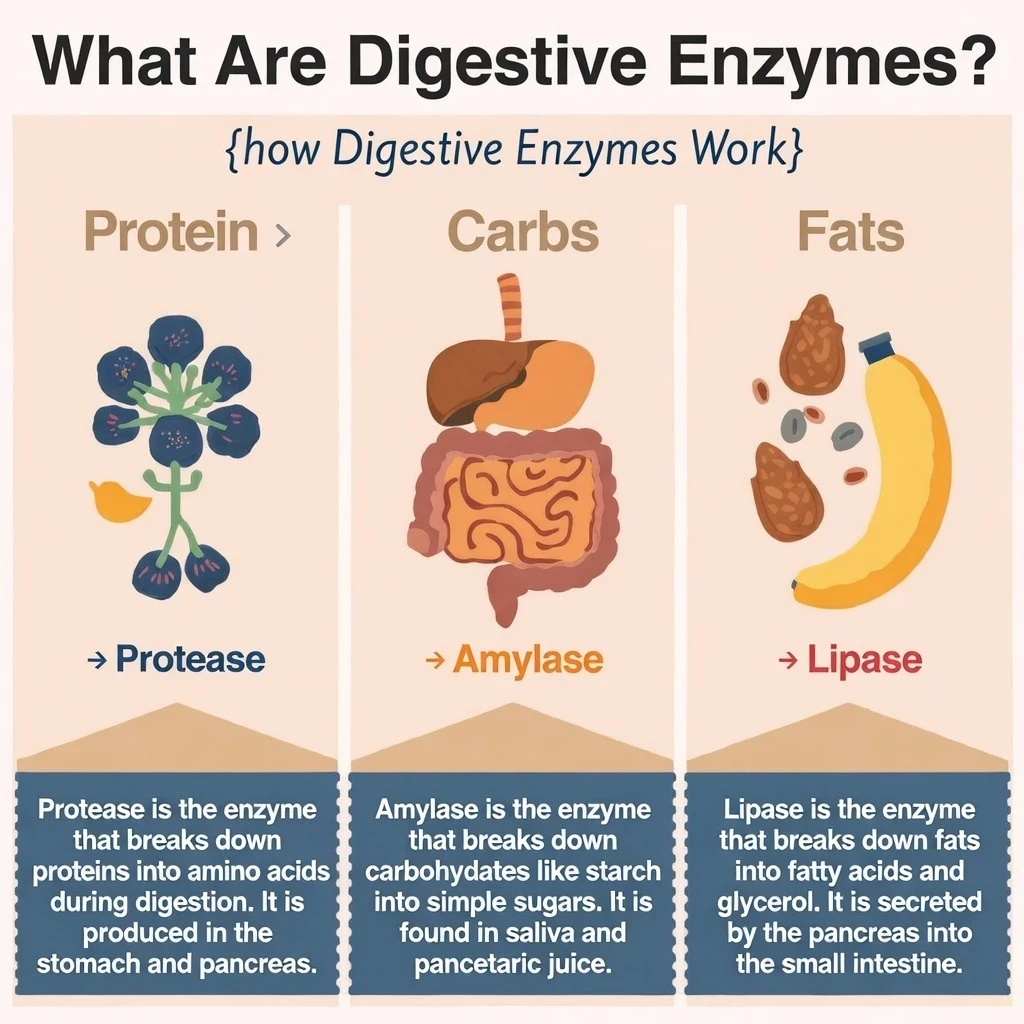
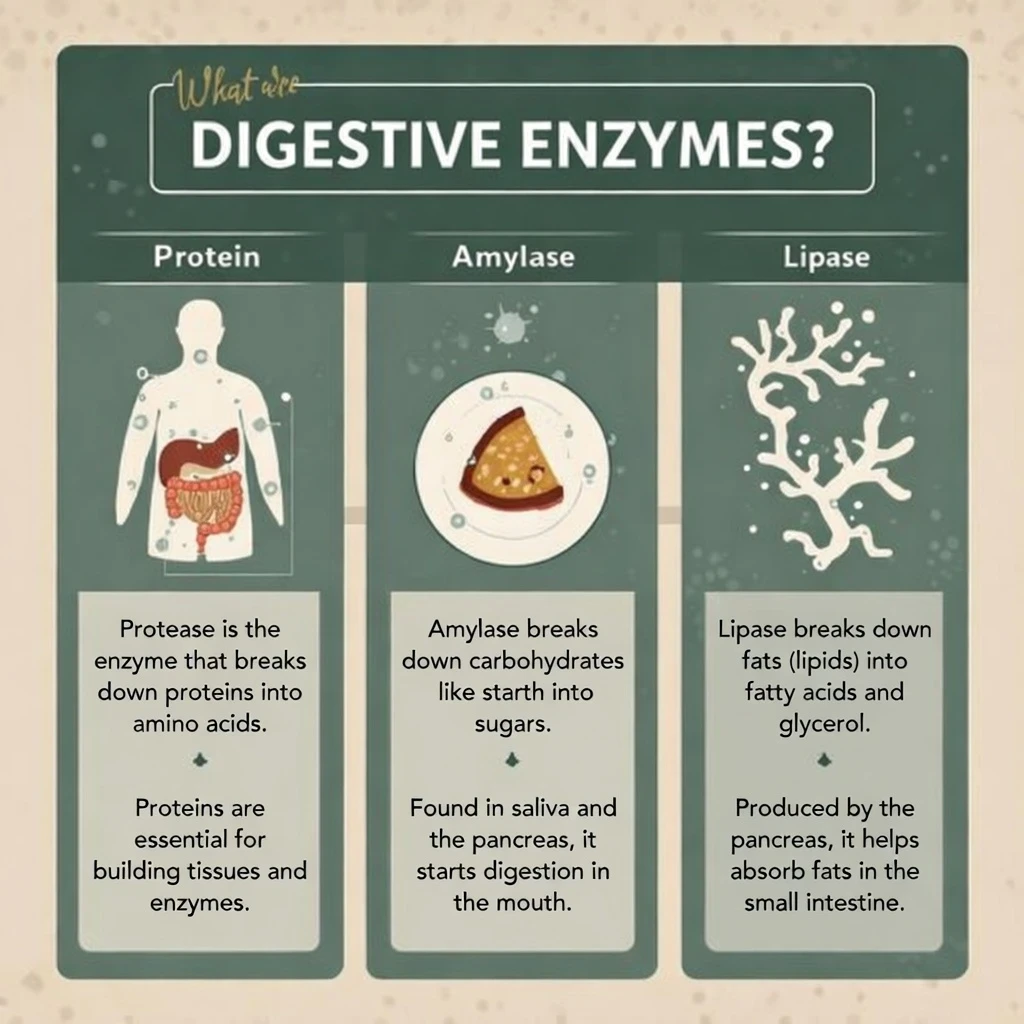
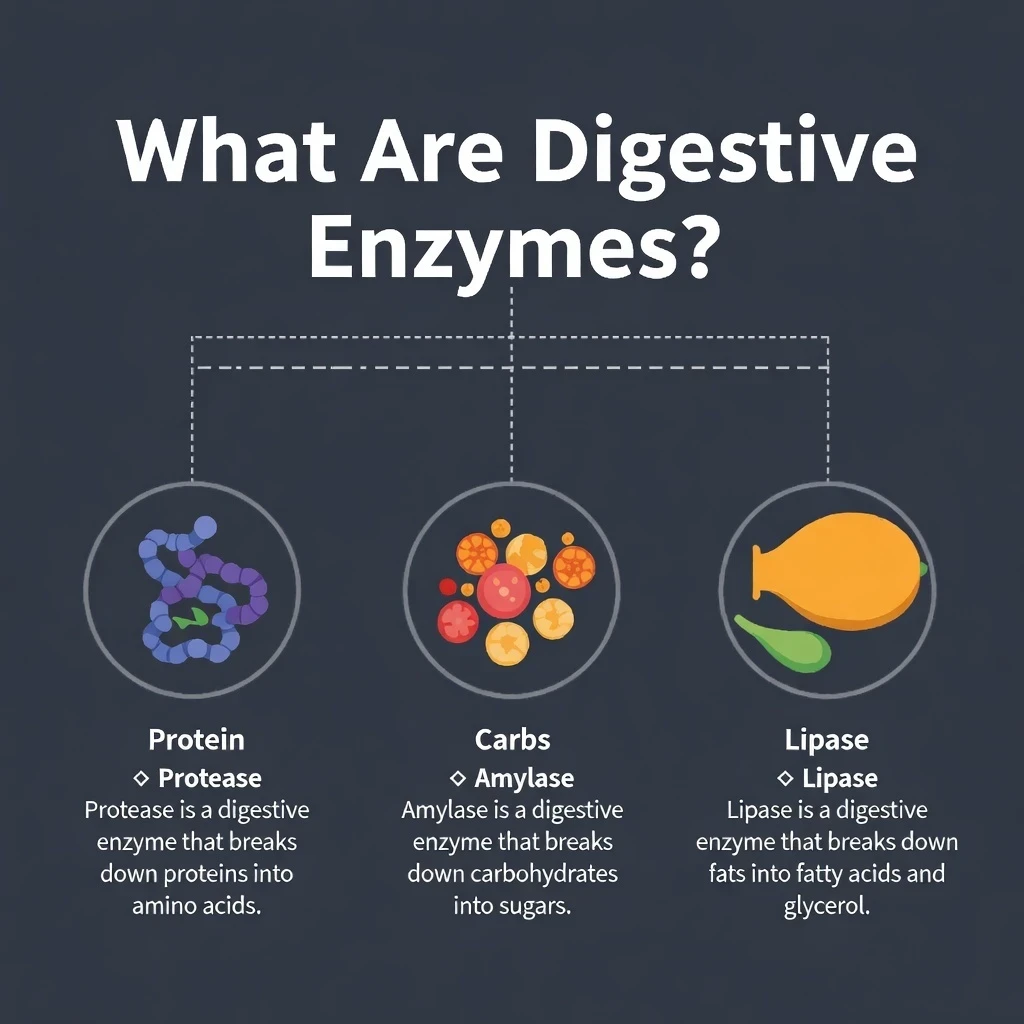
I think this is brilliant. I actually could do with a couple edits but considering the before and after - if you don't know about this already then its a great tip to share with you.
Will be using these as scout pins by the way - another tip if you have extra images use them for pinterest.
Hope this helps people had to share this
Grok to the recue again

Share this insight
This conversation is happening inside the community.
Join free to continue it.The Internet Changed. Now It Is Time to Build Differently.
If this article resonated, the next step is learning how to apply it. Inside Wealthy Affiliate, we break this down into practical steps you can use to build a real online business.
No credit card. Instant access.