Use your rss button!


Published on January 23, 2020
Published on Wealthy Affiliate — a platform for building real online businesses with modern training and AI.

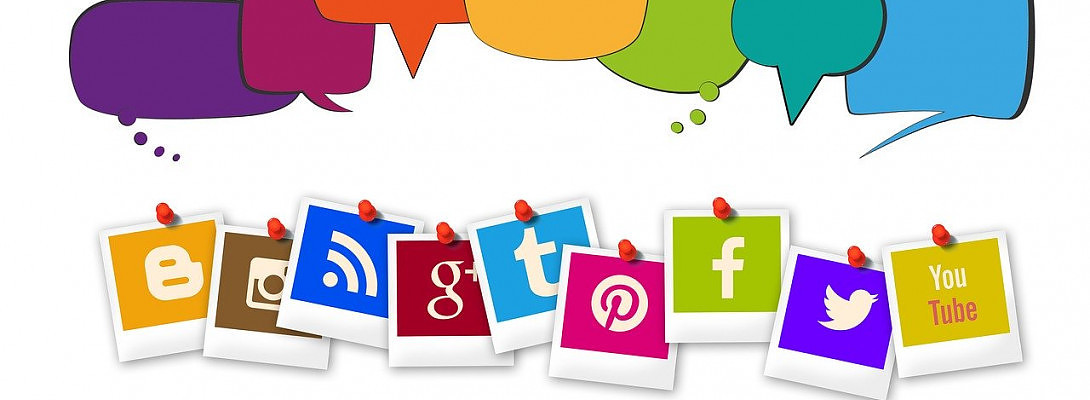
Why am I screaming? How rude of me! Not so. You see, I occassionaly want to suscribe to somemone's feed. If you click the RSS button on someone's webpage you will get an email notification whenever they have a new article.
You don't always see this button because not everyone knows what it does. Clicking on it brings up a little form asking for your email address. Once this is done you get an email update every time the website has a new article.
Am I being repetetive? I only learned about this recently, so it's important to get it through my skull, as well.
Ready to put this into action?
Start your free journey today — no credit card required.
The RSS button is the one that looks like a tilted Wi-Fi symbol. It's usually an orange-ish color, but the image above shows it as blue, the 3rd from the left on the bottom.
When I really like someone's website and I want to know about their latest articles, they may not have a newsletter, but the RSS button is easy to add alongside your other share options. Not everyone who visits your website knows what it is, but you'd be surprised at how many people do.
I had it as an option on my site just because it was available, but I knew not its purpose. I began getting subscribers and I had no idea how. Now I know!
Okay, one more scream, because this will get you subscribers ...
USE THE RSS BUTTON!!!!
Thank you. :)
Share this insight
This conversation is happening inside the community.
Join free to continue it.The Internet Changed. Now It Is Time to Build Differently.
If this article resonated, the next step is learning how to apply it. Inside Wealthy Affiliate, we break this down into practical steps you can use to build a real online business.
No credit card. Instant access.