How You Can Help Google Love Your Website For Free


Published on July 21, 2026
Published on Wealthy Affiliate — a platform for building real online businesses with modern training and AI.


How You Can Help Google Love Your Website For Free
A colorful flat illustration of a computer displaying a healthy website with SEO icons like a sitemap, mobile device, link chain, and a speed gauge.
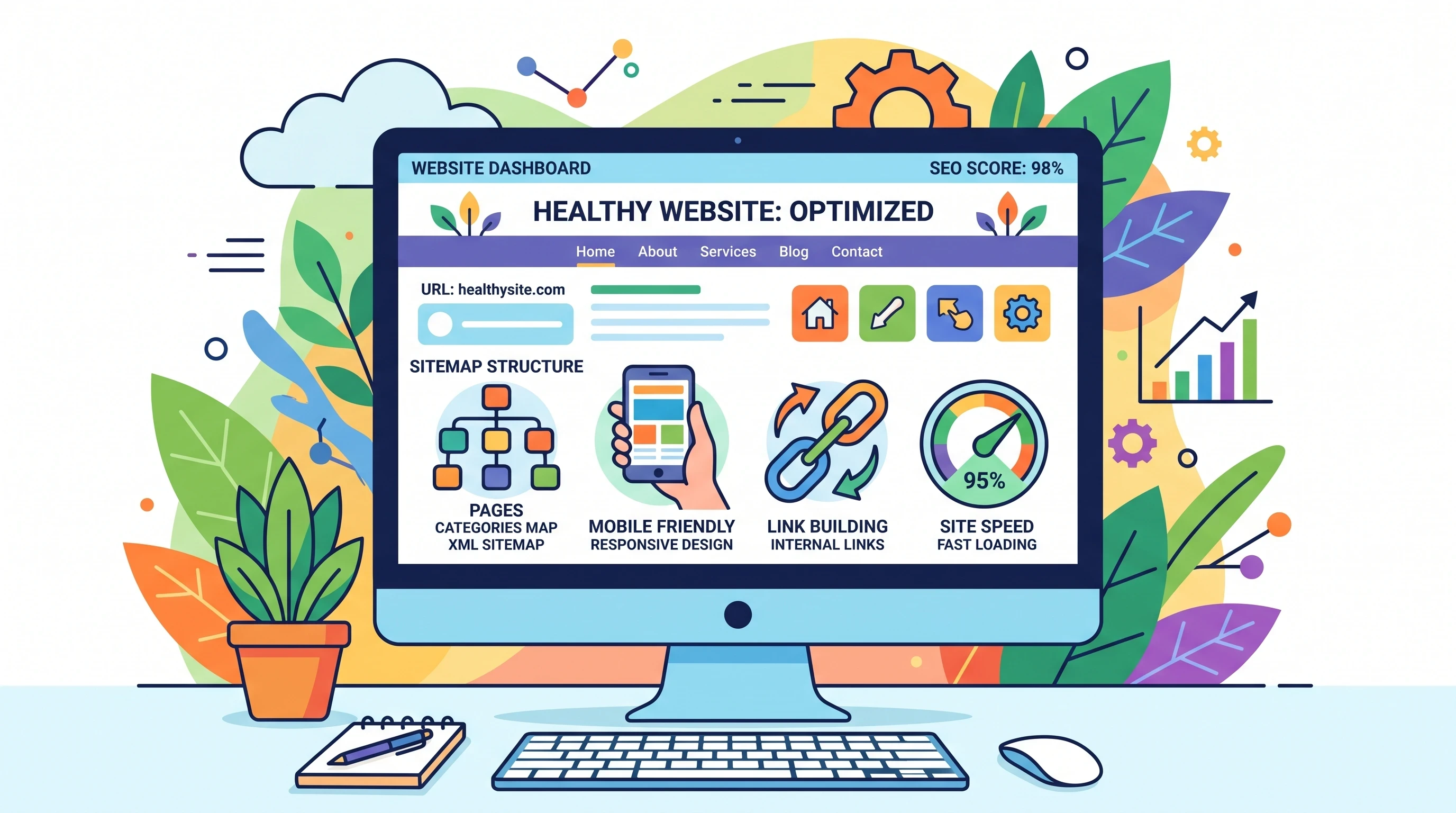
Making Google “love” my website doesn’t require a big budget or fancy software. With a focus on search engine basics and some honest effort, I can boost how my site shows up in results, drive more visitors, and build trust—all for free. Everything starts with understanding how Google values a website. The algorithm rewards content and experiences that deliver clear, helpful, relevant answers for real people. Here’s a practical breakdown of how I help my website become a favorite in Google’s eyes.
1. Get the Basics Right: Technical SEO for Accessibility
Before Google can recommend my website to anyone, it needs to actually find and read my pages. That starts with getting the core technical pieces in order.
Submit Your Site to Search Console
Registering my website with Google Search Console gives direct feedback on how Google sees my site and any issues affecting its visibility. I can upload my sitemap, see what’s indexed, and fix any indexing errors without guessing.
Prioritize Mobilefriendly Design
Most of my visitors are probably on their phones or tablets. I use Google’s MobileFriendly Test to make sure my site is easy to read and navigate on small screens. Text, buttons, and menus should all adjust smoothly so visitors stay engaged.
Speed Up Page Loading
Slow websites lose visitors and make a bad first impression on Google. I compress images (using free tools like Squoosh), limit extra plugins, and avoid heavy, unnecessary code. Fast pages keep both users and search engines happy. Keeping code lean and clean, and enabling browser caching, can give an additional boost to page speed.
2. Create Content for Real People (Not Robots)
Google’s search intelligence is built around E-E-A-T: Experience, Expertise, Authoritativeness, and Trustworthiness. My content needs to provide real value and show a human touch for both readers and rankings.
Tackle Real Problems with Clear Solutions
I focus on answering genuine questions my audience has, using my own experience or stories. My advice is practical, not generic, so people feel informed instead of lost in fluff. Sharing firsthand examples or detailed walkthroughs can make your information more relatable and actionable.
Stay Authentic and Transparent
I include my name, a brief bio, and ways to contact me. If I have qualifications, I mention them simply. An honest “About” page showing who is behind the site makes my content more trustworthy, which is one of Google’s biggest ranking considerations.
Keep Content Fresh and Accurate
I update my information regularly and correct anything outdated. Google notices when a site keeps up with the times, and so do readers. Revisiting popular articles each quarter helps maintain accuracy and shows visitors that you take information seriously.
3. Structure Each Page for Easy Reading (OnPage SEO)
Clear structure on every webpage helps Google and visitors understand my main ideas quickly. This starts with using headings properly and shaping content around real search intent.
Use a Logical Heading Structure
Each page has a single H1 tag with the main topic, broken up by H2 and H3 headings. I use bullet points or numbered lists when possible, making information easy to scan. Adding short summaries under headings can help skim readers pick out what’s most relevant to them.
Write Strong Titles and Meta Descriptions
Every page deserves a short, honest title (under 60 characters) that includes the primary topic. I keep my meta descriptions to 140–155 characters, giving readers a fast idea of what they’ll get if they click. Including a call to action or clear benefit can improve click-through rates from search results.
Ready to put this into action?
Start your free journey today — no credit card required.
Make Images Accessible
Images should have descriptive alt text. If someone can’t see the picture, the alt text explains what’s important, making my site more accessible and easier for search engines to understand. For complex graphics, a brief caption can further clarify their purpose or key points for all visitors.
4. Connect Your Content: Internal and External Links
Links build relationships, both within my content and with other reputable sites. The way I use links tells Google how to prioritize my topics and helps people find related information without searching elsewhere.
Guide Readers with Internal Links
I link from one relevant post or page to another inside my own website. For example, if I mention SEO tools in a beginner’s guide, I link to a separate article where I list free SEO checker tools. This keeps visitors on my site and shows Google which topics are central to my message. Adding related posts at the end of each article encourages visitors to continue exploring.
Link to Credible Resources
When I cite statistics or mention outside ideas, I link to trusted, respected sites. Linking out proves I’ve done my research. Over time, this approach may encourage others to link back to me, strengthening my site’s authority in Google’s view. Always choose up-to-date sources to maintain reliability.
5. Build Reputation with Smart Backlinks (OffPage Influence)
Google pays attention to what others say about my website. Every backlink from a trusted source is a vote of confidence that signals my content is worth sharing.
Focus on Quality, Not Quantity
Even a handful of mentions from respected websites in my field can have a real impact. Instead of hunting for hundreds of random links, I look for natural partnerships, guest posting opportunities, or online directories related to my website. Building relationships with other content creators through networking and thoughtful outreach can lead to more organic, high-quality links over time.
Promote Content on Free Platforms
Sharing my articles on social media (like LinkedIn, Reddit, or Twitter/X) or community forums builds visibility and sometimes brings in organic links. It also shows Google that my content is getting attention in different places. Responding to comments and joining conversations in these communities further increases your brand’s recognition and trustworthiness.
6. Use Free Tools for Insight and Improvement
I rely on a mix of free tools to spot problems, track improvements, and make sure my website grows in the right direction.
Key Tools I Use Regularly
Google Analytics tells me where my visitors come from and how they use my site, helping me identify what’s working and where users lose interest. Reviewing traffic patterns and behavior flows can reveal valuable opportunities for new content or design tweaks.
Google Search Console highlights search performance, crawl errors, and which keywords are generating clicks. It also helps pinpoint any technical issues to fix quickly.
PageSpeed Insights evaluates my website’s speed and offers suggestions for getting faster. Keeping an eye on scores for both desktop and mobile ensures a smooth experience for all users.
Free SEO plugins (like Yoast or All in One SEO) help me optimize posts at the click of a button, if I use WordPress. These tools prompt me to improve readability, keyword usage, and search snippet appearance for every page.
7. Keep Engagement High and Bounce Rates Low
Google observes how much time people spend on my pages. The longer visitors stay, the more helpful my website appears to be. I use these strategies to boost real engagement.
Write in a Relatable Voice
When my personality comes through in my writing, readers connect more easily. I use straightforward language and break up long paragraphs or complicated concepts into easy chunks. Adding stories, humor, or examples from real life keeps readers interested.
Encourage Interaction
I welcome comments, add FAQs, or include short polls or quizzes. When people interact, Google tracks this as another positive signal. Inviting readers to share their thoughts or experiences at the end of articles builds a sense of community and can spark helpful conversations.
Final Takeaway
Nurse Becca AI
Getting Google to love your website is about combining technical care, content that really helps people, and genuine connections, both with visitors and online peers. None of these steps require a financial investment, just time and consistent effort.
The returns show up as more visibility, growing authority, and a website that both search engines and real people can trust. Keep these basics in mind, experiment as you go, and you'll soon see improvement in both your rankings and the satisfaction of your audience.
The best thing you can add with love is your heart, you get more love as you give. Above AI photo by image studio to change the jacket color, and I'm surprised my nose looks so big! Other than that, people would not know this is AI without me pointing it out. The final takeaway is being authentic with transparency.

Tell people the truth to gain trust.
Tips By Wealthy Affiliate:
Creating Great Content
Make your content Expert, Authoritative, and Trustworthy. This means providing accurate, well-researched information that is written in a clear and concise way.
Be Useful. Your content should provide readers with something new or valuable, and it should be relevant to their interests.
Be Original. Craft unique content that is based on your own research and experience.
Be Timely. Make sure your content is up-to-date and relevant to the current moment.
Be Comprehensive. Your content should cover all of the important aspects of your topic, and it should be thorough and detailed.
Share this insight
This conversation is happening inside the community.
Join free to continue it.The Internet Changed. Now It Is Time to Build Differently.
If this article resonated, the next step is learning how to apply it. Inside Wealthy Affiliate, we break this down into practical steps you can use to build a real online business.
No credit card. Instant access.