Edit the "Leave a Comment" Text with CSS Code


Published on April 27, 2026
Published on Wealthy Affiliate — a platform for building real online businesses with modern training and AI.
Hi all,
I hope you are doing great. I felt like my leave a comment section phrase is not appealing and I thought of changing it. Initially I used ChatGPT to come up with an idea but it suggested me plugins. Then I asked this as a question inside WA and few community members tried to help me to figure this out....Then I came across one of our community member's video on this. With the help of the video and ChatGPT again I found the solution for my search.
Here is the exact code I used to edit it;
/* Hide "Leave a Reply" title */
.comment-reply-title {
display: none;
}
/* Hide default email note */
.comment-notes {
display: none;
}
/* Hide "Logged in as" (sign in as) */
Ready to put this into action?
Start your free journey today — no credit card required.
.logged-in-as {
display: none;
}
/* Keep subscribe checkbox visible */
.comment-form-subscriptions {
display: block !important;
}
#commentform:before {
content: 'Your Custom Message';
display: block;
font-size: 24px;
font-weight: bold;
margin-bottom: 10px;
}
I have attached my post comment section for your reference.
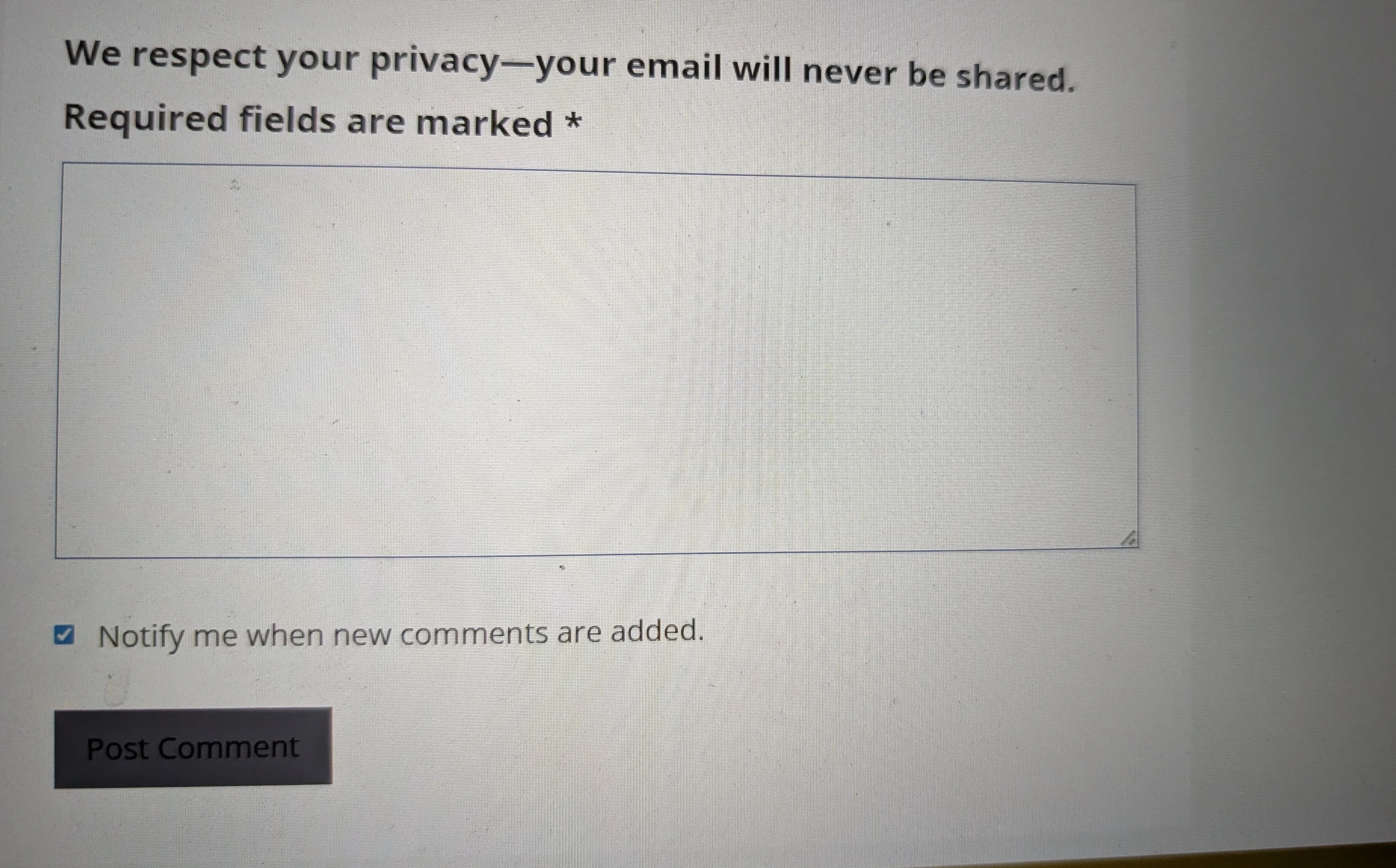
Thank you.
I wonder whether I need to add some other fields there in the comment section. I would like to get some advice on it!
Share this insight
This conversation is happening inside the community.
Join free to continue it.The Internet Changed. Now It Is Time to Build Differently.
If this article resonated, the next step is learning how to apply it. Inside Wealthy Affiliate, we break this down into practical steps you can use to build a real online business.
No credit card. Instant access.