AI For Blogging Part 3: Create Images With AI For Free


Published on May 30, 2026
Published on Wealthy Affiliate — a platform for building real online businesses with modern training and AI.

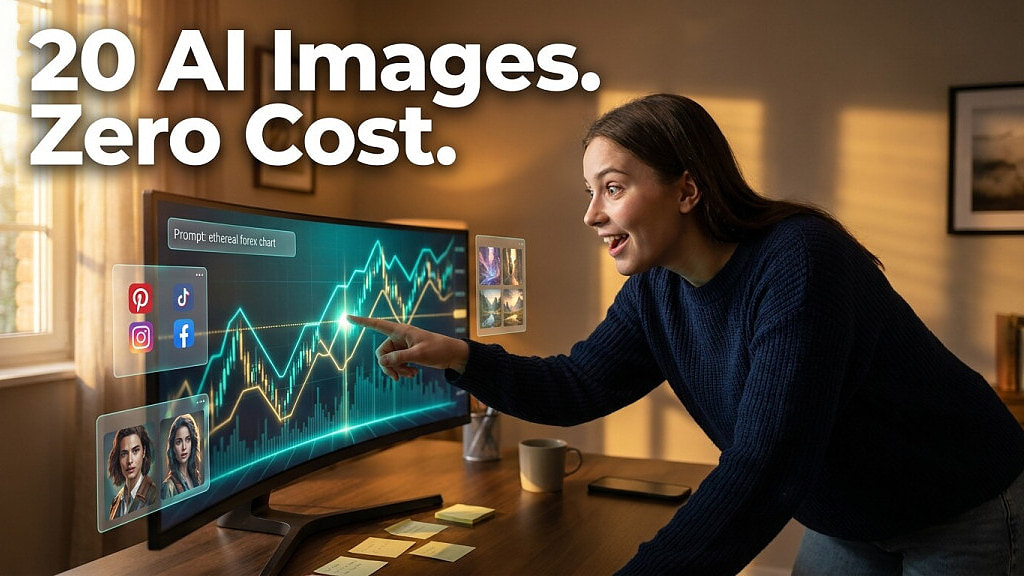
If you have been creating content for a while, you already know that images are not optional. They are part of the message. A weak image on a strong article is a missed opportunity, and a strong image on a weak post can still pull the click. The challenge has always been producing enough quality visuals without spending hours or a budget you do not have. What changed recently is that AI tools made it possible to create images with AI for free, at a scale and quality level that simply was not accessible before.
TL;DR
You can use free AI tools like Google Flow and Microsoft Designer to generate professional-quality images for your social media posts and blog content. The process involves using AI to first write detailed image prompts based on your article and video transcript, then feeding those prompts into an image generation tool. The result is a full library of visuals for a 20-day marketing campaign, produced at no cost.
Why AI Image Creation Changes the Game
Before AI tools became widely available, the realistic approach for most content creators was to produce one image per blog post and move on. There was no time or budget to do more. Now the situation is different. By using AI to generate image prompts based on your content, you can produce a full set of visuals for a 20-day social media campaign tied to a single blog post. That is not a minor improvement. It is a completely different content strategy made possible by tools that cost nothing.
Starting With the Right Prompt
The image creation process does not begin with a design tool. It begins with writing a strong image prompt, and that is where AI comes in first. Using a tool like Perplexity, you can feed it your article link and your video transcript and ask it to generate 20 detailed image prompts, one for each social media message in your campaign. The prompts should specify the visual concept, the text overlay, the font style, and the positioning of the text within the image.
This is also where learning to create images from video transcript becomes a practical skill. The transcript already contains the core ideas from your content. Feeding it to an AI alongside your article gives the tool enough context to produce prompts that are genuinely connected to what you are communicating, rather than generic visuals that could belong to any post.
Two Formats You Need
Ready to put this into action?
Start your free journey today — no credit card required.
Social media platforms do not use the same image dimensions. For Facebook page posts, LinkedIn, and X you need landscape images. For Pinterest and Facebook and Instagram stories you need portrait images. That means you are running two separate image prompt sessions, one for each format, and generating separate visuals for each.
This is important to plan before you start because the composition of a portrait image is not the same as a landscape one. The text overlay placement, the focal point of the visual, and the way the image draws the eye all need to be adjusted per format. When you create visuals with AI, you can include these format-specific instructions directly in the prompt so the output is ready to use without manual adjustments.
The Tools That Work for Free
Google Flow is the primary image generation tool used in this workflow. It accepts detailed prompts and produces high-quality outputs. The free version has a limit of around ten images, which is why it is used for priority posts and then supplemented with Microsoft Designer for the remaining images. Wealthy Affiliate's Image Studio is another option that integrates directly into the platform and is available to members without any additional cost.
The key to making free tools work at scale is batching. You run your prompts in sequence, download each image as it is generated, and build your library before you move to scheduling.
FAQ
Can I really create images with AI for free without subscribing to any tool?
Yes. Google Flow, Microsoft Designer, and Wealthy Affiliate's Image Studio all offer free access with some usage limits. By rotating between them you can cover a full 20-image campaign without hitting any paywalls.
Do I need design experience to use these tools?
No. The AI handles the visual output based on the prompt you write. Your job is to write a detailed enough prompt. If you have already learned how to create images with text overlays using AI prompts, the tool does the rest.
How do I know my prompts will produce good results?
Quality prompts come from specific instructions. Include the visual concept, the mood, the text overlay content, the font style, and the image format. The more detail you provide, the closer the output will be to what you need.
Conclusion
The ability to create images with AI for free is not a shortcut. It is a workflow upgrade. When you connect your article, your transcript, and your social media messages into a single AI-driven image creation process, you end up with a full visual campaign that would have taken a professional designer days to produce. The tools are free, the process is repeatable, and the results speak for themselves.
Share this insight
This conversation is happening inside the community.
Join free to continue it.The Internet Changed. Now It Is Time to Build Differently.
If this article resonated, the next step is learning how to apply it. Inside Wealthy Affiliate, we break this down into practical steps you can use to build a real online business.
No credit card. Instant access.