Adding a Link to Your Comments


Published on December 6, 2016
Published on Wealthy Affiliate — a platform for building real online businesses with modern training and AI.
1. Click on the Aeroplane
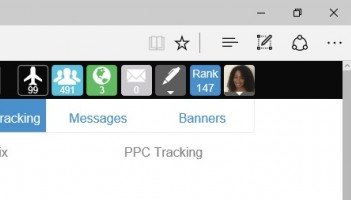
2. From drop down list select Links & Tracking
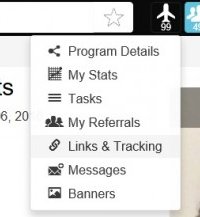
3. Here you will see all your links
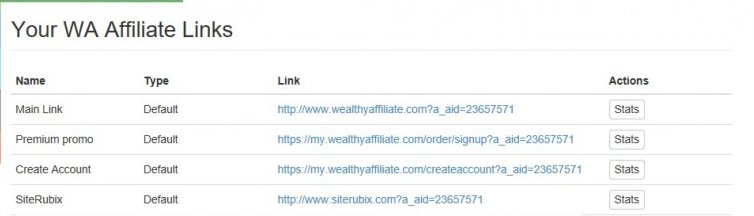
4. Copy the link you want
5. Go to your Dashboard
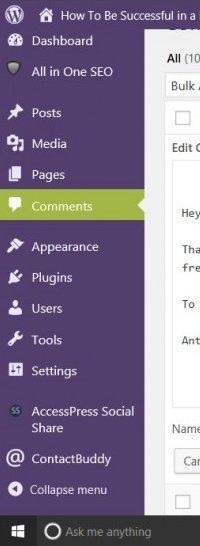
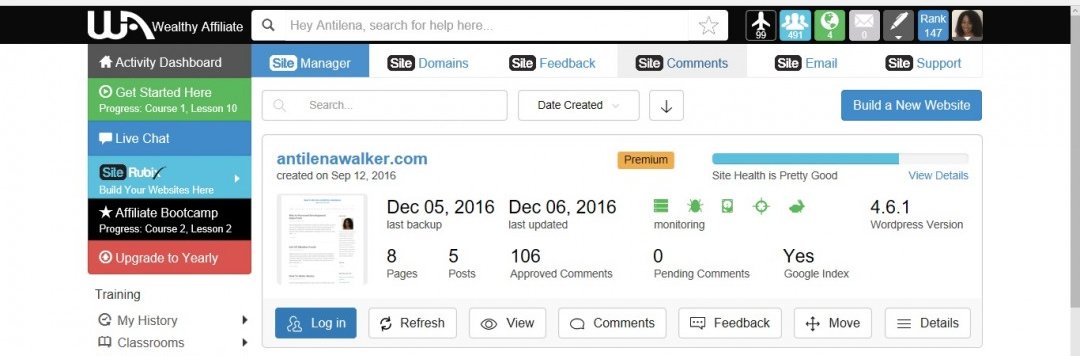
6. Click on Comments
Ready to put this into action?
Start your free journey today — no credit card required.
7. Point to the comment you want to add the link to
8. Below the comment you will see Edit, Bin etc

9. Click Quick Edit
10. Above the comment you will see the Edit toolbar

11. Highlight the text you want to add the link to
12. Click the link button
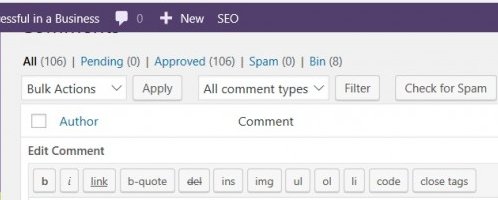
13. Click Update Comment button

14. Go back to your SiteManager an refresh your webpage
To Your Success!
Antilena
Share this insight
This conversation is happening inside the community.
Join free to continue it.The Internet Changed. Now It Is Time to Build Differently.
If this article resonated, the next step is learning how to apply it. Inside Wealthy Affiliate, we break this down into practical steps you can use to build a real online business.
No credit card. Instant access.